Home » Insight
Compare all-in-one displays and external media players for deployment, CMS/DMS integration, maintenance, and lifecycle planning.
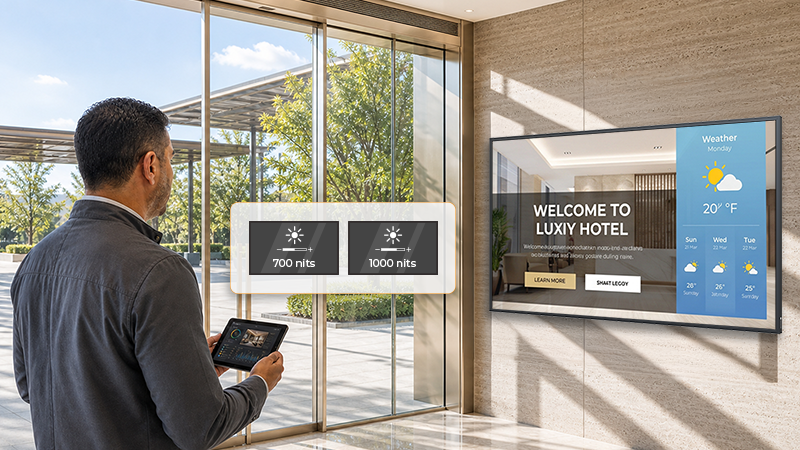
Choosing the right digital signage brightness depends on the installation environment—not simply the highest nit rating. This guide compares 700-nit and 1000-nit displays for controlled indoor, bright indoor, and window-facing spaces, explains when 2500 nits may be needed for direct sunlight, and outlines the site checks that help system integrators specify with confidence.
A 4-input HDMI multiviewer helps monitoring teams view four HDMI sources on one screen, but adding an external device is not the only way to build a quad-view setup. This article explains when to use an HDMI multiviewer, when a display with built-in multiview processing may be more practical, and how system integrators can reduce cabling, hardware layers, and long-term maintenance in professional monitoring projects.
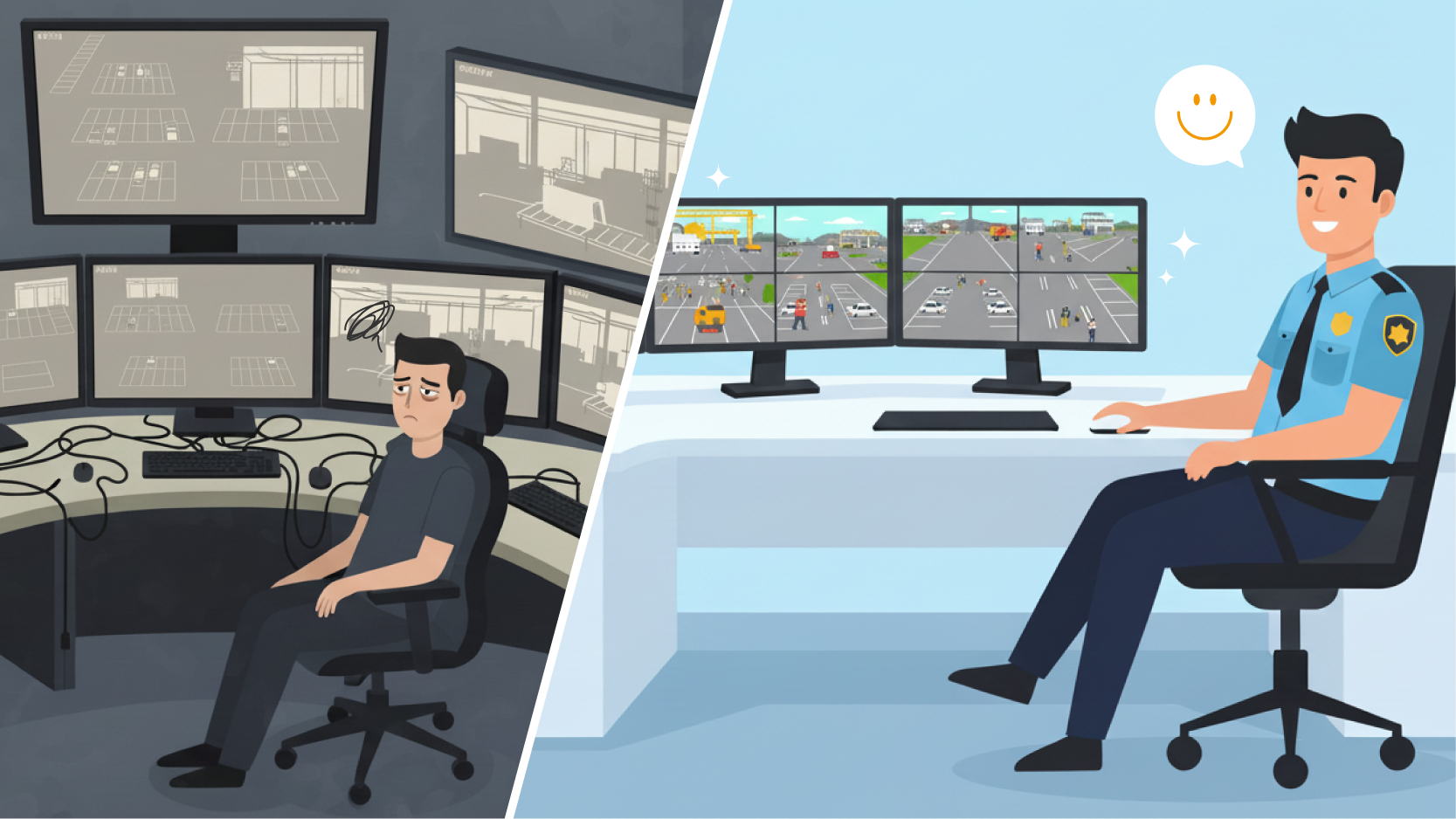
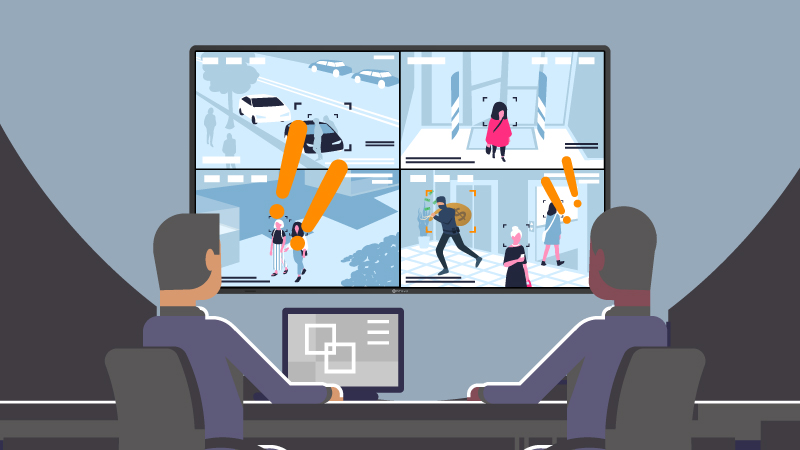
Finding the best monitor for commercial CCTV requires more than checking resolution. Learn why continuous 24/7 operation, Anti-Burn-in technology, and CCTV-calibrated image processing are non-negotiable for professional security integration.
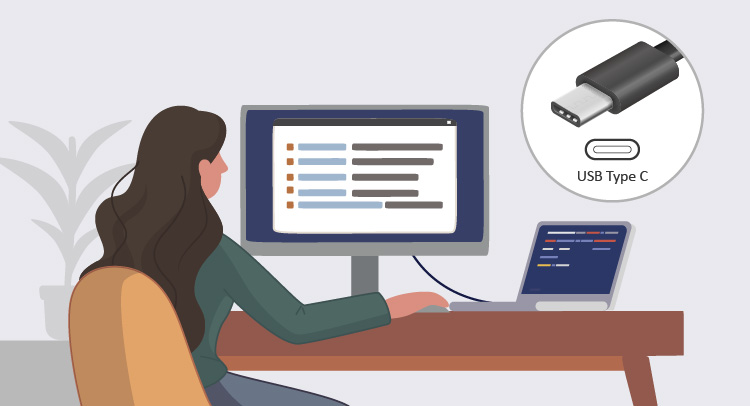
In this article, we will explore the various types of USB-C monitors, as well as their compatibility and things to look out for.
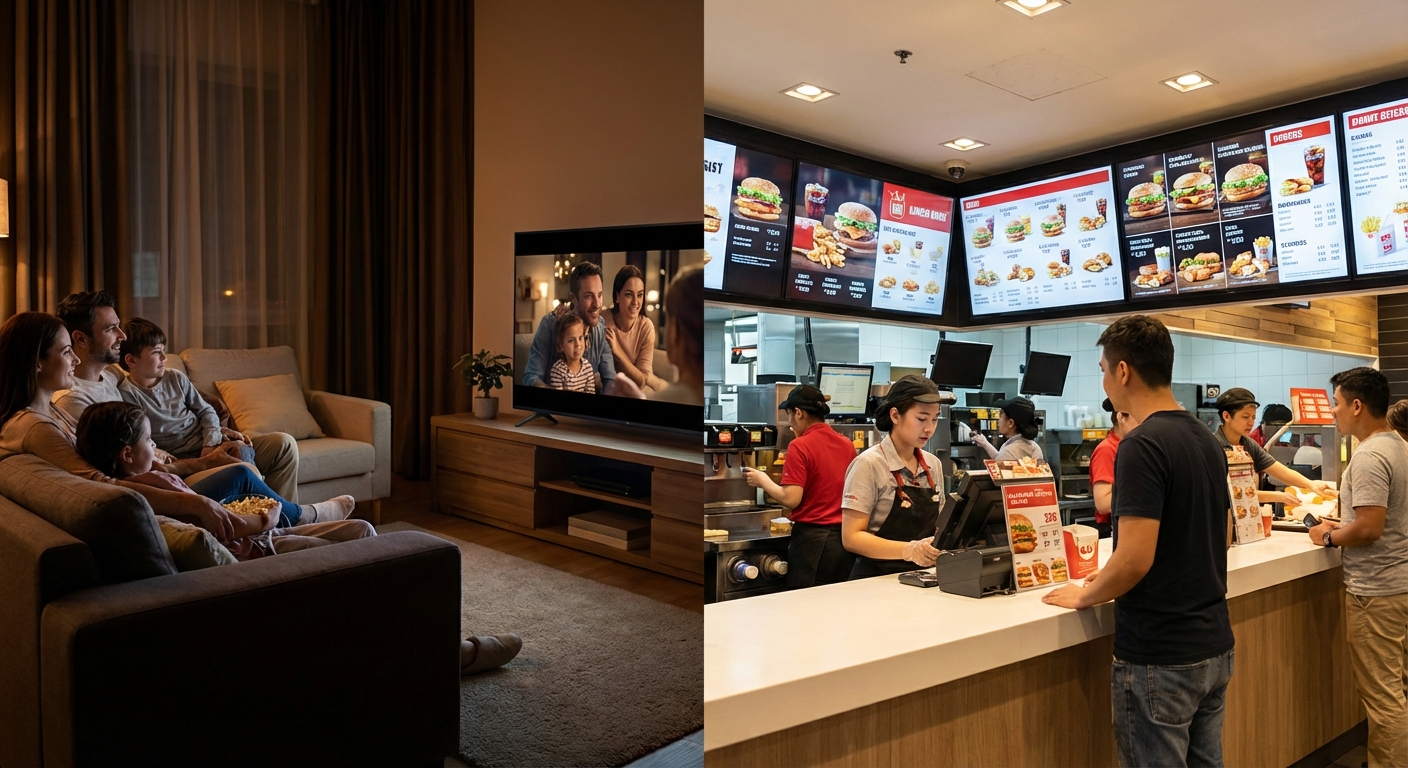
While consumer TVs offer a lower initial price, they are fundamentally unsuited for digital signage. This guide explores the critical engineering differences—from 24/7 thermal management to anti-glare panels—explaining why commercial displays are the only reliable choice for enterprise installations.
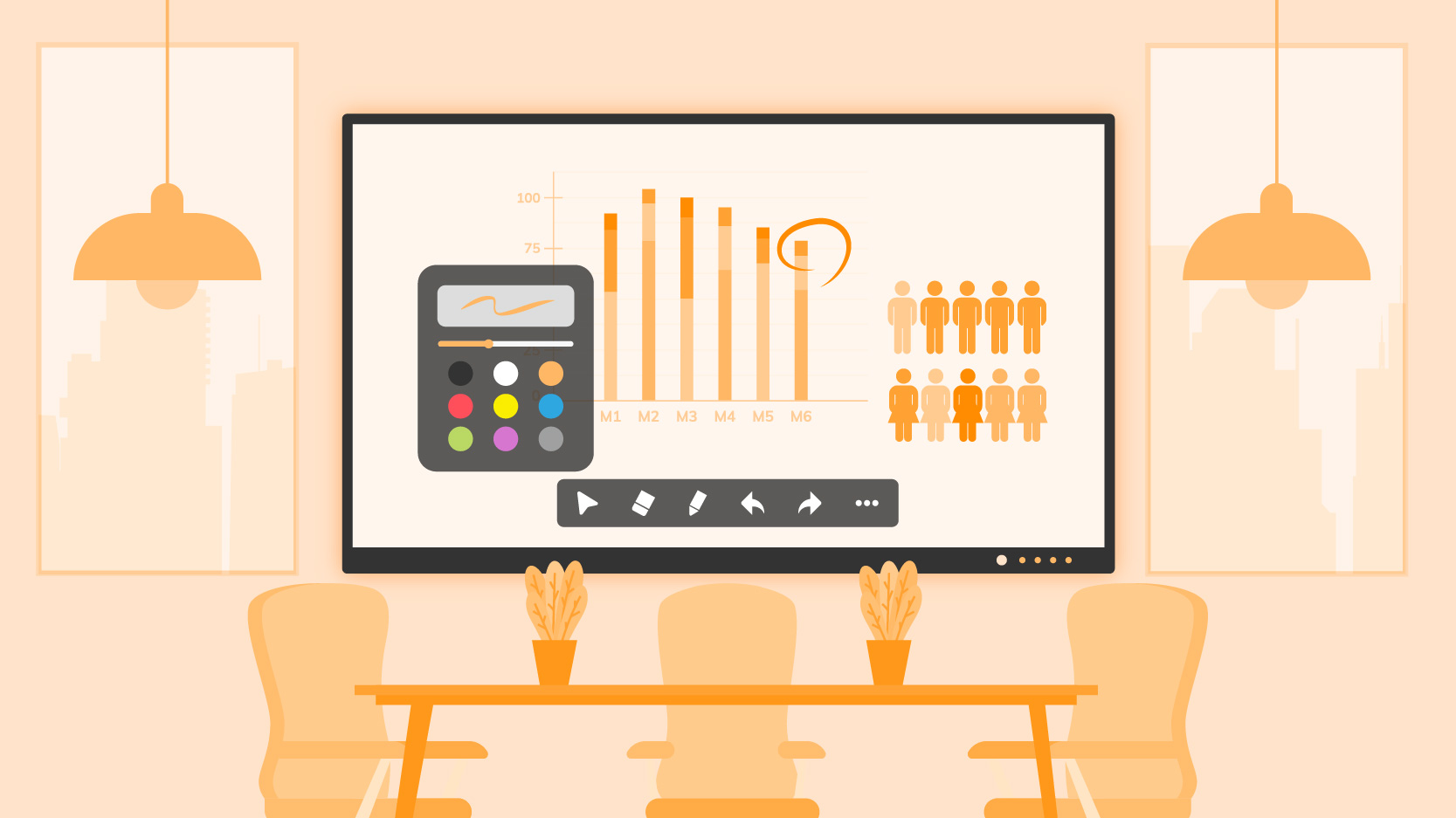
For IT Directors, selecting a smart board in 2026 is about Security and Control. In this guide, we detail why Google EDLA certification, Android 13, and Professional Wireless Casting are the new enterprise baselines. Read on to learn how to minimize TCO while maximizing meeting efficiency.
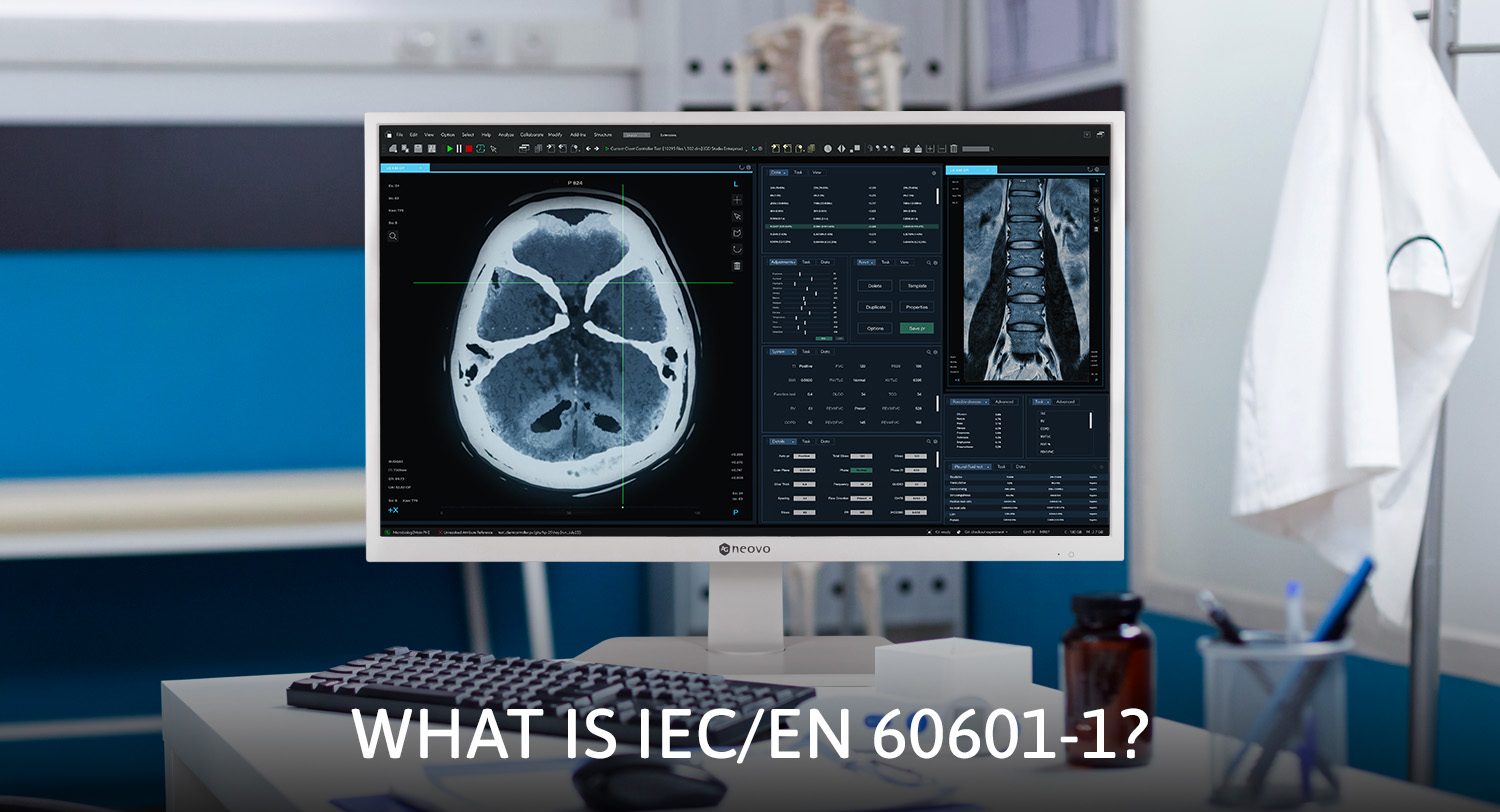
In the realm of modern healthcare, the safety and efficacy of medical equipment are paramount. LCD medical monitors play an essential role in patient diagnosis and care, making it critical to ensure these devices adhere to global safety standards, including the crucial IEC/EN 60601-1 and IEC/EN 60601-1-2 certifications.
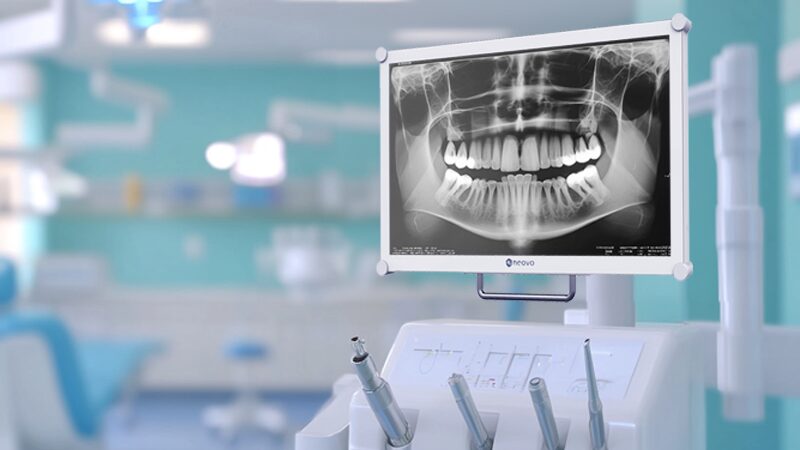
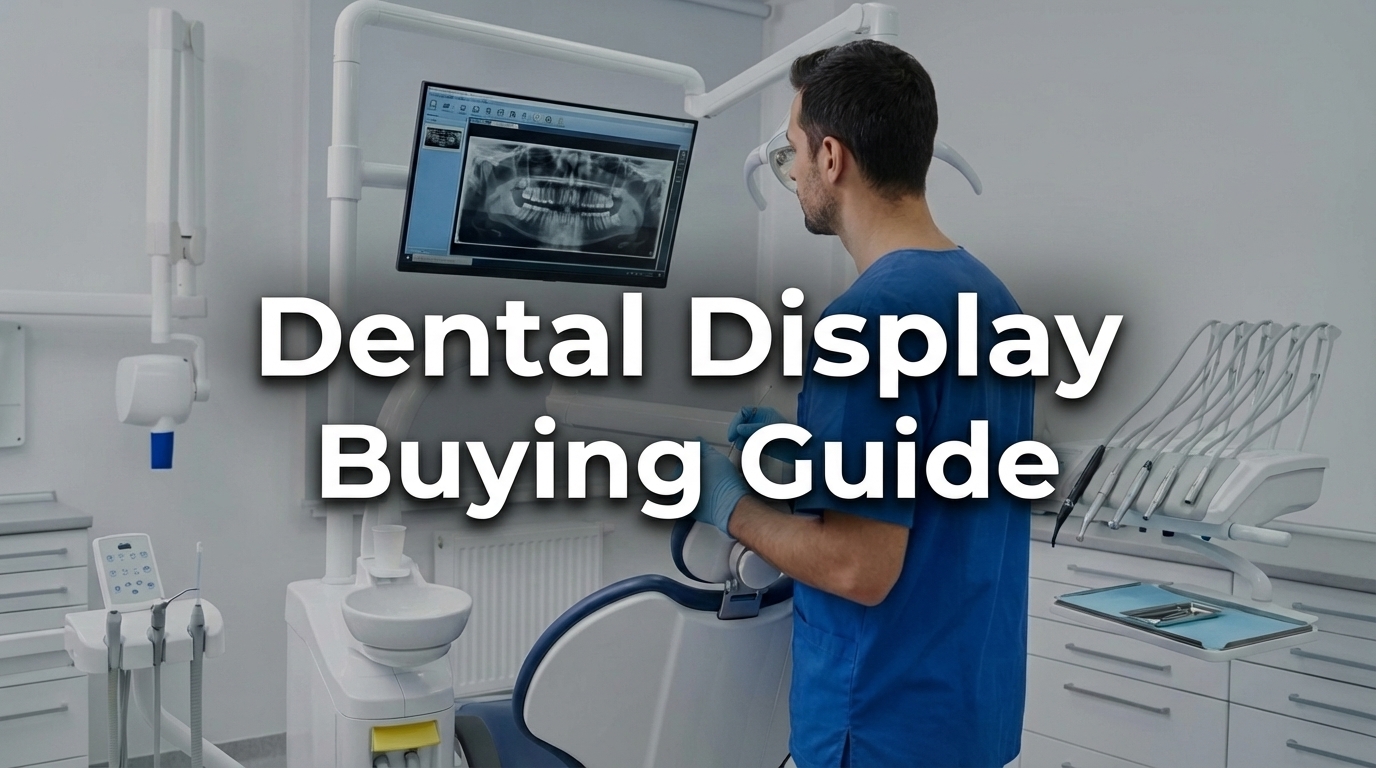
Learn how to choose the best dental monitor for your clinic, from imaging accuracy and hygiene to workflow integration and daily use.
Do you know most of the computer screens that you see in everyday life cannot be effectively cleaned or disinfected...
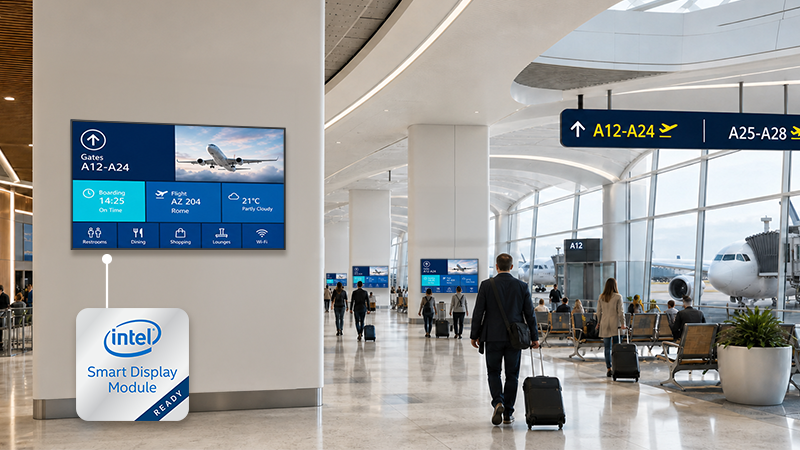
Learn how Intel SDM works in digital signage and compare SDM-ready displays with external media players, mini PCs, and IPCs for commercial signage projects.
Learn how remote display management helps IT teams and system integrators monitor, control, schedule, and manage displays across locations.
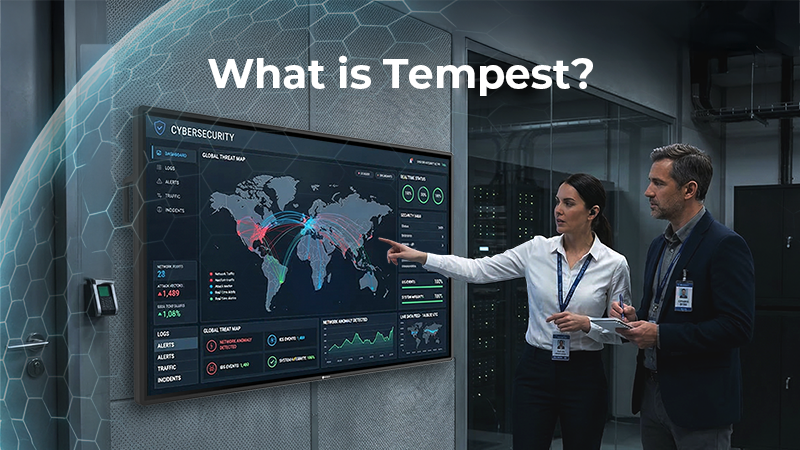
TEMPEST standards are critical for high-security environments. This comprehensive guide demystifies NATO SDIP-27 levels and explains why professional metal-cased displays are the frontline of defence against electromagnetic espionage.
PBP monitors display multiple input sources on one screen, making them ideal for control rooms, surveillance systems, and professional monitoring environments that require stable multi-source monitoring.
Smart Boards for Executives transform meetings into decisions. Discover how to choose the right smart board for faster decisions, hybrid collaboration, and seamless leadership.
Digital menu boards help small QSRs cut costs, update content instantly, and boost branding. This beginner’s guide covers how they work, key features, and how to get started.
Struggling with outdated signage? These 16 benefits show why digital menu boards are a smart upgrade for QSRs.
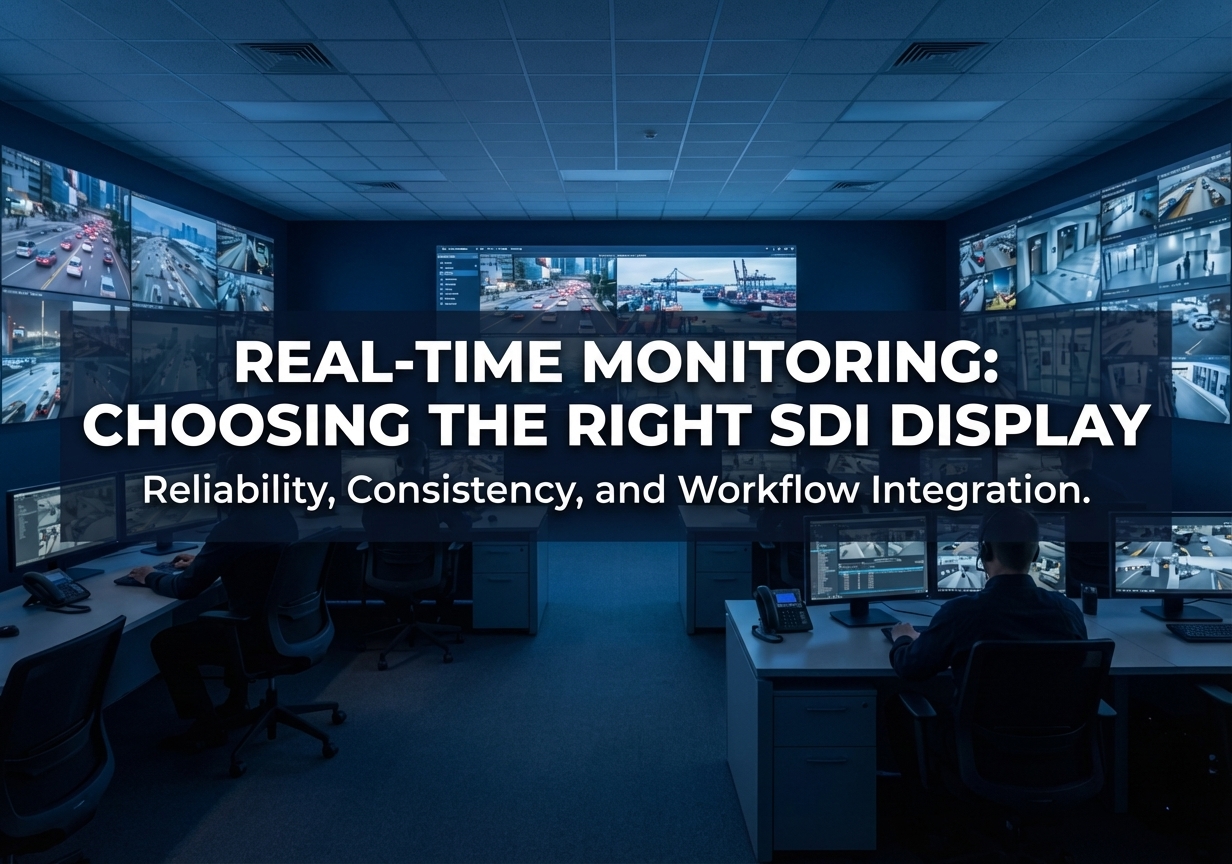
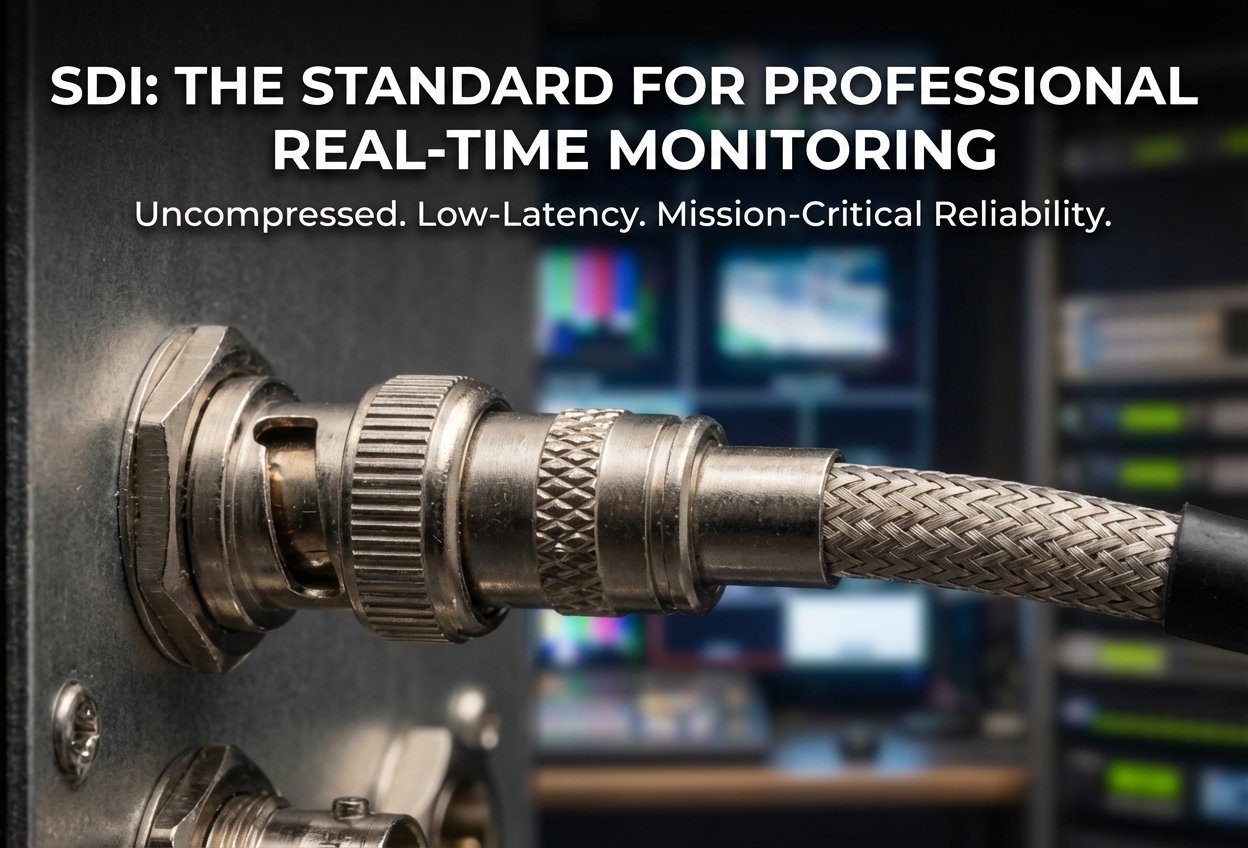
A professional guide to choosing and specifying SDI displays for surveillance systems, focusing on deployment environments, system integration, durability, and industrial applications.
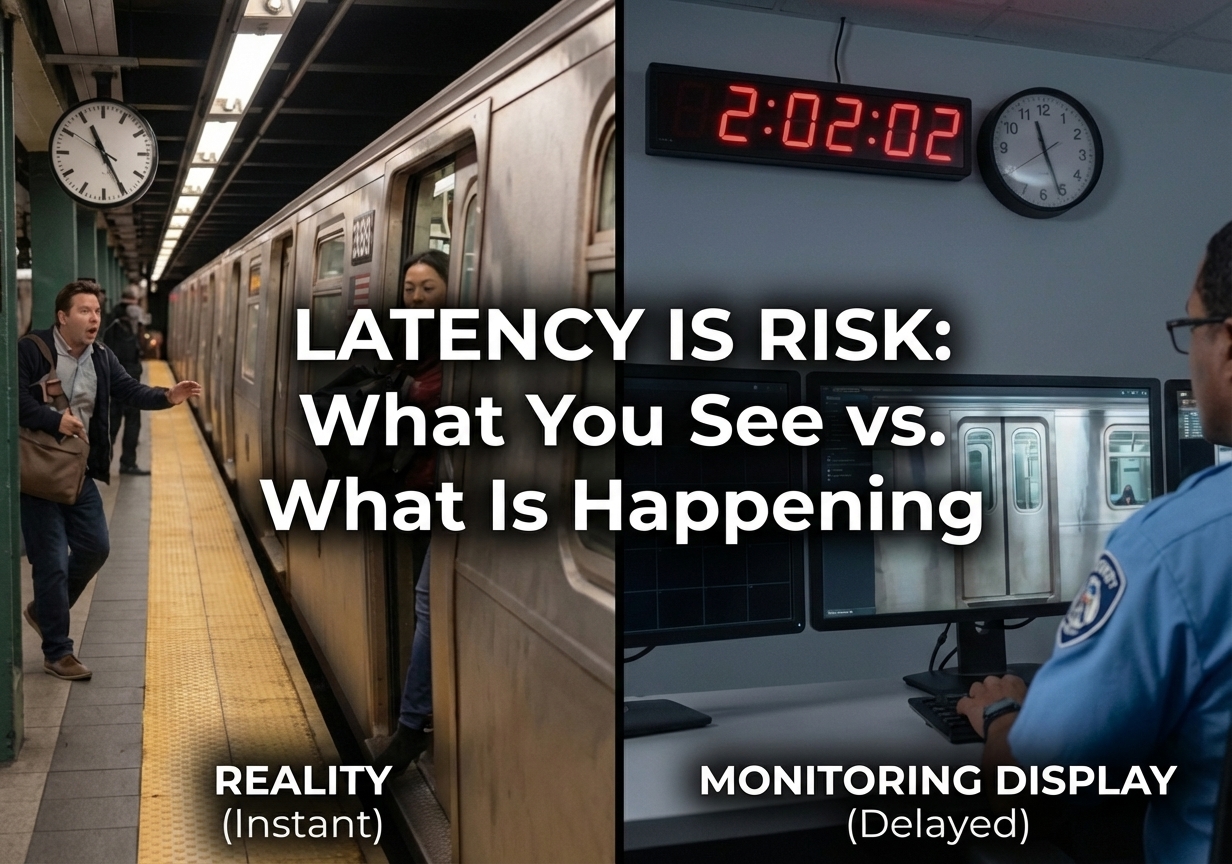
In surveillance systems, latency is not just a technical detail—it directly impacts how quickly operators can respond to real-world events. This article explains what latency is, where it comes from, and why low-latency video transmission remains essential for real-time monitoring. It also explores how SDI technology enables stable, near-zero latency performance in professional surveillance environments.
If your surveillance system depends on real-time monitoring, understanding SDI is essential. This guide explains what SDI is, how it delivers low-latency video without relying on networks, and why it’s still widely used in environments where timing, stability, and immediate response matter most.
Standard monitors often fail in demanding environments due to severe glare, condensation, and fragile screens. Discover how Optical Bonding technology eliminates the LCD air gap to deliver superior image clarity, enhanced structural durability, and reliable performance across clinical, industrial, and public settings.
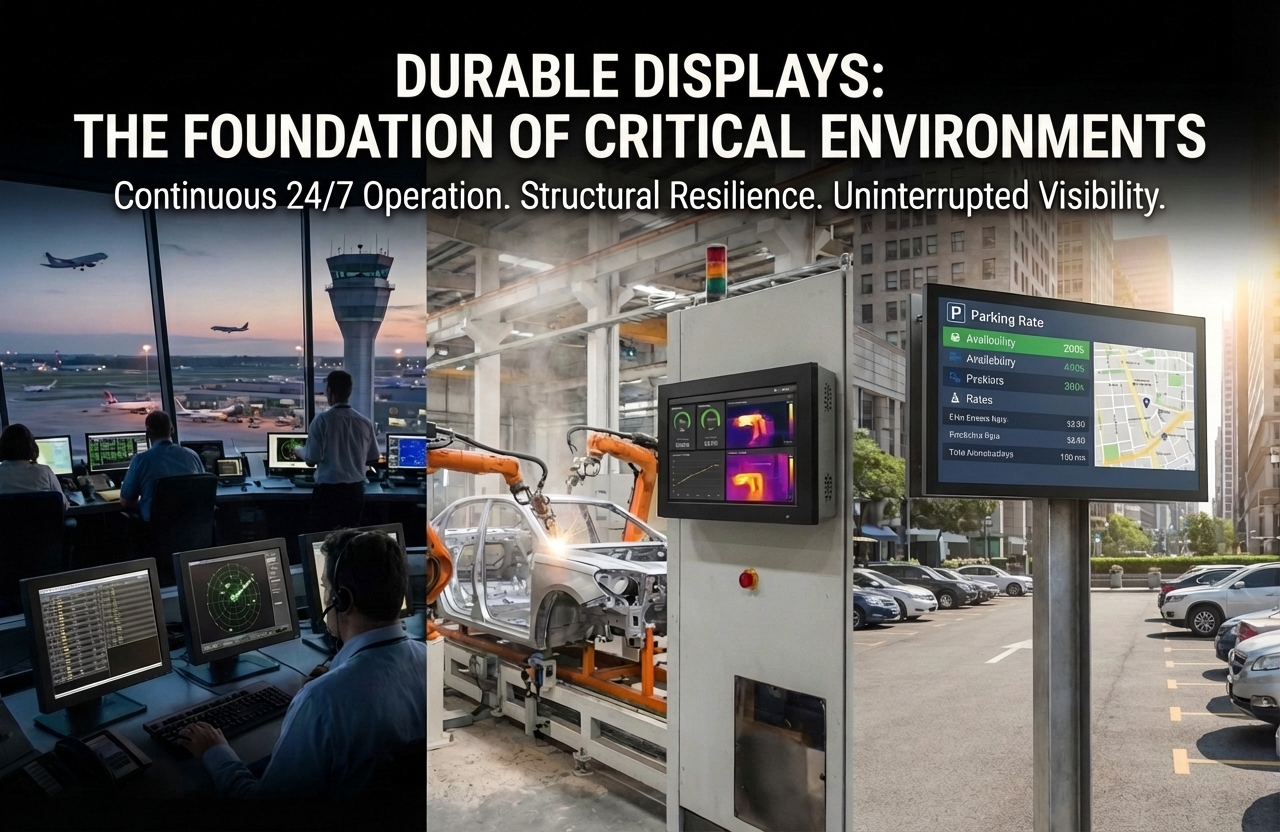
Learn how system integrators choose durable displays for critical environments. Discover key factors such as 24/7 operation, thermal stability, and system compatibility to ensure reliable performance.
In critical environments, standard monitors fail under continuous 24/7 use, creating dangerous operational blind spots. Discover why deploying professional durable displays is a fundamental requirement to ensure uninterrupted visibility, maintain operational continuity, and empower real-time decision-making across high-stress industries.
Discover why NDAA compliance is essential for secure video surveillance deployments. Learn how NDAA-compliant displays help organizations mitigate risks, protect sensitive data, and ensure long-term operational security in government, defense, and high-security environments.




 NeoV™ Optical Glass Screen
 Anti-Burn-in™ Technology