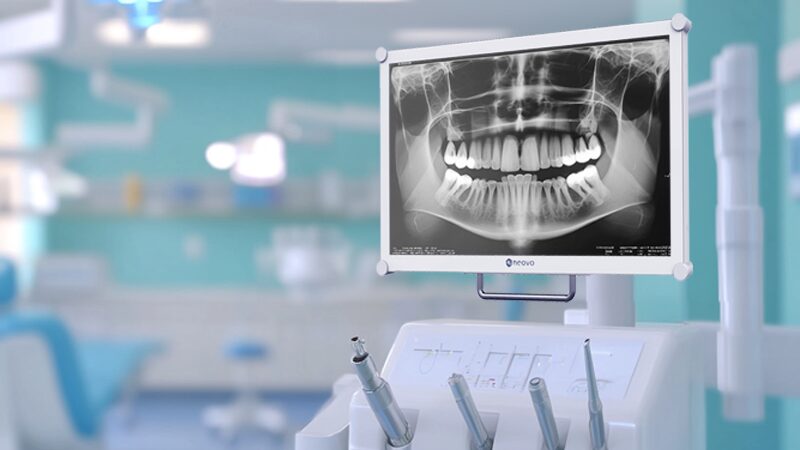
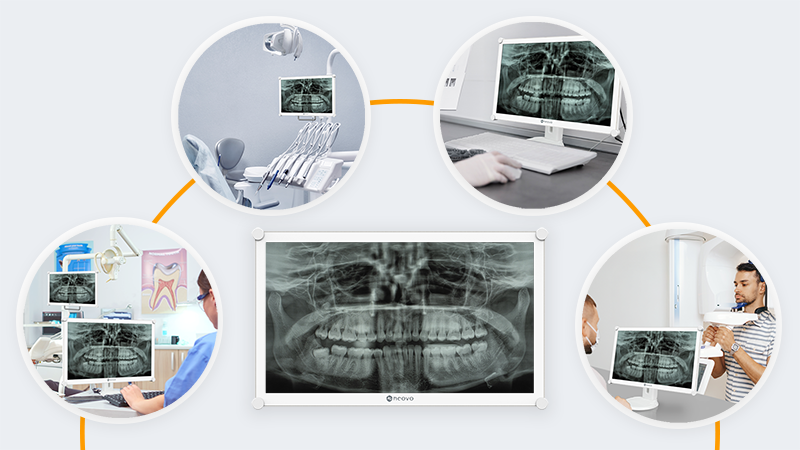
Dental monitors are used across a range of clinical activities, including dental image review, treatment discussion, patient communication, and chairside operation. Because these applications take place under different lighting, hygiene, mounting, and safety conditions, choosing a suitable display requires more than comparing screen size and resolution.
The appropriate dental monitor should fit the intended workflow, maintain predictable image presentation, support regular cleaning, and integrate safely with the surrounding dental equipment.
This guide explains the practical criteria clinics and dental equipment providers should consider when selecting a monitor for daily dental environments.
Before comparing technical specifications, determine where and how the monitor will be used.
A monitor installed beside a dental chair has different requirements from one used at a consultation desk or imaging workstation. Factors such as viewing distance, room lighting, cleaning frequency, mounting position, and interaction with other clinical equipment can all affect the selection.
Common dental monitor applications include:
Defining the primary application helps avoid selecting features that are unnecessary while overlooking requirements that affect daily operation.
For applications involving direct dental chair integration, see our guide to integrated monitors in dental chairs.
A dental monitor may display content from intraoral cameras, imaging software, treatment-planning systems, and patient records. Predictable image behaviour is therefore more important than specifications alone.
A suitable monitor should provide stable brightness, contrast, colour, and grayscale presentation across the applications used by the clinic. This is particularly relevant when the same image is reviewed on displays installed in different rooms.
Key considerations include:
For organisations deploying the same monitor across several operatories, using a consistent display model and configuration can also simplify installation, staff operation, and ongoing maintenance.
Dental X-rays contain grayscale information that can be difficult to present consistently on a general-purpose display. Some professional dental monitors therefore provide a DICOM Simulation Mode.
DICOM Simulation adjusts the display’s gamma behaviour to approximate the grayscale response described in DICOM Part 14. This can support more consistent presentation of grayscale dental images during clinical review and patient consultation.
However, DICOM Simulation should not be described as diagnostic calibration or certification. It is a display preset intended to support image presentation and does not replace a calibrated diagnostic workstation where one is required.
When evaluating this feature, consider:
Dental operatories often contain strong ambient lighting, overhead lighting, and task lights. These conditions can create reflections and reduce perceived contrast.
Brightness alone does not determine visibility. The display surface, reflection control, panel characteristics, and viewing angle also affect how clearly content can be seen.
Evaluate the monitor under conditions similar to the actual installation environment. Important factors include:
A highly reflective screen may remain difficult to view even when its brightness specification appears sufficient.
Optical bonding removes the air gap between the LCD panel and the protective cover glass. This construction can reduce internal reflections and improve perceived contrast, particularly in brightly lit environments.
It can also reinforce the display surface, providing additional protection for applications involving frequent adjustment, cleaning, or contact.
Optical bonding may be useful when:
Not every installation requires optical bonding. Its value should be evaluated according to lighting conditions, mounting position, and expected daily use.
Learn more about optical bonding technology.
Dental monitors installed near treatment areas may be exposed to aerosols, fingerprints, and regular cleaning. The front construction and surface materials should therefore support the clinic’s hygiene procedures.
General consumer monitors often include exposed buttons, narrow bezel gaps, textured plastics, or surface coatings that are not designed for repeated use of chemical disinfectants.
When choosing a dental monitor, review:
Cleaning compatibility should always be confirmed against the product documentation and the clinic’s established infection-control procedures.
Displays in dental environments may be touched, adjusted, repositioned, and cleaned multiple times each day. A protective glass surface can help reduce damage caused by scratches, contact, and general wear.
For busy operatories or mobile installations, consider:
The objective is not simply to prevent visible damage. A durable surface can also help maintain consistent cleanability and display condition throughout the product’s operational life.
A monitor installed near patients, dental chairs, imaging equipment, and other electrical devices may need to meet requirements beyond those of an office monitor.
IEC/EN 60601-1 addresses the basic safety and essential performance of medical electrical equipment. IEC/EN 60601-1-2 covers electromagnetic disturbances and compatibility.
Depending on the installation, evaluate:
Product-level compliance does not automatically certify the complete dental chair or clinical system. Equipment providers and system integrators should assess compliance at the final installation level.
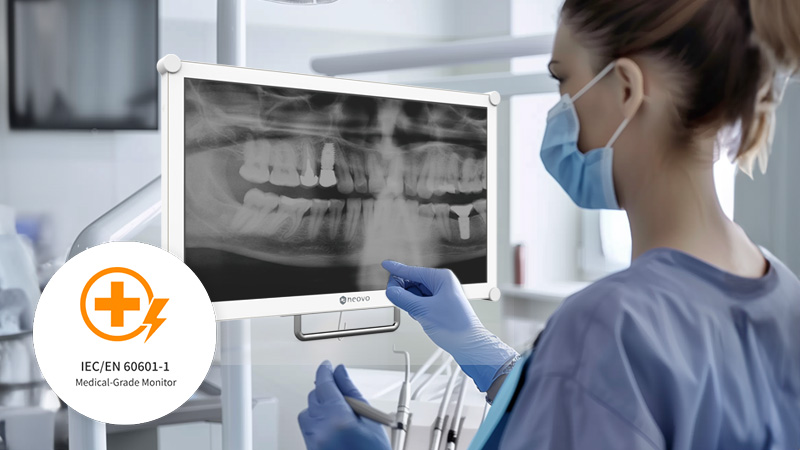
Screen size should be selected according to viewing distance and available space rather than choosing the largest display available.
For chair-mounted installations, weight and mechanical balance are especially important. An unsuitable display may place unnecessary load on the mounting arm, reduce positioning flexibility, or make the monitor difficult to adjust.
Check the following before installation:
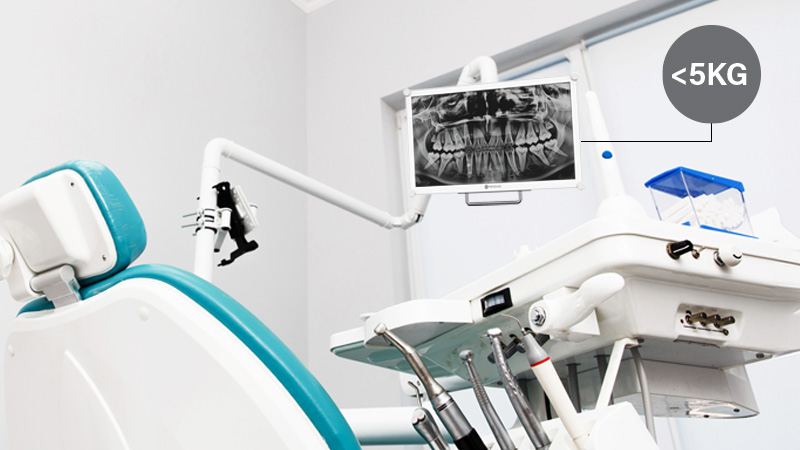
For dental chair integration, confirm mechanical compatibility with the chair or arm manufacturer before deployment.
The monitor must connect reliably with the clinic’s imaging systems, workstations, intraoral cameras, or dental chair equipment.
Required interfaces may vary according to existing hardware and planned upgrades. Check the available output from the source device before selecting the display.
Practical considerations include:
Clean cable management helps maintain an organised treatment area and reduces interference when the monitor or chair is repositioned.
A display that meets the technical requirements should also be straightforward for clinical staff to operate.
Controls should be accessible without interrupting the workflow, and commonly used settings should remain consistent between users and treatment rooms.
Evaluate:
Where multiple monitors are installed, standardising the model and configuration can reduce training requirements and simplify troubleshooting.
Before making a final decision, confirm the following:
This assessment should be completed using the actual installation conditions rather than relying on a specification sheet alone.
One common mistake is selecting a monitor based only on resolution. Resolution is important, but it does not address reflection control, grayscale presentation, cleaning resistance, mounting compatibility, or electrical safety.
Other common issues include:
Reviewing the complete workflow before purchase can reduce installation problems and improve consistency across treatment areas.
The right dental monitor should fit naturally into the clinical environment. It should provide predictable image presentation, remain visible under operatory lighting, support regular cleaning, and integrate with the selected mounting and electrical systems.
Clinics should begin with the intended workflow and then evaluate image behaviour, hygiene, safety compliance, durability, connectivity, and installation requirements. Dental equipment providers should also consider system-level compatibility and the conditions of the final deployment.
A structured selection process helps ensure that the monitor supports daily dental workflows without introducing unnecessary operational or integration complexity.
Explore AG Neovo dental monitors and displays for chairside viewing, dental image presentation, patient consultation, and equipment integration.
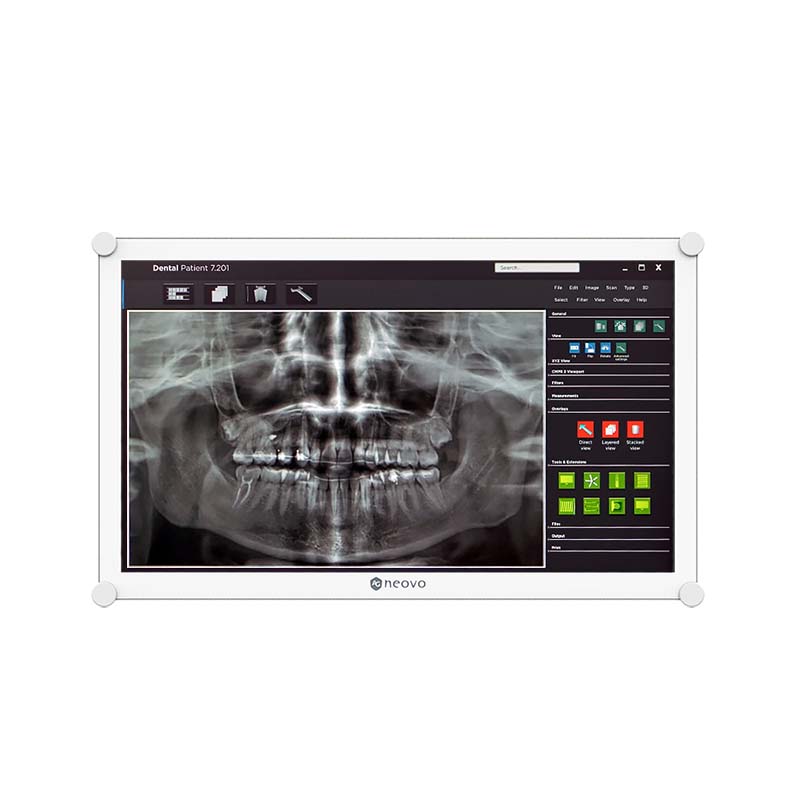



 NeoV™ Optical Glass Screen
 Anti-Burn-in™ Technology