
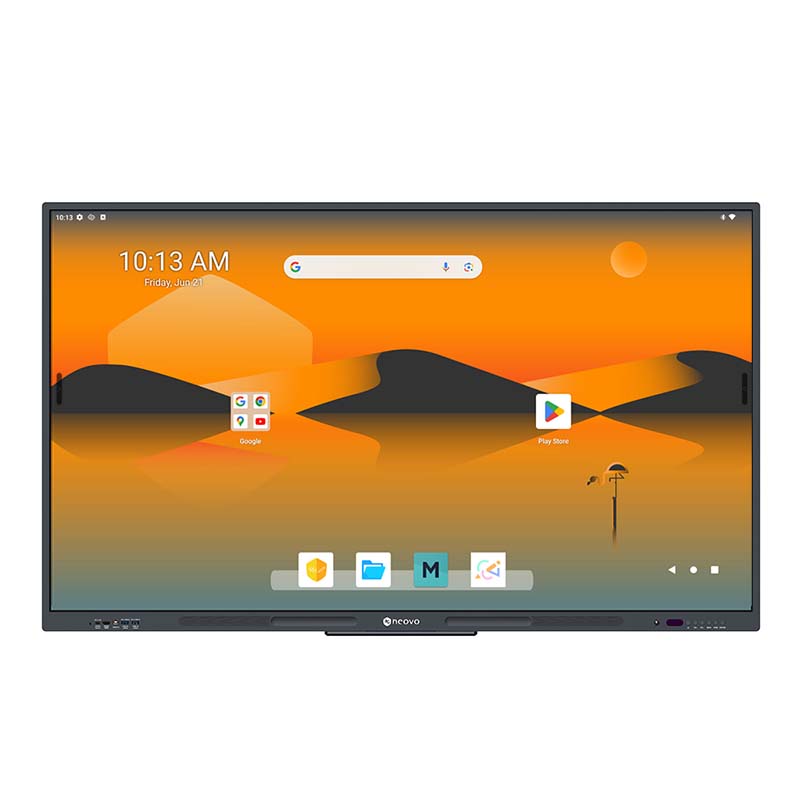
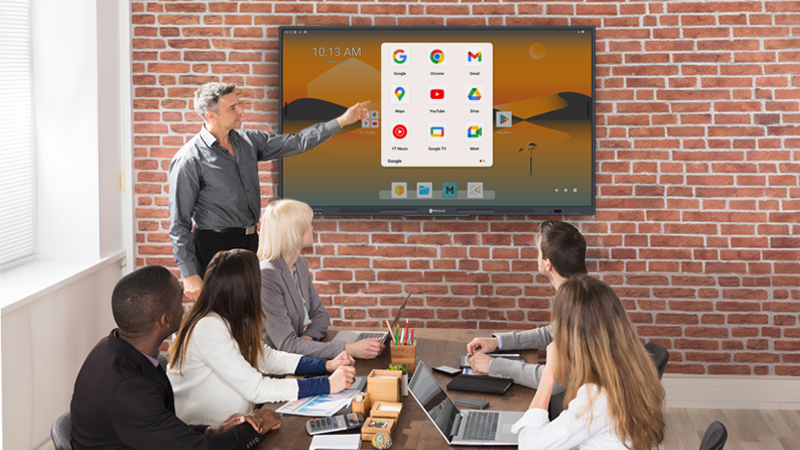
Meetboard 4 combines the versatility of an interactive display with the enterprise-grade security of Google EDLA certification. It offers native, seamless access to the Google Workspace ecosystem—including Gmail, Chrome, and Drive—to keep your teams engaged and productive.
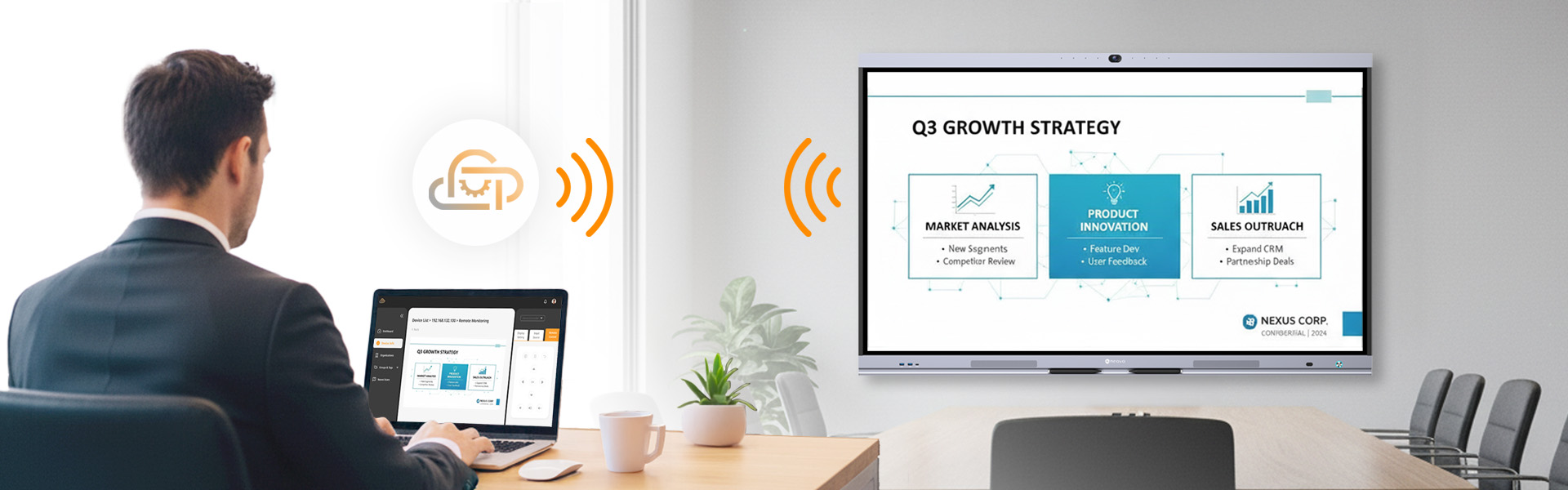
As the central hub of your workspace, Meetboard 4 perfectly bridges the gap between user experience and IT efficiency. It delivers frictionless brainstorming and wireless casting for participants, while providing IT managers with effortless remote device control. The included Neovo Manager software empowers your team to remotely monitor statuses, push updates, and secure your entire display fleet from a single dashboard. This significantly reduces maintenance overhead, ensuring your rooms are always secure, up-to-date, and ready.
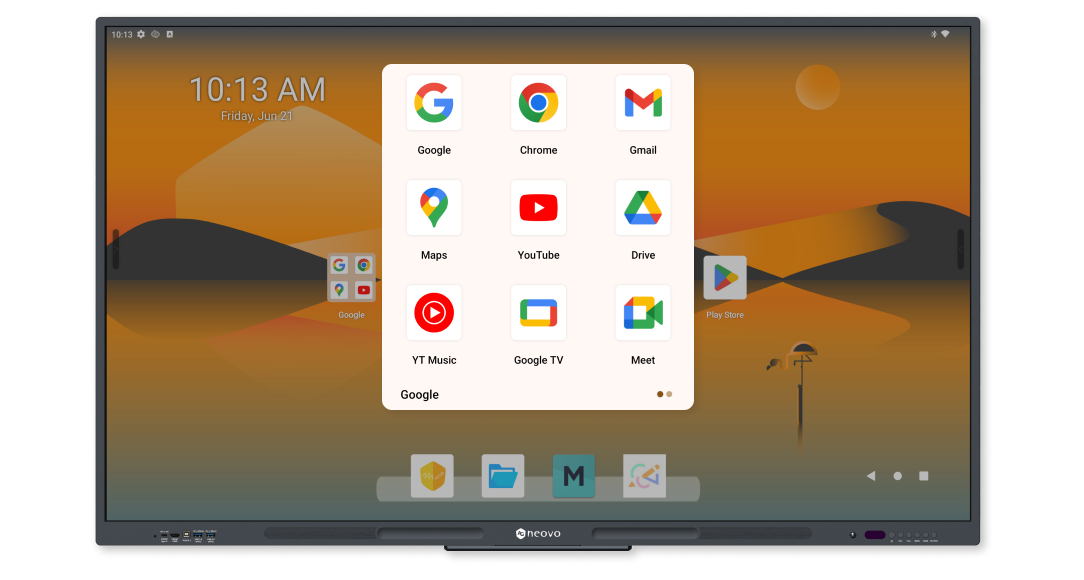
With native access to Gmail, Chrome, and Google Drive, Meetboard 4 becomes your central hub for all things Google, ensuring participants stay engaged and productive.
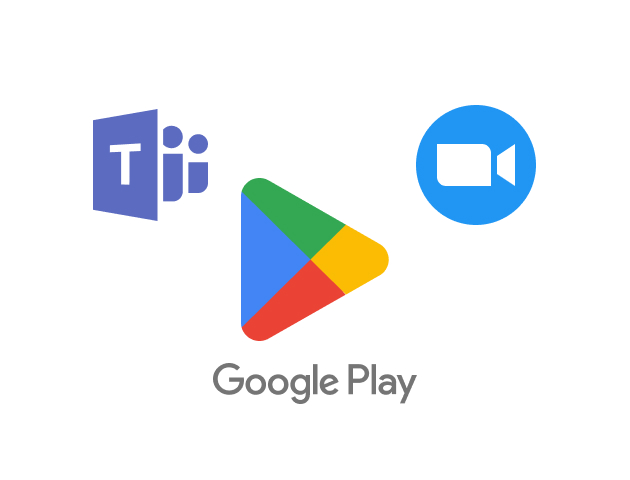
Download your favorite productivity apps directly onto Meetboard 4 through Google Play. Customize your smart board with tools that enhance meeting collaboration and efficiency. This flexibility ensures that you have all the necessary apps for successful and dynamic meetings.
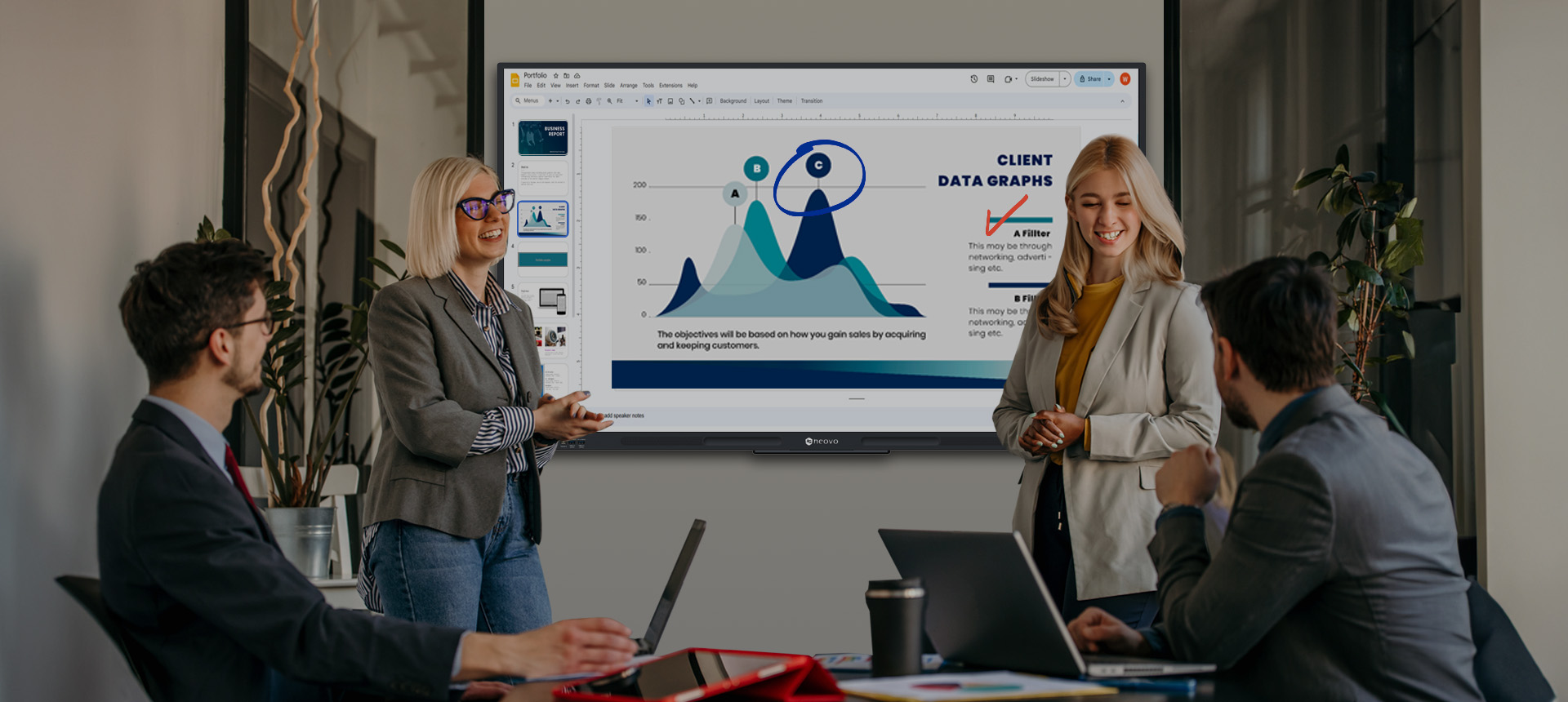
Fully utilize Google Docs, Sheets, and Slides on a large touchscreen display. This feature redefines your collaborative experience by allowing for real-time editing and updates during meetings, making your office interactions more interactive and efficient.
Prevent data leaks, phishing, and malware with Google’s robust security framework, ensuring your collaborative environment remains protected.
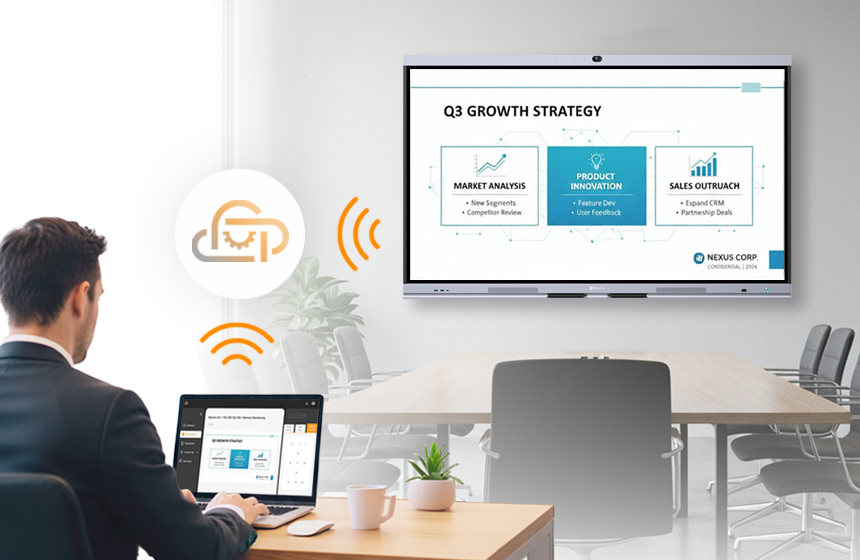
Empower your IT team with Neovo Manager, the cloud-based management solution included with every Meetboard 4. From a single secure dashboard, administrators can remotely monitor device status, push firmware updates, and batch-install apps across your entire organization. Eliminate the need for on-site maintenance visits and ensure fleet-wide consistency with zero extra licensing fees.
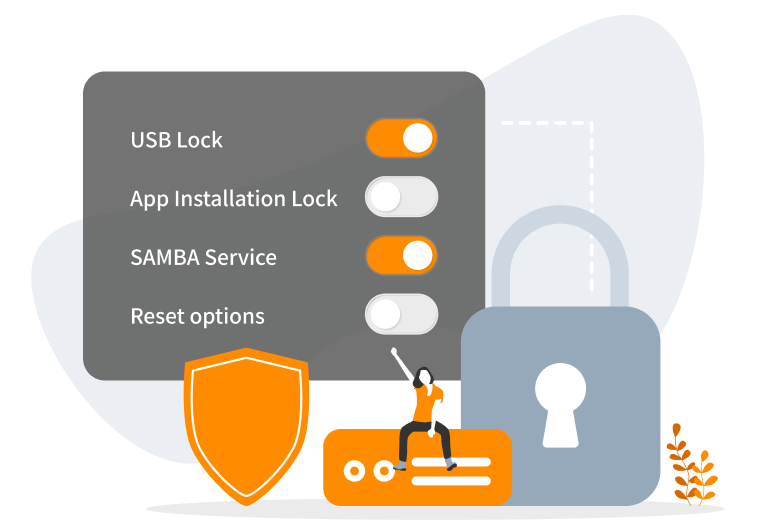
Protect your hardware from unauthorized app installations, changes to system settings, and USB access, maintaining the integrity and security of your office equipment.
l Security System Lock
l App installation lock
l USB lock
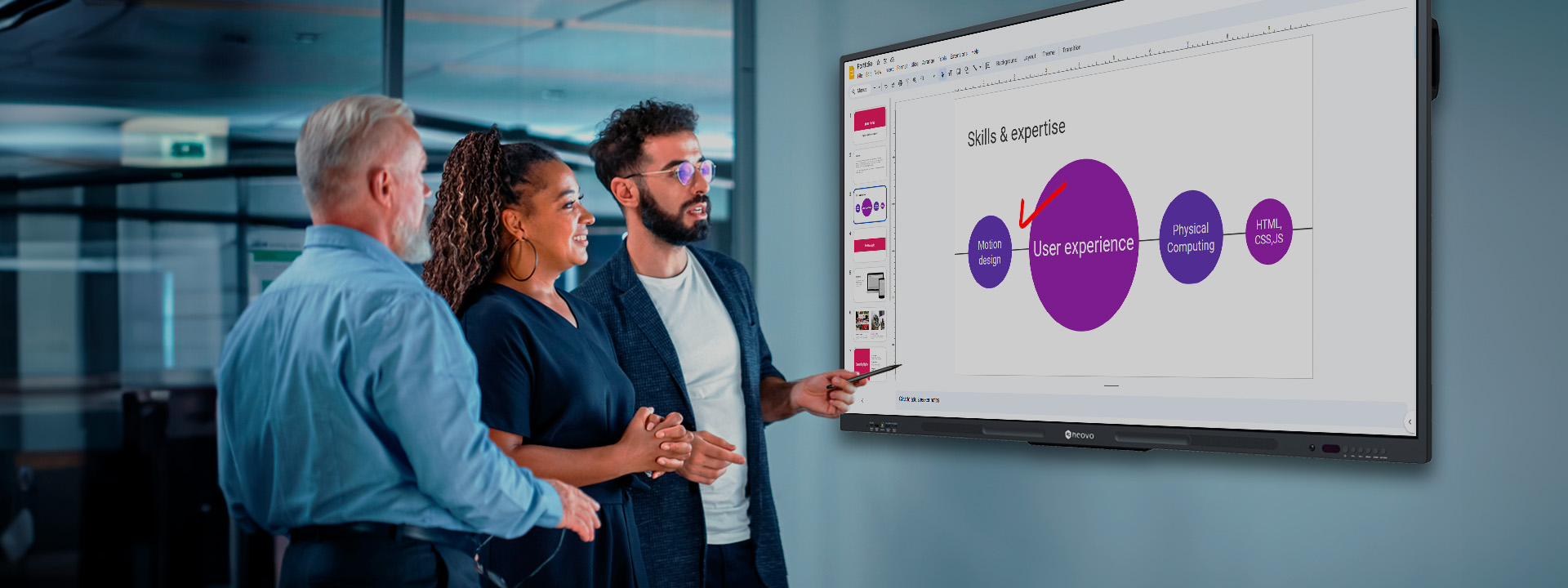
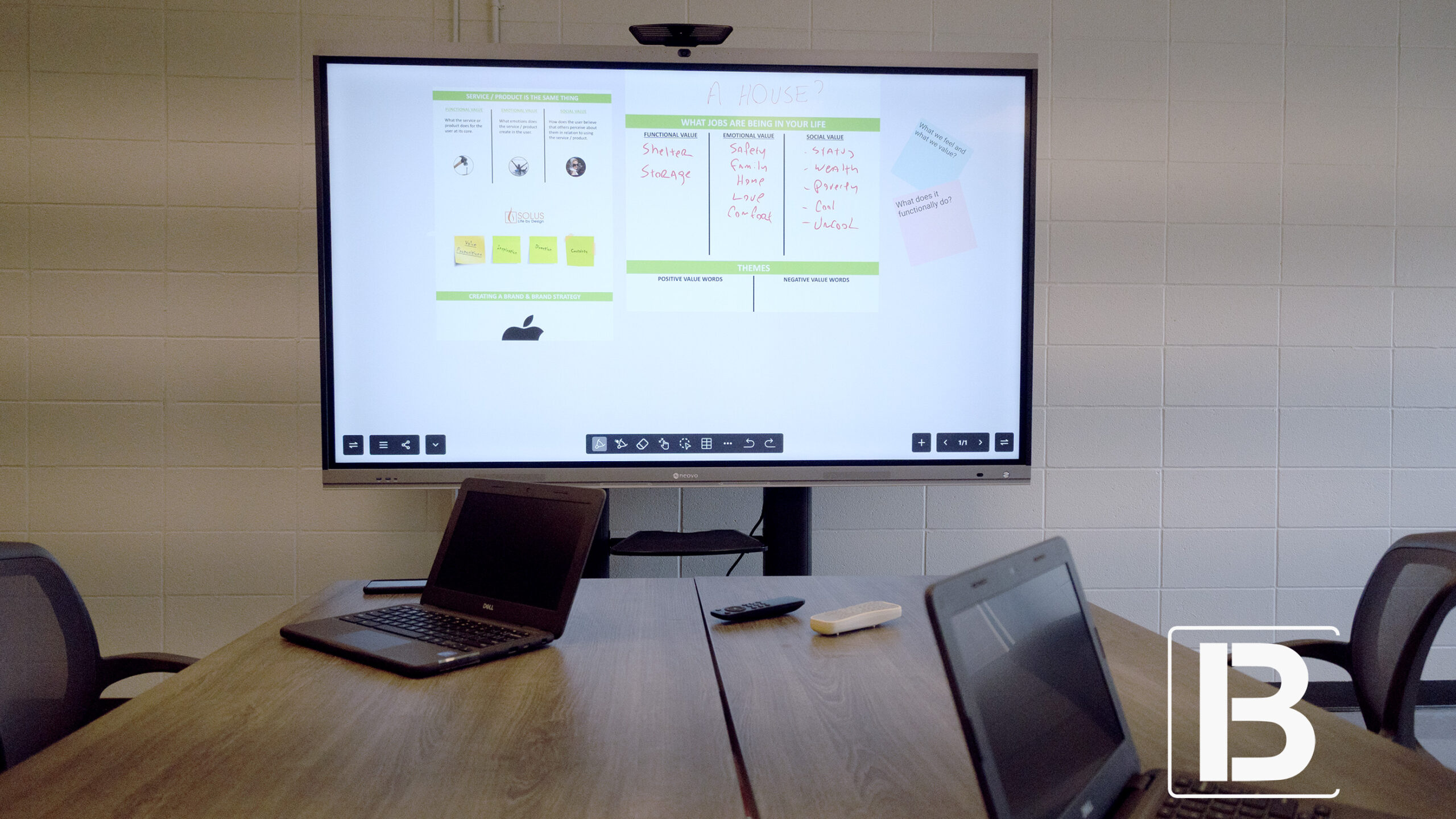
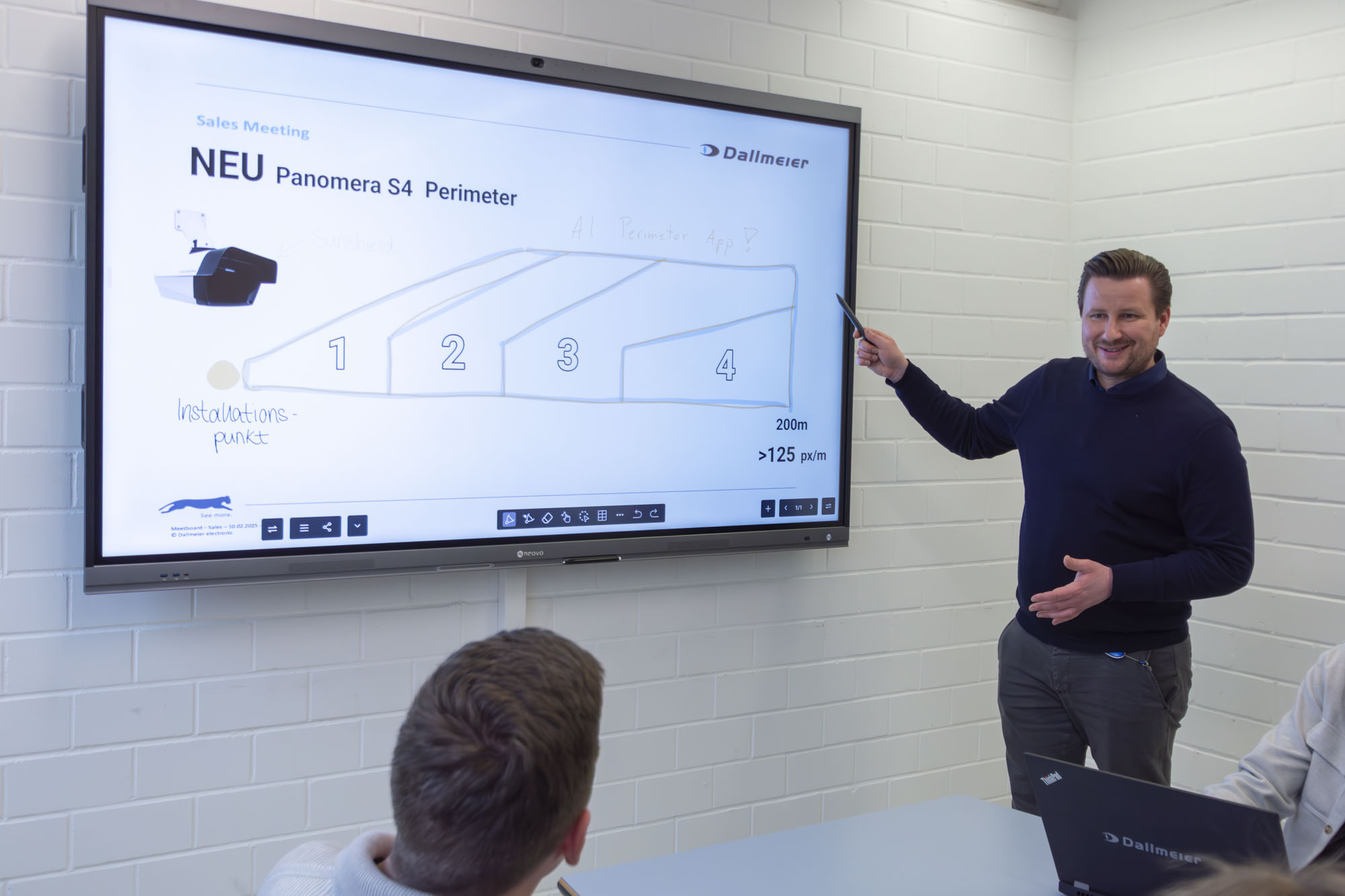
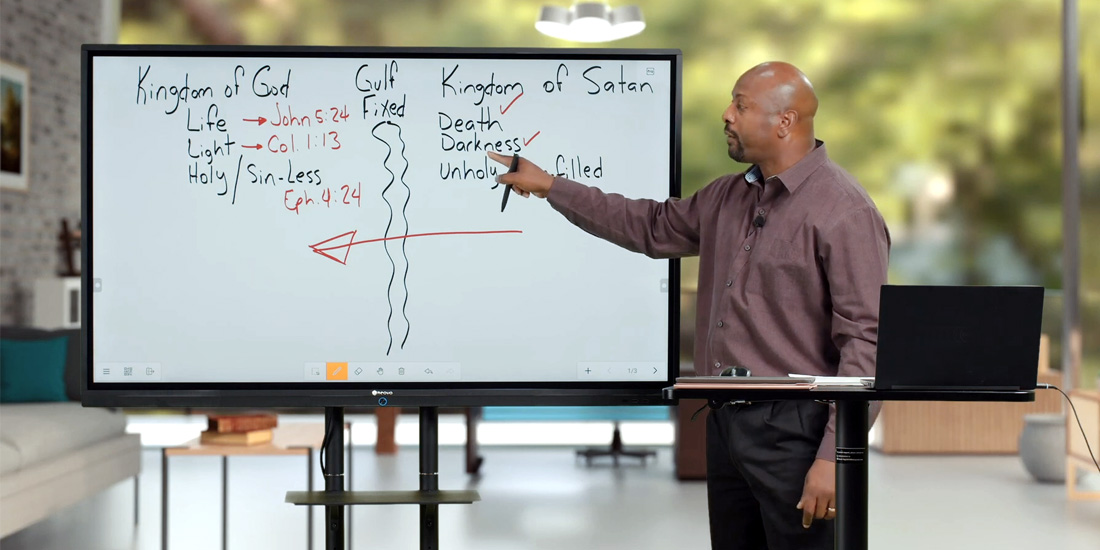
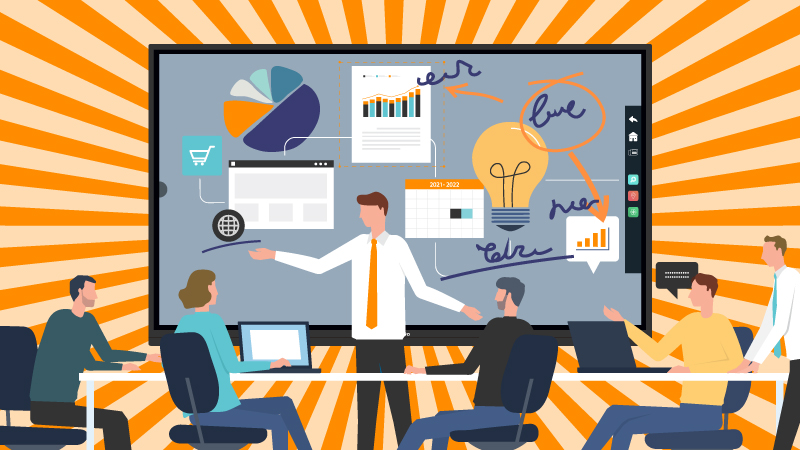
Enhance your brainstorming sessions and discussions using Meetboard’s powerful whiteboard, packed with simplified tools for more engaging and productive meetings. This feature allows you to visualize ideas, make annotations, and interact seamlessly during office discussions.
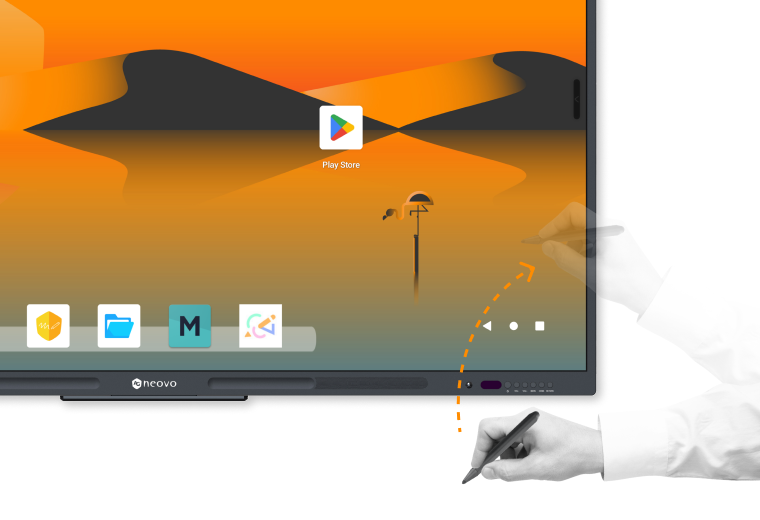
Lifting the stylus instantly opens the Meetboard whiteboard app, ensuring you capture every inspiring thought for initial discussion.
*Note: Lift to collaborate is only active on the main page.

Lifting the stylus instantly opens the Meetboard whiteboard app, ensuring you capture every inspiring thought for initial discussion.
*Note: Lift to collaborate is only active on the main page.
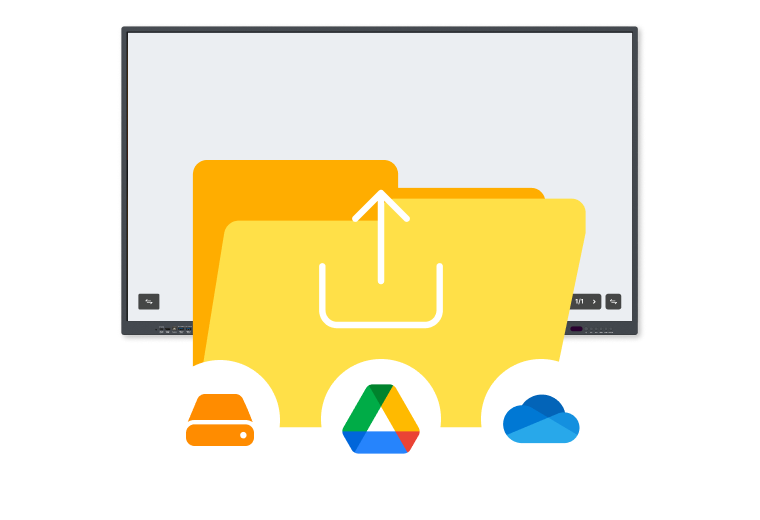
Open PDF, image, video, and previous whiteboard files from local drive, USB, or Cloud drives (Google Drive and OneDrive) to insert into your ongoing whiteboard. Re-edit and collaborate on all possible ideas to generate more ideas and make the discussion more perfect.
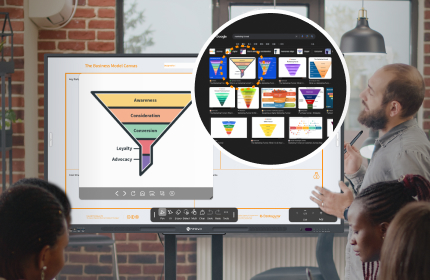
Meetboard’s built-in browser lets you search for information, images, and videos during discussions. Enhance your brainstorming with real-time data, making meetings more dynamic and informative.

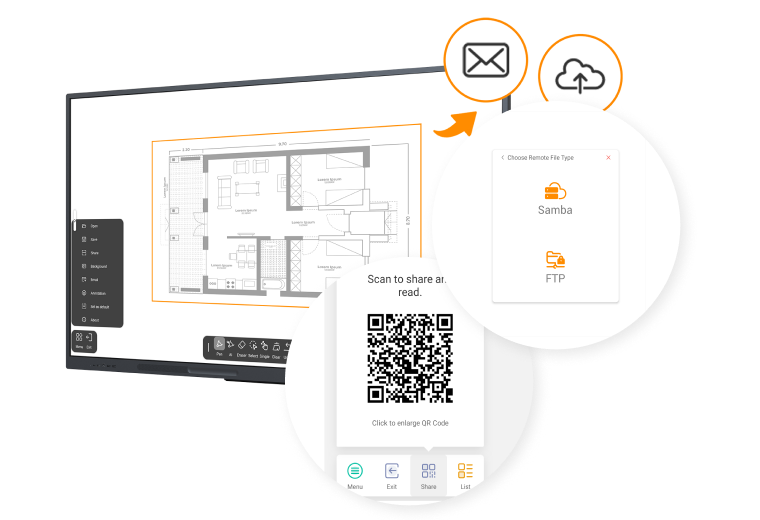
After the discussion, Meetboard allows you to save and share files (QR code, Email), ensuring all participants have access to the meeting’s output and can continue collaborating.


Enhance your brainstorming sessions and discussions using Meetboard’s powerful whiteboard, packed with simplified tools for more engaging and productive meetings. This feature allows you to visualize ideas, make annotations, and interact seamlessly during office discussions.
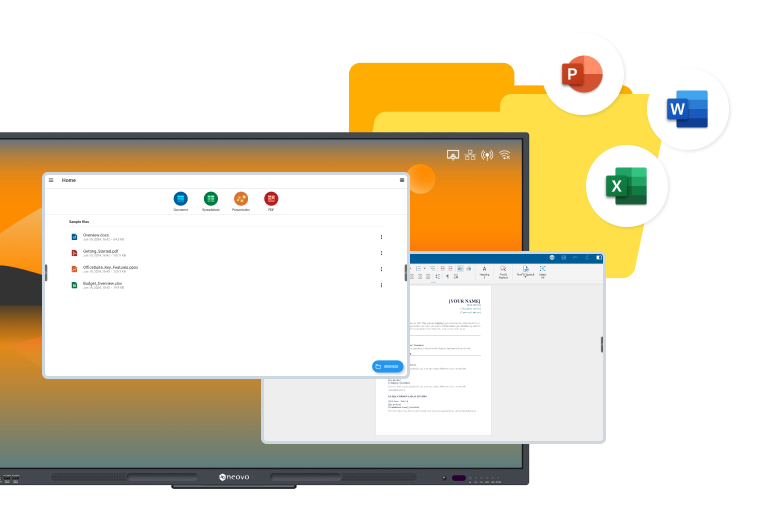
OfficeSuite ensures your files maintain the same format as on your PC, enabling seamless editing directly on Meetboard. This includes compatibility with Microsoft Office formats and synchronization across all your devices.
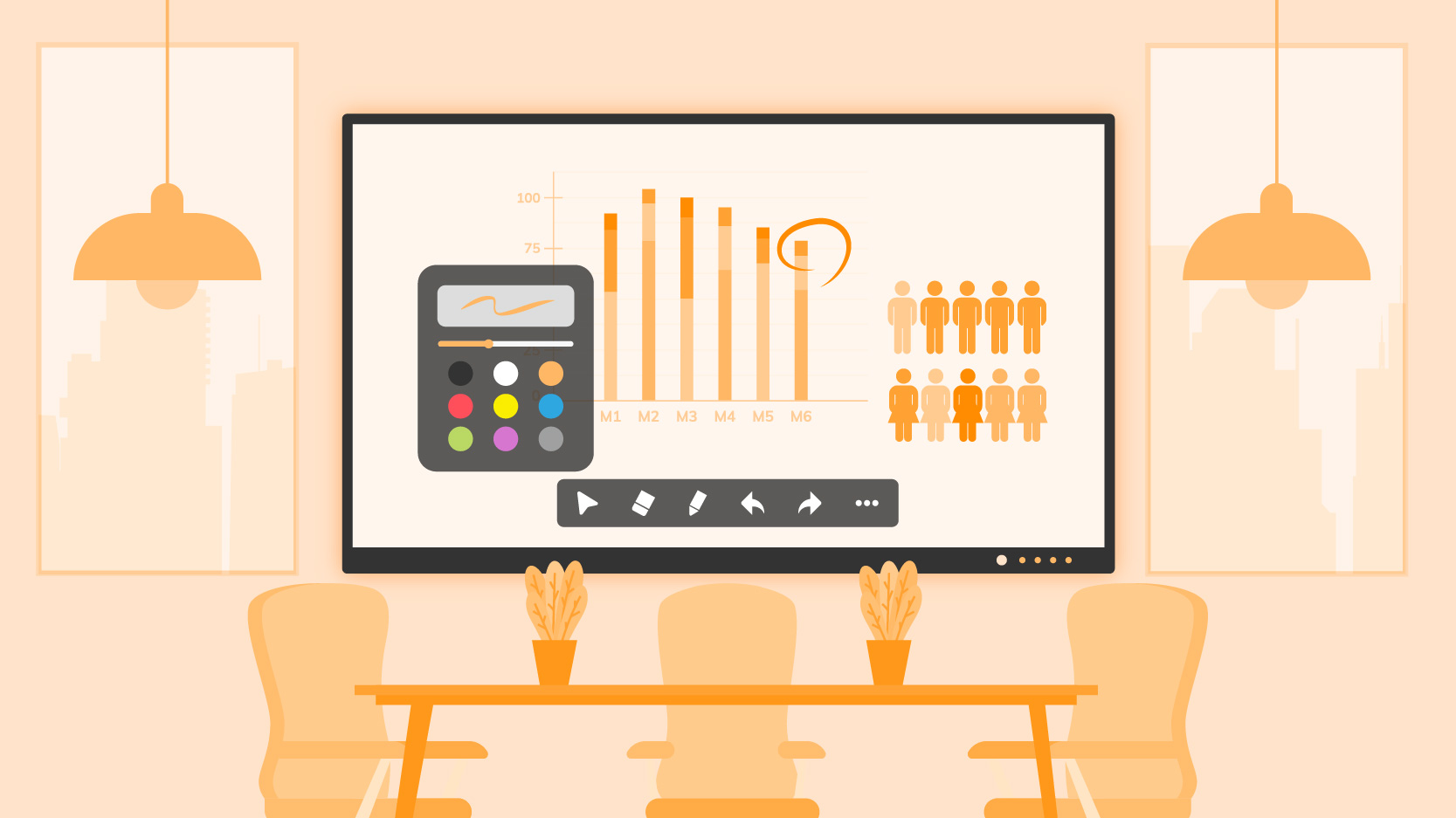
Write, draw, and take notes immediately with Meetboard’s instant annotation capabilities, enhancing productivity and engagement during presentations and meetings.
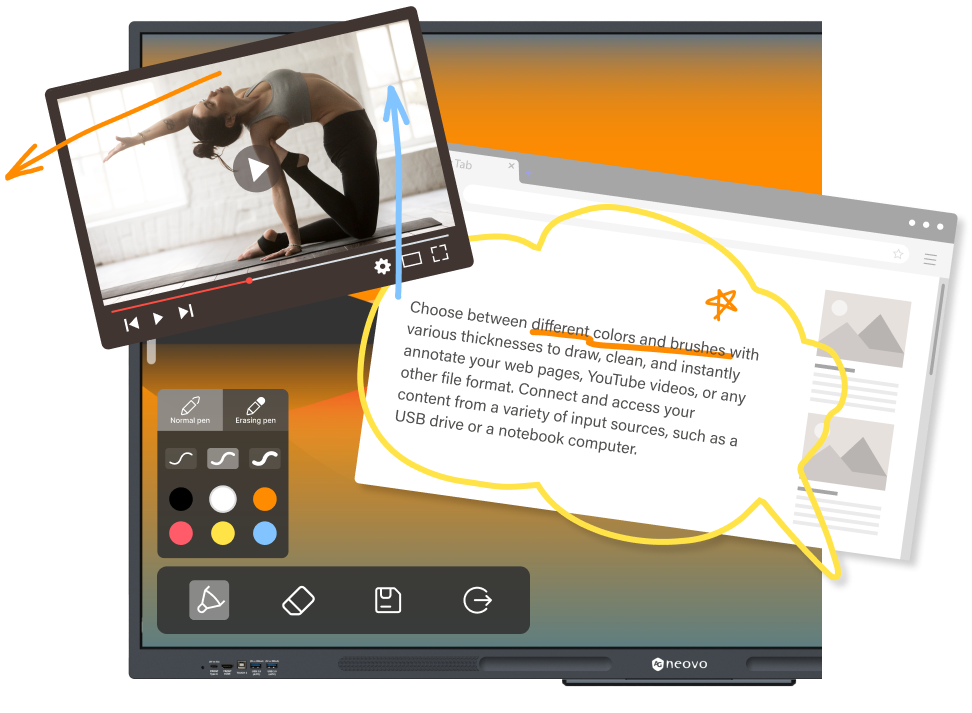
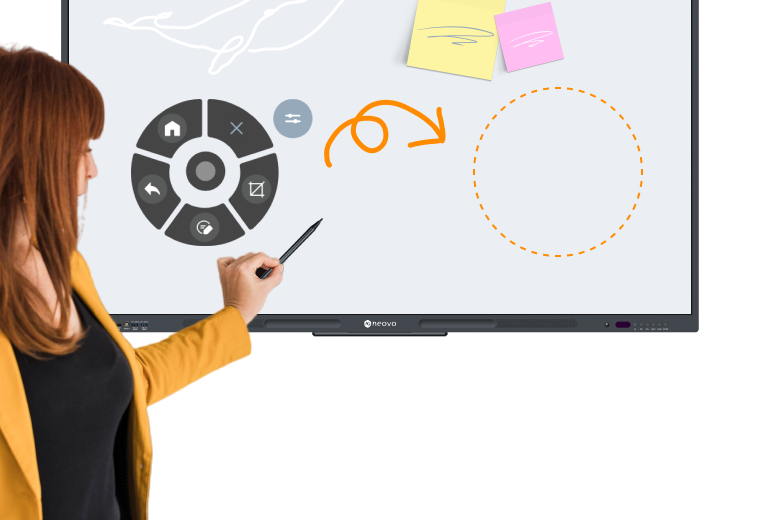
Easily move the floating toolbar to any part of the screen, allowing you to customize your workspace and access annotation tools with ease.

Easily move the floating toolbar to any part of the screen, allowing you to customize your workspace and access annotation tools with ease.
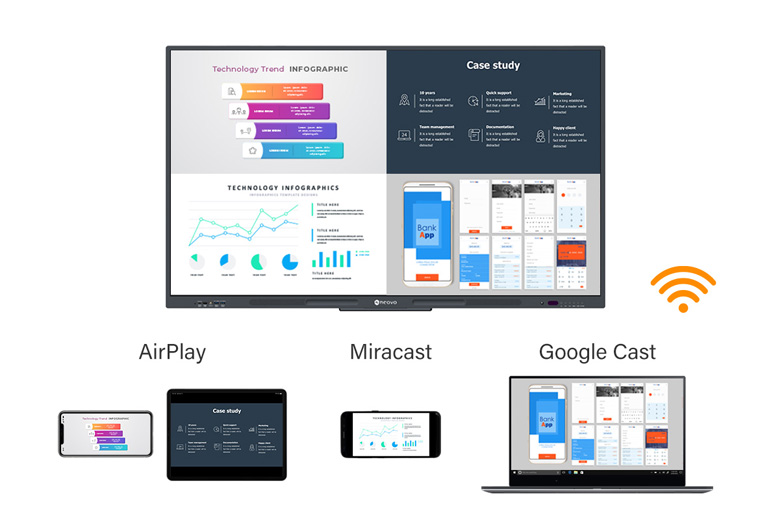
The pre-installed Montage app by DisplayNote allows you to enjoy powerful wireless presentation functionality for free. Whether you’re using a PC, Mac, tablet, or smartphone, Meetboard 4 supports AirPlay, Miracast, and Google Cast wireless presentation methods, ensuring seamless and flexible collaboration for all your devices anywhere in the room.
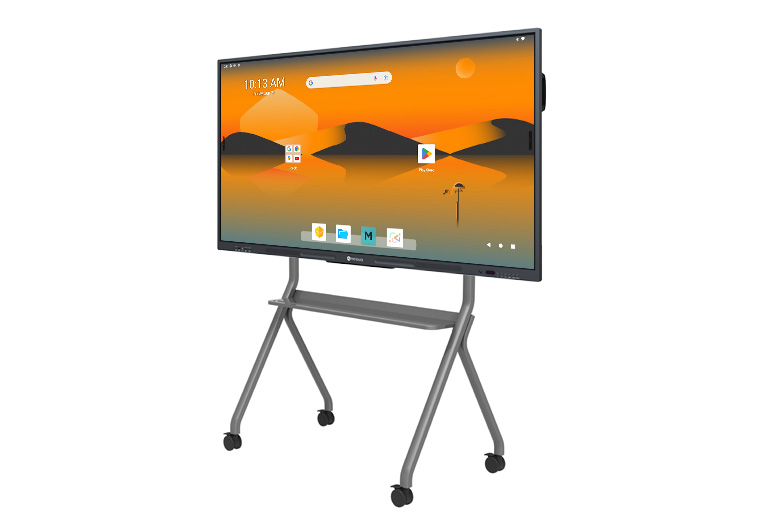
With the optional trolley, transform your Meetboard into a mobile interactive display. Adapt to various office setups, from hybrid workspaces to meeting rooms, ensuring a consistent and interactive experience that meets your dynamic needs.
Schedule a live demo today to see how it fits your workflow and discuss your deployment needs.


 NeoV™ Optical Glass Screen
 Anti-Burn-in™ Technology