How to Choose the Best Smart Board for Office in 2026

How to choose the best smart board for office
For IT Directors, selecting a smart board in 2026 is about Security and Control. In this guide, we detail why Google EDLA certification, Android 13, and Professional Wireless Casting are the new enterprise baselines. Read on to learn how to minimize TCO while maximizing meeting efficiency.

Selecting the right smart board for office deployment has shifted from a simple facility decision to a strategic infrastructure investment in 2026. As organizations solidify hybrid work models, the interactive display has evolved into a critical network endpoint—requiring the same level of security scrutiny and performance evaluation as enterprise laptops or servers.

For IT Directors, CIOs, and Procurement Managers, the selection criteria have fundamentally changed. It is no longer just about screen size; it is about security architecture (Google EDLA), OS stability (Android 13), wireless BYOD mastery, and Total Cost of Ownership (TCO).

The global interactive whiteboard market is projected to exceed USD 50 billion, yet many deployments fail due to poor user experiences, lack of security compliance, or restrictive casting options. This comprehensive guide provides the technical framework for choosing smart boards for business that meet modern security standards and high-performance user expectations.

1. The Business Case: Why Upgrade Infrastructure in 2026?

In the current enterprise landscape, legacy equipment—such as standalone projectors, non-interactive TVs, or older Android 8 smart boards—is becoming a liability rather than an asset.

The Hidden Costs of Legacy Hardware

  • Security Vulnerabilities: Older operating systems lack the security patches required to defend against modern network threats. An outdated Android board on your network is a potential backdoor for cyberattacks.
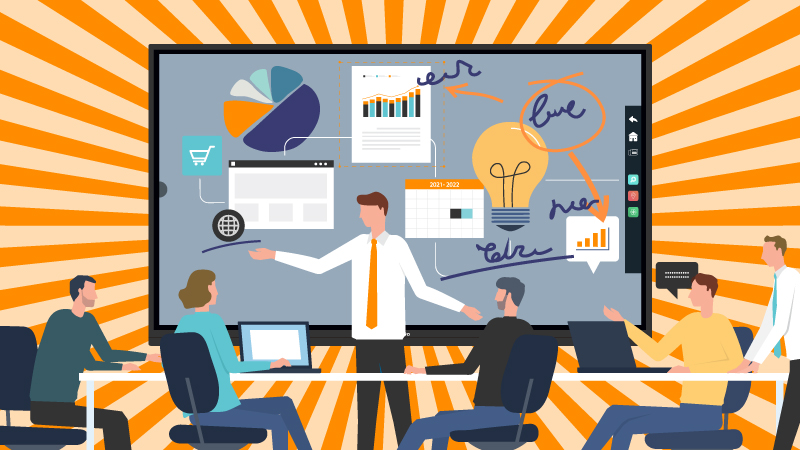
  • Meeting Equity: Hybrid participants often feel excluded in rooms equipped only with passive displays. They cannot see the physical whiteboard, and they cannot contribute to the ideation process. Smart boards bridge this gap via digital whiteboarding that syncs to the cloud.
  • Workflow Efficiency: The ability to annotate, save, and share directly to the cloud reduces the “post-meeting administrative burden” by an estimated 20%.

The 2026 Office Standard

For the enterprise buyer, the goal is to procure a solution that offers a seamless “Walk-up-and-Use” experience. The technology must be invisible; employees should not need a manual to start a meeting. If it takes more than 30 seconds to connect a laptop to the screen, the technology has failed.

2. Security & Compliance: The Non-Negotiable EDLA Standard

The most significant shift in the 2026 smart board market is the transition to Google EDLA (Enterprise Devices Licensing Agreement) certification. For CIOs and IT Directors, this is no longer a “nice-to-have” feature—it is a mandatory compliance requirement.

A. The End of the “Sideloading” Era (Risk Mitigation)

Legacy smart boards often ran on “Open Android” (AOSP), forcing users to “sideload” apps via APK files on USB sticks. This practice is a massive security loophole, bypassing malware scans and version controls.
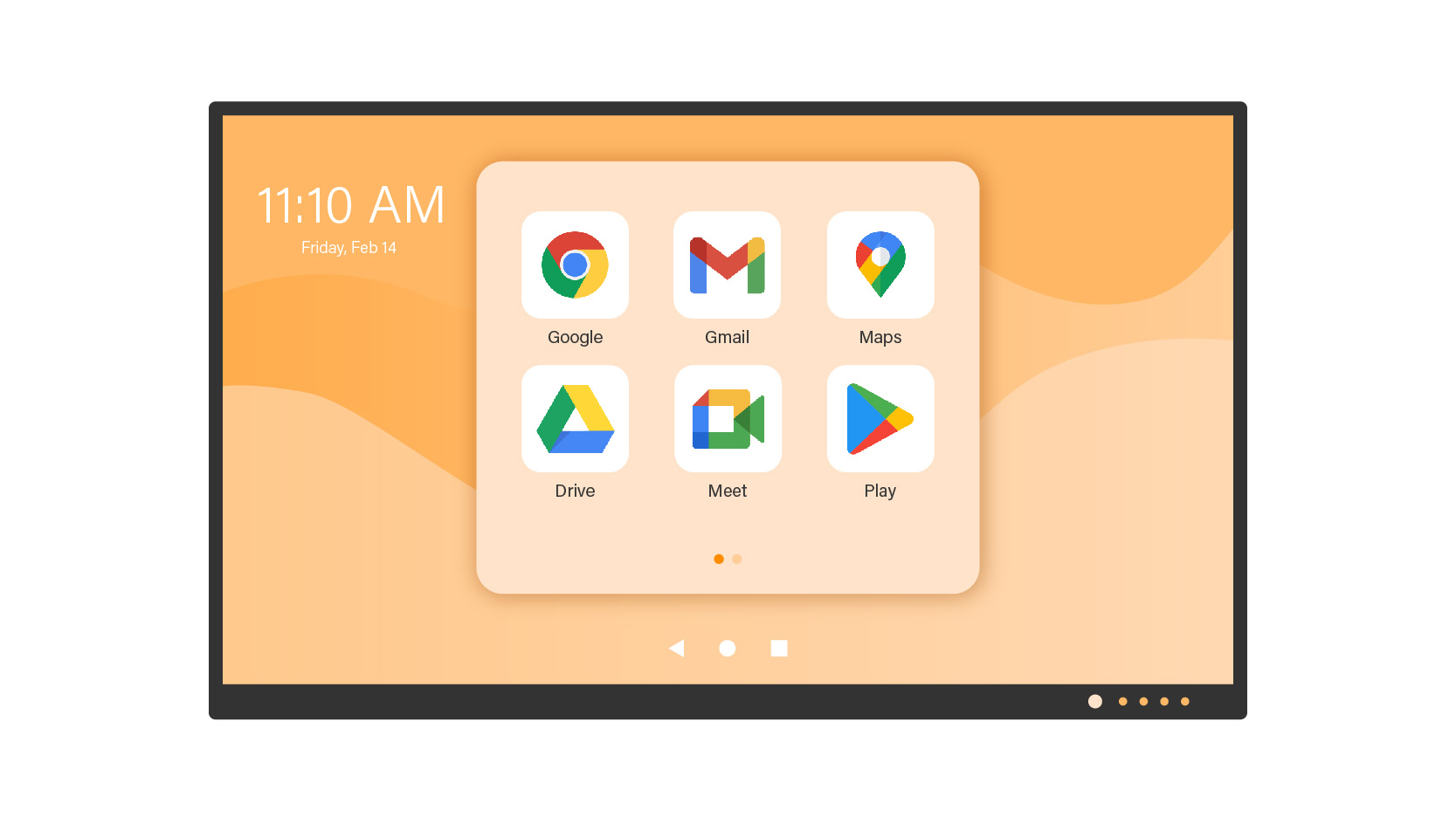
  • The EDLA Solution: With EDLA, apps are installed securely via the official Google Play Store. Google Play Protect scans billions of apps daily to detect malware, ensuring that no compromised software enters your corporate network.
How to choose the best smart board for office_Google EDLA

B. Native Integration with Google Workspace & Microsoft 365

EDLA is the only official way to get Google Mobile Services (GMS) on a large-format display. This integration is crucial for workflow continuity.

  • Official Apps: Users get the tablet-optimized versions of Microsoft Teams, Outlook, PowerPoint, and Google Docs/Drive. These are not stretched mobile apps; they are designed for large-screen productivity.
  • Seamless Login: EDLA boards support Single Sign-On (SSO) and integrate natively with corporate credentials, reducing login friction while maintaining secure access logs.

C. Granular Device Management (MDM) for IT

For IT administrators, EDLA unlocks advanced API capabilities that non-certified boards lack.

Unified App Deployment: IT can push specific apps (e.g., a proprietary ERP dashboard) to all 50 meeting rooms instantly, ensuring version consistency across the campus without site visits.

Remote Wipe & Lock: In case of theft or a security breach, IT can lock the device remotely via Google Admin Console or third-party MDM (like Microsoft Intune).

3. Core Hardware Specifications: The Technical Deep Dive

When drafting your Request for Proposal (RFP), ensure your hardware specifications meet the following 2026 enterprise baseline. This ensures a product lifecycle of 5-7 years.

A. Operating System: Android 13 Stability

While consumer electronics push for the absolute latest OS, enterprise infrastructure requires stability. Android 13 is the robust standard for 2026.
  • Architecture: Improved memory management ensures smooth multitasking. Users can run a 4K video conference and a heavy whiteboard session simultaneously without system lag.
  • Privacy Controls: Granular permission controls allow IT to restrict camera/mic access at the OS level, preventing unauthorized surveillance.
  • Future Proofing: Android 13 supports the latest API levels required by major collaboration apps (Teams, Zoom, Webex), ensuring compatibility for years to come.
How to choose the best smart board for office_Android OS

B. Visual Clarity: 4K UHD and Anti-Glare Technology

4K UHD (3840 x 2160) is the minimum requirement for legibility of detailed spreadsheets and architectural drawings. However, resolution alone is not enough.
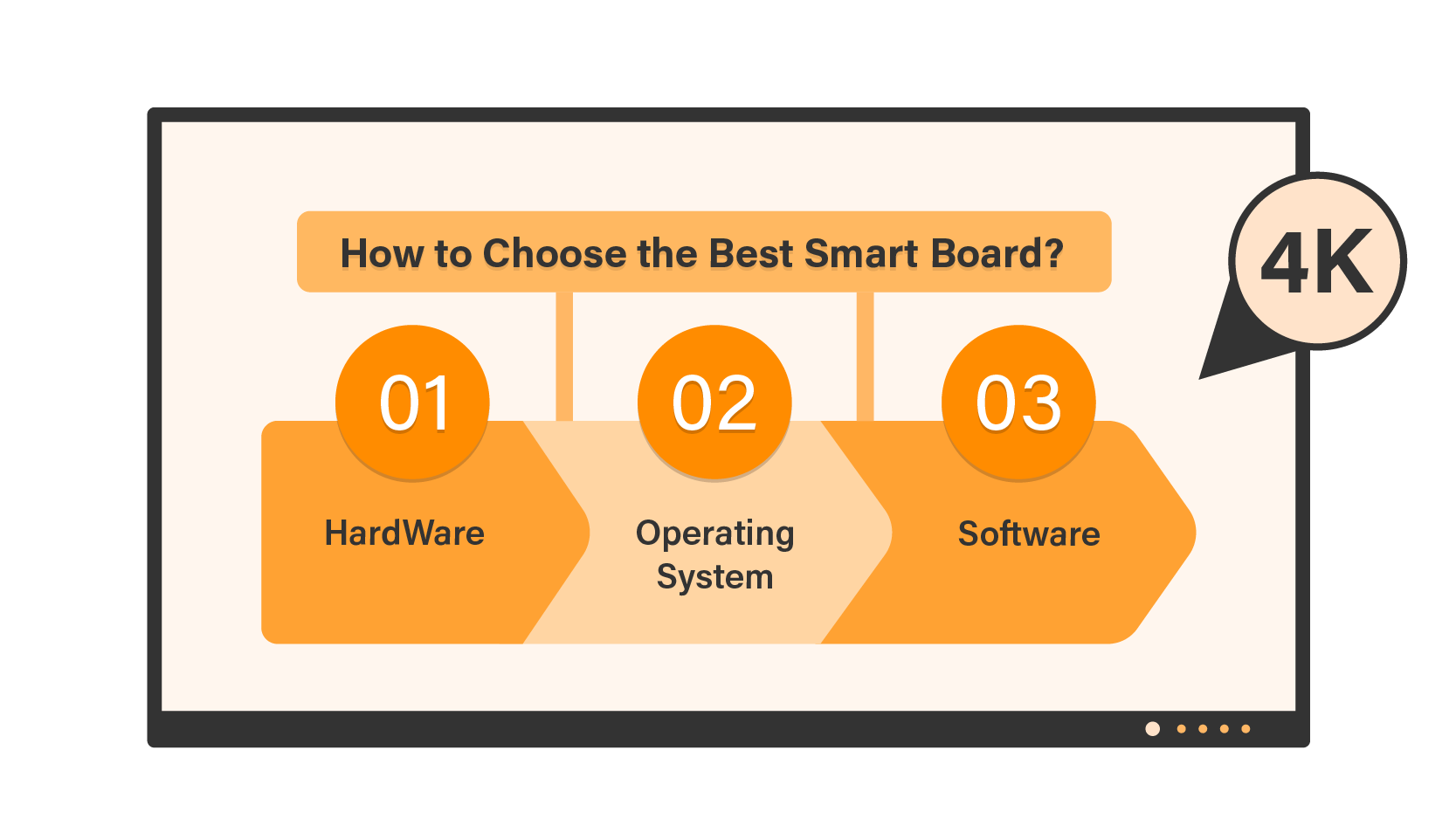
  • Anti-Glare (AG) Glass: Essential for bright meeting rooms. High-quality AG etching diffuses external light reflections without blurring the content, ensuring visibility from any angle.
  • Wide Viewing Angles: Ensure the panel supports a 178-degree viewing angle. This guarantees that stakeholders sitting at the far end of the conference table see the same color accuracy and contrast as the presenter standing at the front.
How to Choose the Best Smart Board for Your Office_Infographic_02_Resolution- 4K as the Standard for Clarity

C. Connectivity: The USB-C Standard

Modern workflows are driven by laptops. Your smart board must feature USB Type-C with 65W (or higher) Power Delivery.

Efficiency: A user walks in, plugs in, and starts the meeting in seconds—fully charged. This eliminates the “dongle mess” on the conference table and reduces calls to IT support.

One-Cable Solution: Audio, Video, Touch Data, and Power all flow through a single cable.
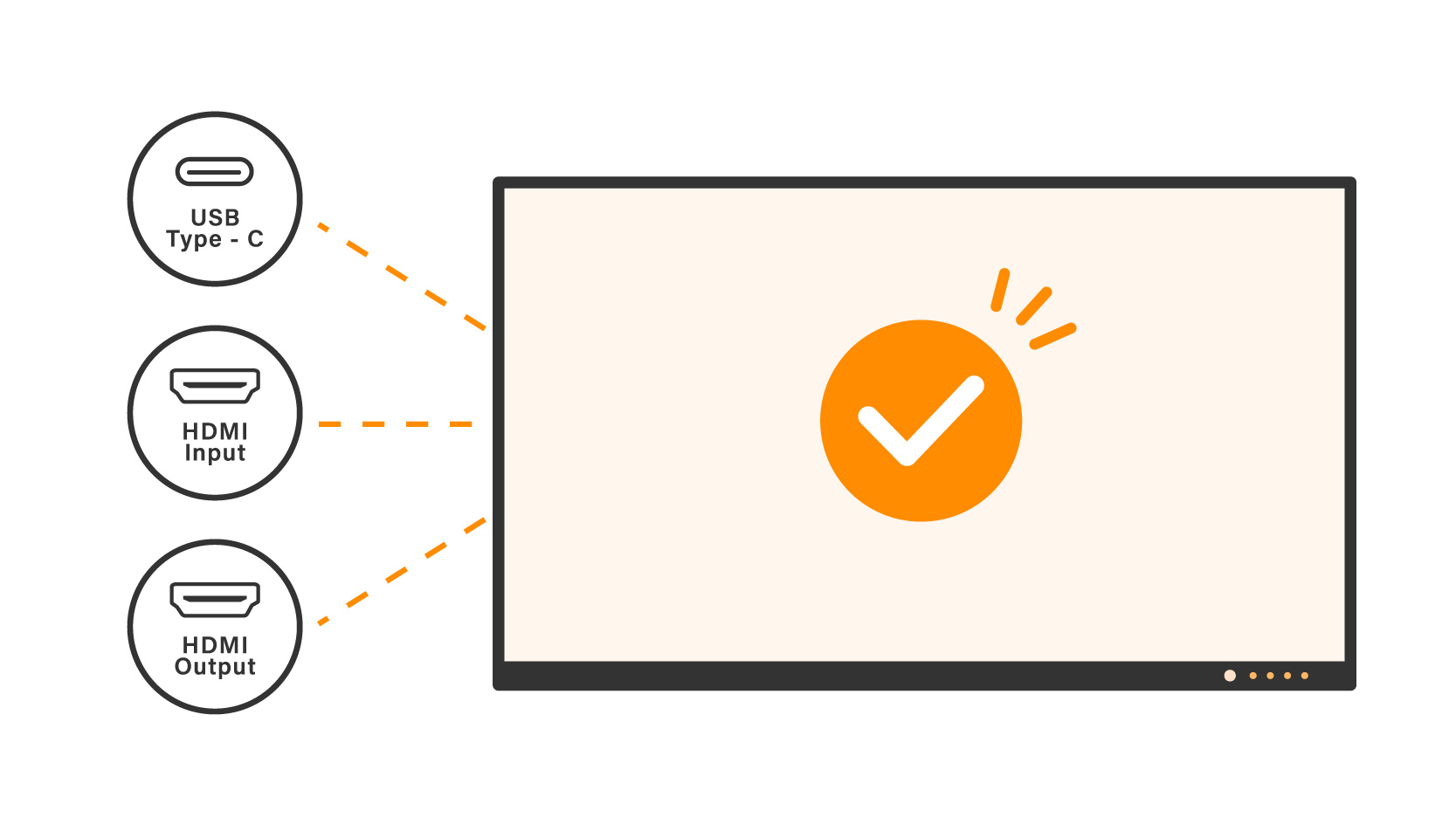
How to choose the best smart board for office_USB-C, HDMI connectivity

4. The Whiteboarding Experience: Why “Feel” Matters

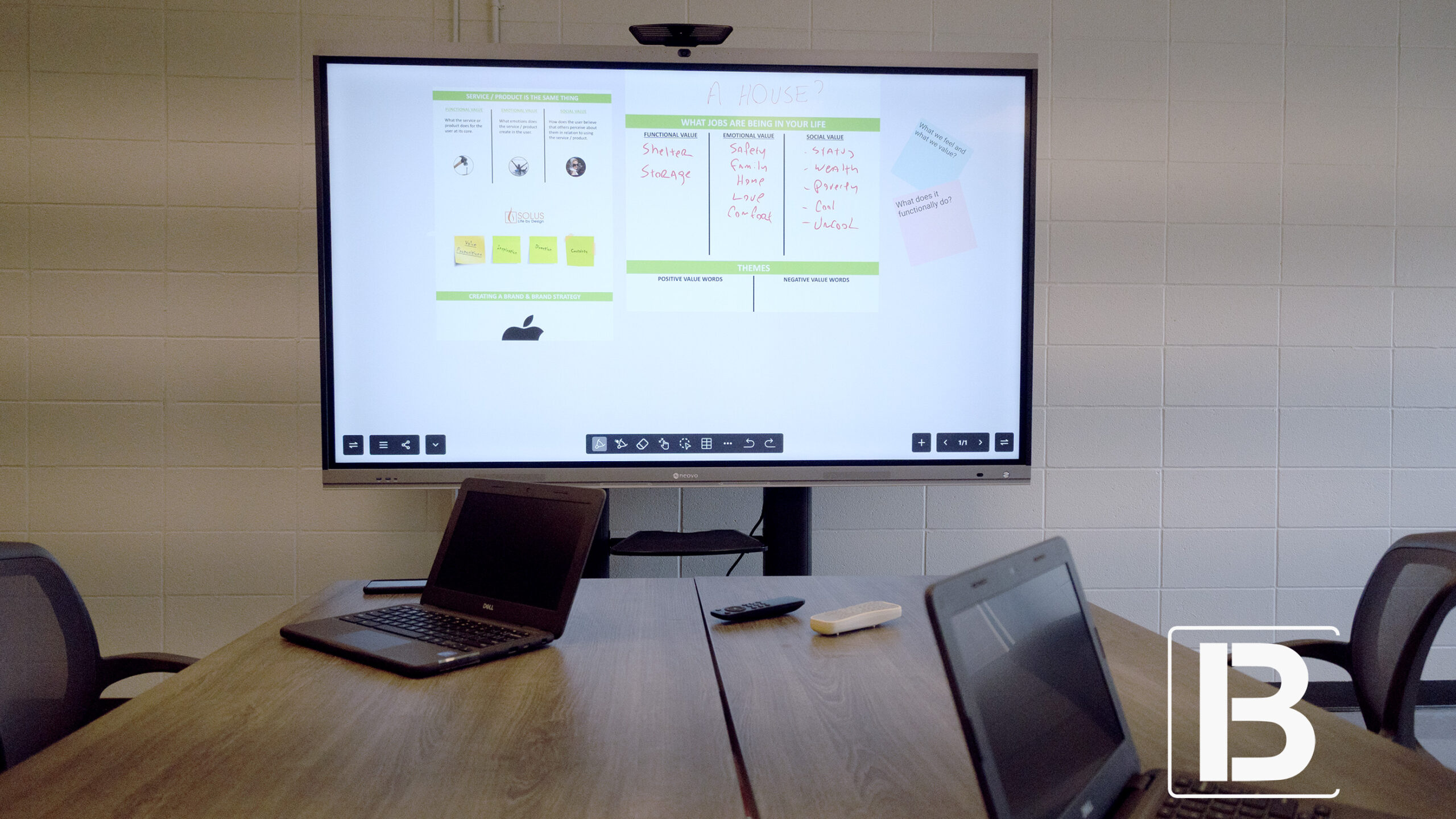
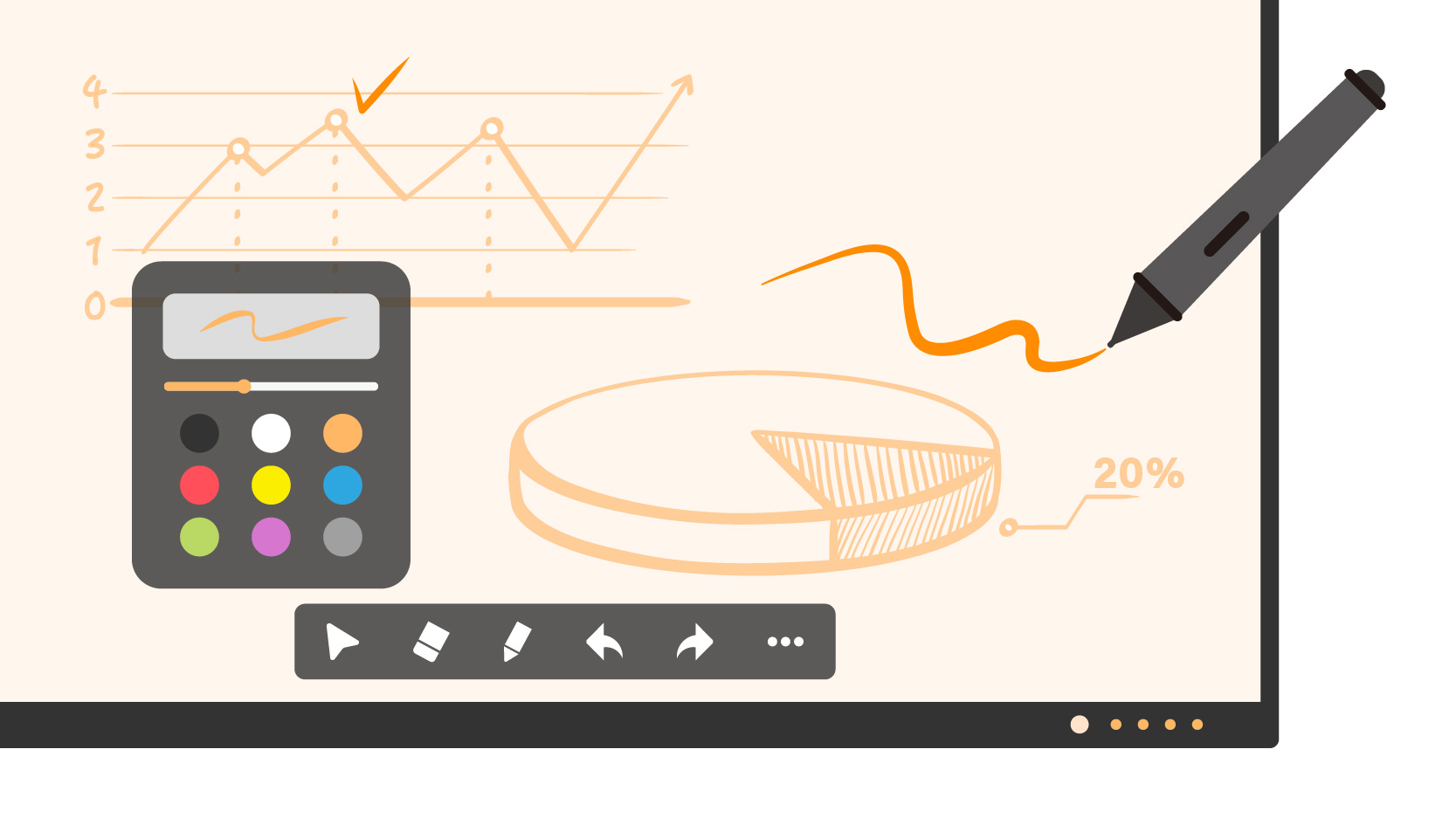
At its core, a smart board must be an exceptional writing surface. If the writing experience feels “laggy” or unnatural, user adoption will plummet. In 2026, the digital whiteboard must be faster and smarter than analog markers.

Low Latency and High Precision

The difference between a good and a bad smart board lies in milliseconds.

  • Zero Lag: Look for boards with a touch response time of under 10ms (preferably 6-8ms). This ensures that the digital ink follows the pen tip instantly.
  • High Touch Points: Enterprise boards should support 20 to 40 simultaneous touch points. This allows multiple colleagues to brainstorm, draw, and manipulate content on the screen at the same time without “ghosting” or signal conflict.

Intelligent Object Recognition

Modern whiteboard software uses AI to understand how you are interacting with the screen.

  • Pen vs. Finger vs. Palm: The board should automatically recognize a stylus for fine writing, a finger for moving the canvas or zooming, and a palm for erasing. This allows for a fluid, tool-switching-free workflow that feels intuitive to non-technical users.

The Infinite Canvas and Digital Tools

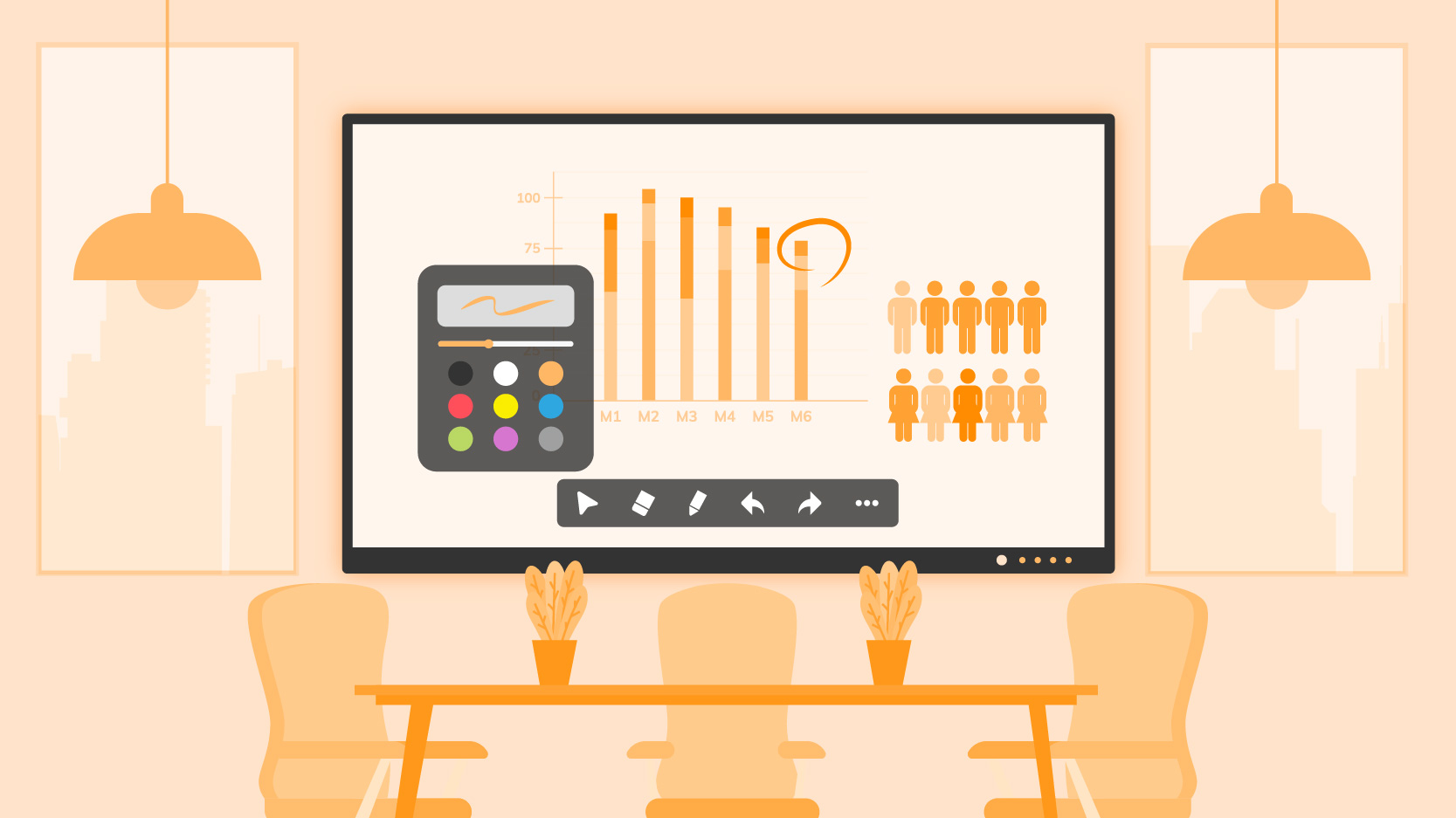
The physical whiteboard is limited by the wall size. The smart whiteboard removes these boundaries.

Secure Saving: Ensure the board has a “End Session” feature that wipes the local cache, ensuring no confidential strategy is left on the screen for the next group to see.2. Screen Size: Match the Board to Your Room

Infinite Canvas: Users should be able to scroll endlessly in any direction, ensuring ideas are never wiped away to make space.
How to choose the best smart board for office_Annotation

5. The Wireless Standard: Professional BYOD Casting

In 2026, cables are optional, but stability is not. A top-tier smart board must support a truly agile “Bring Your Own Device” (BYOD) environment through dedicated enterprise casting software.

A. Why an App Matters: Security & Stability While consumer TVs rely on generic casting protocols, enterprise smart boards utilize dedicated casting apps to ensure a secure handshake between the device and the display.

  • Connection Stability: Dedicated software reduces latency and dropouts compared to standard Wi-Fi mirroring.
  • Security Codes: Prevents accidental casting from nearby rooms by requiring a unique PIN code for every session.
  • Network Agnostic: Allows users to cast securely even across different subnets (if configured by IT), ensuring guest devices don’t breach the internal server network.

B. Two-Way Control (Touchback) This is the productivity game-changer that generic casting often lacks. When a user casts their Windows or Mac screen via the board’s app, they gain full touch control.

  • The Benefit: Presenters can advance slides, open files, or edit Excel sheets standing at the board, without walking back and forth to their laptop.

C. Multi-View Split Screen Collaboration often requires comparison. The casting app should support Quad-View (4 screens) simultaneously.
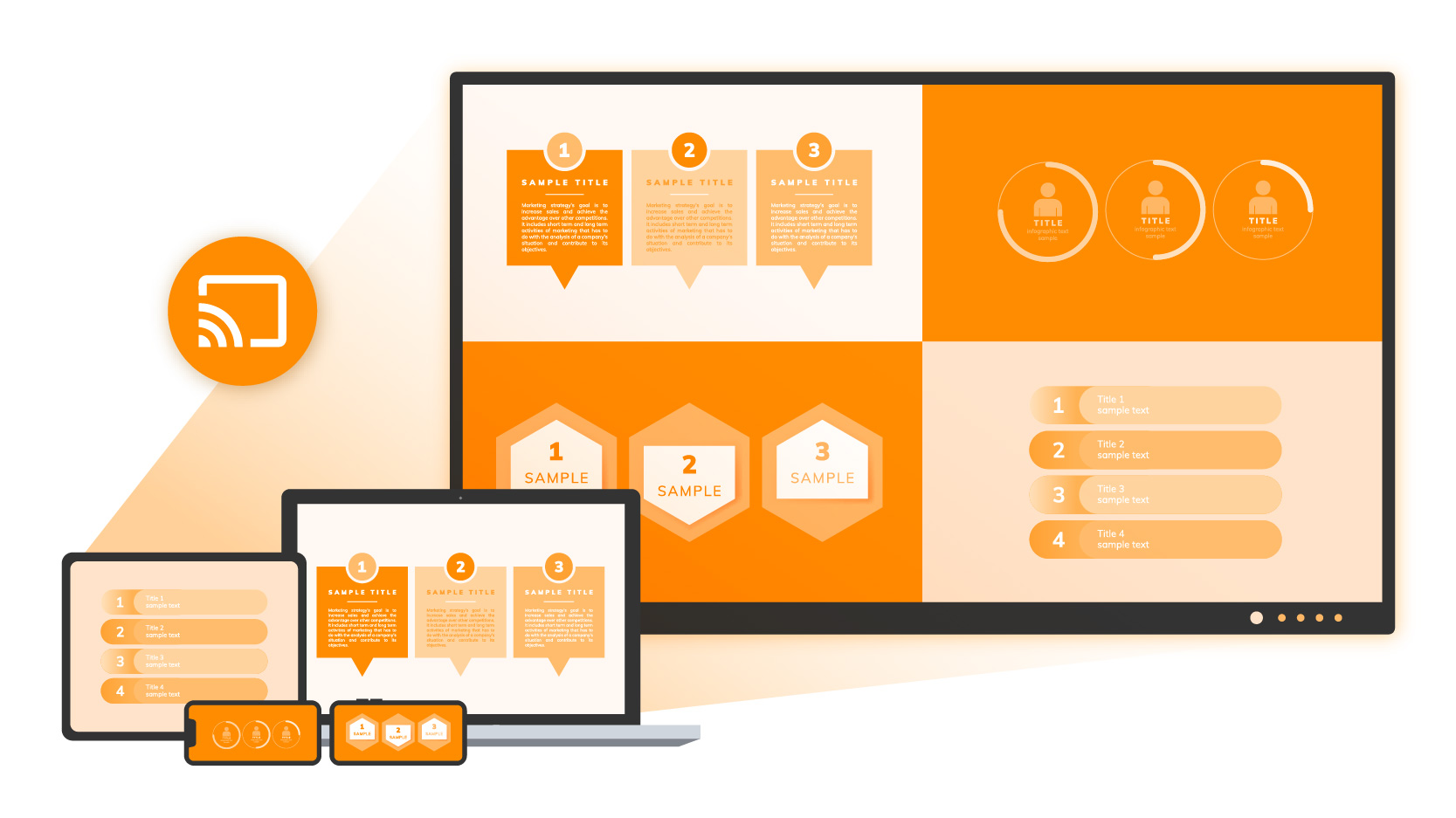
  • Use Case: A marketing team can display four different campaign mockups side-by-side from four different laptops to compare and contrast in real-time.
How to choose the best smart board for office_Screen Sharing

6. Sizing and Placement Guide: Optimizing for Visibility

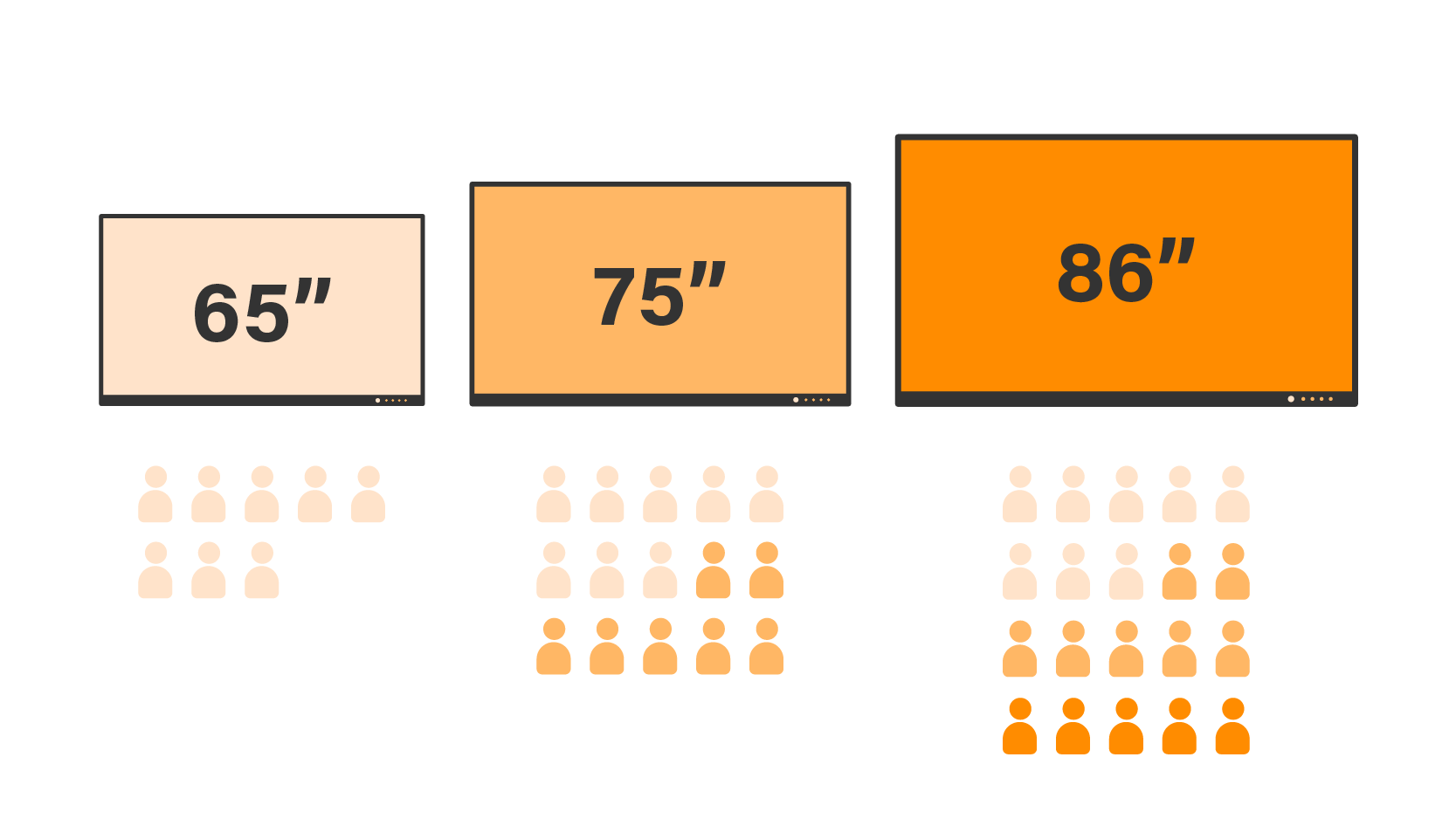
Standardizing display sizes across your campus simplifies maintenance and user experience. A common mistake is buying a screen that is too small for the room depth.

Room TypeRoom DepthRecommended SizeRationale
Huddle / Focus Room (1-4 Pax)< 3 Meters65-inchProvides an intimate collaboration space without overwhelming the room. Ideal for quick stand-ups.
Standard Conference Room (8-15 Pax)3 – 6 Meters75-inchThe Enterprise Standard. Offers the best balance of visibility and budget. Text remains legible from the back of the room.
Boardroom / Training Hall (15+ Pax)> 6 Meters86-inch or largerEssential for ensuring remote participants’ faces are visible alongside content. Consider dual-screen setups here.
How to Choose the Best Smart Board for Your Office_Infographic_03_Screen Size- Match the Board to Your Room_Room size

7. Software Ecosystem: Native Android vs. Windows OPS

Enterprise buyers often face the dilemma: Do we stick to Android or add a Windows PC? The answer depends on your team’s workflow.

Scenario A: The Android-First Approach (Native)

Ideal for agile teams, creative brainstorming, and quick stand-ups.

  • Pros: Fast boot time, simple interface (like a giant tablet), lower cost, secure (via EDLA).
  • Cons: Cannot run full desktop legacy applications (e.g., full SAP clients or heavy local software).

Scenario B: The Windows Integration (OPS)

Ideal for heavy Excel users, engineering reviews (AutoCAD), and Microsoft-centric organizations requiring full domain joining.
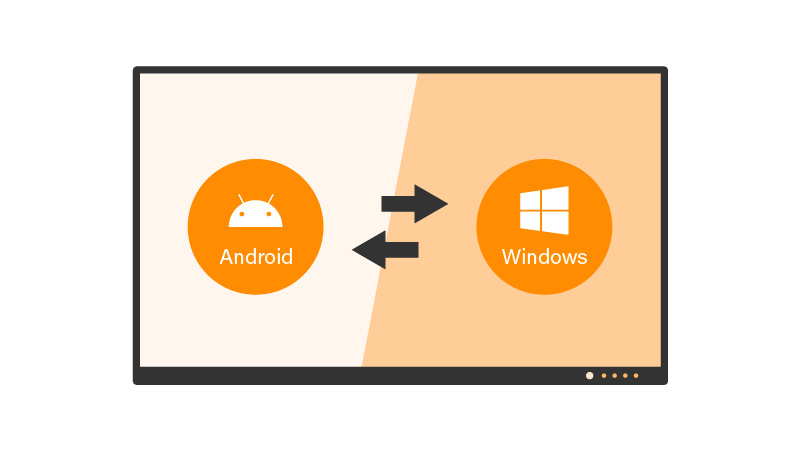
  • The Solution: OPS (Open Pluggable Specification). This is a modular PC that slots into the back of the display.
  • Benefit: It effectively turns the smart board into a giant Windows 11 All-in-One PC. It can be managed by Active Directory, allowing seamless access to network drives, VPNs, and legacy software.
How to Choose the Best Smart Board for Your Office_Infographic_03_Screen Size- Match the Board to Your Room_Dual OS

8. Audio-Visual Readiness for Hybrid Work

A smart board in 2026 is also a communication device. The visual and audio quality determines whether remote employees feel included or alienated.
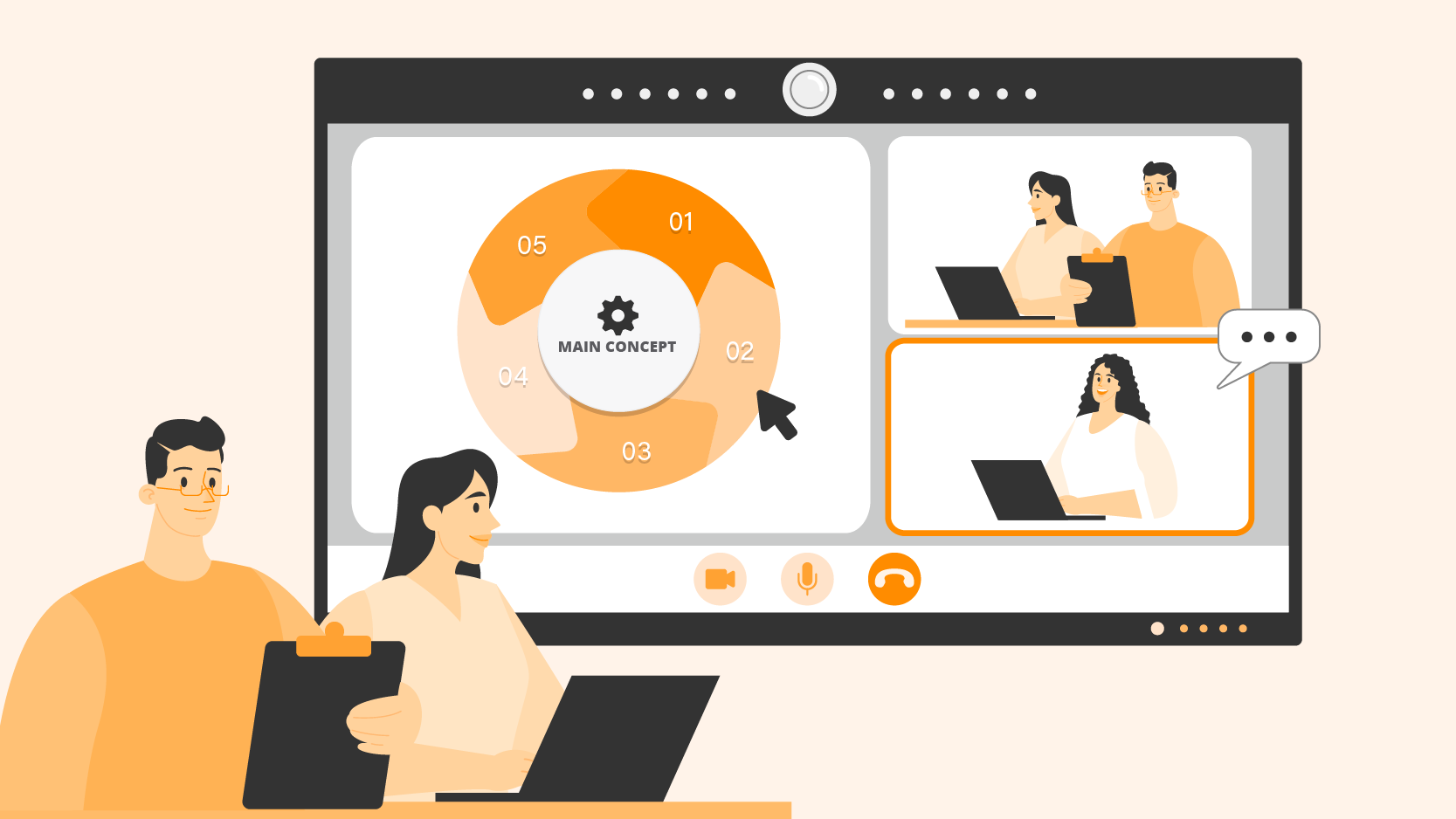
  • Microphone Arrays: Look for 8-element mic arrays with AI noise cancellation and echo reduction. This ensures remote participants hear the speaker’s voice clearly, not the HVAC system or keyboard typing. The pickup range should cover at least 8 meters.
  • Camera Integration:
    • For huddle spaces, an integrated AI camera with “Auto-Framing” and “Speaker Tracking” is sufficient.
    • For larger boardrooms, ensure the board has ample USB 3.0 ports to support external PTZ (Pan-Tilt-Zoom) cameras mounted at eye level.
How to Choose the Best Smart Board for Your Office_Infographic_06_Webcam- Enhance Video Conferencing

9. Sustainability & ESG: The Hidden Selection Criteria

In 2026, corporate procurement is increasingly driven by ESG (Environmental, Social, and Governance) goals. Smart boards are large electronic devices, and their energy profile matters.

  • Energy Efficiency: Look for Energy Star 8.0 certification. Features like presence sensors (which wake up the screen when someone enters and put it to sleep when empty) can save thousands of kilowatt-hours per year across a campus.
  • Materiality: Manufacturers using recycled plastics (PCR) in their chassis and eco-friendly packaging (soya-based ink, cardboard instead of foam) demonstrate a commitment to sustainability that aligns with corporate green policies.

10. Deployment, Management, and TCO

The purchase price is only one part of the equation. Total Cost of Ownership (TCO) includes installation, training, and management.

Centralized Remote Management (MDM)

For IT teams managing 50+ displays across different floors or cities, remote management is essential.

  • OTA Updates: Can you push firmware updates remotely at night?
  • Broadcast Messages: Can you send emergency alerts or company announcements to all screens instantly?
  • Power Management: Can you schedule all screens to shut down at 7 PM automatically?

Warranty and Support

Enterprise-grade smart boards should come with a standard 3 to 5-year onsite warranty. Unlike consumer TVs where you have to ship the unit back for repair, enterprise support means a technician comes to your office to fix or swap the unit, minimizing downtime.

Conclusion: The Procurement Checklist

To secure the best smart board for office use in 2026, prioritize these six non-negotiables to protect your ROI:

  1. Security Compliance: Is it EDLA Certified with native Google Play Protect?
  2. Wireless Casting: Does it support app-free casting with Touchback and 4-way split screen?
  3. Core Performance: Does it offer <10ms latency for a superior writing experience?
  4. OS Stability: Does it run on Android 13 for maximum app compatibility?
  5. Visual Clarity: Is it 4K with Anti-Glare Technology?
  6. Connectivity: Does it support full-function USB-C (65W+)?

By adhering to these standards, Procurement and IT teams can deploy a solution that satisfies end-user needs while maintaining strict network security and manageability. The best smart board is not just a screen; it is the bridge that connects your hybrid workforce.
Related Products


You may also like