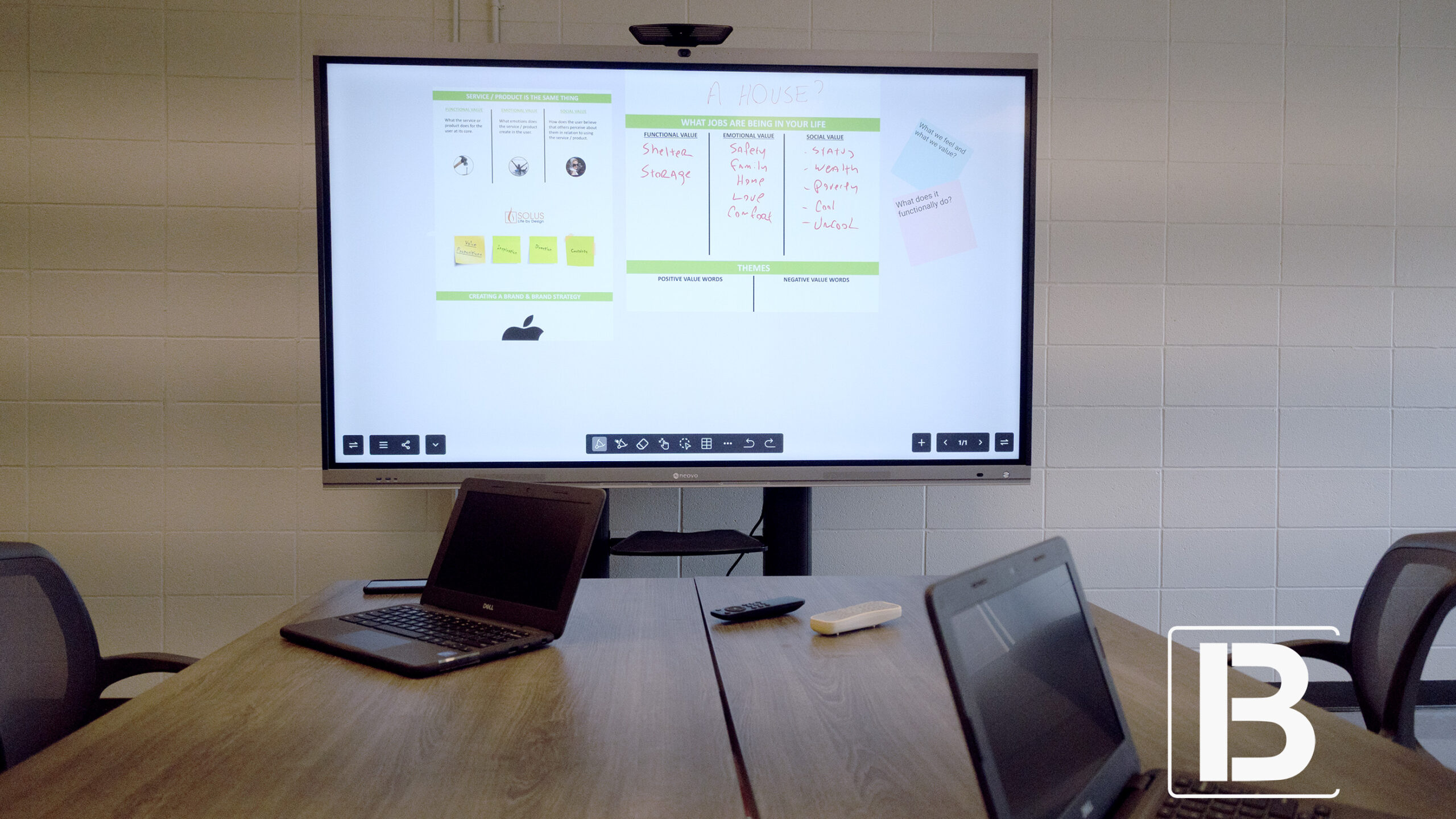
Smart Boards for Executives: Lead Meetings That End in Decisions
Smart Boards for Executives transform meetings into decisions. Discover how to choose the right smart board for faster decisions, hybrid collaboration, and seamless leadership.
Table of contents
Share
Every executive knows the feeling: you walk out of a meeting with plenty of discussion, even good intentions — but too few real decisions. Instead of clarity, you leave with another round of notes, follow-ups, and the need to reconvene. The cost isn’t just time; it’s lost momentum, unclear direction, and slower execution.
As a leader, your office is more than a workspace. It’s where strategies are shaped, priorities are set, and decisions are made. But if your meetings rely on outdated tools — projectors, static whiteboards, endless video calls — your ability to lead with speed and precision is compromised.
This is why smart boards have become the new standard for executives. They’re not just digital screens; they’re decision platforms. And in modern executive workspace, choosing the right smart board for office settings ensures that every meeting starts with clarity and ends with results. A smart board empowers you to turn conversations into outcomes, align your team in real time, and move from “we should” to “we will.”
In this article, we’ll explore how smart boards transform the way executives run their meetings, why every leader’s office needs one, and what to look for when choosing the right board for your leadership style.
Why the Smart Board Isn’t Optional Anymore
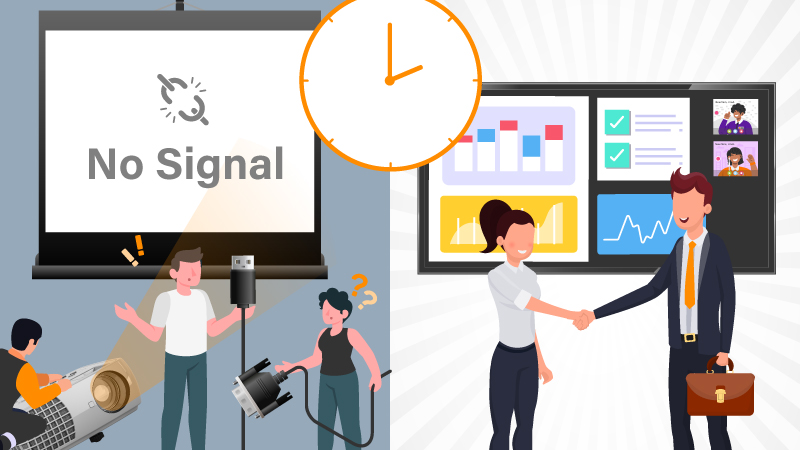
Traditional office tools — projectors, whiteboards, video calls — have all played their part. But the demands of modern executive meetings have outgrown them. Today, meetings aren’t just about presentation; they’re about interaction, visual clarity, rapid feedback, and hybrid collaboration.
Office meetings today must go beyond discussion, they should become decision accelerators enabled by technology. Executives don’t need more meetings, they need faster decisions. And every minute lost to:
“Can you see my screen?”
“Hold on while I find the cable,”
“Let me email that later”
… is a minute that stalls momentum.
Smart Boards step in where traditional setups fail. They allow instant access to visuals, live annotation, simultaneous input from local and remote attendees, and — most importantly — the ability to capture and share everything that happens during the meeting. They bring back the energy of “deciding now,” not “circling back later.”
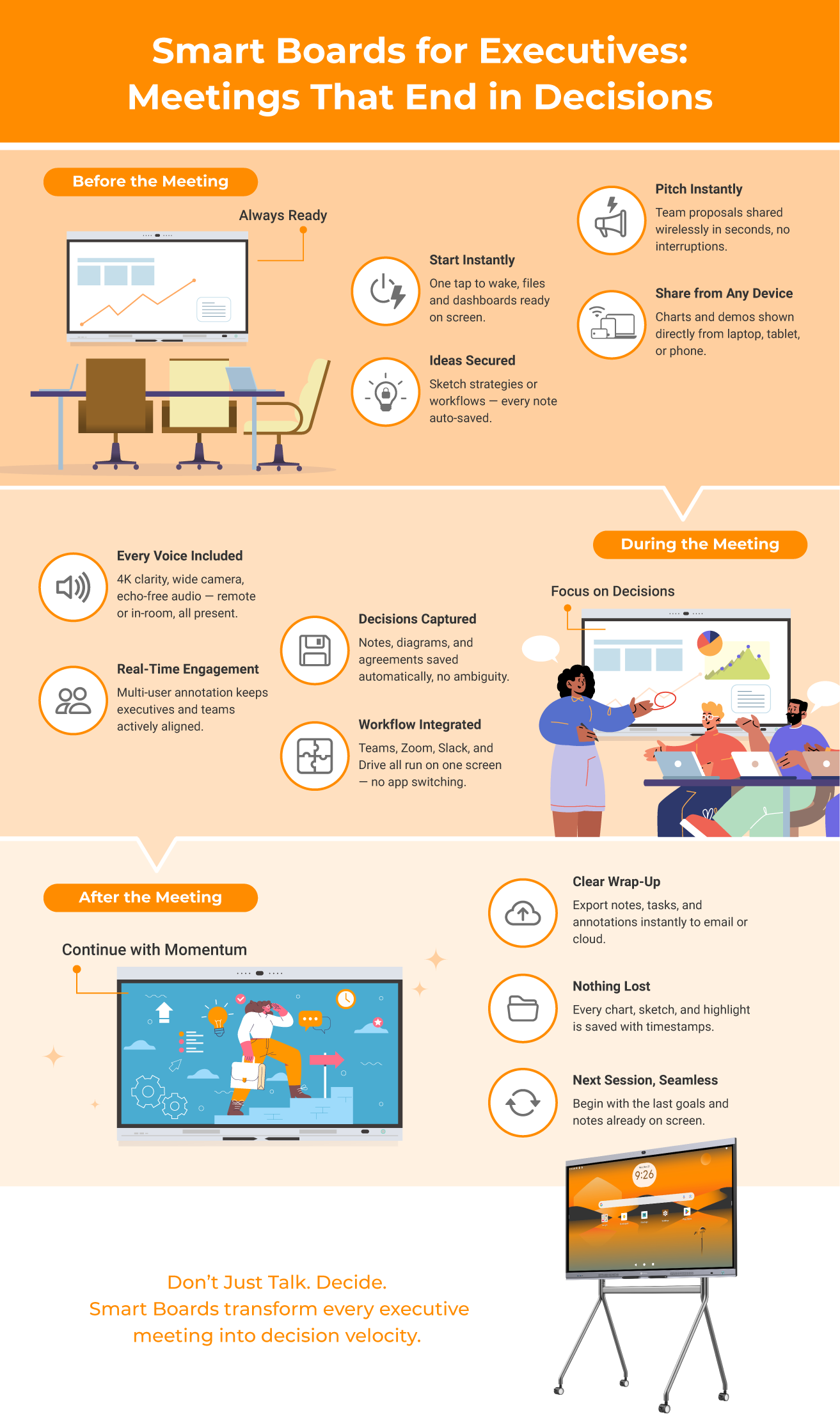
Turning Pain Points Into Productive Action
Transforming executive meeting friction into momentum — one board at a time.
Before the Meeting: Missed Readiness, Missed Opportunity
Pain Point:A sync is scheduled, but once everyone arrives, there’s no shared screen available, no digital whiteboard, and the previous week’s data is buried in someone’s inbox.
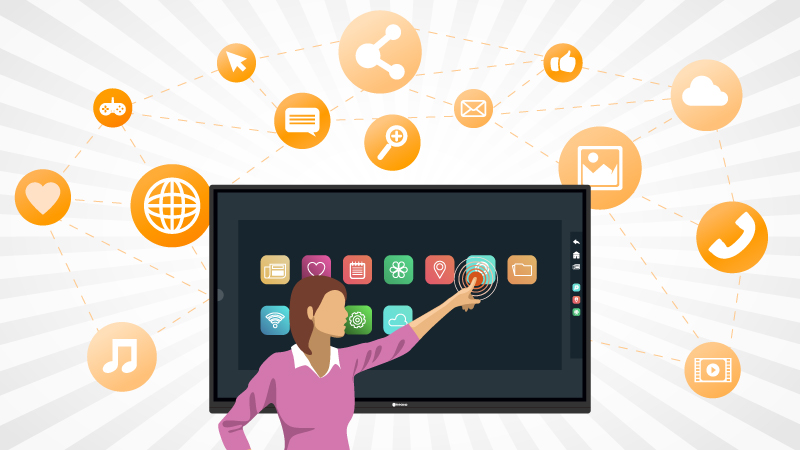
Solution: With a Smart Board, everything is ready the moment you walk into the room. The device wakes up with a single tap, instantly connecting to cloud drives, calendars, and dashboards. Previous files, strategy documents, or performance reports can be pulled up within seconds — no need to scramble through emails or plug in laptops. Leaders get to start with context, not confusion.
Pain Point:Executives often need to brainstorm or sketch diagrams to frame a strategy, but there’s no reliable space to visually communicate ideas on the fly.
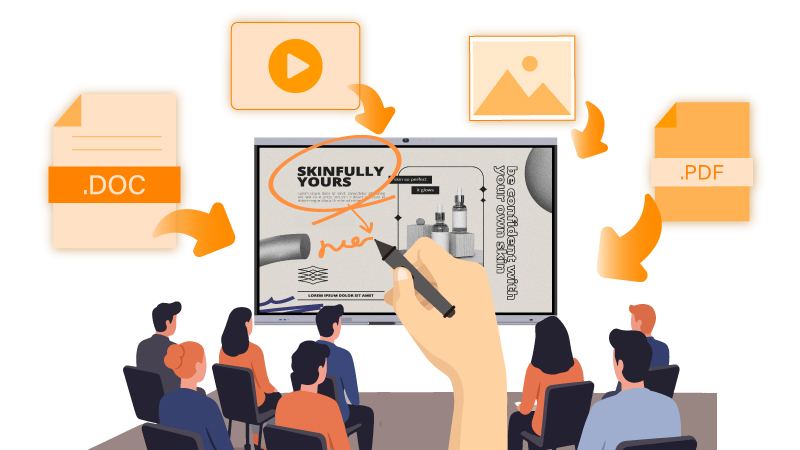
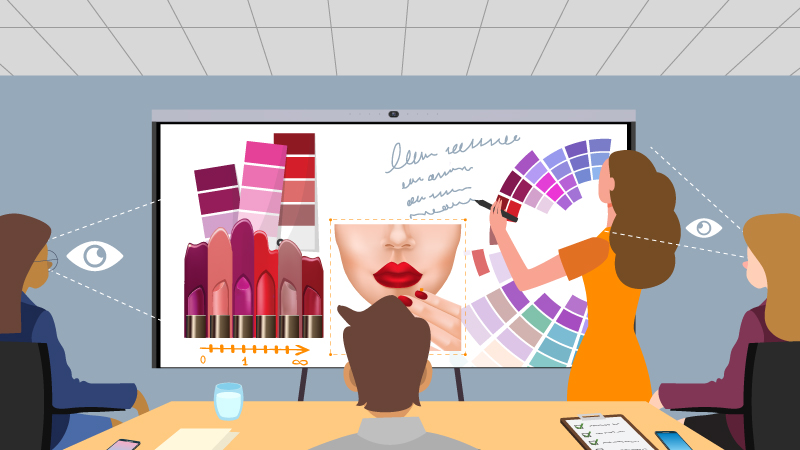
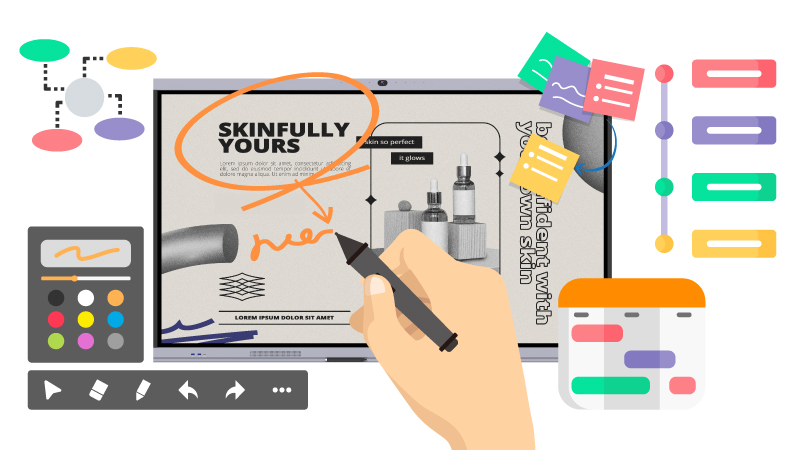
Solution: Smart Boards offer a frictionless canvas. You can draw directly with a stylus or even a fingertip, write out models, map workflows, and visually structure decisions. These sketches are automatically captured and stored — no more dry markers or smudged whiteboards. That spontaneous idea? It’s not lost; it’s documented.
Pain Point:When team members step into the executive office to pitch an idea, precious minutes are lost searching for cables and switching inputs — momentum fades before the proposal even begins.
Solution: With wireless screen sharing, proposals start instantly. Whether from a laptop, tablet, or phone, content is on screen in seconds. Leaders get to focus on evaluating ideas, not waiting for setup.
Pain Point:Executives often need to pull up a chart, demo, or mobile file on the spot — but connecting cables or switching inputs breaks the flow.
Solution: Smart boards let leaders share directly from any device via AirPlay, Miracast, or Google Cast. No cables, no interruptions — just seamless leadership presence when it matters most.
During the Meeting: Lost Focus, Fragmented Dialogue
Pain Point:Remote participants can’t see what’s being discussed, struggle to follow the flow, and often miss key visual explanations.
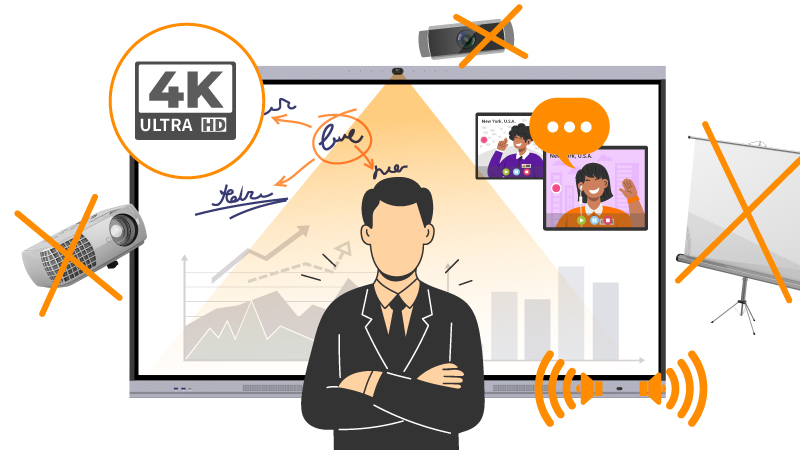
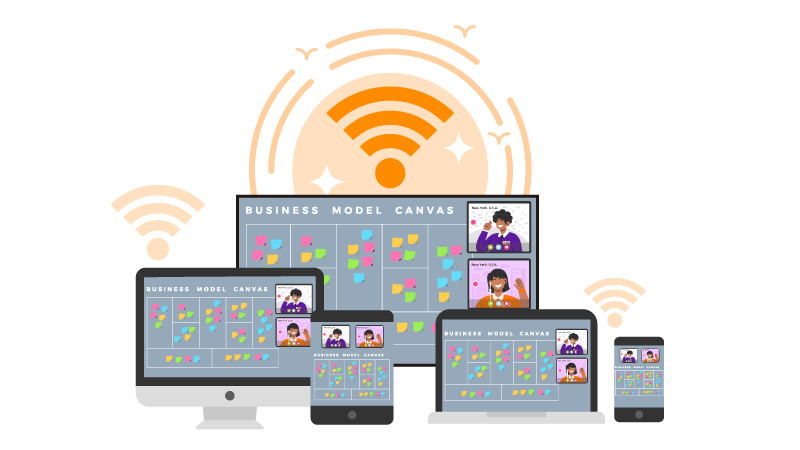
Solution: With integrated 4K displays, wide-angle cameras, echo-canceling mics, and real-time screen sharing, Smart Boards make remote executives feel like they’re in the room. Everyone sees the same content — diagrams, data, and decisions — and can interact via live annotations or file drop-ins. Clarity replaces confusion, and virtual presence feels real.
Pain Point:There’s no ability to annotate content live or interact collaboratively with visuals, leading to passive consumption and a drop in engagement.
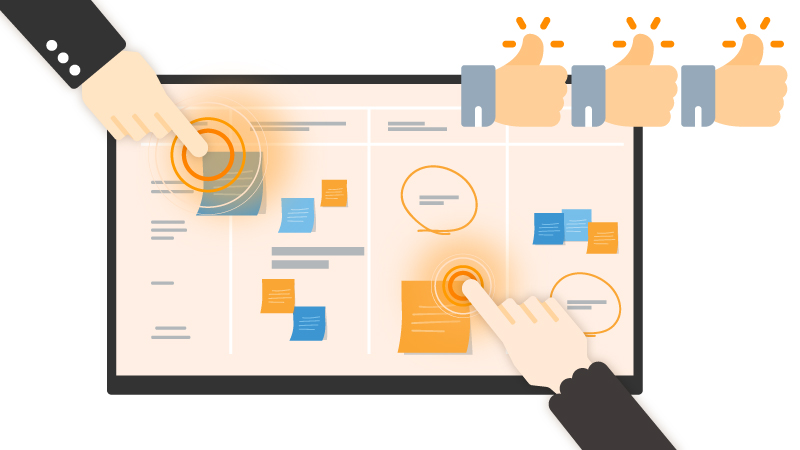
Solution: Whether reviewing financial reports or mapping initiatives, an interactive smart board enables multi-user annotation in real time — turning passive screen sharing into dynamic team participation. Executives can underline a metric, sketch a process, or reframe a proposal live on screen. This collaborative interactivity keeps the room focused, energized, and aligned — no more “just talking through slides.” From internal reviews to high-stakes presentations, a smart board for business empowers leaders to drive engagement, simplify communication, and close the loop on decisions quickly.
Pain Point:Key decisions are discussed verbally but rarely recorded clearly, leading to ambiguity around ownership and action items.
Solution: Smart Boards capture every screen change, diagram, annotation, and typed note. By the end of the meeting, a complete visual record is generated. No ambiguity, no backtracking — just clear, documented decisions and who owns what.
Pain Point:Even with video calls, leaders often waste time switching between apps — jumping from Teams to Slack, or from dashboards to presentations. Each switch interrupts the flow of discussion.
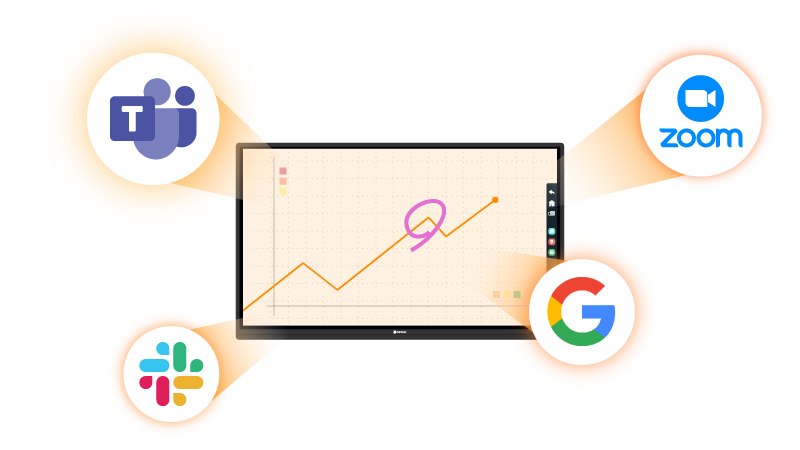
Solution: Smart boards consolidate your workflow. You can open Teams or Zoom directly on the board, bring in files from OneDrive or Google Drive, or drop a Slack message into the discussion — all without leaving the meeting space. Instead of juggling devices, everything happens in one place, on one screen.
After the Meeting: Action Gaps and Repeat Conversations
Pain Point:The team walks out of the room with no shared summary, unclear responsibilities, and no momentum toward execution.
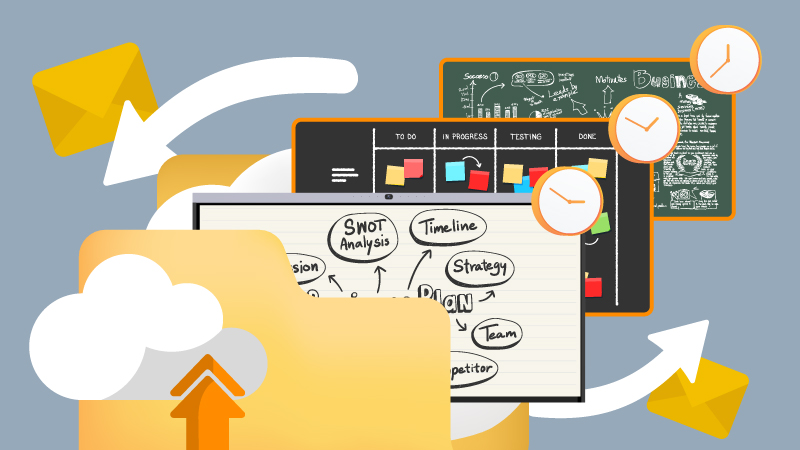
Solution: Smart Boards simplify wrap-up with instant file export to cloud folders or email. Meeting outputs — from annotations to action lists — are immediately sent to all participants. No need to type up recaps or recreate flowcharts later. Everyone leaves with the same clarity they had at the end of the meeting.
Pain Point:Critical insights or decisions get lost because they were written on a physical whiteboard, scribbled on paper, or never recorded at all.
Solution: With automatic saving of all written, visual, and interactive content, Smart Boards eliminate the risk of idea loss. What’s drawn, said, and agreed upon is saved — with timestamps, contributor marks, and searchable access. What gets decided doesn’t disappear.
Pain Point:Next meetings become reruns — same discussions, same questions, because the last meeting lacked closure or continuity.
Solution: Smart Boards provide continuity. Teams begin their next session with the last meeting’s visuals already loaded — annotated goals, discussion maps, and pending tasks. No rehashing, just progress. Meetings evolve instead of reset.
What Truly Matters When Choosing a Smart Board
Choosing a Smart Board isn’t just a tech decision — it’s a leadership one. The right board empowers clear thinking, fluid discussion, and confident decisions. Here are the key elements you should evaluate before you invest, and how they matter in the phases before, during, and after meetings:
Display size & visual clarity: Before the meeting, the board must be large and sharp enough so that previewing slides or metrics doesn’t strain eyes. During, clarity allows everyone — local or remote — to see fine details. After, visuals must remain legible in shared reports or saved content.
Input responsiveness: Before meetings where you may want to brainstorm or sketch on the fly, latency and pen tracking need to be excellent. During discussions, lag or inaccuracy breaks flow. After, accurate saved annotations ensure nothing gets misinterpreted.
Tool and platform integration: Before scheduling, know whether your file systems, conferencing tools, and sharing platforms will work with the board. During the meeting, seamless integration means fewer interruptions. After the meeting, exporting or sharing content must not require extra conversion steps.
Hybrid meeting support: Before the meeting begins, remote participants should receive invites that indicate full inclusion. During, the board must support good audio/video, remote annotations, and clear shared visuals. After, remote participants should have access to all captured materials in the same way as in‑room attendees.
Workflow & App Integration: A smart board should work seamlessly with the apps you already rely on — Microsoft Teams, Slack, Google Workspace, Zoom, or your project management tools. The goal isn’t to add another platform, but to make your existing workflow faster and more natural.
Annotation & content capture: Before, plan what content you’ll need later — diagrams, action items, highlights. During, capture in real time. After, everything must be saved, exportable, shareable.
Ease of use & intuitive interface: Before, your team should be able to set up quickly. During, actions like calling up documents, drawing, or adjusting input should be seamless. After, reuse and reference of content should be straightforward for everyone.
Wireless Screen Sharing: Ensure the board supports multiple wireless standards (AirPlay, Miracast, Google Cast) so executives and guests can share instantly, without cables or adapters.
Reliability & support: Before purchase, consider vendor reputation, maintenance/service plans. During usage, the system should be stable — no crashes, no frequent glitches. After, warranty and support should cover updates, repairs, and UI improvements.
Total cost & long‑term value: Before investing, calculate accessories, recurring licenses, training. During use, consider maintenance and longevity. After, the value should show in saved meetings, reduced delays, clearer decisions.
How Smart Boards Create Decision Velocity
Every leadership minute matters. Multiply the delays and friction points across your weekly meetings — late starts, duplicate updates, missed notes — and it becomes clear that meetings without the right tools are silently bleeding time.
Smart Boards accelerate leadership rhythm in key ways:
Faster meeting start: One tap to launch a call, open files, or sketch.
No IT, no setup delay.
Improved decision clarity: Live notes and diagrams remove ambiguity. What was discussed is what was saved.
Better hybrid flow: Remote voices are heard, visuals are shared, and nobody feels left behind.
Consolidated follow‑up: Send meeting output instantly. No scattered photos, flipchart snapshots, or lost sticky notes.
Real presence: When leaders present ideas with fluidity, clarity, and visual sharpness — they command the room.
Ready to Lead Smarter?
If this article has resonated, you’re likely starting to ask: “So what kind of Smart Board should I get?”
Here’s what to do next: revisit your top meeting pain points. Is it hybrid fatigue? Slow starts? Lack of visual clarity? Map features to needs. Prioritize display size, annotation responsiveness, and integration with your existing tools. Test it in action. Book a demo if possible — not to be impressed by tech, but to see how naturally it fits your style. Think long‑term. Will this board serve your needs next year? Is the vendor stable? Is support available?
For a deeper dive into how to select the best Smart Board for your office needs — from panel quality, usability, to pricing trade‑offs — we recommend reading this expert guide How to Choose the Best Smart Board for Your Office. It breaks down key technical and strategic buying considerations executives should know before they invest.
Conclusion: Don’t Just Talk. Decide.
The cost of ineffective meetings is invisible, but massive. Leaders need tools that amplify clarity, accelerate participation, and close the gap between “we should” and “we will.”
A Smart Board is not just an upgrade to your office setup. It’s a commitment to how you lead — visually, interactively, and decisively. If you want meetings that move the business forward, this is the tool to make it happen.
Your next meeting doesn’t have to start with a delay or end with a question mark. It can start with clarity — and end in a decision.
Let us help you find the Smart Board built for how you lead.







 NeoV™ Optical Glass Screen
 Anti-Burn-in™ Technology