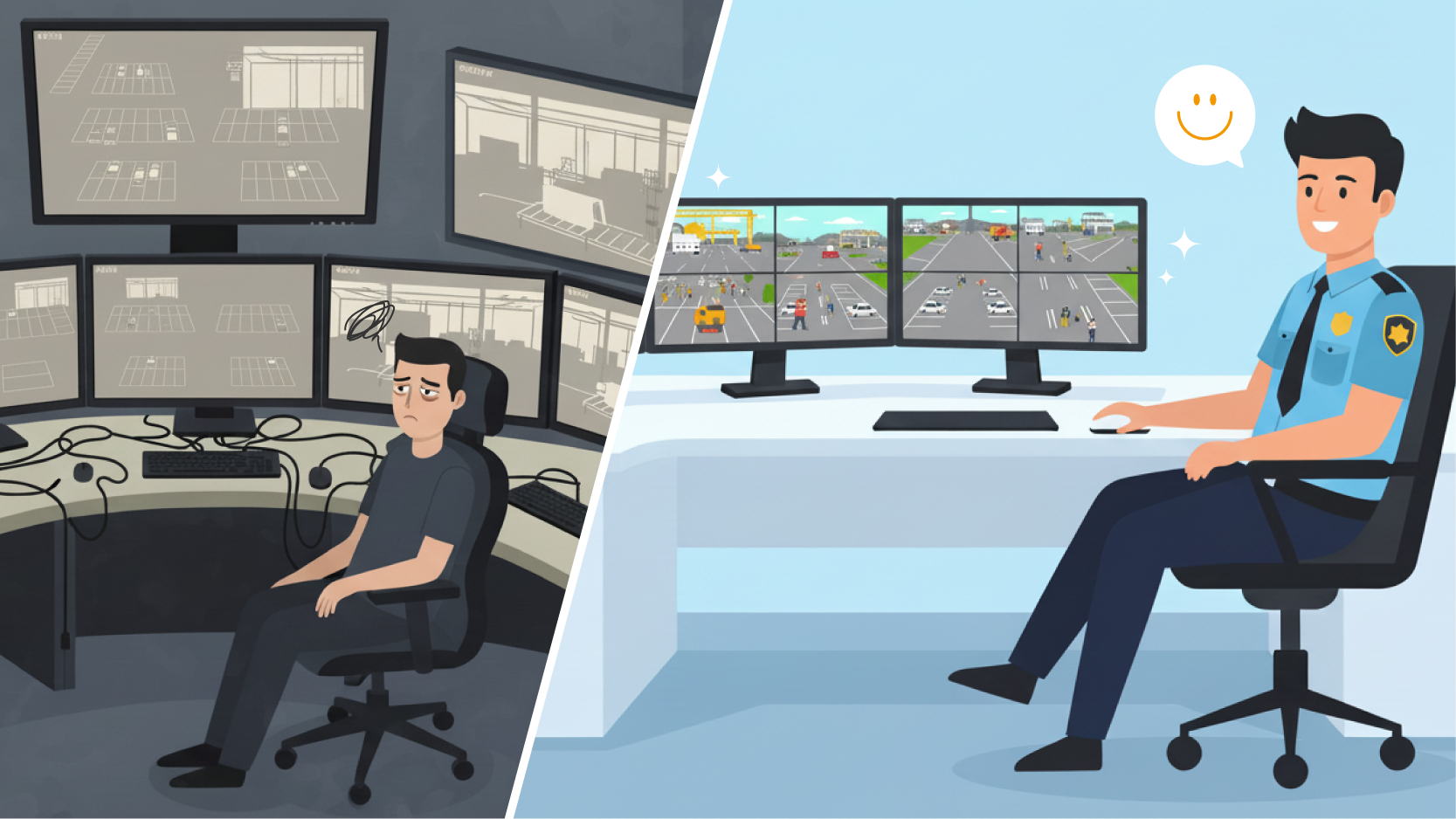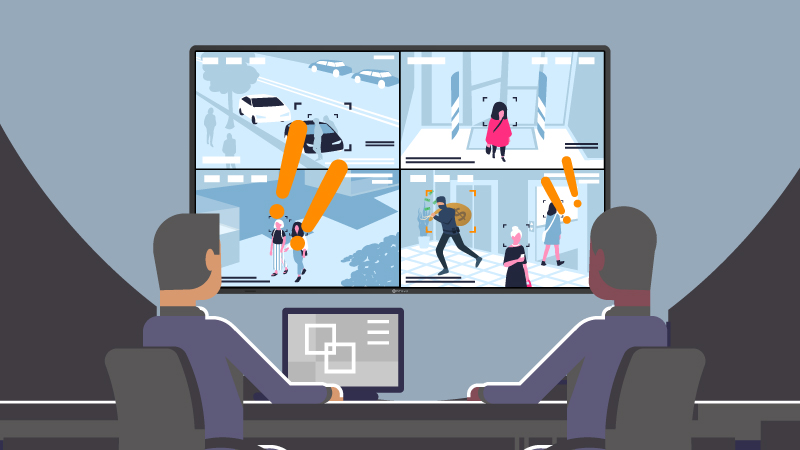
In professional monitoring environments, the challenge is not simply connecting multiple systems to a display—it is managing how those systems are viewed and interpreted in real time.
Operators in control rooms, industrial environments, and security operations are often required to monitor several independent inputs simultaneously. Traditional approaches, such as switching between inputs or distributing systems across multiple screens, can interrupt workflows and reduce overall efficiency.
A Picture-by-Picture display, also called a PBP display, helps solve this challenge by showing multiple independent sources on one screen. For control rooms, industrial sites, surveillance centres, transport operations, marine systems, and command environments, PBP displays provide a more stable and efficient way to manage multi-source information.
Explore PIP/PBP functions on 4-HDMI displays ↗
Picture-by-Picture (PBP) is a display mode that divides a single screen into multiple sections, allowing video feeds from separate input sources to be shown side by side.
Unlike software-based split-screen solutions, a professional PBP display uses internal hardware processing to handle multiple signals directly. Each input is rendered independently, preserving its original resolution and aspect ratio.
This allows multiple systems—such as workstations, control interfaces, or video feeds—to be displayed simultaneously without requiring manual switching.
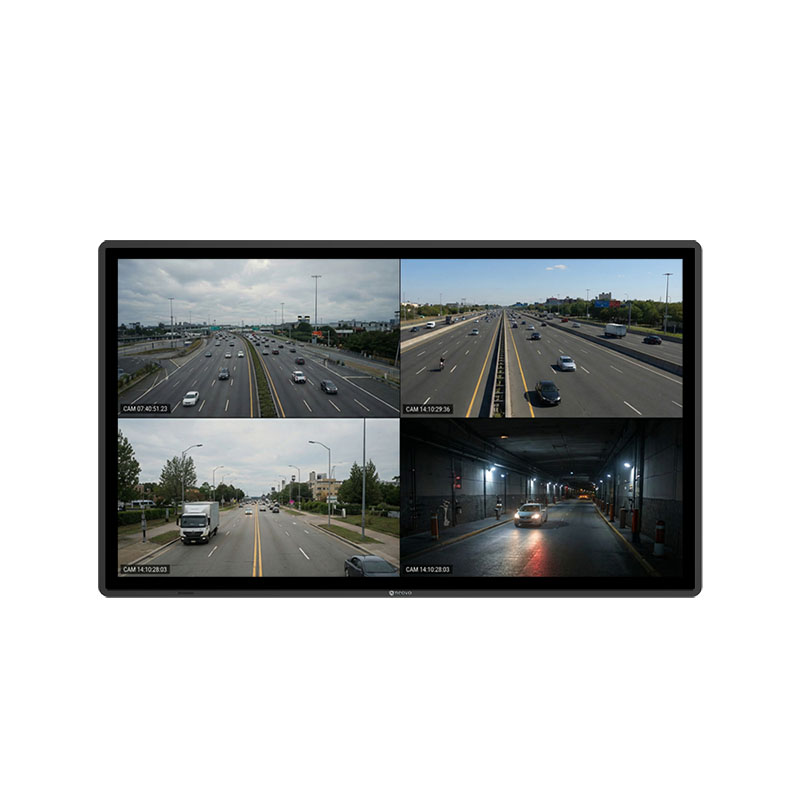
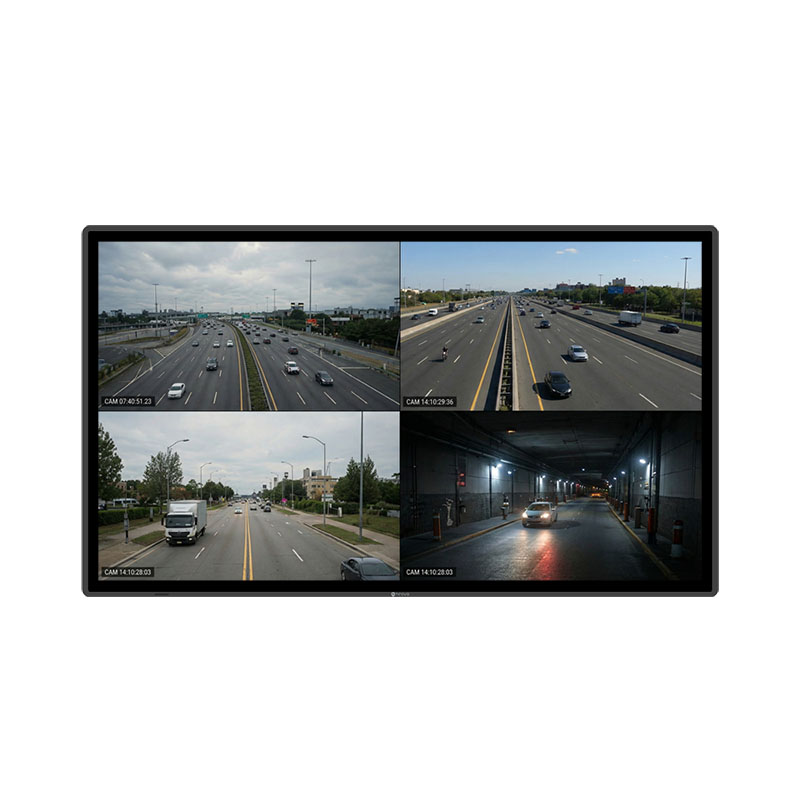
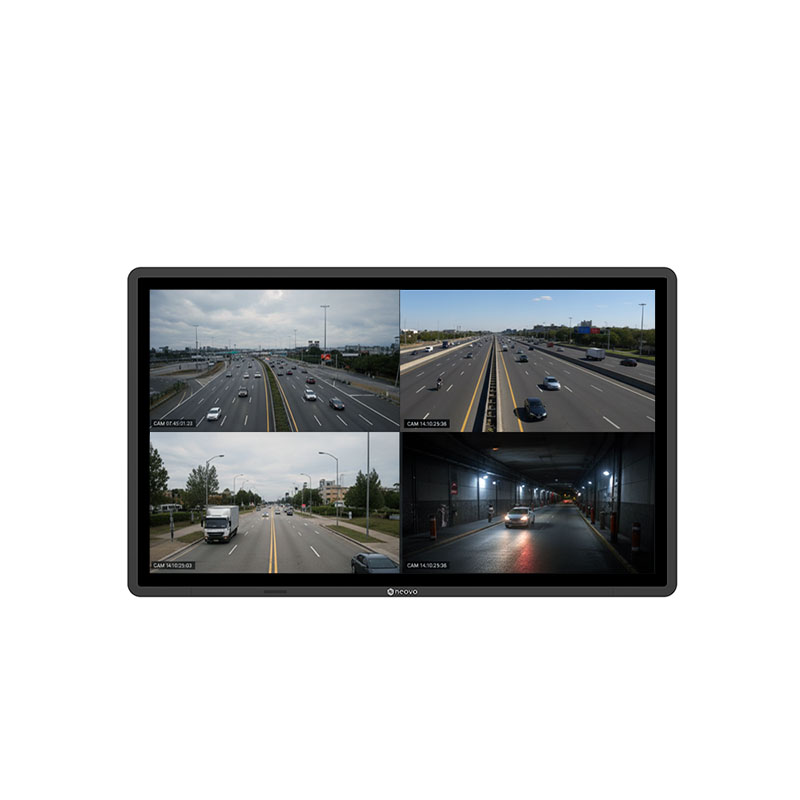
PBP is best when operators need equal visibility across several sources. A quad-view layout, for example, can show four inputs at the same time. Meanwhile,
PIP, or Picture-in-Picture, places a smaller secondary source over a main image. It is useful when one feed is the priority and another only needs occasional reference. Professional displays typically support both Picture-by-Picture (PBP) and Picture-in-Picture (PIP) modes, each serving different operational needs.
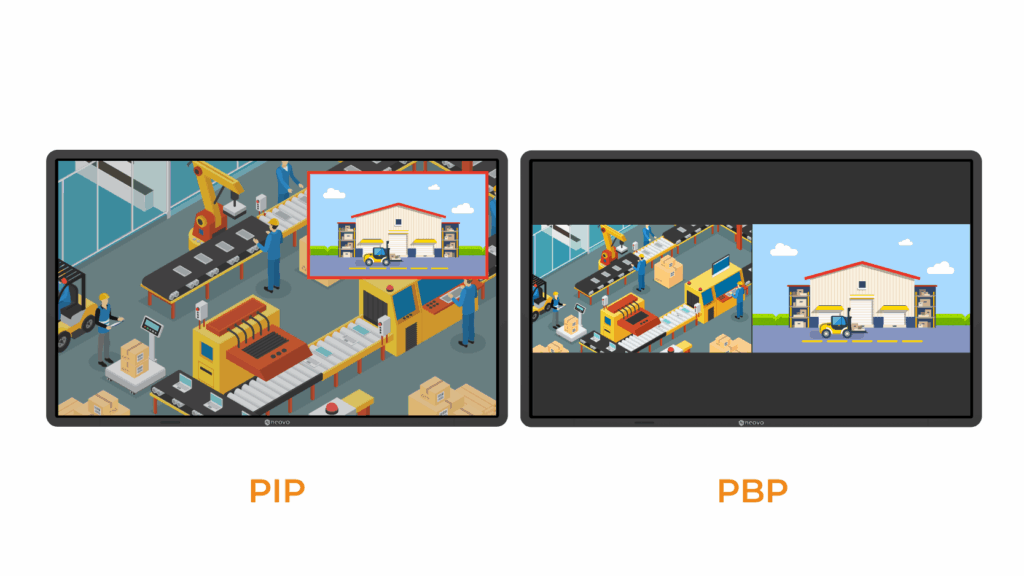
PBP divides the screen into equal or structured sections, with each section dedicated to a separate input.
This layout is commonly used when:
For workflows that require continuous monitoring of several independent systems, PBP displays are usually preferred because they provide equal visibility for each input without the need to toggle sources.
PIP overlays a smaller window on top of a primary image.
This approach is useful when:
In professional monitoring environments, PBP is generally preferred when continuous visibility across multiple systems is required.
The way information is presented on screen directly affects how operators interact with systems.
When multiple inputs are displayed simultaneously within a structured layout, operators can:
In contrast, workflows that rely on switching between inputs require operators to repeatedly shift focus, increasing the likelihood of delays or missed information.
PBP displays reduce this friction by presenting multiple systems in a stable, predictable layout—allowing operators to remain focused on interpretation rather than navigation.
A common frustration when moving from multiple monitors to a single PBP monitor is image distortion. This issue is especially noticeable on consumer ultrawide monitors that are not designed for professional multi-source monitoring.
When a traditional 16:9 signal is split on a screen that only supports a simple side-by-side layout, each window may become a narrow vertical shape with an unusual aspect ratio. This leads to two common problems.
Professional PBP displays, such as AG Neovo QX Series, avoid this problem by supporting quad-view layouts and flexible aspect-ratio control. For example, a 4K display divided into four equal sections can maintain correct 16:9 proportions for each input, allowing multiple sources to be shown clearly without distortion or wasted space. This ensures that critical information remains accurate and easy to read. For environments that require correct aspect ratios, quad-view layouts, and direct multi-source inputs, 4 HDMI multi-input displays provide a more efficient alternative to conventional monitors.
Another important difference between consumer monitors and professional PBP displays is how the signals are processed.
Some multi-window monitors rely on software utilities to arrange windows on the screen. These tools usually work only within a single operating system, organizing applications from one computer. This becomes a limitation in professional environments where each signal comes from a different physical device, such as a workstation, an IPC, or a standalone NVR.
Professional PBP displays use a built-in hardware controller to process signals directly inside the display. The on-screen display (OSD) processor receives video signals from HDMI, DisplayPort, or other input ports and combines them internally. Because the processing happens inside the display, multiple independent devices can be shown at the same time without adding load to any connected system.
This hardware-based design provides higher stability, lower latency, and consistent performance, which is essential for industrial control, surveillance monitoring, and navigation systems where reliability is critical.
In addition, hardware processing allows different operating systems and devices to be connected simultaneously. Whether the inputs come from Windows workstations, Linux-based IPCs, or dedicated recorders, the display handles the integration without requiring additional software.
See how integrated displays combine hardware multiview processing, multiple native inputs, and simplified deployment in one professional solution.
In many professional applications, two input sources are not enough. Operators often need to monitor several systems simultaneously, each providing different information.
Industrial Automation: A single display might need to show a SCADA interface, a real-time sensor data panel, a production-line CCTV feed, and a diagnostic workstation output all at once.
Surveillance & Security: Operators need to view live camera streams, playback windows, alarm dashboards, and network status panels. Using a 4-input PBP display allows them to respond to incidents without the distraction of thick bezels found in multi-monitor setups.
Maritime & Transportation: Navigators must keep GPS navigation, Radar (AIS) feeds, engine telemetry, and communication software in view. A professional PBP display ensures full situational awareness without the navigator needing to turn away from primary controls.
Professional PBP displays that support three or four native inputs make this possible on a single screen. This reduces the need for multiple monitors, simplifies installation, and improves workspace efficiency.
Many professional models also provide preset layout options, allowing operators to switch quickly between full-screen, dual-view, or quad-view configurations depending on the task. Ready to reduce external switchers, simplify installation, and monitor up to four sources on one screen? Explore our professional 4 HDMI multi-input displays or talk to us for project recommendations.
When professional applications require more than two input sources, standard monitors quickly reach their limits. External switchers, additional displays, or software workarounds increase system complexity and reduce reliability.
By choosing a professional PbP display equipped with hardware-based signal processing and multiple native inputs, system integrators can drastically reduce hardware requirements, minimize unexpected downtime, and maximize their long-term infrastructure investment.



 NeoV™ Optical Glass Screen
 Anti-Burn-in™ Technology