# Security & Surveillance

Back view of a professional multiple input monitor with four cables directly connected, illustrating a unified multi-source monitoring setup in a control room.

Multiple Input Monitor: Choosing the Right Setup for Multi-Device Workflows

Understand how to choose a multiple input monitor for professional environments. Learn the difference between simple connectivity and true multi-system workflows.

Operators in a modern control room utilising multi-source monitoring displays for enhanced operational visibility.

What Is Multi-Source Monitoring? A Guide to Operational Visibility

Learn how multi-source monitoring enables real-time visibility across multiple systems, improving situational awareness in modern operational environments.

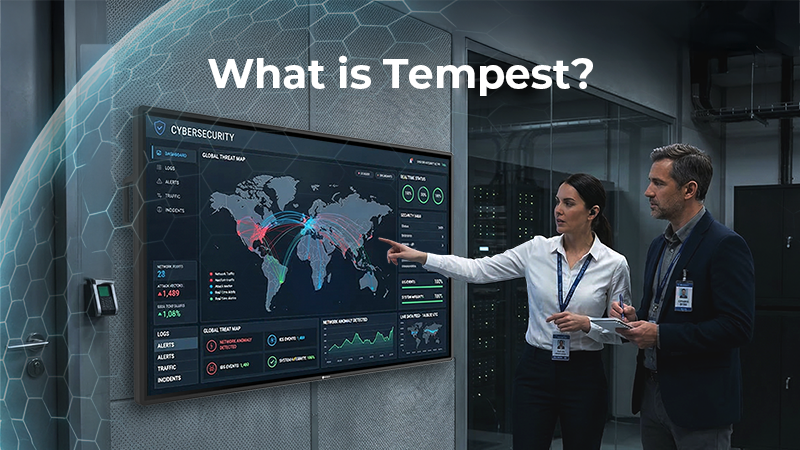
Two IT professionals analyzing a global cybersecurity threat map on a secure display, illustrating the concept of TEMPEST security standards.

What Is TEMPEST? Understanding Secure Display Standards

TEMPEST standards are critical for high-security environments. This comprehensive guide demystifies NATO SDIP-27 levels and explains why professional metal-cased displays are the frontline of defence against electromagnetic espionage.

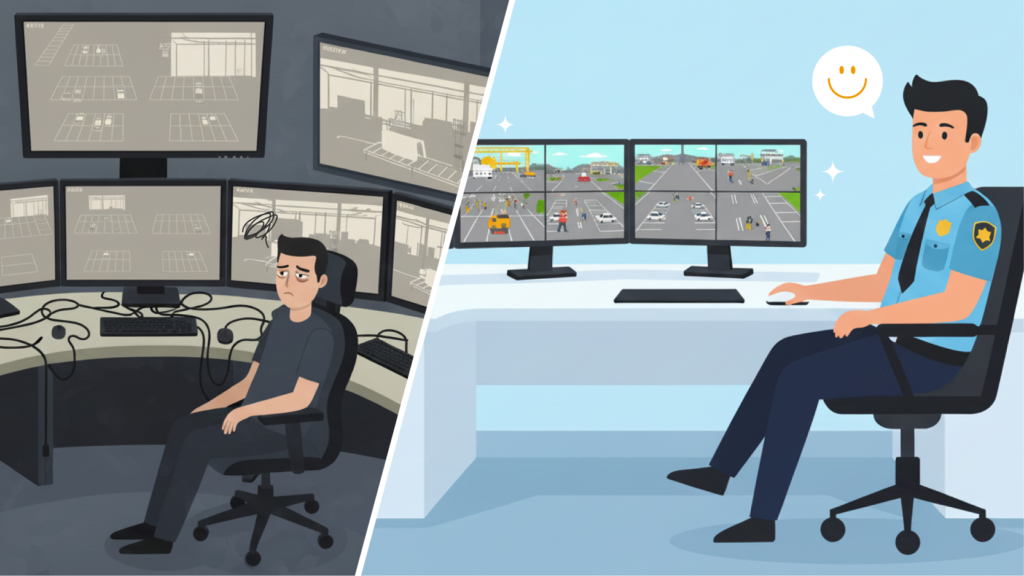
Before and after comparison of a security control room. Left shows an exhausted operator overwhelmed by a messy multi-monitor setup and cable clutter. Right shows a smiling operator efficiently managing multiple video sources using two neat professional multi-input displays.

Multi-Input Monitors vs Video Switchers in Professional Display Systems

Are external switchers complicating your signal chain? Discover why system integrators are moving toward integrated multi-input displays to reduce hardware sprawl, eliminate single points of failure, and lower TCO.

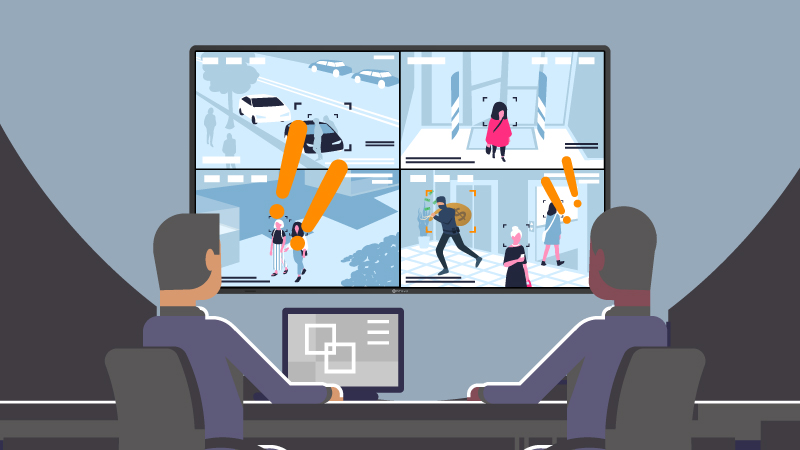
Illustration of security operators using a professional PBP display in a quad-view layout to monitor multiple video sources simultaneously without switching screens.

PBP Displays for Professional Use: Managing Multiple Video Sources Without Switching Screens

PBP monitors display multiple input sources on one screen, making them ideal for control rooms, surveillance systems, and professional monitoring environments that require stable multi-source monitoring.

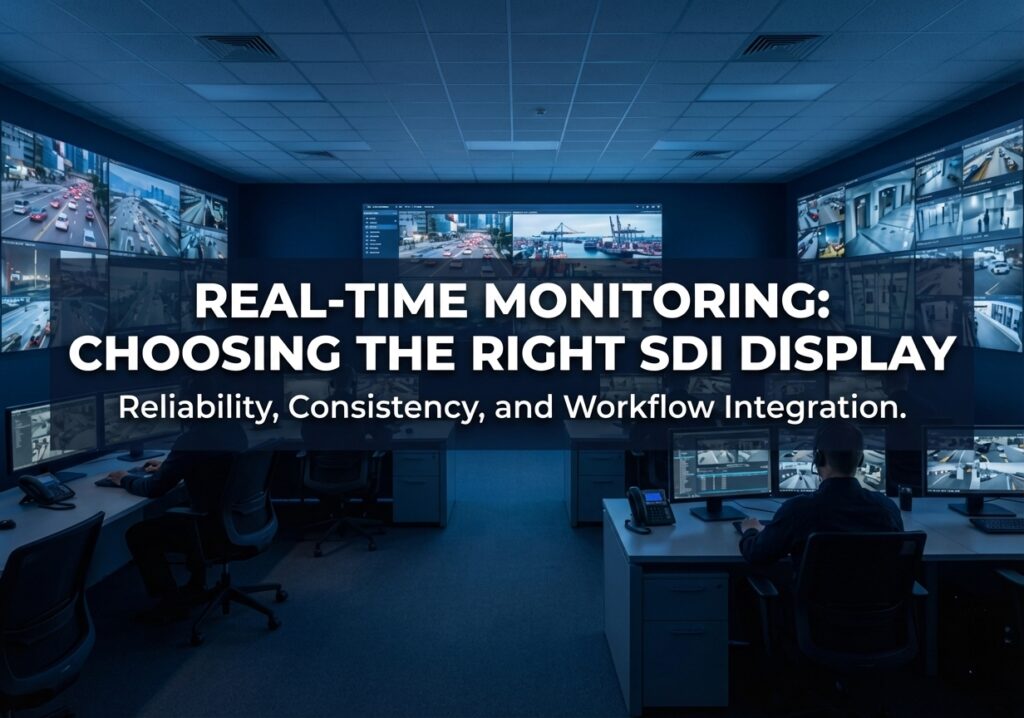
A professional security command centre featuring AG Neovo SDI displays showing multi-camera real-time surveillance, with the headline "Real-Time Monitoring: Choosing the Right SDI Display.

How to Choose the Right SDI Monitor for Real-Time Surveillance

A professional guide to choosing and specifying SDI displays for surveillance systems, focusing on deployment environments, system integration, durability, and industrial applications.

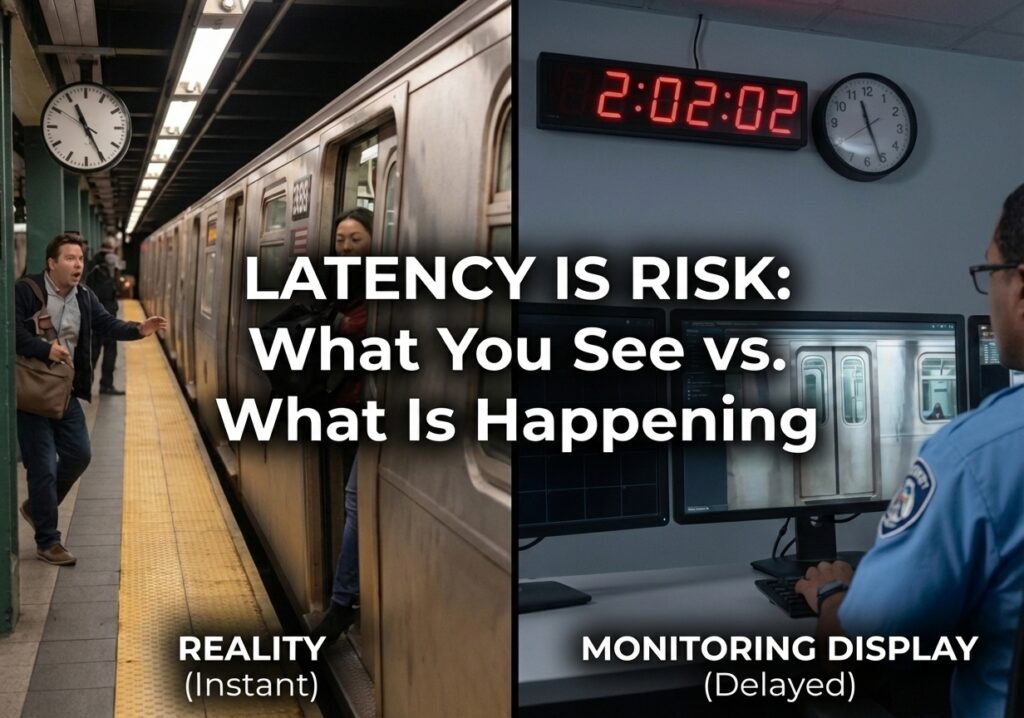
A split-screen comparison illustrating video latency: the left side shows a passenger boarding a train in "Reality (Instant)," while the right shows a security operator viewing a "Monitoring Display (Delayed)." The overlay reads, "Latency is Risk: What You See vs. What Is Happening

Why Low Latency Matters in Real-Time Surveillance Monitoring

In surveillance systems, latency is not just a technical detail—it directly impacts how quickly operators can respond to real-world events. This article explains what latency is, where it comes from, and why low-latency video transmission remains essential for real-time monitoring. It also explores how SDI technology enables stable, near-zero latency performance in professional surveillance environments.

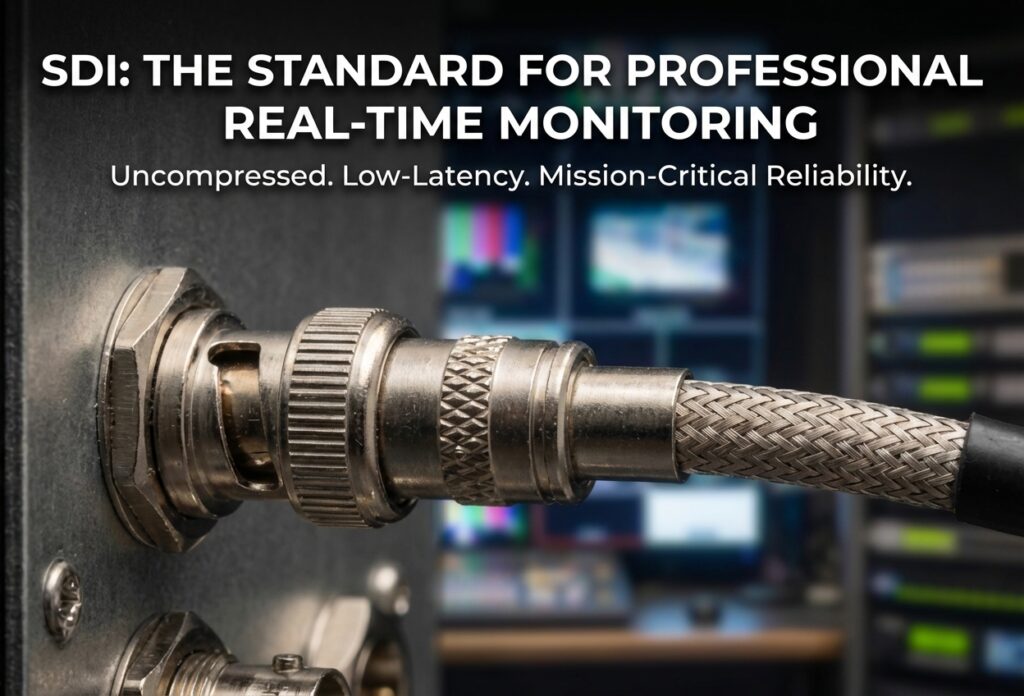
A professional BNC connector and coaxial cable plugged into an AG Neovo SDI display, ensuring uncompressed signal integrity for mission-critical real-time monitoring.

What Is SDI? How Broadcast Technology Became the Standard for Professional Real-Time Monitoring

If your surveillance system depends on real-time monitoring, understanding SDI is essential. This guide explains what SDI is, how it delivers low-latency video without relying on networks, and why it’s still widely used in environments where timing, stability, and immediate response matter most.

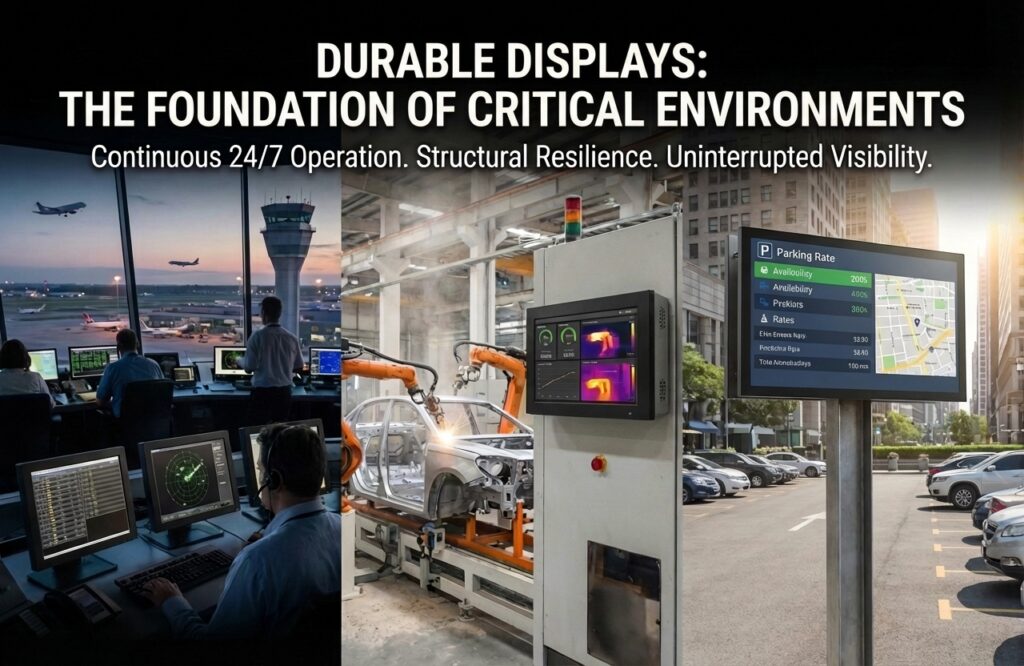
Professional durable displays for critical environments, showcasing mission-critical applications in aviation control rooms, industrial manufacturing floors, and outdoor parking facilities to ensure continuous 24/7 operation and structural resilience.

How System Integrators Choose Durable Displays for Critical Environments

Learn how system integrators choose durable displays for critical environments. Discover key factors such as 24/7 operation, thermal stability, and system compatibility to ensure reliable performance.


No relevant articles were found

Back