A 4-input HDMI multiviewer is often considered when a monitoring team needs to view four HDMI sources on one screen. For system integrators, channel partners, and professional monitoring project teams, it can be a practical way to combine multiple sources into a single visual layout.
But an external HDMI multiviewer is not the only possible architecture.
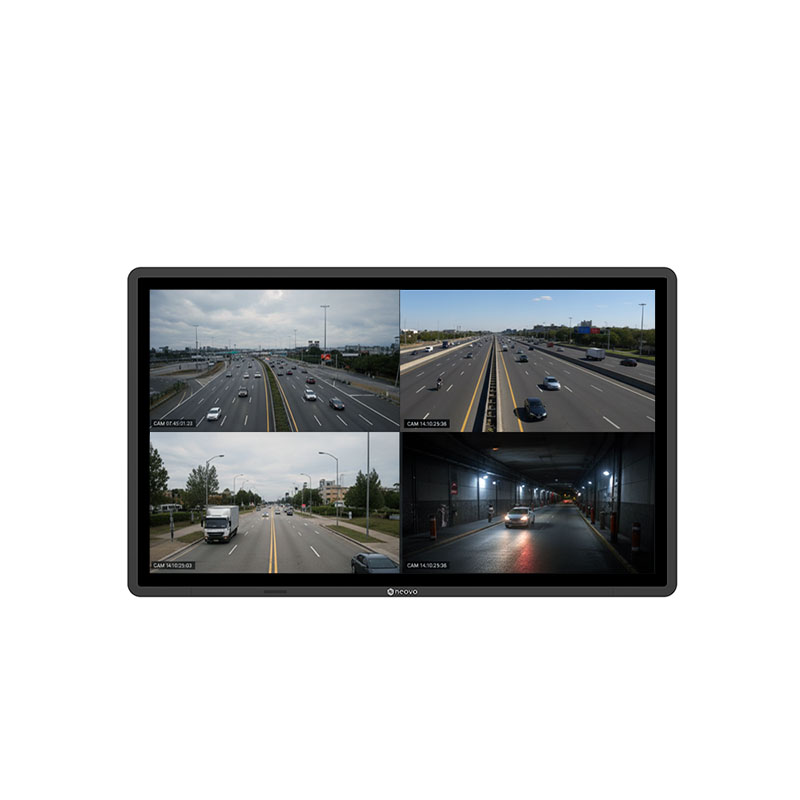
In some monitoring environments, a display with built-in multiview processing can achieve the same quad-view outcome while reducing external hardware layers, simplifying cabling, and making the system easier to deploy and maintain.
This article focuses on hardware HDMI multiviewer setups for physical video sources such as PCs, NVRs, KVM outputs, cameras, and control dashboards. It does not cover software multiviewers used for streaming, remote production, or desktop window management.
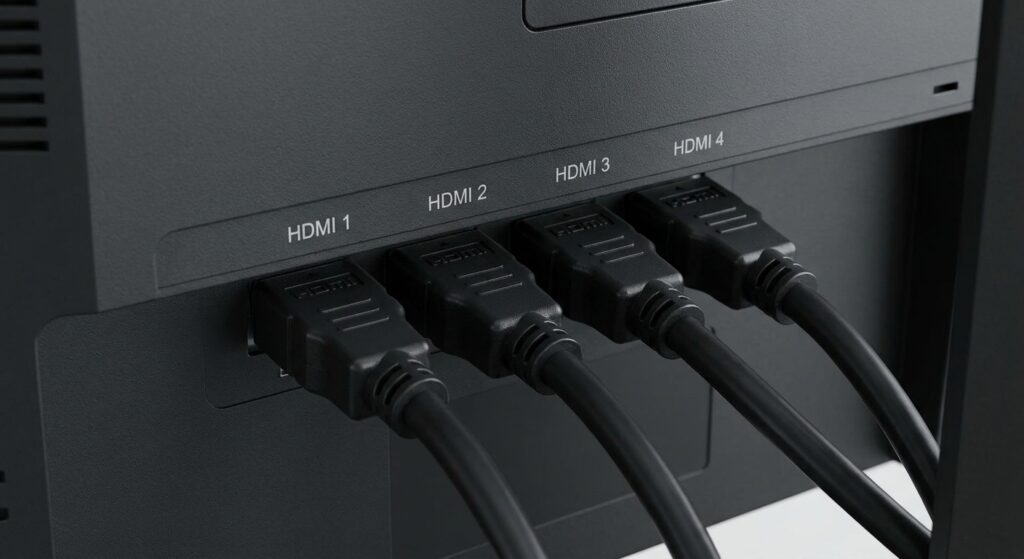
A 4-input HDMI multiviewer is a hardware device that accepts four HDMI input signals and combines them into one output signal. That output is then sent to a monitor, allowing users to view multiple HDMI sources on one screen.
Common viewing layouts include quad-view, Picture-in-Picture, Picture-by-Picture, and full-screen switching.
In a typical setup, the signal path looks like this:
Sources → HDMI multiviewer → monitor
This architecture is widely used when a standard monitor cannot process multiple independent sources by itself.
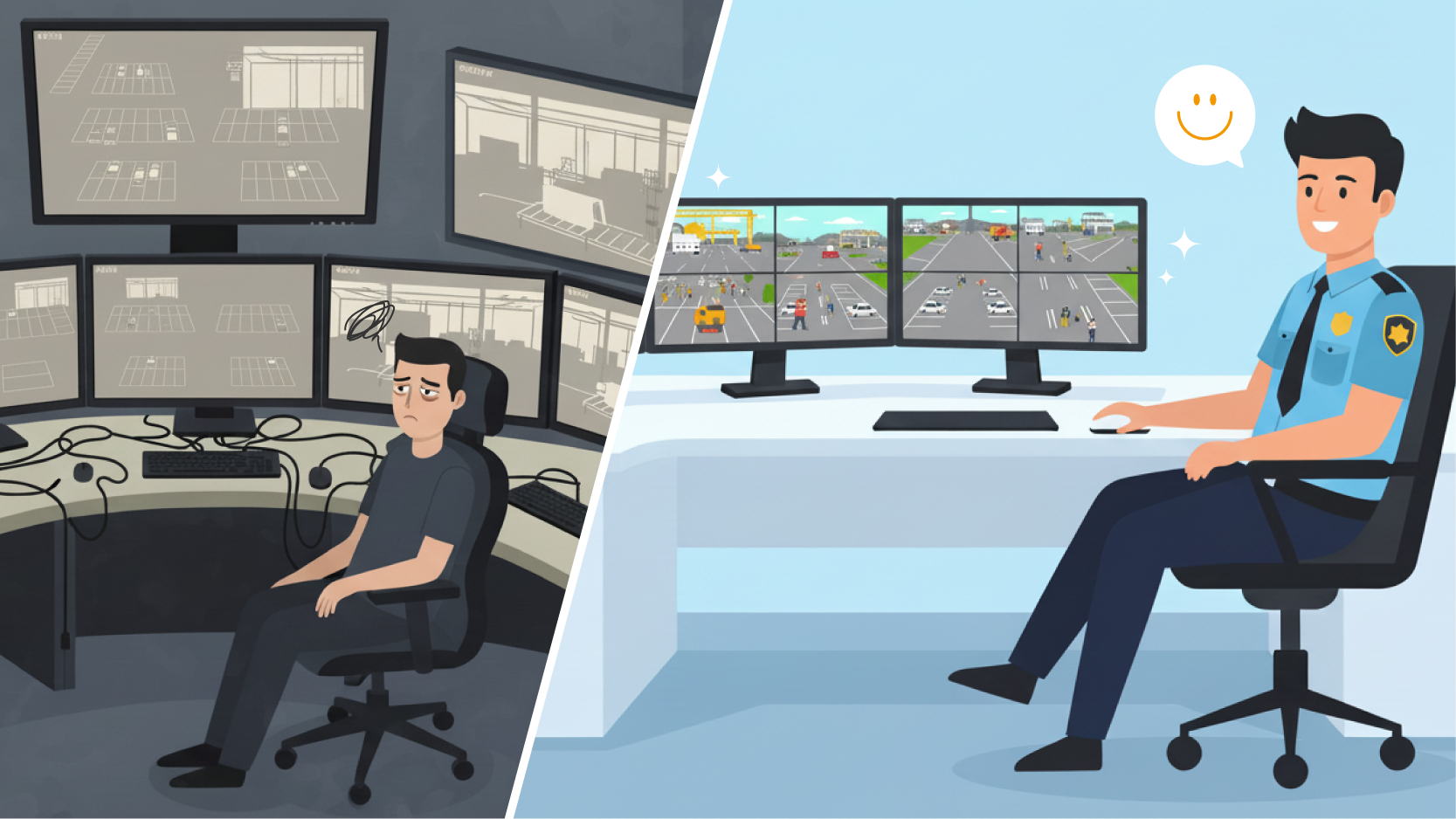
For professional environments, a 4-input HDMI multiviewer solves a real problem. It allows teams to consolidate multiple sources into a single visual layout, reduce the number of separate monitors, and keep key information visible in a shared workspace.
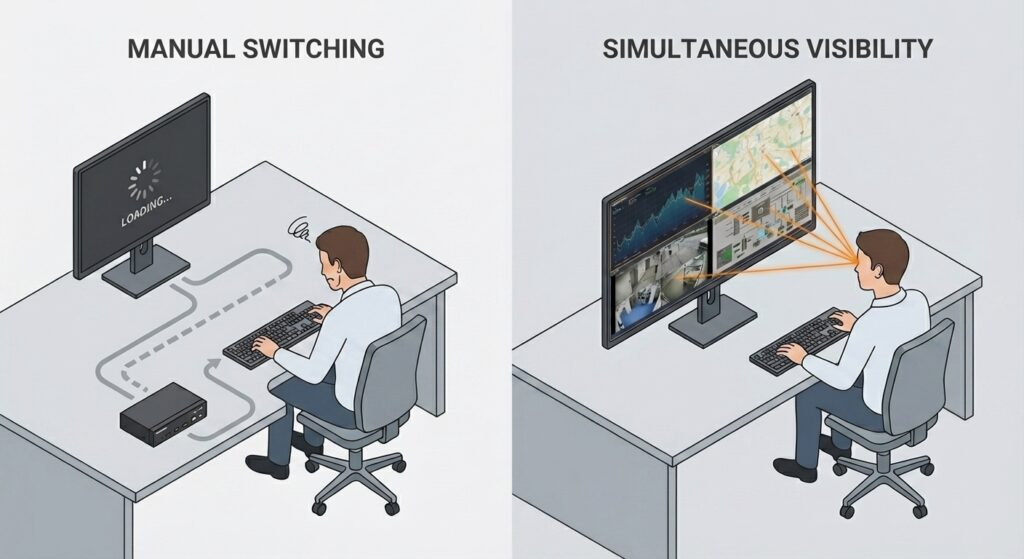
A 4-input HDMI multiviewer is usually considered when multiple sources must remain visible at the same time. This is different from simply switching between sources.
In control rooms, surveillance desks, industrial operations, and transportation environments, operators may need to compare several systems in real time. These sources may include:
If only one source is visible at a time, operators may miss alerts, status changes, or visual events happening on another source.
For this reason, simultaneous viewing is often more important than input switching. The goal is not only to connect four devices. The goal is to keep four sources visible within one display environment so operators can maintain situational awareness.
An HDMI switcher allows users to choose which source appears on screen. This works when only one source needs to be viewed at a time.
However, switching does not solve simultaneous monitoring.
For monitoring teams, this distinction is critical. When one source is selected and the others are hidden, operators may lose awareness of events occurring elsewhere. Repeated input switching can also interrupt workflows and increase the risk of missed information.
A 4 input HDMI multiviewer, by contrast, allows multiple sources to remain visible at the same time. This is why multiview architecture is often preferred for professional monitoring workstations.
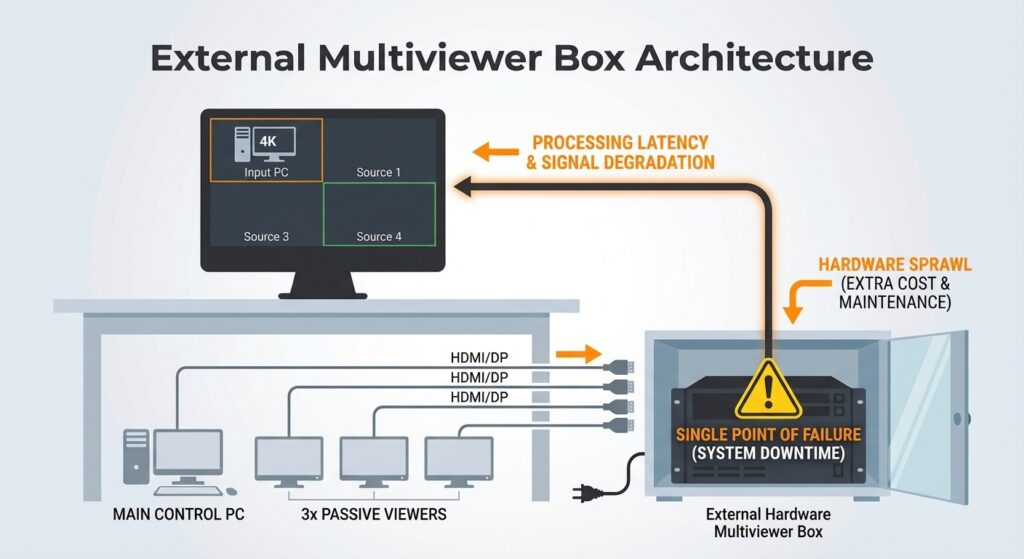
The traditional approach is to place an external HDMI multiviewer between the sources and the monitor. Each source connects to the multiviewer, and the multiviewer sends a combined output to the display.
This setup can be effective, especially when a project requires flexible AV routing, custom output layouts, or integration with a larger signal distribution system.
However, an external HDMI multiviewer also introduces another hardware layer into the signal chain. For system integrators, that means more equipment to install, power, configure, and support.
In practice, this can create several considerations:
For some projects, that added flexibility is necessary. For others, it creates more complexity than the monitoring task actually requires.
A built-in display approach removes the external multiviewer from the signal path. Instead of connecting sources to a separate processor, each source connects directly to a professional monitoring display that handles multiview layouts internally.
The signal path becomes simpler:
Sources → monitor
Inside the display, hardware-based multiview processing manages the layout. Operators can use quad-view, Picture-in-Picture, Picture-by-Picture, or full-screen modes depending on the monitoring task.
This approach is especially useful when the main requirement is straightforward: display four sources on one screen in a stable, repeatable, and easy-to-maintain environment.
For SI and channel projects, the benefit is not only visual. It is architectural. A built-in multiview display reduces the number of external components needed to achieve the same monitoring outcome.
Both an external 4 input HDMI multiviewer and a built-in display approach can help teams view four sources on one screen. The difference is how the system is built and maintained.
| Criteria | External 4 HDMI Multiviewer + Monitor | Built-In Display Approach |
| Shows four sources at once | YES | YES |
| Extra hardware required | YES | NO |
| Signal path | Sources → multiviewer → monitor | Sources → monitor |
| Cabling complexity | Higher | Lower |
| Deployment time | More variables to configure | Simpler and more repeatable |
| Failure points | More components in the chain | Fewer external hardware layers |
| Layout control | Depends on the multiviewer | Managed at the display level |
| Maintenance | A separate device to support | Integrated display-level control |
| Best fit | Complex AV routing or larger signal systems | Stable monitoring workstations and control rooms |
For integrators, this comparison matters because project success is not defined only by whether a system works on day one. It is also defined by how easily the system can be installed, explained, operated, and maintained over time.
The best setup depends on the project architecture.
An external 4 input HDMI multiviewer may be the better choice when the customer needs complex routing, centralized signal distribution, or many sources shared across multiple destinations. In these cases, the multiviewer is part of a broader AV infrastructure.
A built-in display approach may be the better choice when the project needs a cleaner, more compact monitoring setup. It is especially suitable when the requirement is to keep four sources visible on one screen without adding unnecessary external devices.
For system integrators and channel partners, built-in multiview displays can be easier to position in projects where customers care about:
In many professional monitoring environments, the simplest architecture is often the most dependable one.
Multi-source monitoring means viewing and managing several independent video or system inputs within one visual environment. These inputs may come from NVRs, PCs, KVM systems, cameras, industrial dashboards, access control systems, or real-time operational data.
A built-in multiview display supports this workflow by keeping sources visible in a consistent screen layout. Operators can compare feeds, dashboards, and system outputs without constantly switching views.
This improves situational awareness in environments such as:
In these environments, visual continuity matters. The value of multiview is not only that several sources fit on one screen. The value is that operators can interpret those sources together.
AG Neovo QX Series displays are designed for professional monitoring environments that need direct source visibility and simplified deployment.
With built-in quad-view, Picture-in-Picture, and Picture-by-Picture layouts, QX displays allow teams to monitor multiple sources on one screen without relying on an external HDMI multiviewer for every installation.
For system integrators and channel partners, this integrated approach helps simplify project design. Sources connect directly to the display, layout control happens at the display level, and the overall system uses fewer external hardware layers.
QX displays also support professional deployment requirements such as remote management, RS232 or LAN control, and continuous monitoring reliability. For customers building surveillance desks, control rooms, industrial workstations, or transportation monitoring environments, this can create a cleaner and more maintainable monitoring setup.
Explore 4K Display with 4 HDMI QX Series displays built for professional monitoring environments. Or, tell us your project’s needs and let our team recommend a display solution for you.

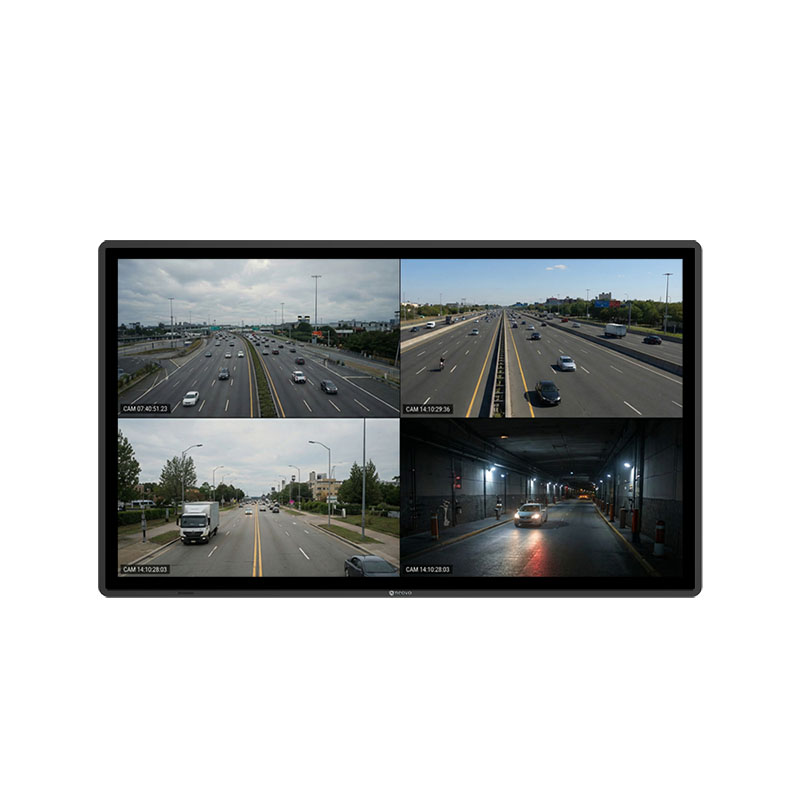
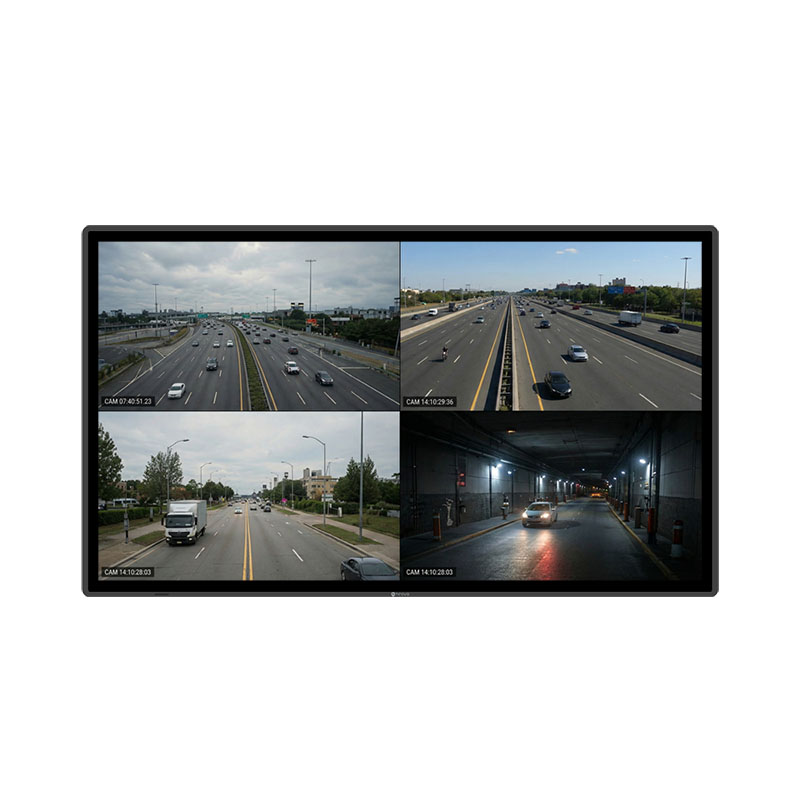


 NeoV™ Optical Glass Screen
 Anti-Burn-in™ Technology