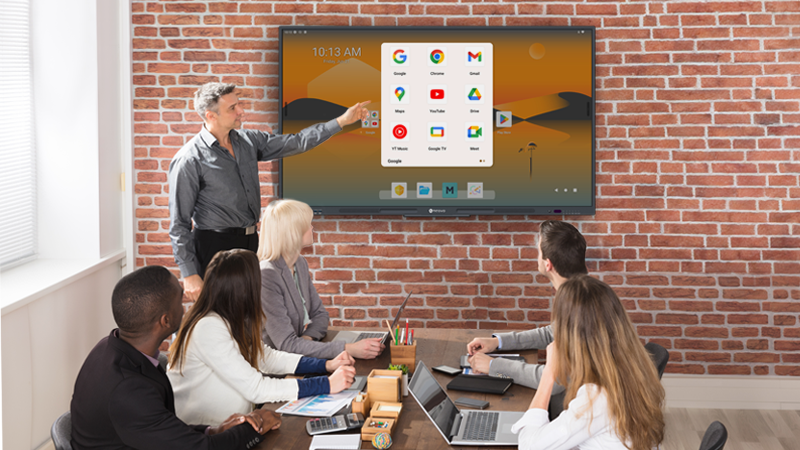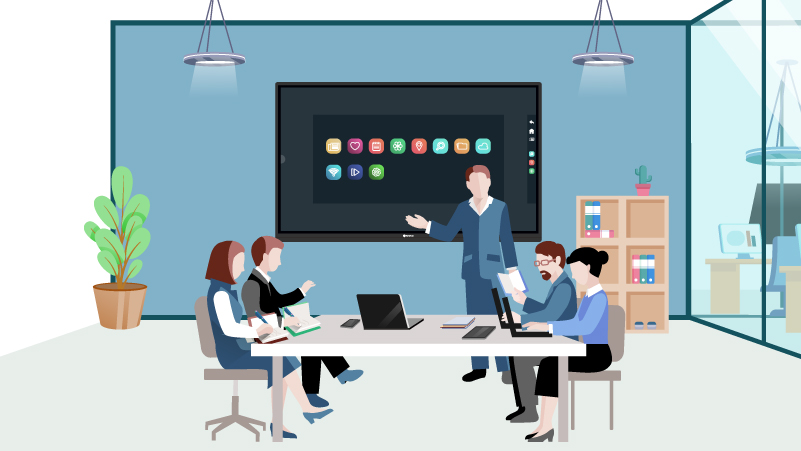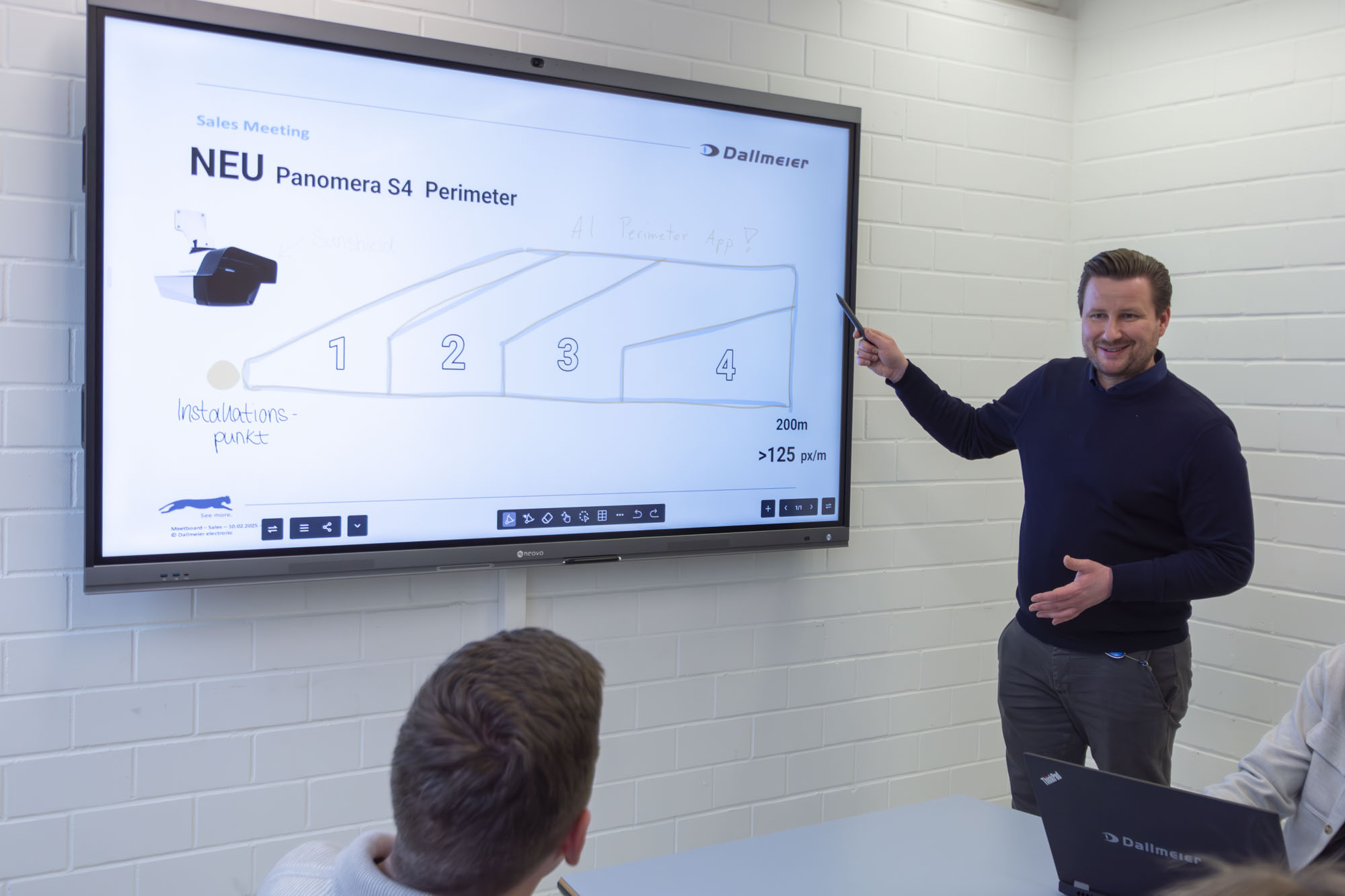

Meetboard 4 interactive display is Google EDLA-certified, ensuring seamless integration with Google services, which significantly enhances meeting collaboration. Designed as a interactive display for office environments and business needs, it provides full access to Google Workspace, Gmail, Chrome, and Google Drive. Meetboard 4 is a powerful presenter’s tool to easily present, collaborate, and manage documents in real-time, making your office meetings more efficient and productive. With all Google services at your fingertips, streamline workflows, reduce downtime, and ensure every team member is on the same page during meetings.
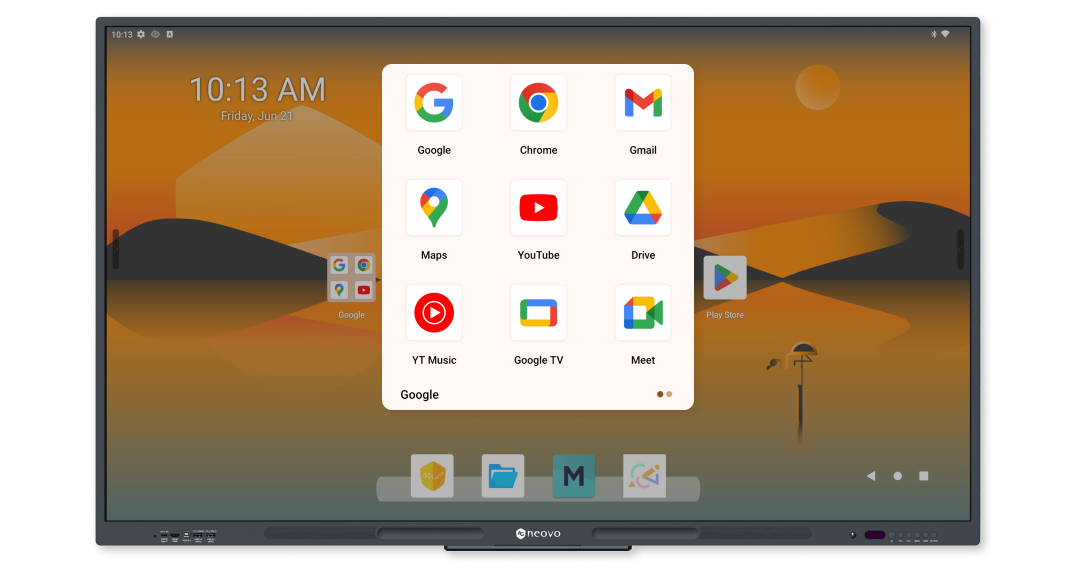
With full access to Gmail, Chrome, and Google Drive, Meetboard 4 interactive display becomes your central hub for all things Google. This integration redefines meeting efficiency by enabling seamless collaboration on documents and presentations, ensuring every participant is engaged and productive.
Download your favorite productivity apps directly onto Meetboard 4 through Google Play. Customize your interactive display with tools that enhance meeting collaboration and efficiency. This flexibility ensures that you have all the necessary apps for successful and dynamic meetings.
Fully utilize Google Docs, Sheets, and Slides on a large touchscreen display. This feature redefines your collaborative experience by allowing for real-time editing and updates during meetings, making your office interactions more interactive and efficient.
Google’s robust security features on Meetboard 4 interactive displays prevent data leaks, phishing, malware, and data loss. This redefines the security of your collaborative meeting environment, ensuring that all sensitive information remains protected and your meetings run smoothly.
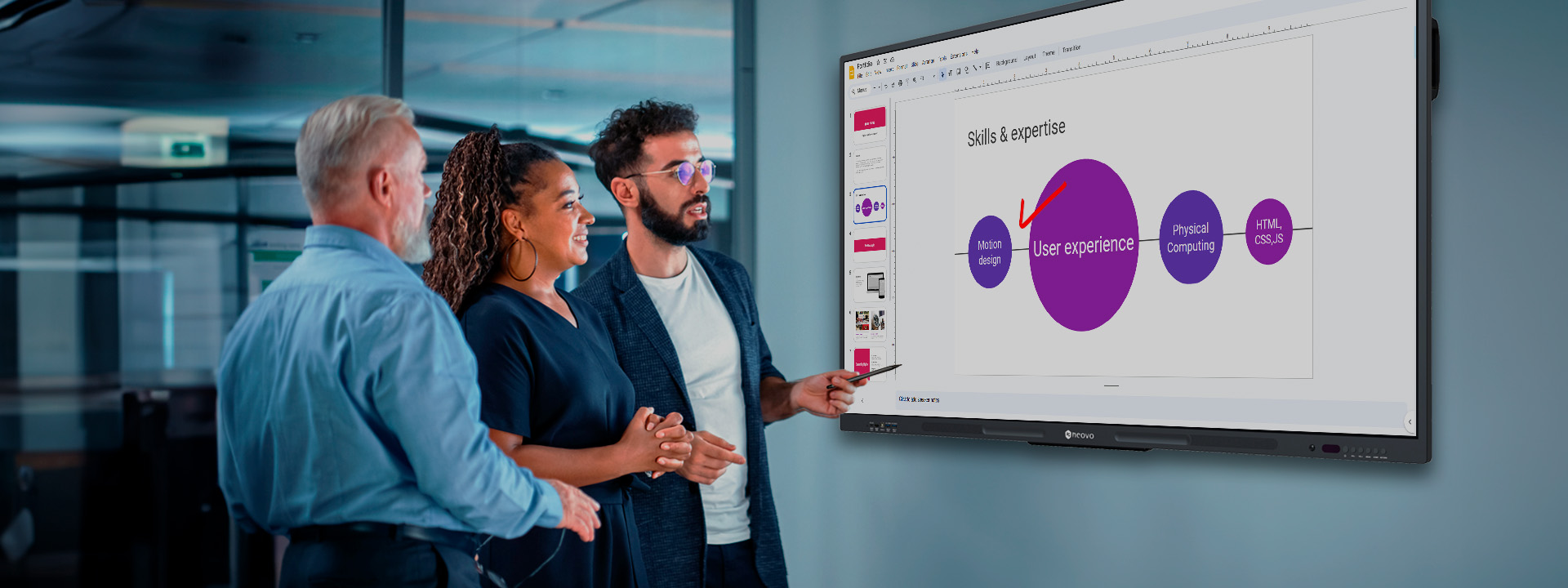
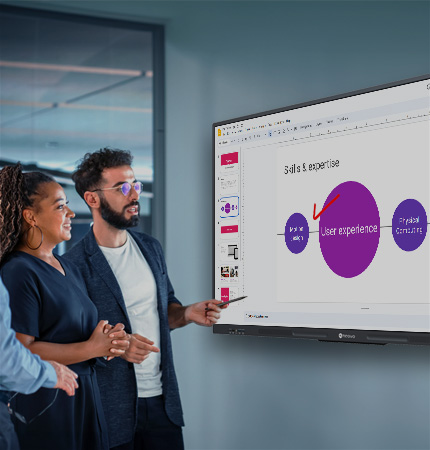
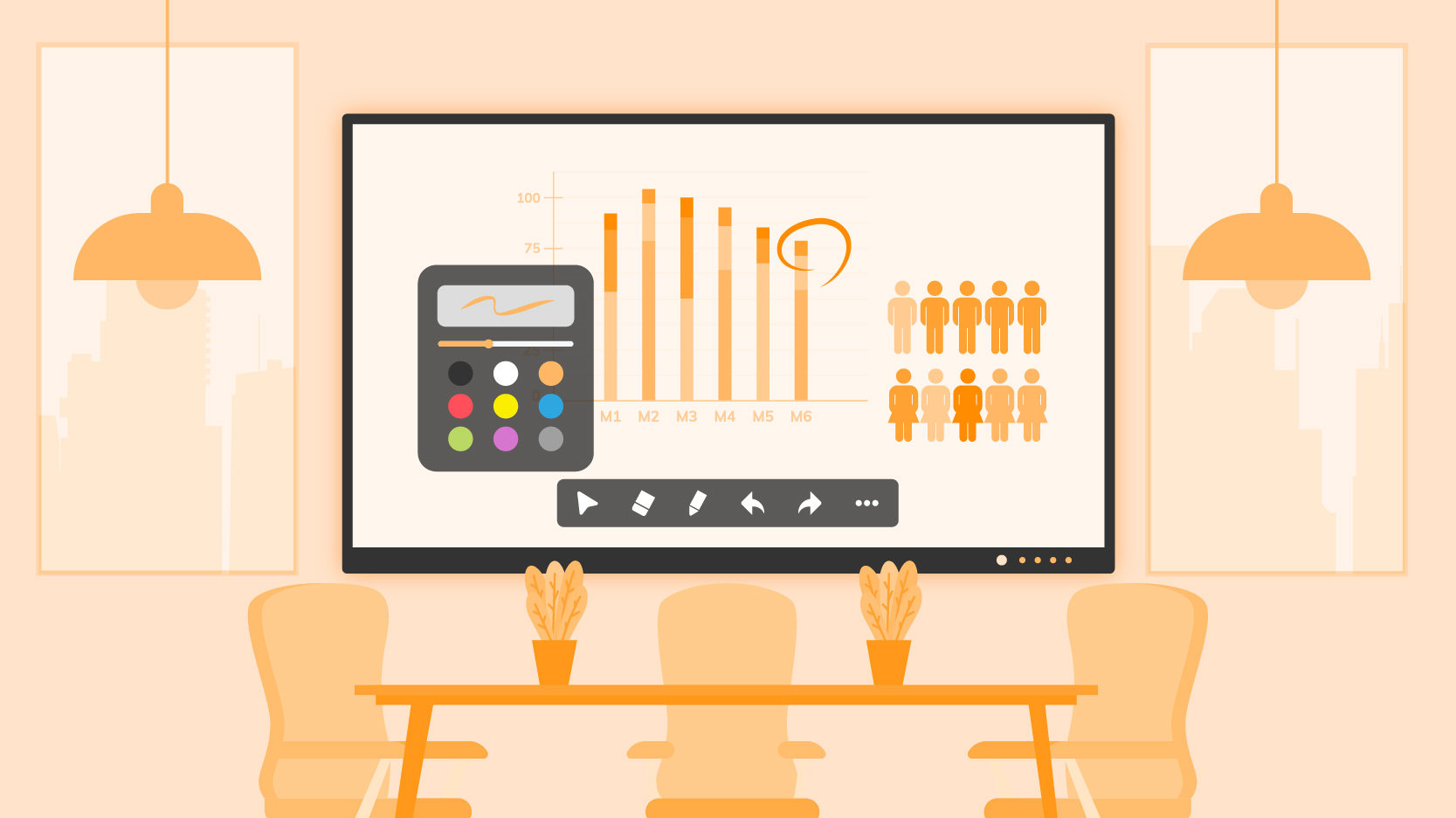
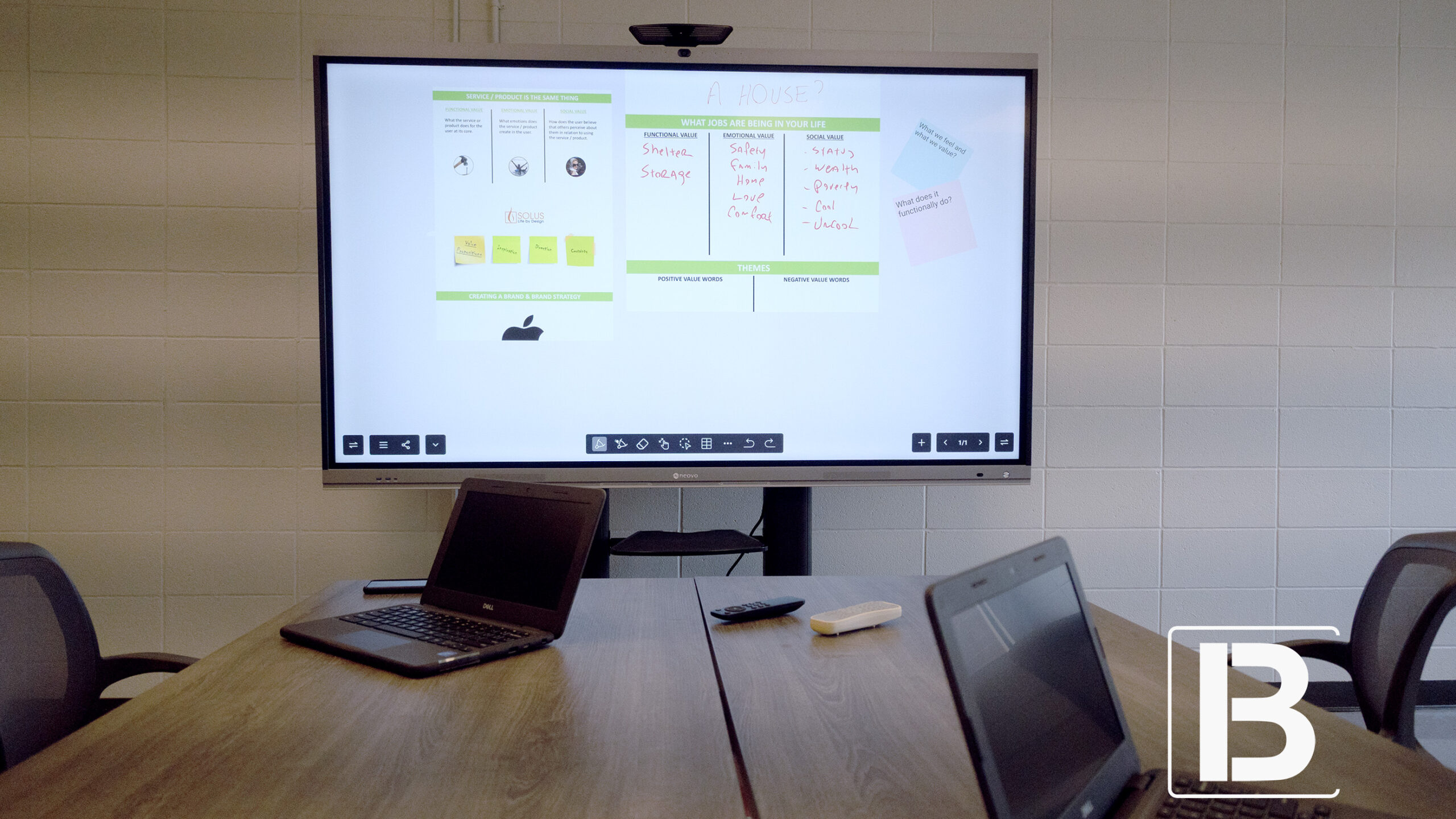
Enhance your brainstorming sessions and discussions using Meetboard’s powerful whiteboard, packed with simplified tools for more engaging and productive meetings. This feature allows you to visualize ideas, make annotations, and interact seamlessly during office discussions.
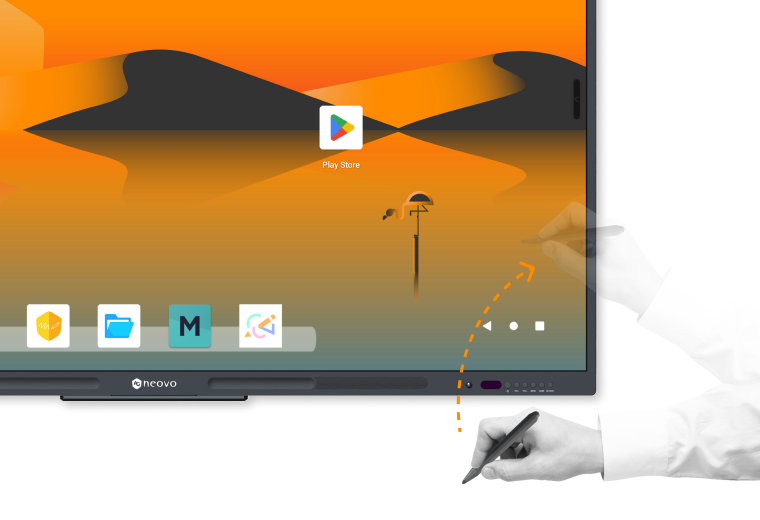
Lifting the stylus instantly opens the Meetboard whiteboard app, ensuring you capture every inspiring thought for initial discussion.
*Note: Lift to collaborate is only active on the main page.

Lifting the stylus instantly opens the Meetboard whiteboard app, ensuring you capture every inspiring thought for initial discussion.
*Note: Lift to collaborate is only active on the main page.
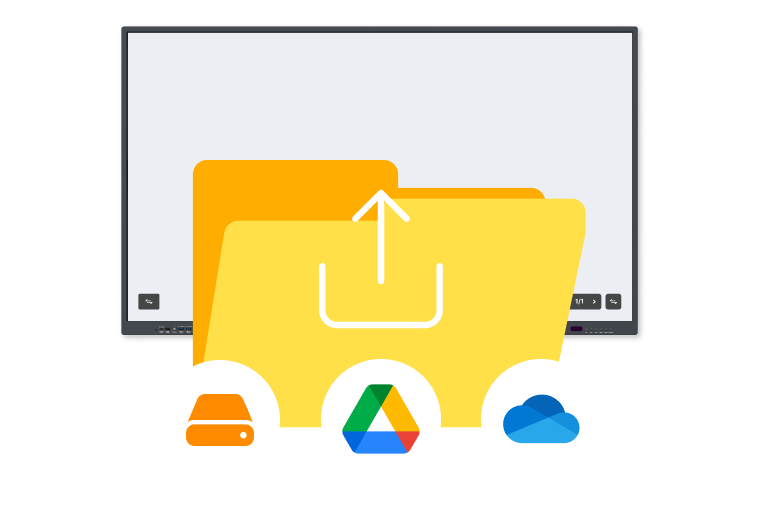
Open PDF, image, video, and previous whiteboard files from local drive, USB, or Cloud drives (Google Drive and OneDrive) to insert into your ongoing whiteboard. Re-edit and collaborate on all possible ideas to generate more ideas and make the discussion more perfect.
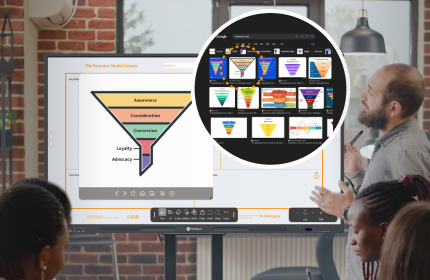
Meetboard’s built-in browser lets you search for information, images, and videos during discussions. Enhance your brainstorming with real-time data, making meetings more dynamic and informative.

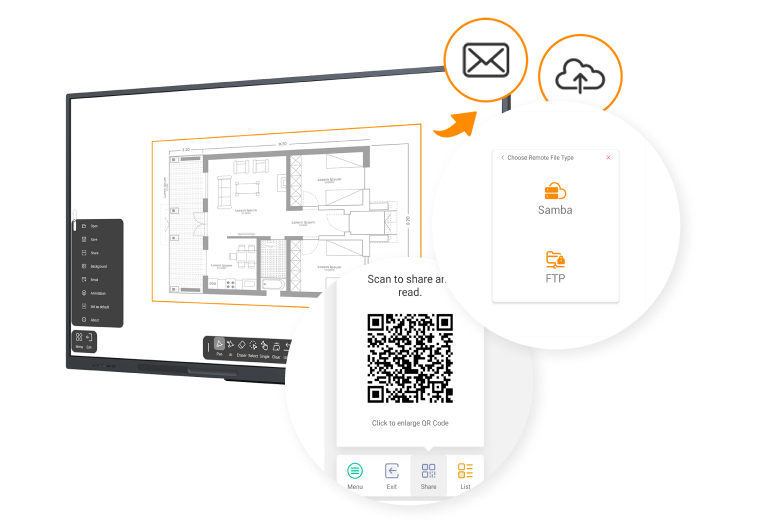
After the discussion, Meetboard allows you to save and share files (QR code, Email), ensuring all participants have access to the meeting’s output and can continue collaborating.


Enhance your brainstorming sessions and discussions using Meetboard’s powerful whiteboard, packed with simplified tools for more engaging and productive meetings. This feature allows you to visualize ideas, make annotations, and interact seamlessly during office discussions.
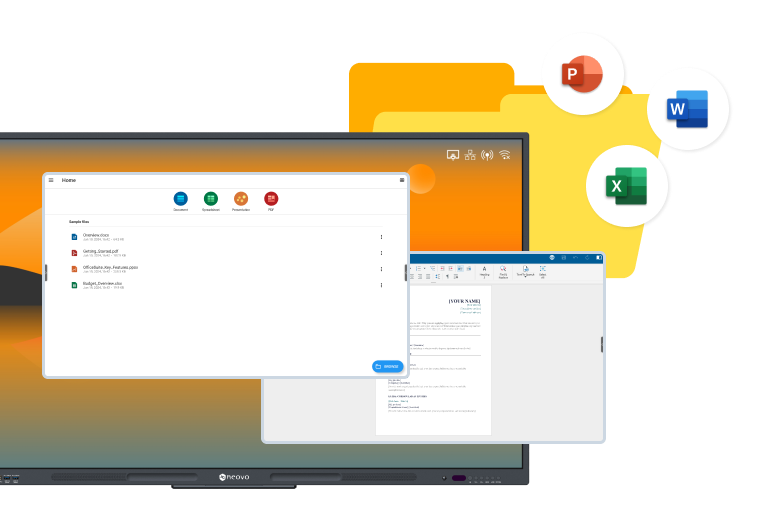
OfficeSuite ensures your files maintain the same format as on your PC, enabling seamless editing directly on Meetboard. This includes compatibility with Microsoft Office formats and synchronization across all your devices.
Write, draw, and take notes immediately with Meetboard’s instant annotation capabilities, enhancing productivity and engagement during presentations and meetings.
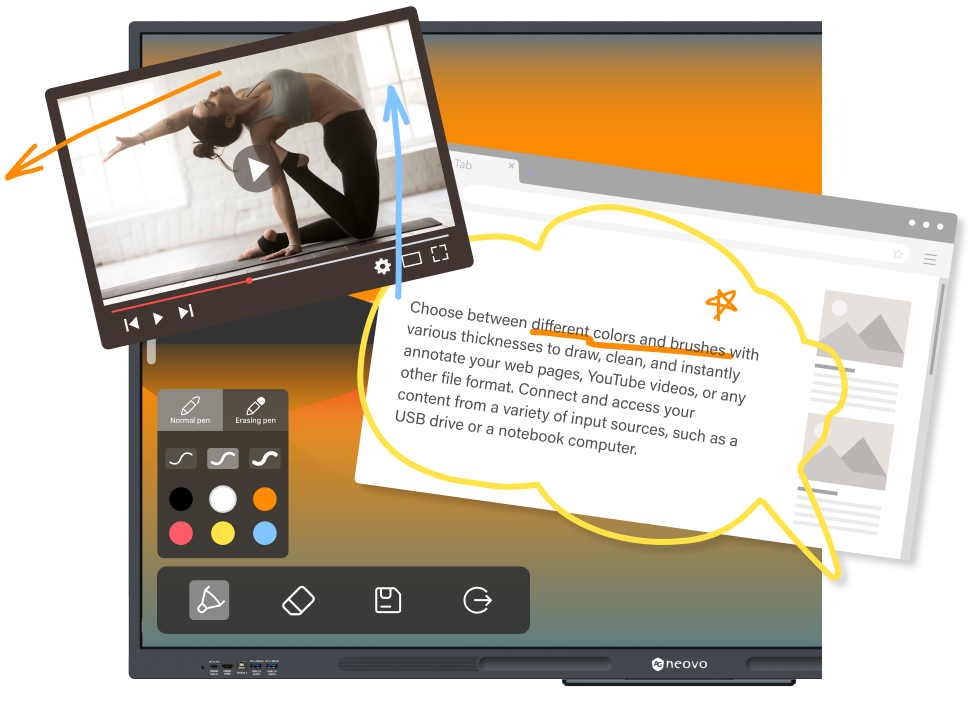
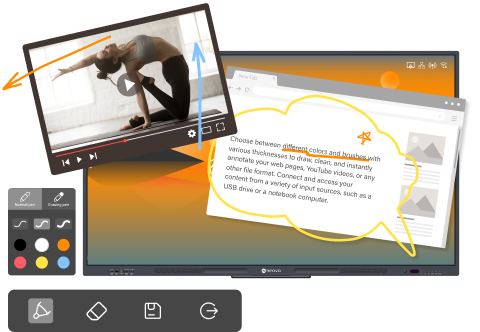
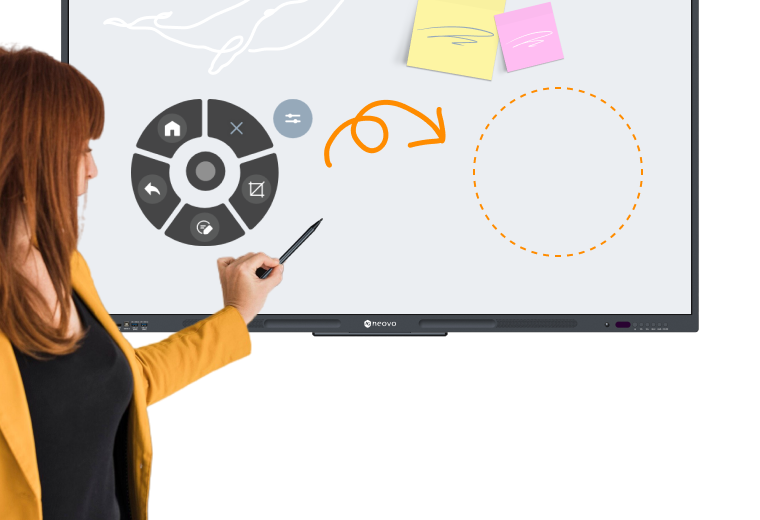
Easily move the floating toolbar to any part of the screen, allowing you to customize your workspace and access annotation tools with ease.

Easily move the floating toolbar to any part of the screen, allowing you to customize your workspace and access annotation tools with ease.
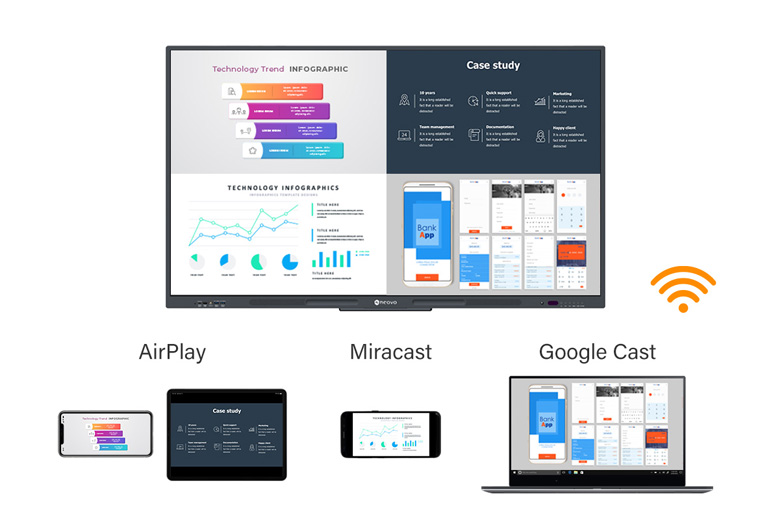
The pre-installed Montage app by DisplayNote allows you to enjoy powerful wireless presentation functionality for free. Whether you’re using a PC, Mac, tablet, or smartphone, Meetboard 4 supports AirPlay, Miracast, and Google Cast wireless presentation methods, ensuring seamless and flexible collaboration for all your devices anywhere in the room.
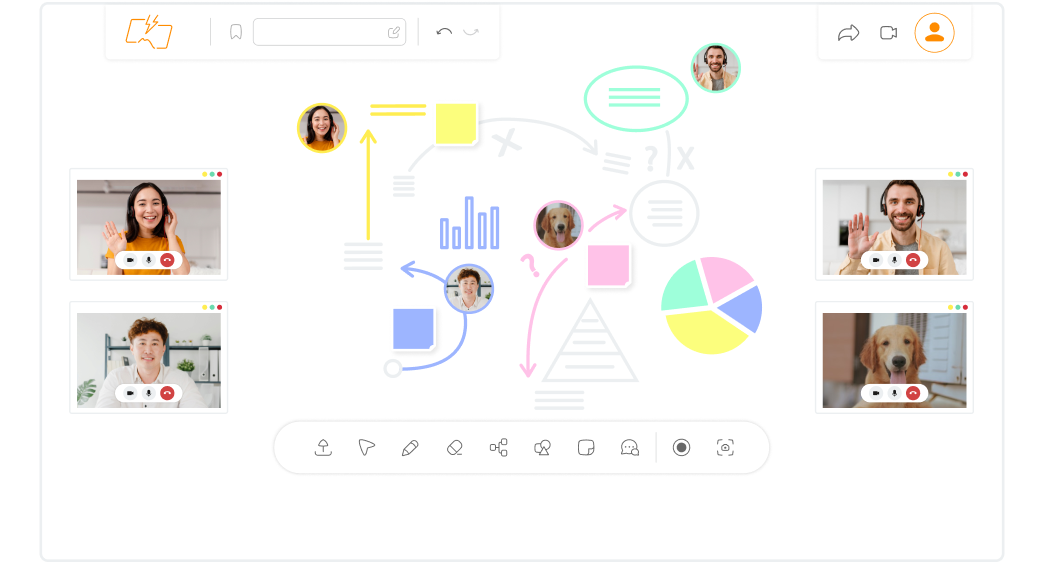
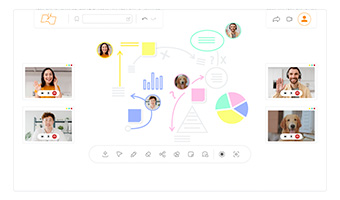
Combine video conferencing and whiteboard collaboration with MeetCloud, ensuring remote and hybrid teams can work as productively as in-office teams. Maintain high levels of engagement and efficiency regardless of location.
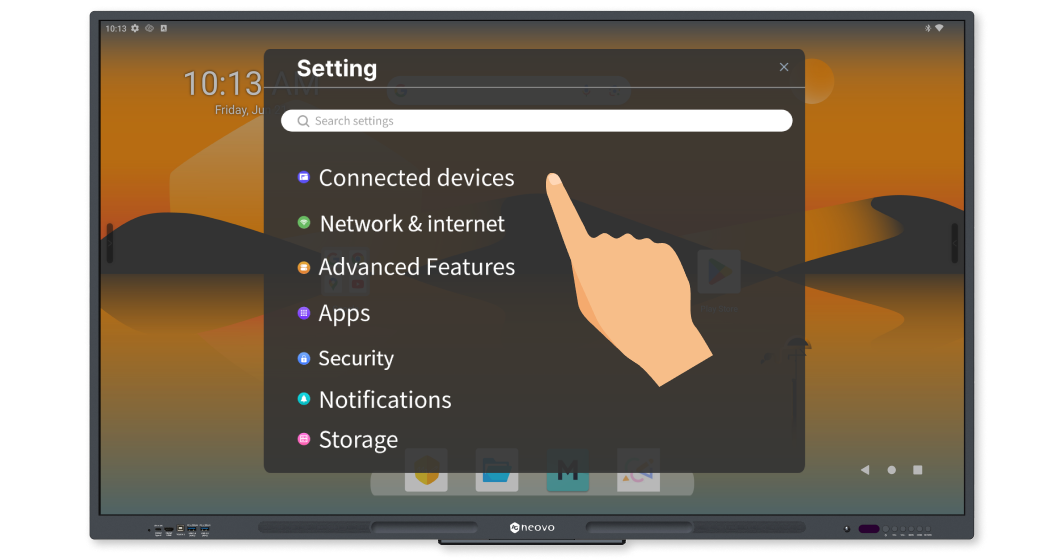
Meetboard 4 is equipped with advanced IT management features that enable IT managers to secure information and control device management effortlessly. These features ensure that your office’s digital environment remains secure, organized, and efficient.
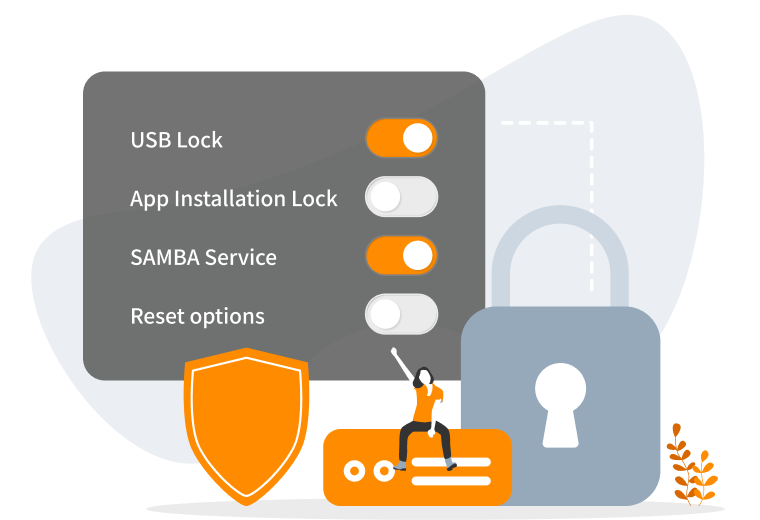
Protect your hardware from unauthorized app installations, changes to system settings, and USB access, maintaining the integrity and security of your office equipment.
l Security System Lock
l App installation lock
l USB lock
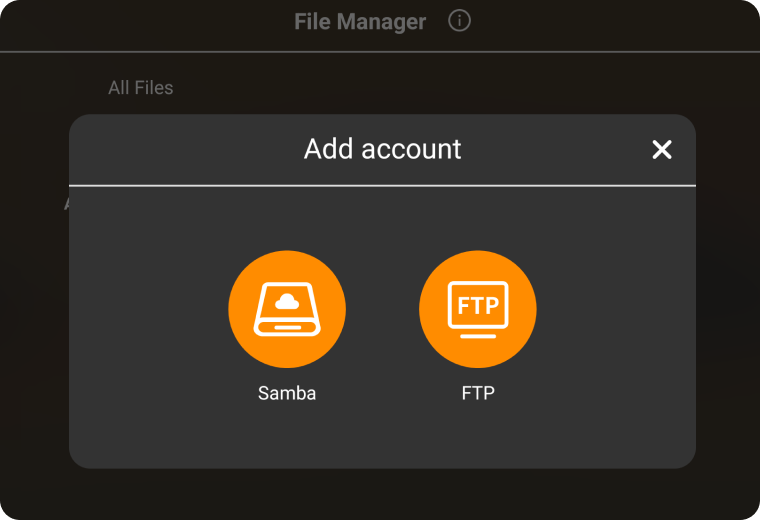
Facilitate secure file transfers and sharing within your intranet using FTP and SAMBA services. This ensures that data is shared only within your organization, providing a secure and efficient network environment.
l FTP service
l SAMBA service
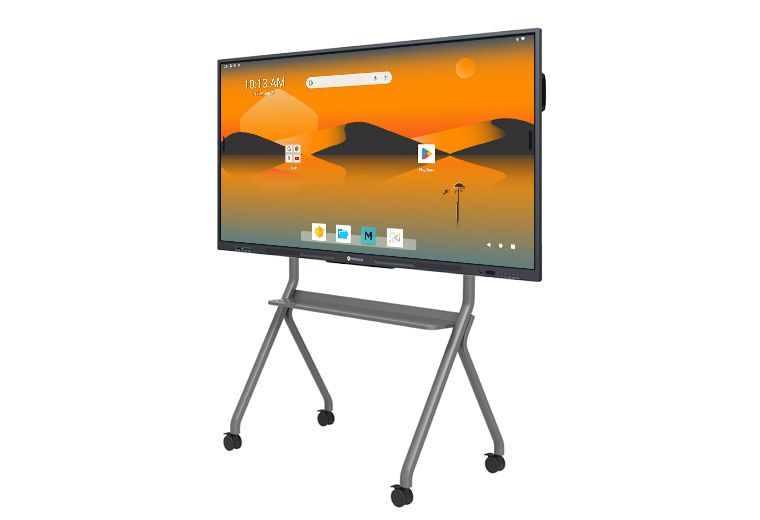
With the optional trolley, transform your Meetboard into a mobile interactive display. Adapt to various office setups, from hybrid workspaces to meeting rooms, ensuring a consistent and interactive experience that meets your dynamic needs.
Book a demo and discover how Meetboard 4 Interactive Displays can enhance your office productivity and collaboration.