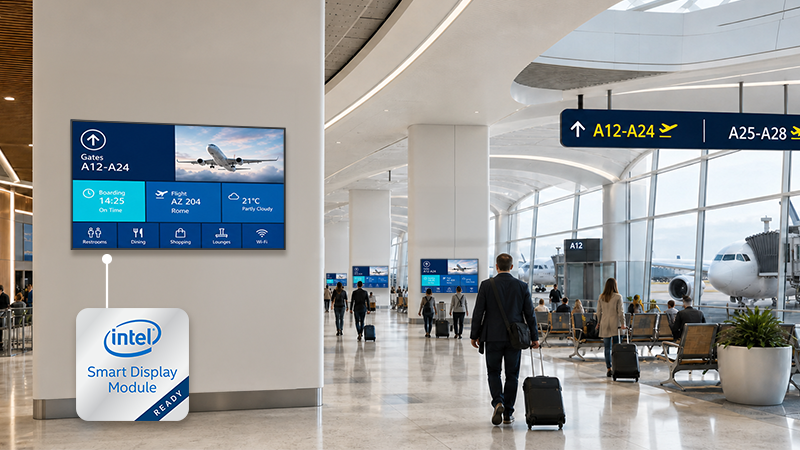

When planning a customer deployment, a system integrator must decide whether content playback should be integrated into the display or remain on a separate external media player. This is not only a hardware choice. It affects installation, CMS integration, fault diagnosis, support responsibility, lifecycle management, and the system’s ability to evolve.
An all-in-one digital signage display combines a commercial display with built-in Android processing and media playback. A compatible content management system (CMS) can publish content to the embedded platform, so routine signage does not require a separate player at every location. With an external-player architecture, the display and player remain separate, allowing the player hardware and software to be selected independently.
Neither option is right for every project. The SI’s task is to identify which architecture introduces the least deployment and lifecycle risk while meeting the customer’s requirements. That decision depends on the CMS workflow, network policy, AV-control requirements, service model, and upgrade plans.
An all-in-one digital signage display is a commercial display with integrated processing and built-in media playback. For standard signage content, it can run compatible Android-based CMS applications, browser content, USB playback, and selected device-management functions without a separate player or mini PC.
This is how all-in-one digital signage works: the display becomes both the visual endpoint and the playback endpoint. The CMS manages and publishes content, while the embedded platform plays it. When supported, a device management system (DMS) can also help the team monitor and manage the display as a device.
This integrated digital signage architecture can reduce the number of components installed at each site. There are fewer devices to mount, power, connect, document, and support. It does not, however, eliminate integration work. The SI must still validate CMS compatibility, network access, security policy, AV control, update procedures, and the customer’s support process.
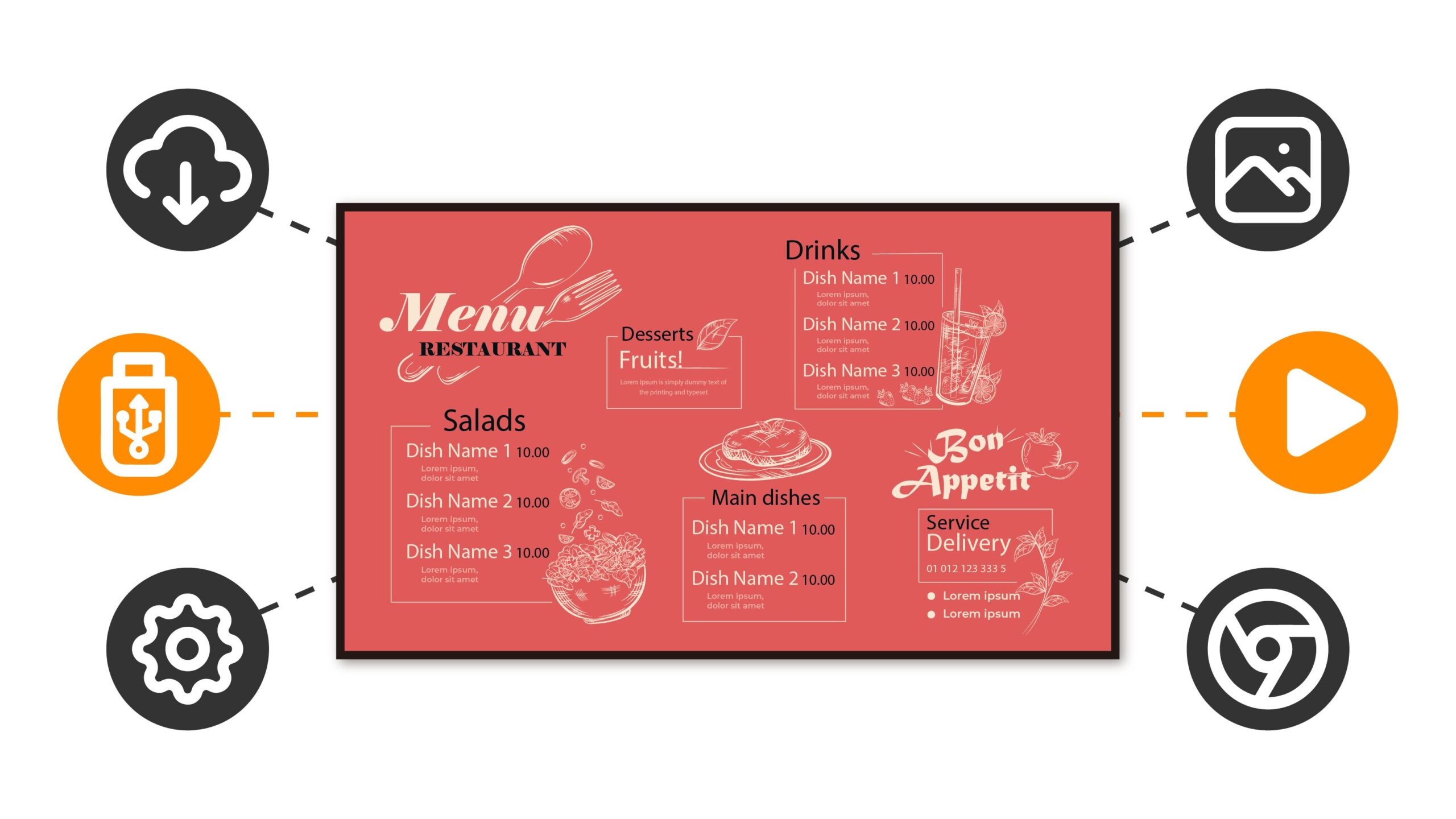
The practical question is not simply whether a built-in media player display uses fewer cables. It is whether the integrated endpoint fits the customer’s operating model and can be supported throughout the project lifecycle.
The difference between an all-in-one digital signage display and an external media player is where playback and computing take place. An all-in-one display combines the display and media-player functions in one endpoint; an external-player architecture separates the display from the playback hardware.
For an SI, that distinction changes CMS deployment, device ownership, fault isolation, replacement procedures, and upgrade flexibility.
| Project Consideration | All-in-One Digital Signage Display | Display with External Media Player |
| Endpoint Design | Display and playback are integrated | Display and player are separate devices |
| Installation | Fewer devices, mounts, power connections, and cable routes | Requires player mounting, separate power, HDMI/network cabling, and source setup |
| CMS Platform | Compatible CMS workflow runs on embedded Android | Player OS and CMS application can be selected independently |
| Device Management | Display and playback share one physical endpoint | Display and player may require separate monitoring and diagnosis |
| Replacement | Display and embedded platform are handled as one endpoint | Player can often be replaced without replacing the display |
| Upgrade Flexibility | Depends on the built-in platform and its supported roadmap | Compute hardware and player software can be upgraded independently |
| Customization | Suits defined, compatible content requirements | Suits specialised software, I/O, peripherals, or high-performance workloads |
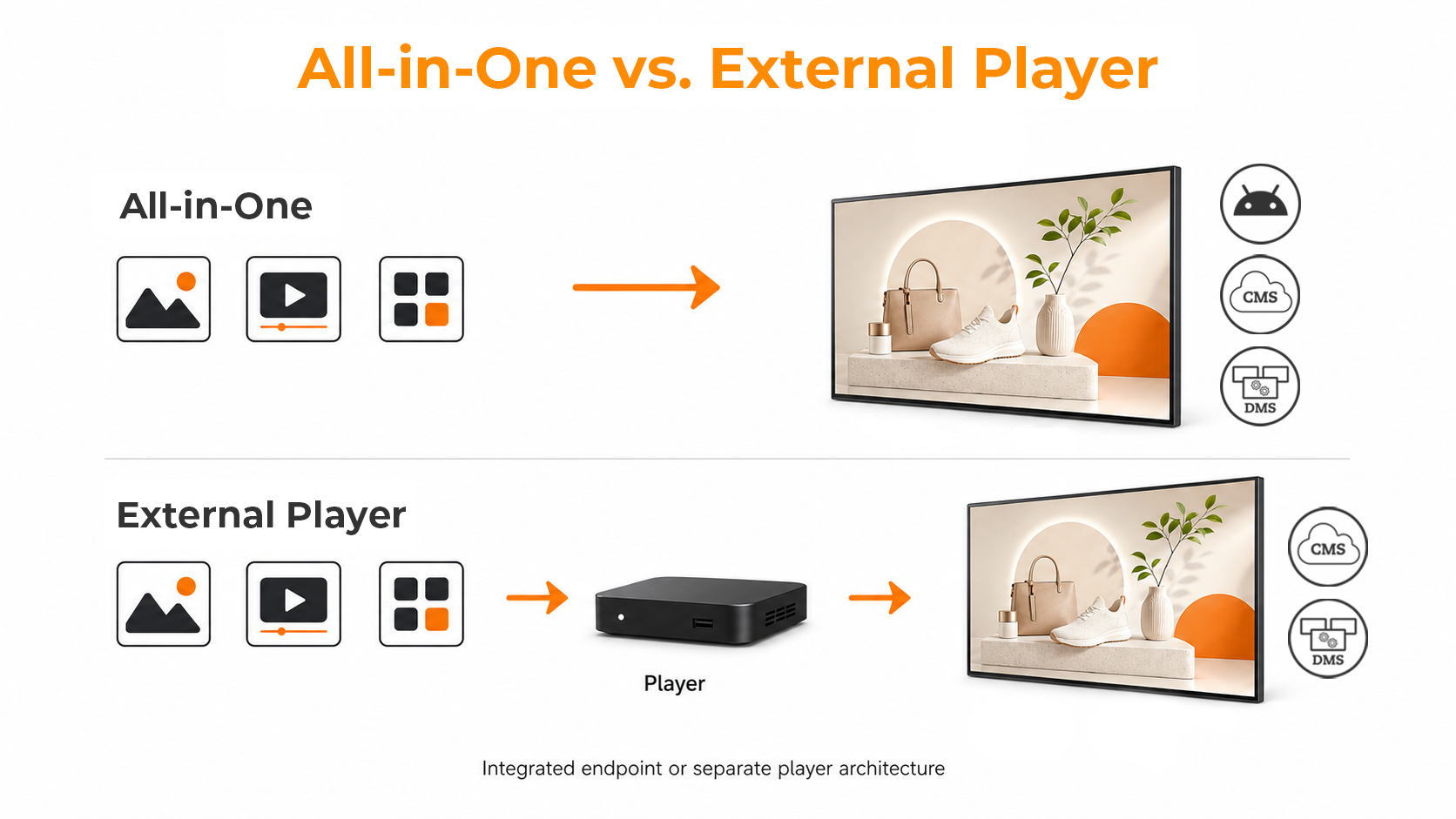
All-in-One Digital Signage Display vs. External Player ArchitectureExternal players are not outdated; they provide modularity. The decision is how much hardware separation the project requires.
For an SI, the main benefits of an all-in-one digital signage display extend beyond cable reduction. They include endpoint standardisation, fewer installation variables, simpler handover documentation, and fewer physical components to provision and support.
In a multi-site rollout, an integrated endpoint can make deployment more repeatable. Installers have fewer components to mount, power connections to confirm, cable paths to manage, and source settings to document. This can improve configuration consistency when every site follows a validated template.
A separate digital signage media player offers a different form of flexibility: it can be upgraded or replaced without replacing the display. This is useful when player hardware changes more frequently than displays or when a customer standardises one player platform across several display brands.
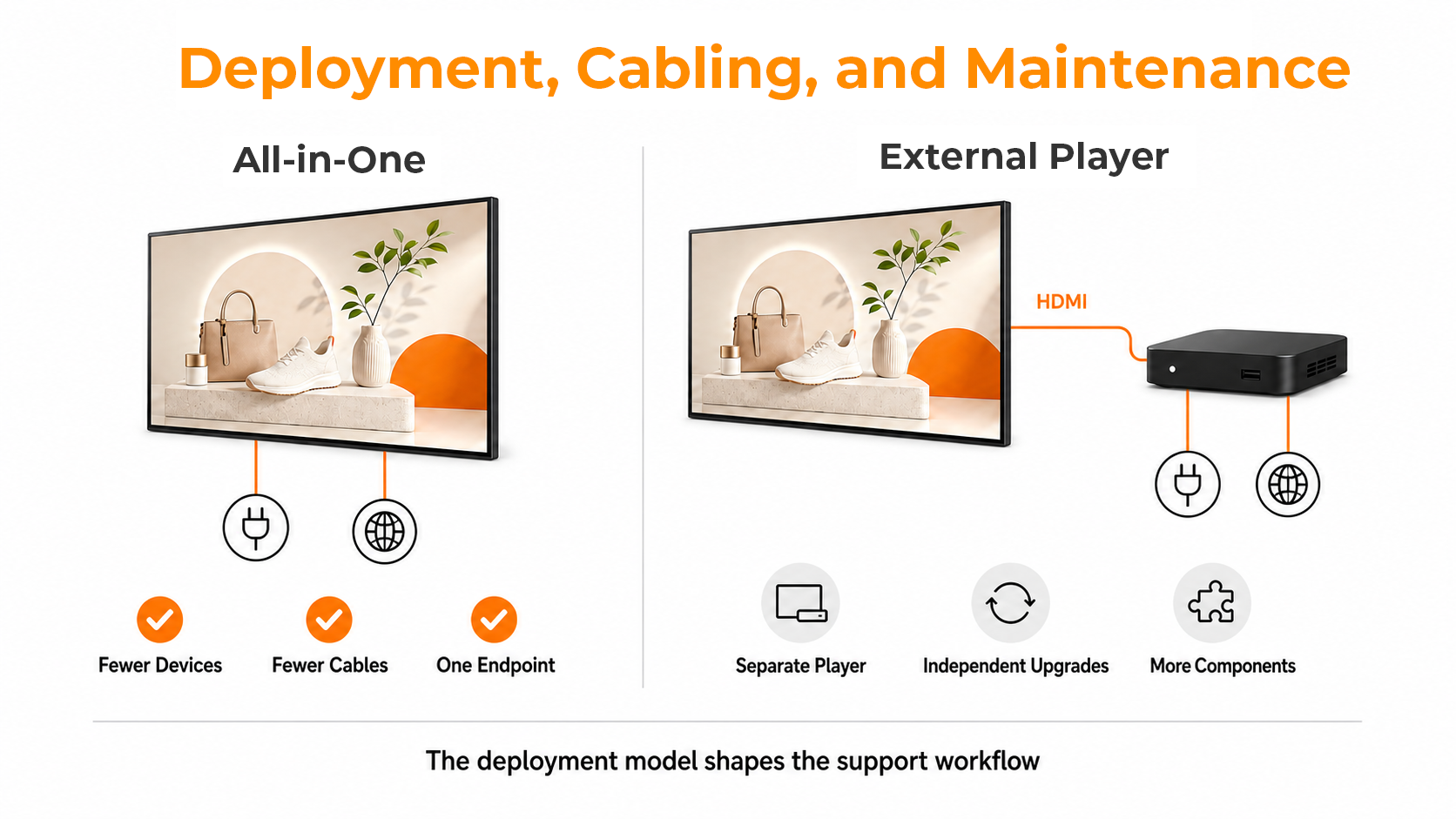
All-in-One vs. External Player Deployment and MaintenanceMaintenance should be designed before rollout, not after a failure. SI teams should define:
A simpler hardware layout does not replace a service plan. It gives the service team fewer on-site components to manage once the architecture and workflow are defined.
Next step: Compare All-in-One Deployment Options for Your Project
CMS, DMS, AV control, and network policy manage different layers of a digital signage system. The SI must validate how those layers interact before selecting an endpoint architecture.
| System Layer | Primary Role | What the SI Should Validate |
| CMS | Content, playlists, schedules, and publishing | Android compatibility, licensing, content formats, and update method |
| DMS | Device status, remote settings, grouping, and alerts | Available monitoring and configuration functions, plus the support workflow |
| AV Control | Display operation and system integration | LAN, RS-232, IP control, command set, and control-system compatibility |
| Network and Security | Connectivity, access, and update governance | Authentication, VLANs, firewall rules, remote access, updates, and offline operation |
An all-in-one architecture can reduce complexity when the selected CMS supports the embedded Android platform, the project uses a repeatable configuration, and the available DMS functions meet day-to-day management needs.
More validation is required when a customer has a tightly defined ecosystem, such as a mandated player OS, proprietary CMS agent, enterprise mobile device management (MDM), strict network policy, highly customised AV control, or a service model based on replacing player hardware independently.
Before recommending an endpoint architecture, the SI should answer these questions during project discovery:
If the embedded platform satisfies the required workflow, an integrated endpoint can simplify deployment without disrupting the operating model. If the project depends on an unsupported OS, application, peripheral, performance level, or replacement model, an external player may be the lower-risk architecture.
Next step: Evaluate CMS, DMS, and Endpoint Compatibility for Your Project

An external media player remains the right choice when modularity is a project requirement rather than an inconvenience.
A display-plus-player architecture may be appropriate when the customer has:
This architecture introduces more hardware and integration points. If that separation reduces compatibility risk, preserves an approved ecosystem, or supports the customer’s lifecycle model, it is a sound design choice.
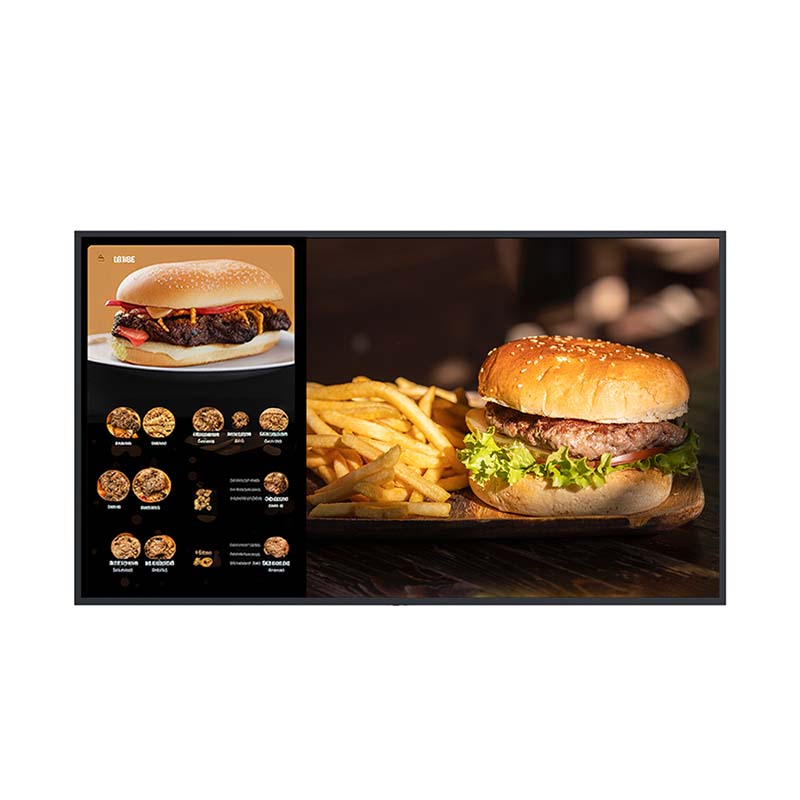
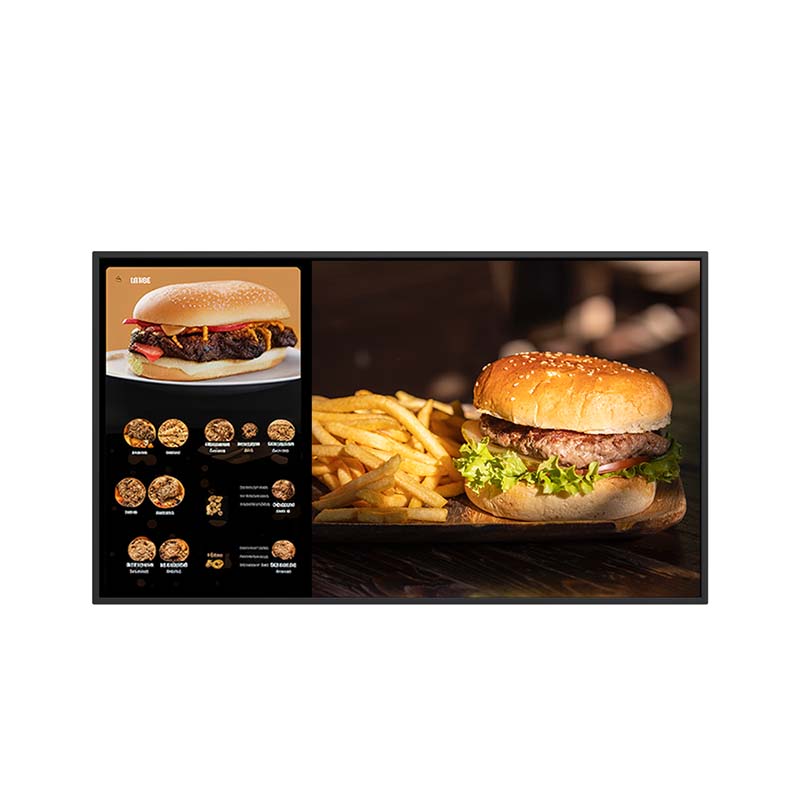
AG Neovo’s all-in-one digital signage displays combine commercial display hardware, Android-based content playback, compatible CMS workflows, and supported device-management functions in one endpoint.
Use the customer’s deployment, integration, management, and service requirements to determine whether an integrated display fits the project. A suitable recommendation should make clear what has been validated, who owns each system layer, and how the solution will be maintained after handover.
Next step: Find the Right All-in-One Endpoint Architecture for Your Project
An all-in-one digital signage display is a commercial display with integrated processing and built-in media playback. It can run compatible Android-based CMS applications and selected device-management functions without a separate player for routine signage content.
The display and playback endpoint are combined. The CMS manages and publishes content, the embedded platform plays it, and supported DMS functions help monitor and manage the device. CMS, network, security, and AV-control compatibility should be validated before deployment.
An all-in-one display combines display and playback functions in one endpoint. An external-player architecture separates the display from the computing hardware. The right approach depends on CMS compatibility, deployment, support, upgrade, and lifecycle requirements.
A built-in media player display can reduce the number of devices, cables, power connections, mounting steps, and source settings at a site. In repeatable deployments, it can also help standardise installation, documentation, and support procedures.
A CMS manages content, playlists, schedules, and publishing. A DMS manages supported aspects of the display endpoint, such as device status, remote settings, grouping, alerts, and troubleshooting.
An external player may be appropriate when a project requires a specified player OS, specialized software, higher computing performance, custom I/O, independent hardware-refresh cycles, or an existing player ecosystem that should remain in place.


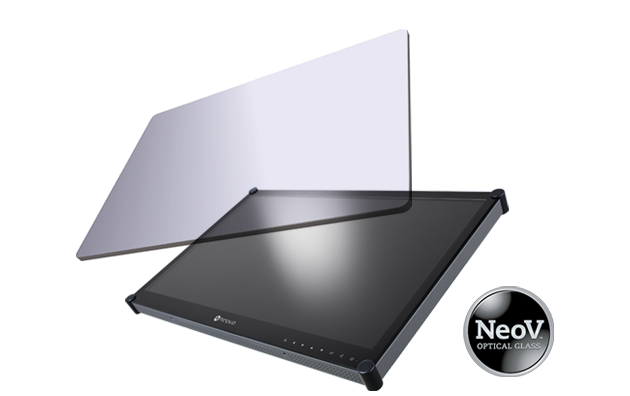 NeoV™ Optical Glass Screen
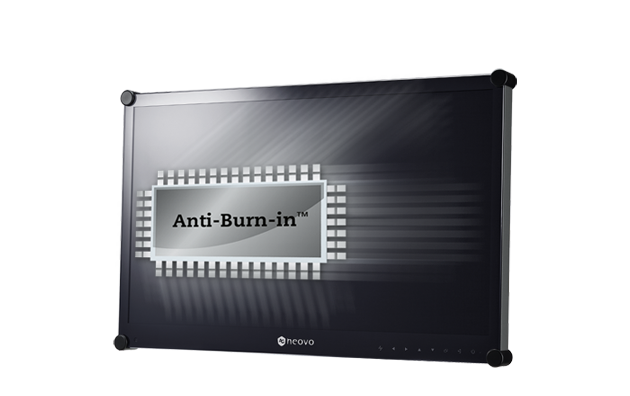 Anti-Burn-in™ Technology