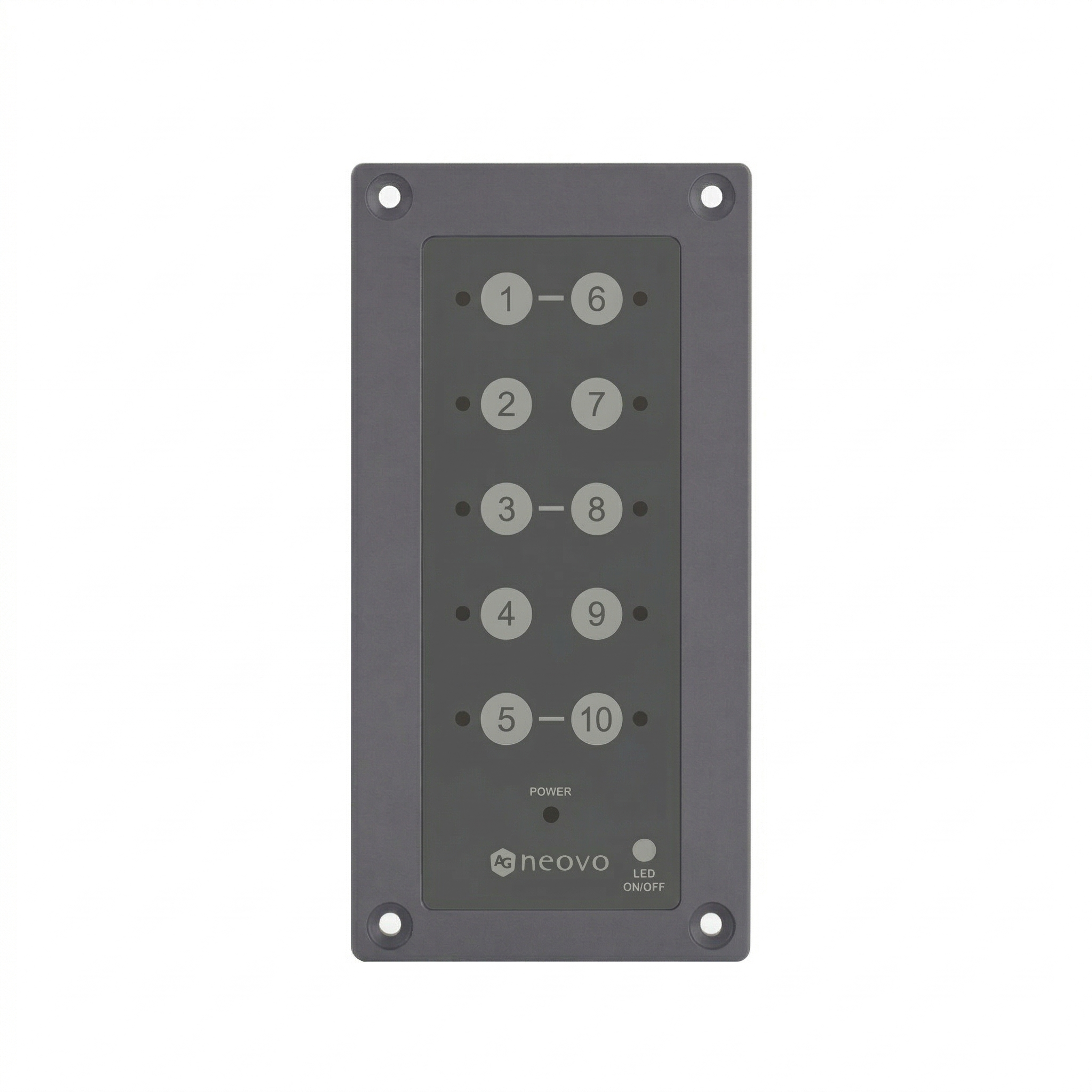
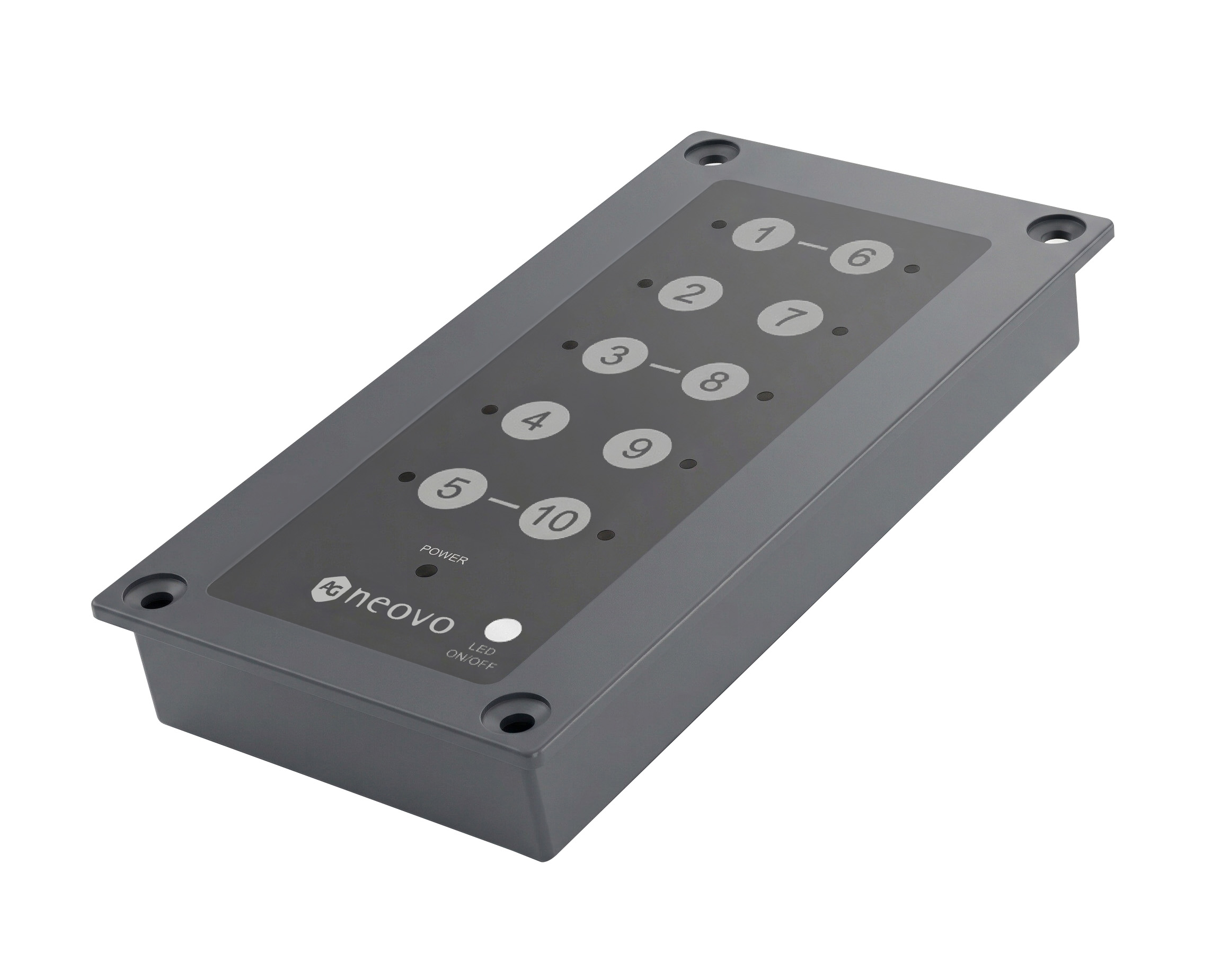
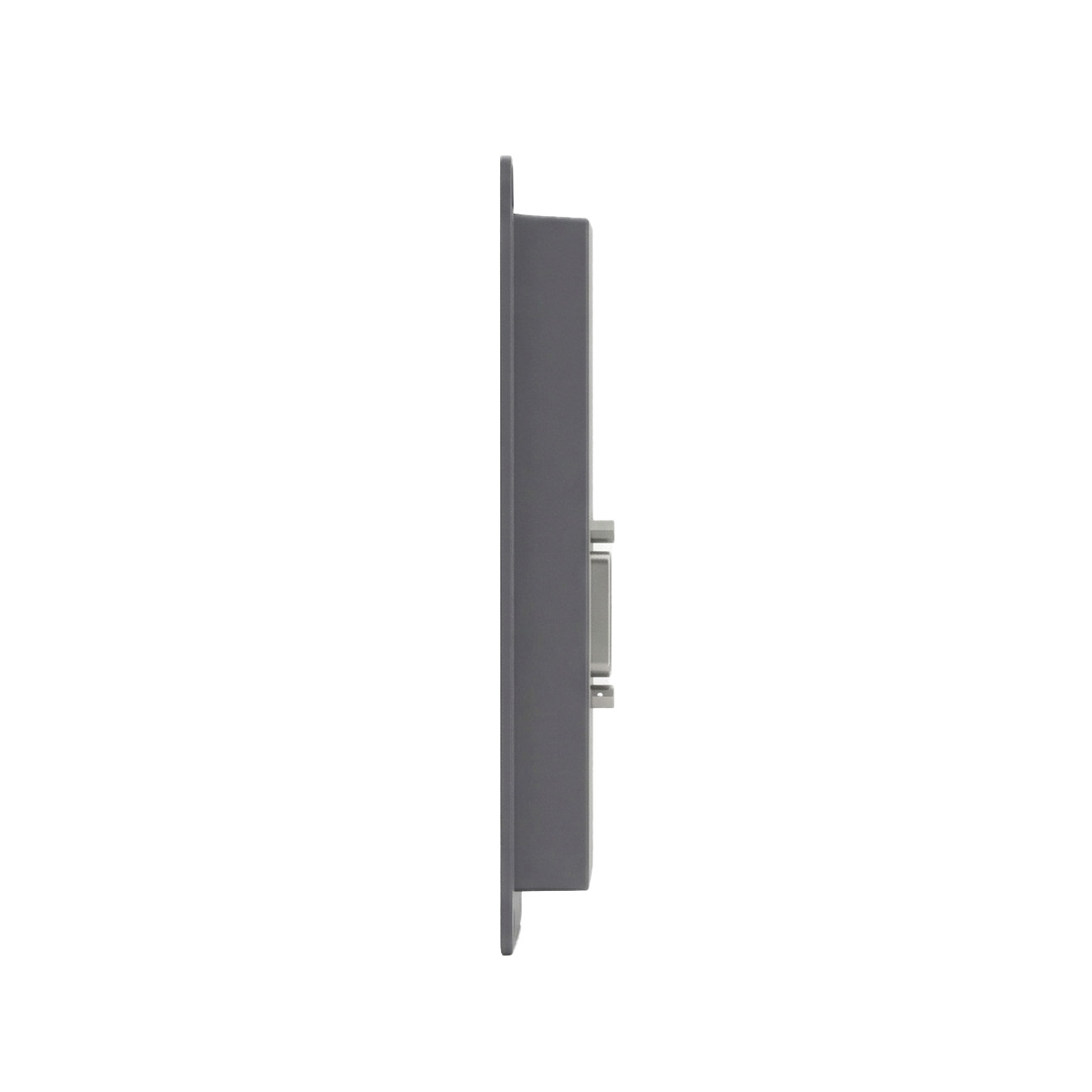
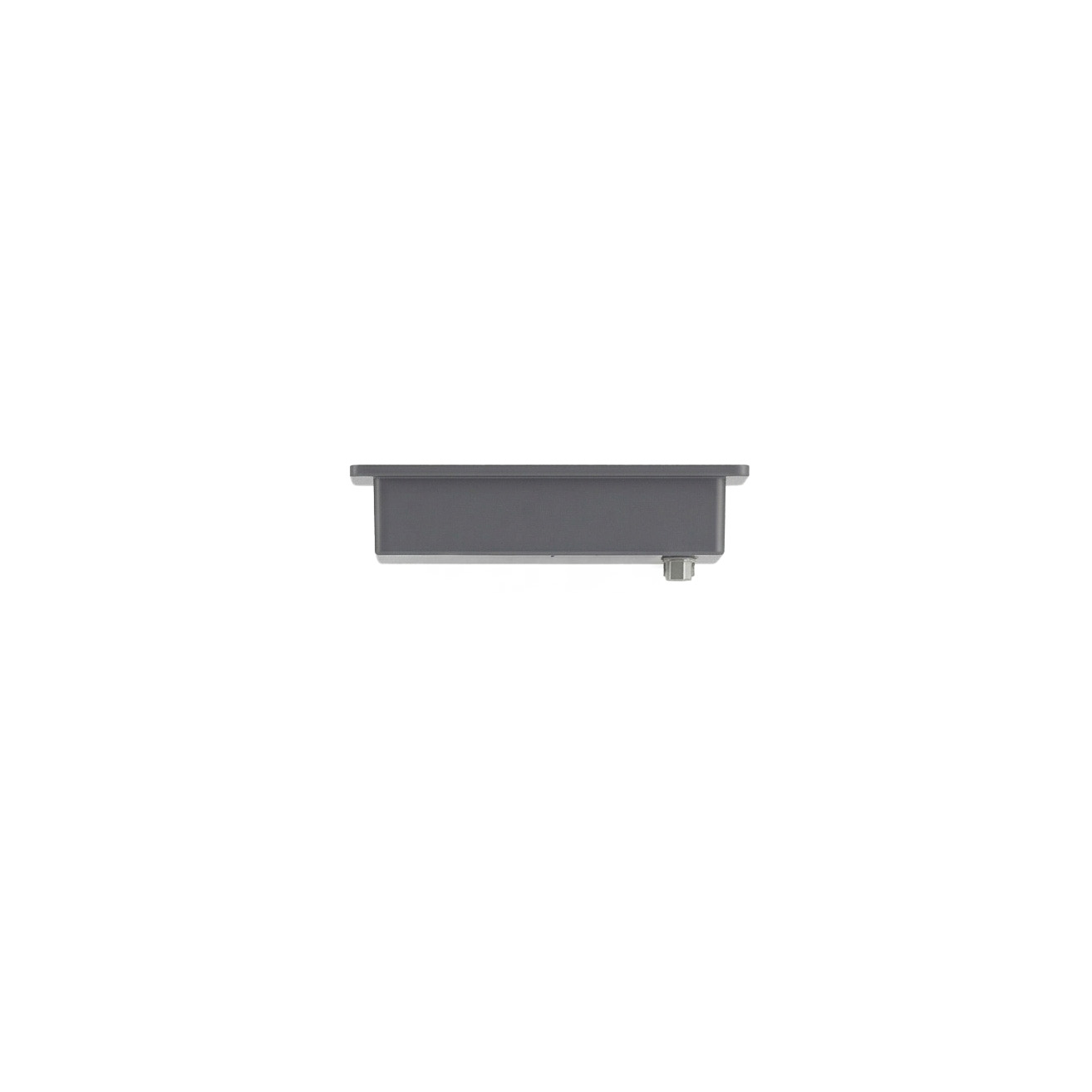
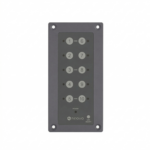
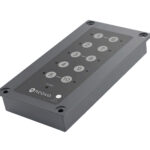
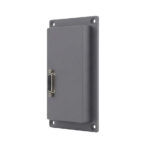
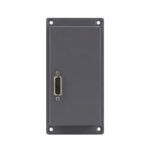
External Keypad for Display Hotkeys
KPD01

  • Designed for QX2702, QX3202, QX4302, QX5502, and QX6502
  • Plug-and-play keypad for quick access to essential display controls.
  • Customizable hotkeys 6–10 can be configured through the OSD menu.
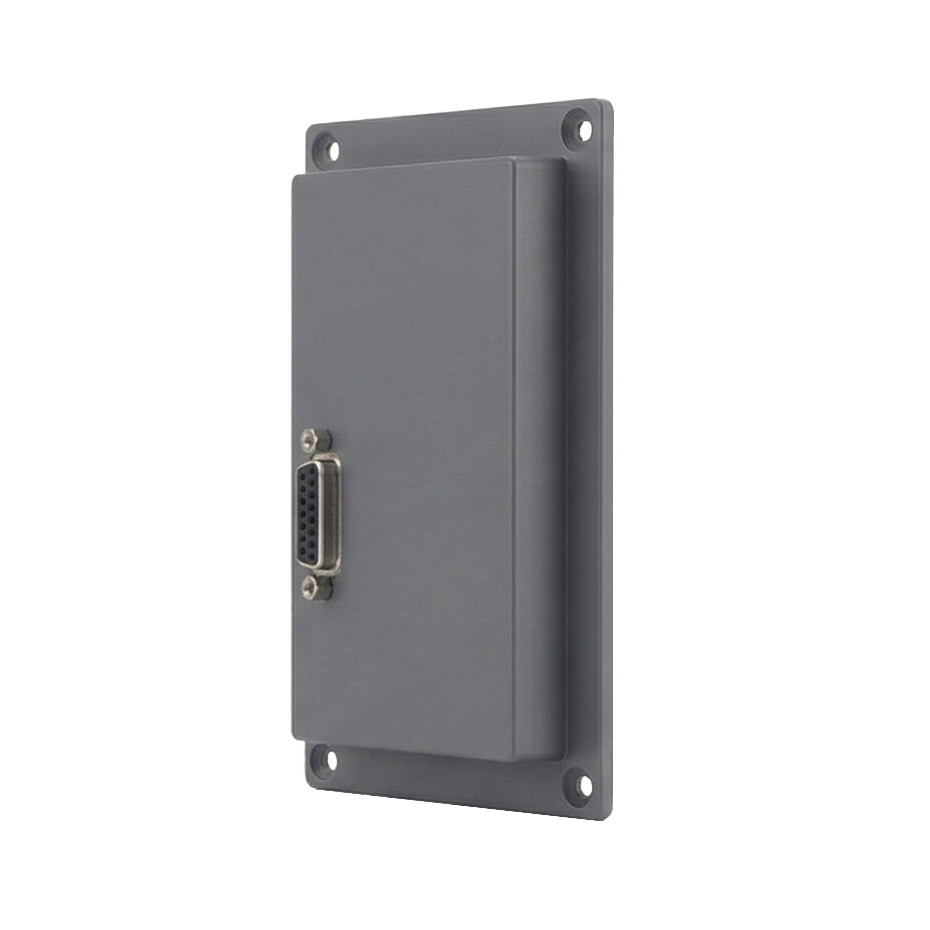
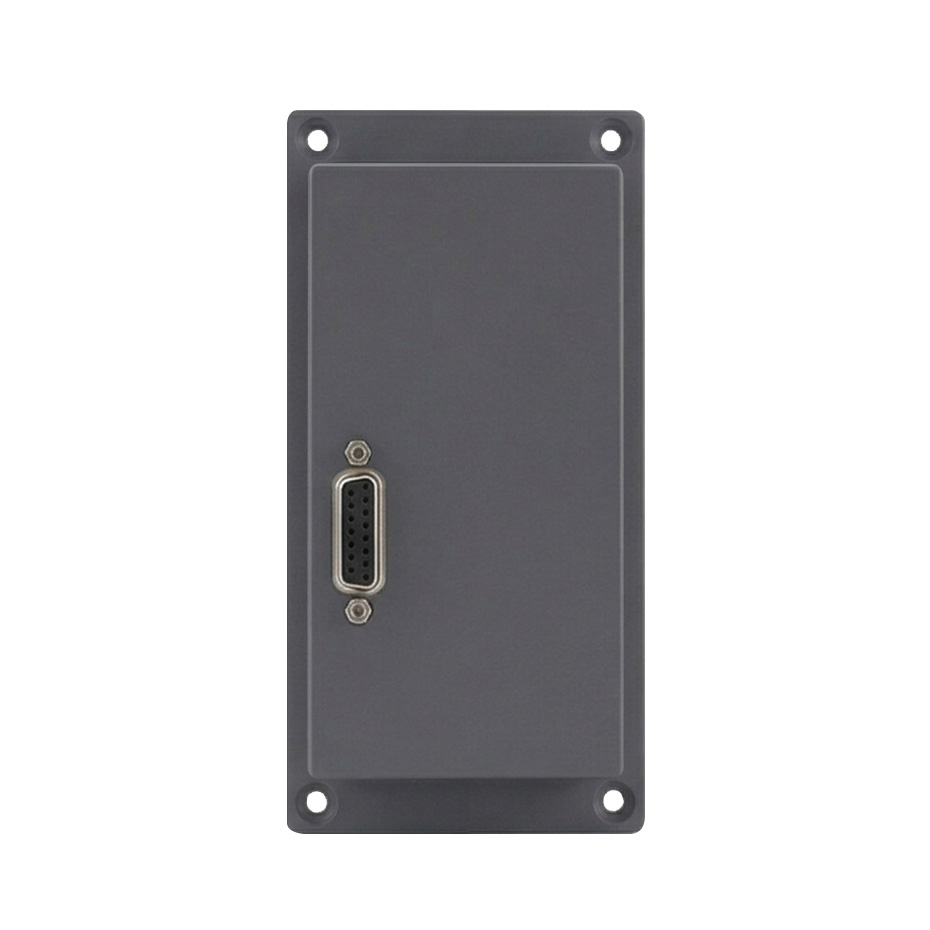
  • Direct D-sub 15 connection ensures stable, immediate communication with the display.
  • Quick access to the selected OSD functions for fast adjustments without navigating full menus.
  • Maintains operability in enclosed installations where onboard buttons are difficult to reach.
  • Supports efficient multi-display workflows with consistent, repeatable control actions.

The KPD01 external keypad is designed as a dedicated control accessory for professional display deployments. It provides operators with a faster, more reliable way to interact with their monitors—especially in environments where response time and reliability are critical. Its hard-wired design and configurable interface make it a practical extension of the display, giving users immediate physical access to the functions they rely on most.

Document

Data Sheet
KPD01 Datasheet V1.0
Upload date: 2026-05-26
User Manual
QX2702 User Manual V1.1 English
Upload date: 2026-06-08
QX2702 User Manual V1.1 French
Upload date: 2026-06-08
QX2702 User Manual V1.1 German
Upload date: 2026-06-08
QX2702 User Manual V1.1 Spanish
Upload date: 2026-06-08
QX3202 User Manual V1.1 English
Upload date: 2026-06-08
QX3202 User Manual V1.1 French
Upload date: 2026-06-08
QX3202 User Manual V1.1 German
Upload date: 2026-06-08
QX3202 User Manual V1.1 Spanish
Upload date: 2026-06-08