Meetboard 4 Prime is a Google EDLA-certified interactive display with a built-in 4K AI camera for meeting room projects. It combines camera functions, interactive whiteboard collaboration, Google Workspace access and wireless sharing in 65, 75 and 86-inch models.
For system integrators and AV/IT teams, review the built-in camera capabilities alongside the client’s conferencing platform, network, connectivity and installation requirements. Confirm the complete configuration before specifying the solution.
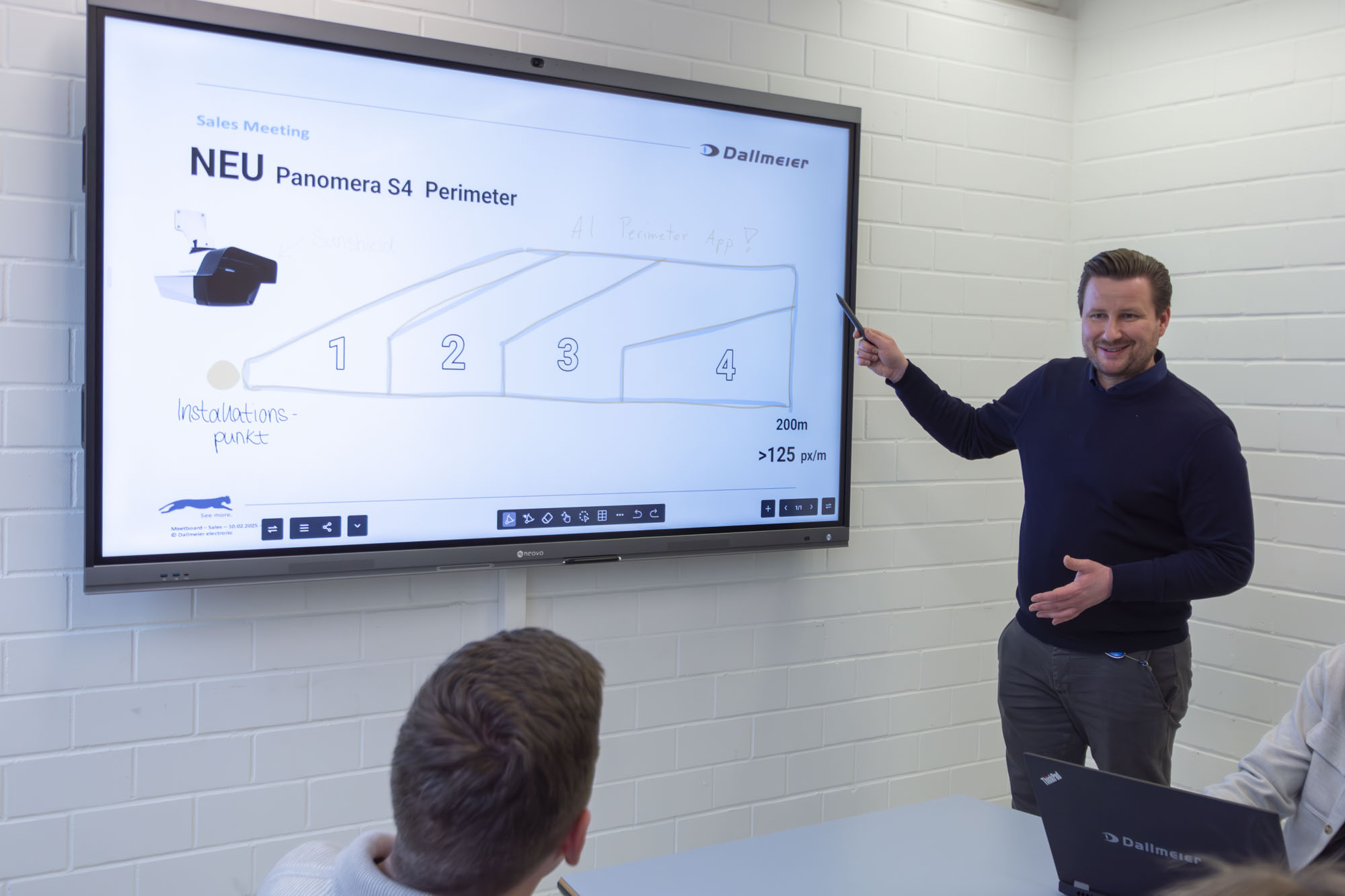
Evaluate how the interactive display will support the client’s meeting workflow: conferencing, presenting source content, interactive whiteboard annotation and sharing meeting outputs. Review these tasks with users and IT teams before deployment.

Launch a video call, open files, or start a whiteboard in seconds, without waiting for IT support.

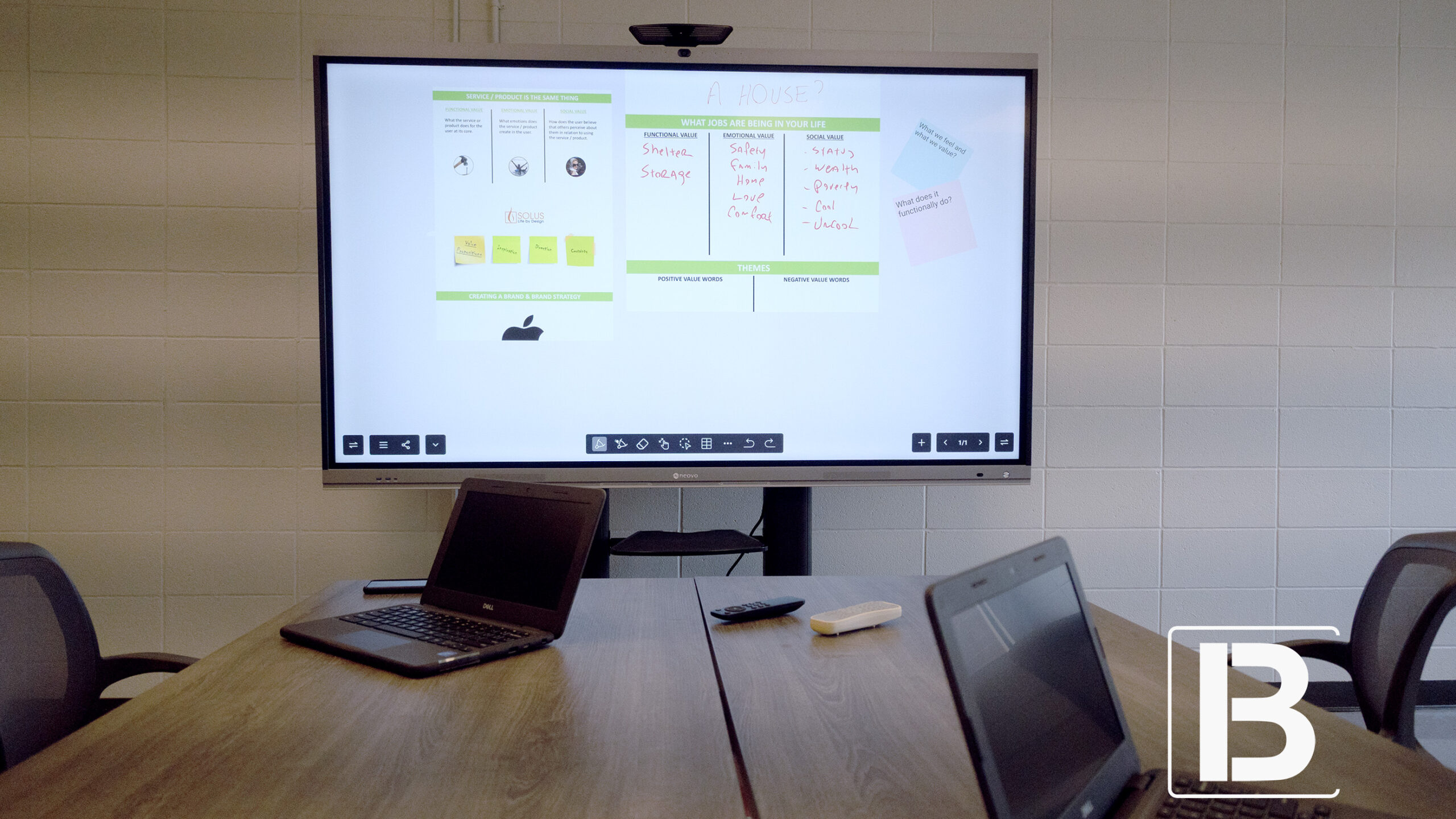
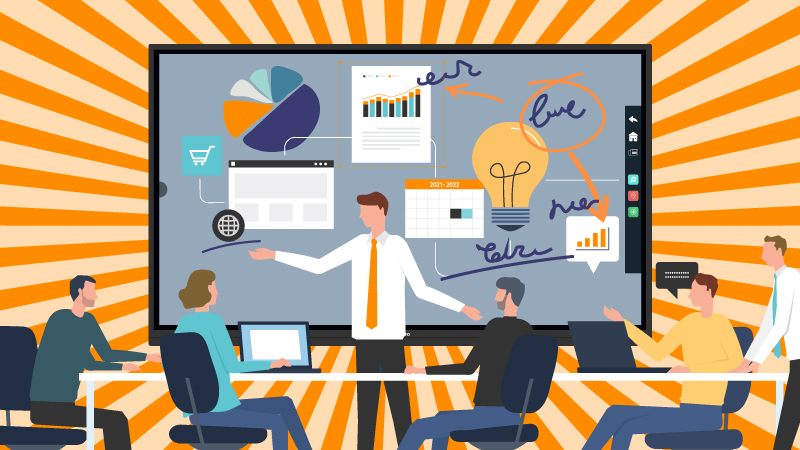
Review slides, map next steps, and capture notes all on the same screen.

No cables or switching inputs. Meetings stay on track and finish faster.

Notes and action items are captured and shared automatically, reducing repeated conversations.

Remote managers see and hear with clarity through AI-enhanced video and audio.
The built-in 4K AI camera supports auto-framing, while noise-reducing microphones support meeting audio. Evaluate participant coverage and audio performance in the intended room, then confirm conferencing app and peripheral requirements for the complete installation.

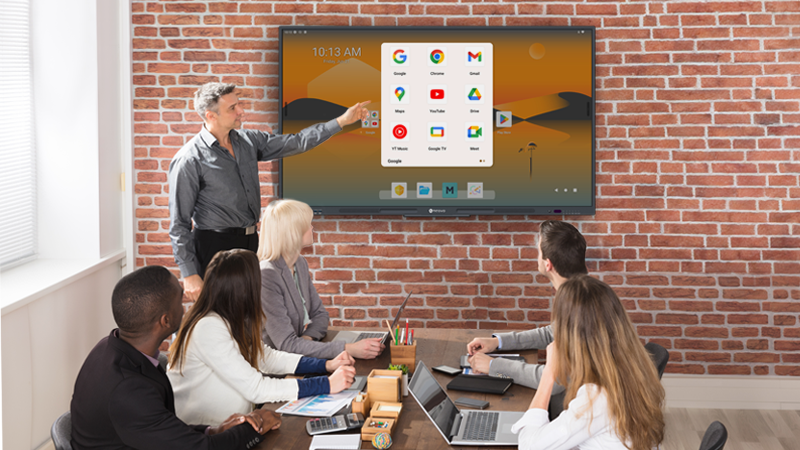
Google EDLA certification provides access to Google Play and Google Workspace on the interactive display. Confirm the availability, licensing, sign-in requirements and supported functions of the business or conferencing apps specified for the project.

With built-in wireless casting via DisplayNote Montage, AirPlay, Miracast, and Google Cast, executives and colleagues can share screens from any device within seconds. No cables, no drivers — discussions begin immediately, saving valuable leadership time.

Pressure-sensitive, low-latency writing that feels natural and accurate, so leaders can mark up what matters without breaking flow.

Built-in buttons and Bluetooth let you advance slides and switch pages with the same pen you use to annotate.

Lift the pen to launch annotation instantly; jump from discussion to decisions in seconds.
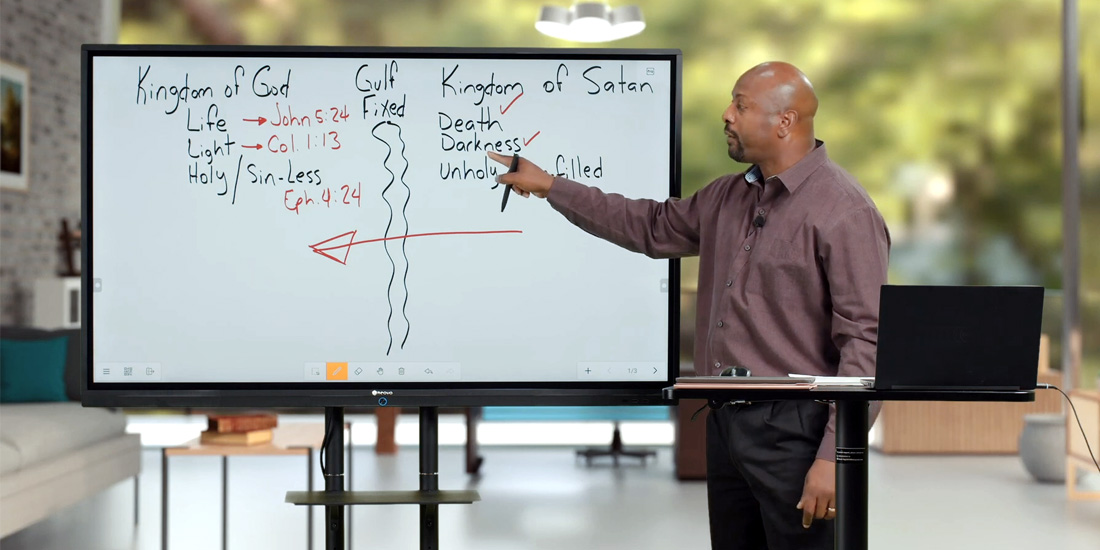
Write, draw, and mark up any screen immediately—slides, dashboards, or browser windows. Clarify risks, options, and next steps so outcomes are documented before the meeting ends.


Distribute boards and notes on the spot via email or QR code—no chasing files after the meeting.

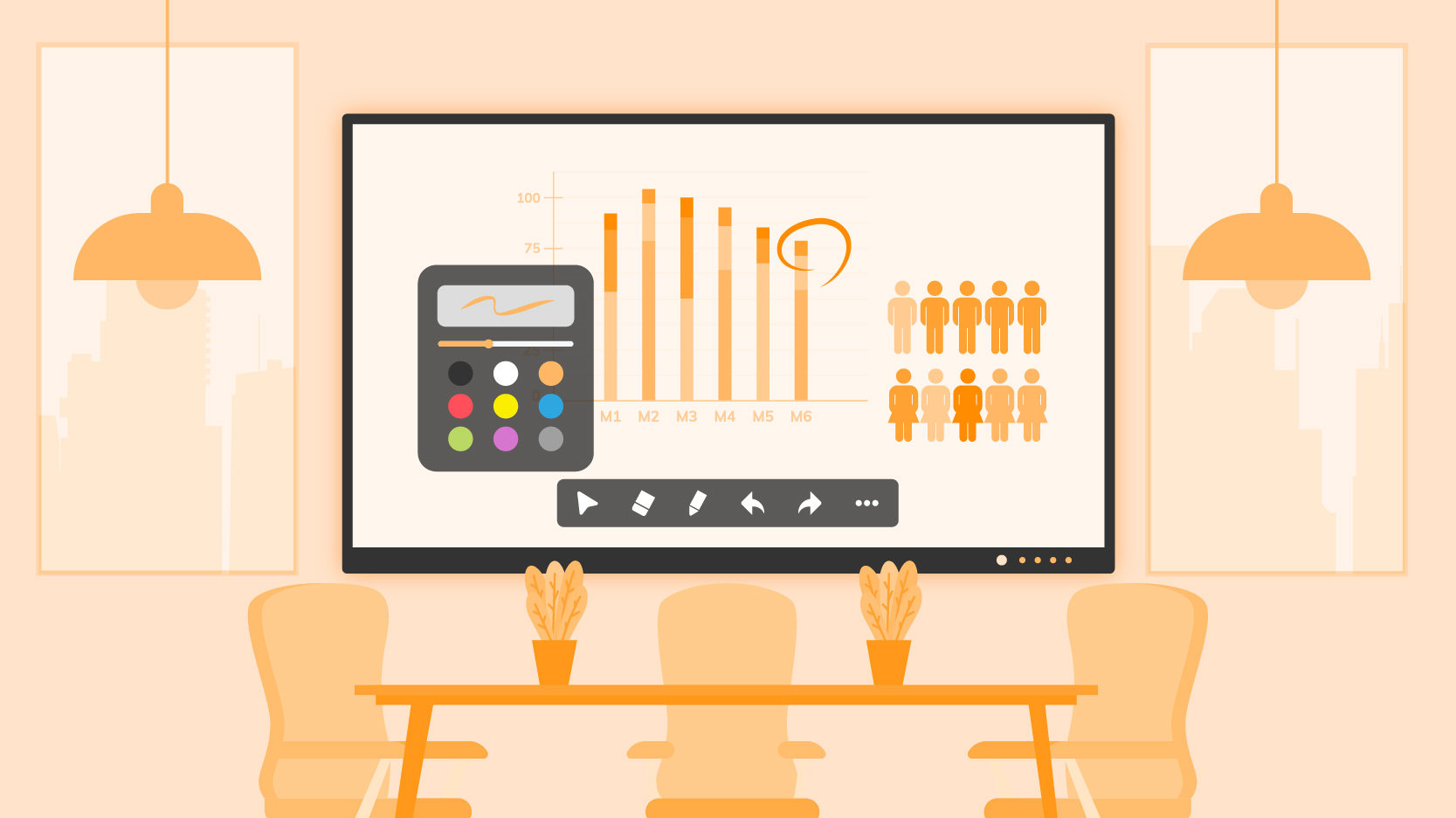
Save preferred pen colour, line width, eraser size, and board background for a familiar, low-friction start every time.
Sync notes to the cloud for consistent access and version alignment across teams and devices.


Meetboard 4 Prime lets leaders and colleagues co-author directly on one surface- mark up, refine, and confirm next steps in a single pass to keep momentum. Supports up to 40 touch points.


Protect data, standardise devices, and lower IT overhead—without adding friction. Meetboard 4 Prime embeds governance into the board itself, keeping your executive workspace secure, organised, and running smoothly.
Neovo Manager extends collaboration beyond the room. IT teams can schedule updates, monitor status, and manage multiple boards remotely, keeping every meeting space aligned and ready without extra setup.


Review the selected model’s dimensions, weight and mounting specifications against the installation site. Assess wall mounting or an optional trolley, including access, cable routing and the client’s room layout.

Start strong from day one: Active Pen, two styluses, and a wall-mount kit—the essentials for precise markup and a clean installation.
Outdated setups are already slow decisions. Upgrading your office to one always-ready board delivers instant starts, clearer hybrid meetings, and decisions that carry forward—with ROI from day one.
Book a session with our experts to see it live in your environment.
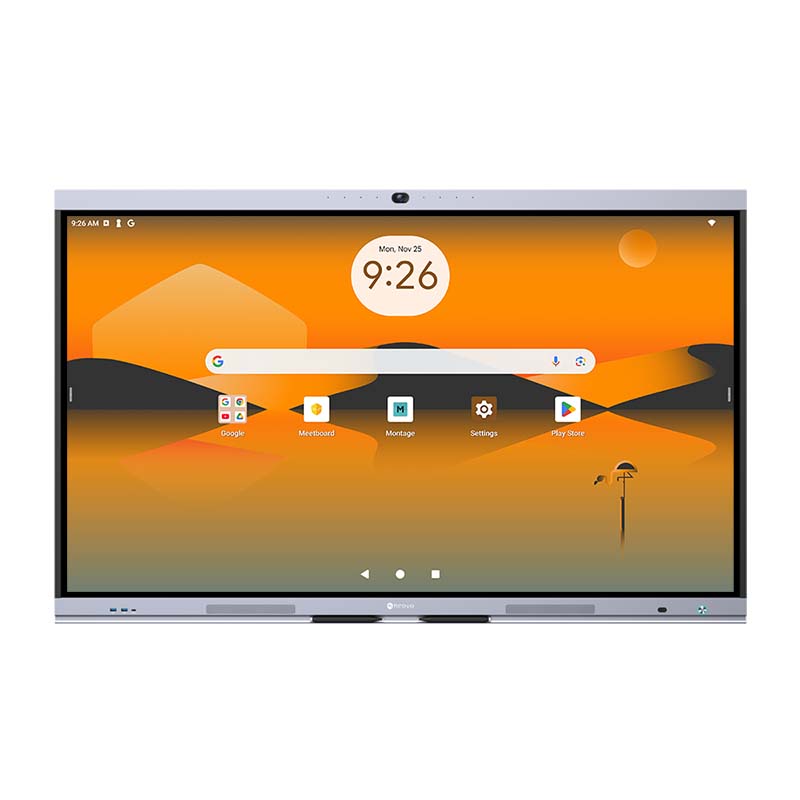


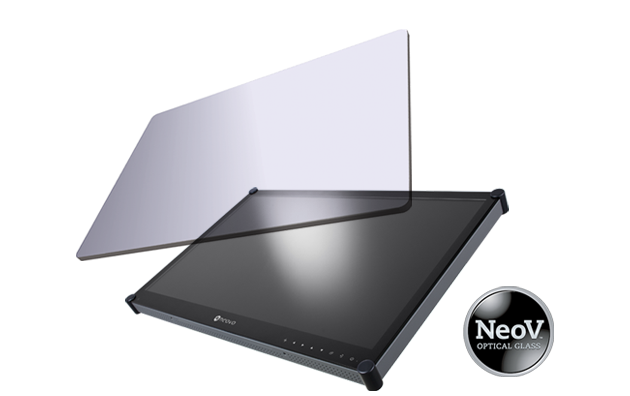 NeoV™ Optical Glass Screen
 Anti-Burn-in™ Technology