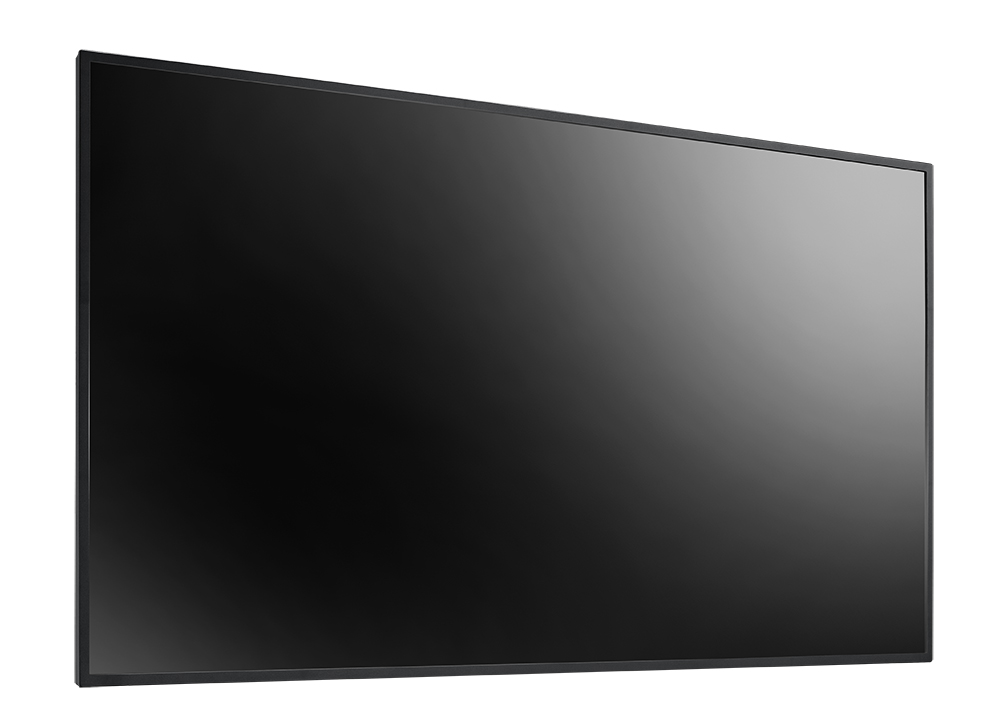
55-Inch All-in-one 4K Digital Signage Display
NSD-5501Q

  • 4K UHD 3840 x 2160 resolution
  • Support 4K multimedia playback via USB and Micro SD
  • IR/ RS232/ RJ45 connection for easy control and management

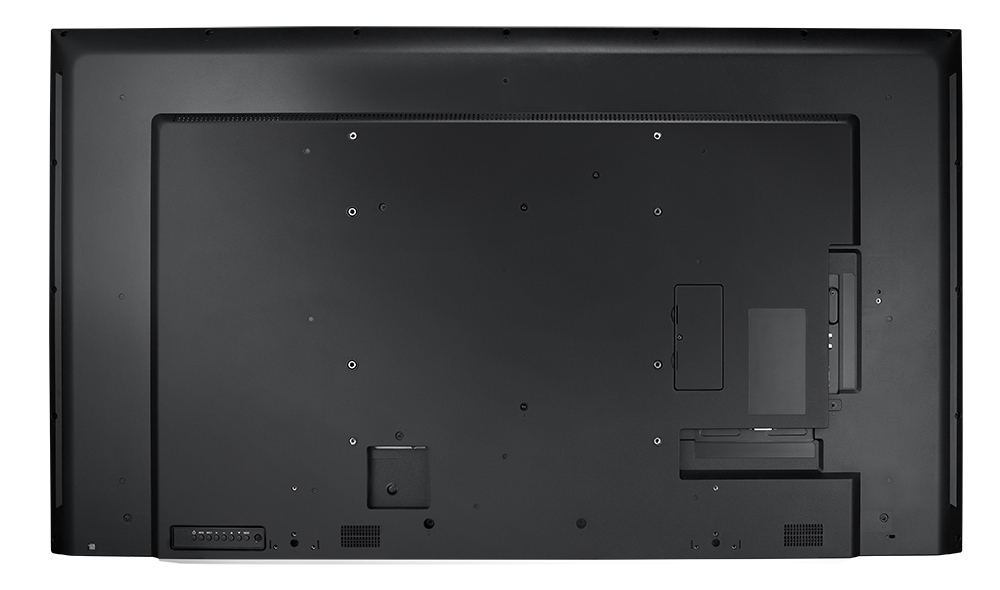
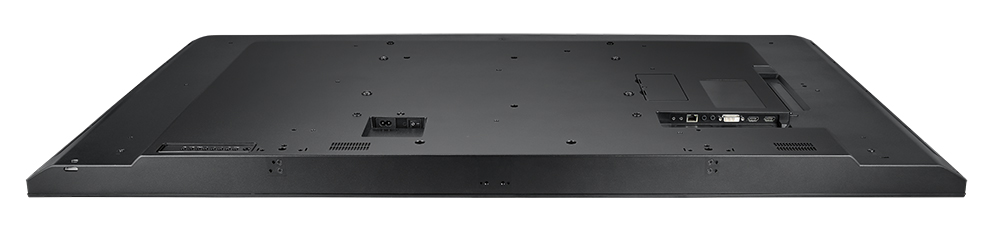
The NSD-5501Q 55-inch all-in-one 4K digital signage display integrates Android operating system, providing various ways to publish your digital signage content. You can broadcast content  from embedded USB media player to fulfill different signage needs without connecting to any external devices. From their razor-sharp 4K resolution, versatile connectivity, and IR/RS232 loop-through capability, the display is ready to meet a wide variety of business types.

Experience the 4K Difference

Don’t miss a single detail with this powerful 4K display. View smooth 4K video and images with a new level of detail and clarity. Offering 8.3 million pixels, the NSD-5501Q provides the ultimate digital signage experience.
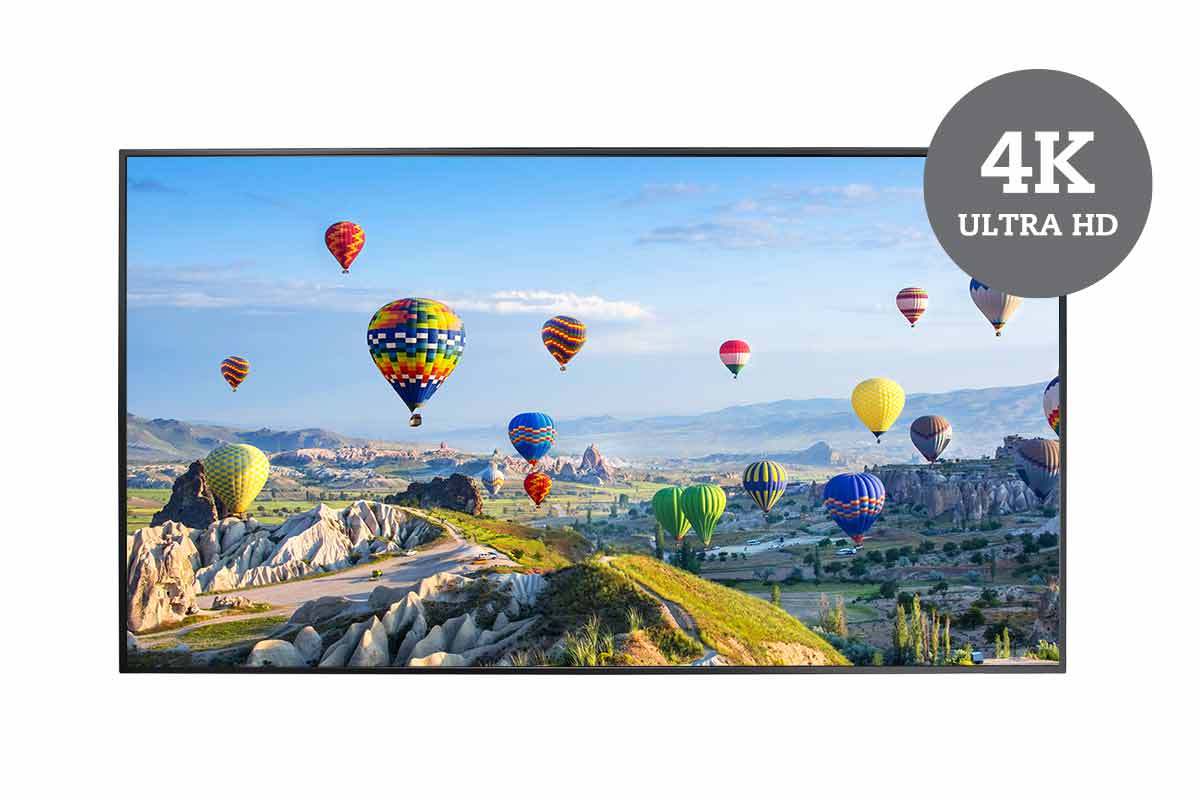
AG Neovo's NSD-series all-in-one digital signage display features 4K UHD resolution

Versatile Content Playback and Scheduling

The embedded 4K media player allows you to conveniently play content from a USB drive, micro SD, or internal storage. Simply create scheduled playlists with the included remote control to display your personalized content.
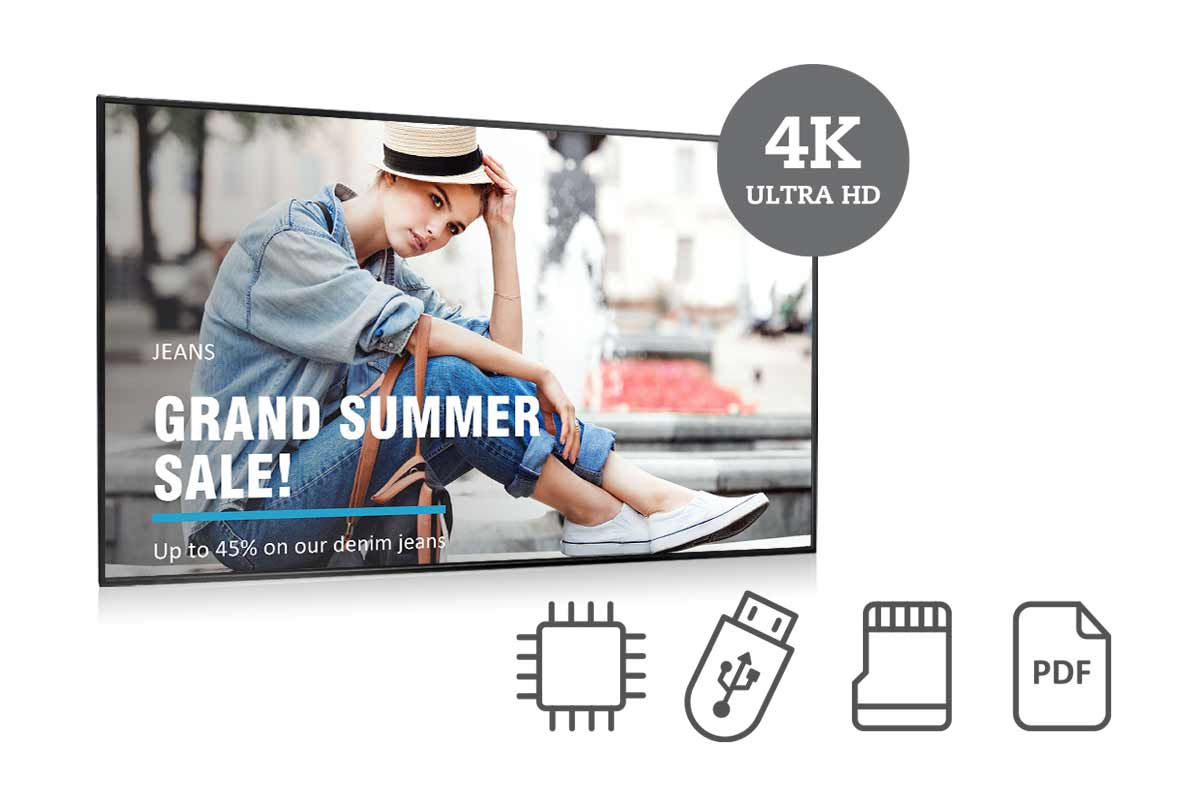
AG Neovo's NSD-series 4K digital signage displays integrate commercial display has simple content scheduling functionality

Embedded Image Enhancer

The embedded image enhancer features a 3D Comb Filter, 3D Deinterlace, Noise Reduction, and Freeze to solve image issues – offer crystal clarity to the most demanding environments.
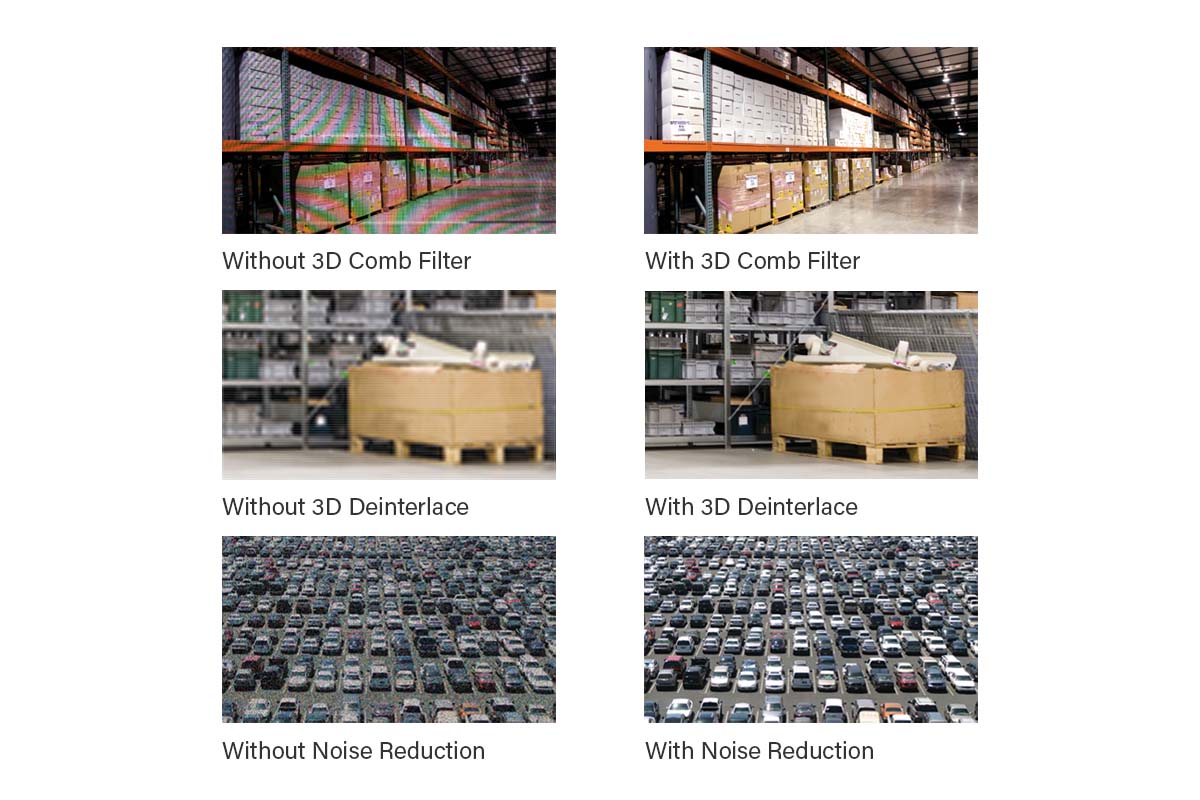
AG Neovo's digital signage display has embedded image enhancer

Greater Volumes of Supported Formats

Display live content with a full-screen HTML5 browser, perfect for customisable content like websites, waiting lists, live polling, social media engagement, and dynamic weather information. The PDF player allows users to leverage existing presentations and comfortably control the length of time in which slides are displayed.
The NSD-Series 4K digital signage displays content via HTML5 browser

IR/RS232 Daisy Chaining

With IR and RS232 loop-through capability, control signals can be directed to NSD-5501Q displays using a single PC connection or remote control. This helps to save a significant amount of time and provides a convenient single point of control for large multi-display installation.
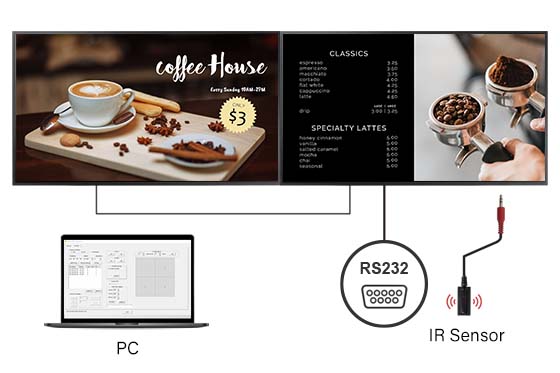
The NSD-Series 4K digital signage display features IR/RS232 daisy chain loop-through functionality

Patented Anti-Burn-in™ Technology

To combat the effects of traditional LCD burn-in or ghosting, AG Neovo utilises its patented Anti-Burn-in™ Technology to prevent image burn-in and assure the extended life span for displays.
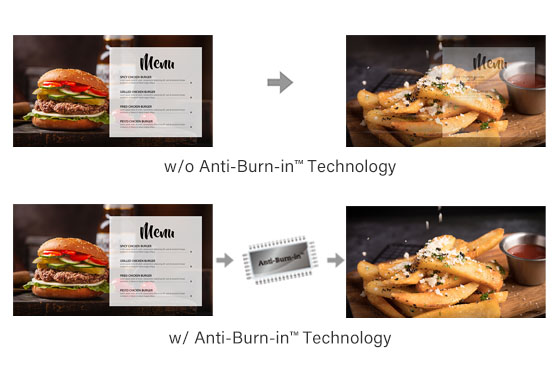
Comparison between panels with and without AG Neovo Anti-burn-in technology

Seamless Remote Management Across Devices

Neovo Controller streamlines display control with an intuitive interface, enabling effortless remote management for a customized and efficient experience.
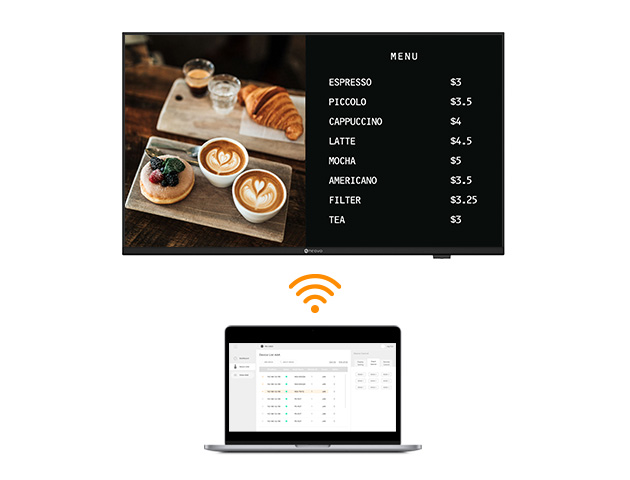
Document

Data Sheet
NSD-5501Q Datasheet V5.0
Upload date: 2025-04-29
User Manual
NSD-5501Q User Manual V1.5 English
Upload date: 2022-02-16
NSD-5501Q User Manual V1.4 Russian
Upload date: 2022-02-16
Product Photo
NSD-5501Q Product Photos
Upload date: 2021-10-13
Declaration
NSD-5501Q CE Declaration
Upload date: 2022-05-11
Command List
NSD-5501Q RS232 Command List
Upload date: 2021-10-13
EEI Label
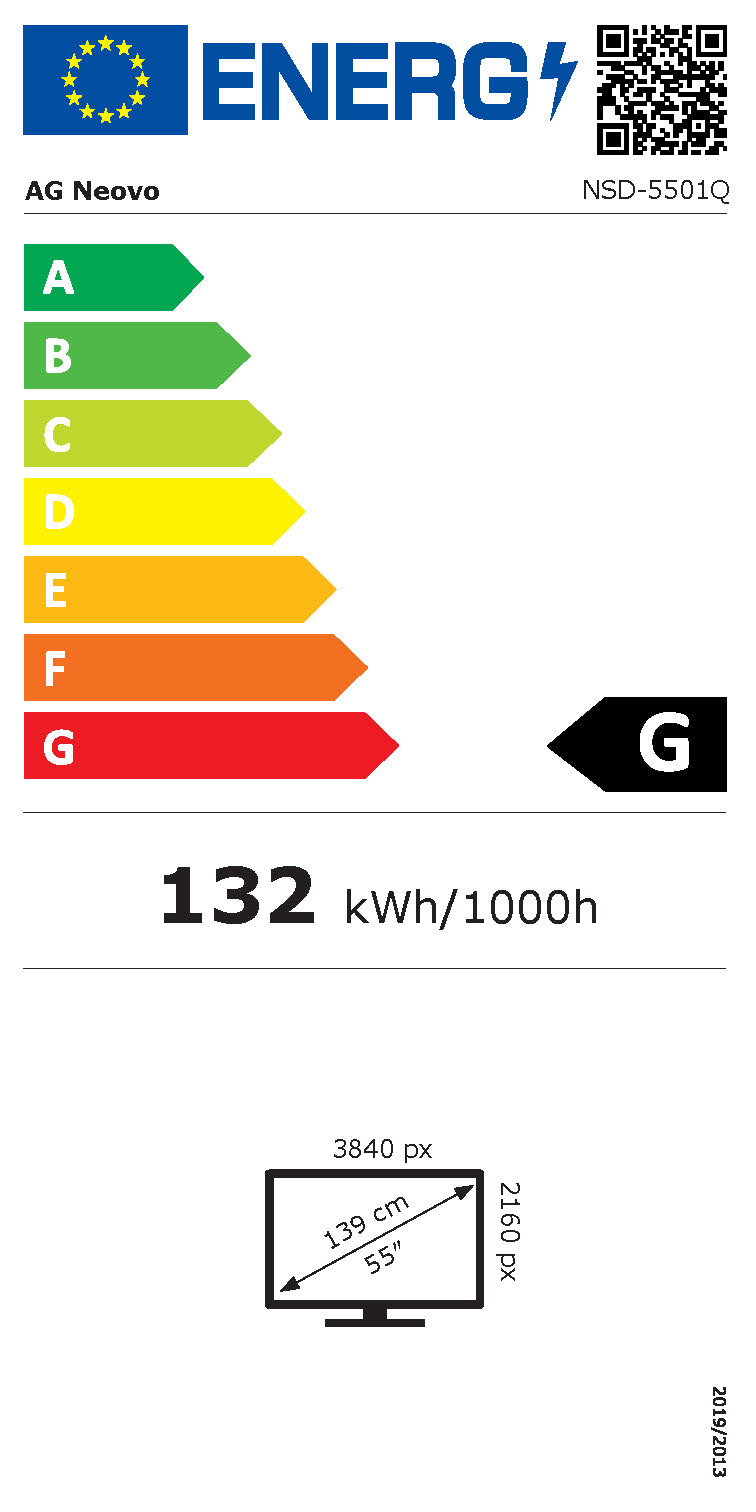
NSD-5501Q EEI Label
Upload date: 2021-10-13
Certification
NSD-5501Q ICES-003 (Issue 7) Report
Upload date: 2021-10-13
NSD-5501Q BSMI Certificate
Upload date: 2021-10-13
NSD-5501Q FCC Certificate
Upload date: 2021-10-13
NSD-5501Q CE Certificate
Upload date: 2022-05-11
NSD-5501Q UKCA Certificate
Upload date: 2022-05-11
How to play my content via USB drive?

Please create folders in your USB drive follow below rules, /agn/photo/ or /agn/video/ or agn/music/. Then press “source” on the remote control, select Media Player to setup your playlist using the files in your USB drive. For detailed settings, please refer to the User’s Manual.

Can I show HTML 5 content on NSD-5501Q?

Yes, you can use the Browser app to show HTML 5-format content. Press “source” on the remote control, select Browser and set the HTML 5 campaign URL you would like to show in the URL list. For detailed settings, please refer to the User Manual.

Can I show PDF content on NSD-5501Q?

Yes, press “source” on the remote control, and select PDF Player to set up and play your PDF files from the agn/pdf folder. For detailed settings, please refer to the User’s Manual.

How can I connect NSD-5501Q to the network?

You can connect NSD-5501Q to network via Ethernet or using supported USB Wi-Fi dongles. For detailed network settings, please refer to the User’s Manual. Wi-Fi dongles supported: TP-LINK TL-WN725N (V3.0), TP-LINK Archer T4U (V3), D-LINK DWA-182 (D1)

What is an APK file?

An installer executable format for Android. When you download Android apps from the web, they will be “.apk” files that can be installed on the NSD-5501Q.

Can I use an OPS device on NSD-5501Q?

The 65”+ models (NSD-6501Q, 7501Q and 8601Q) support OPS Slot.

What are the advantages of including Android into the displays?

An integrated design means you can control the media player and display with one remote control. You won’t need additional equipment to publish signage campaigns and makes installation easier and clean without additional connection wires.

What does the HTML5 browser do?

HTML5 allows browser-based signage, as long as the display has an available connection, there is no need to install additional software. Up to 7 web links can be assigned and scheduled.

How do I operate the display screen?

General operation can be performed with a remote control. You can also connect a keyboard and mouse to one of the USB ports for more accurate operation.

Can I use external memory (USB/microSD) to expand the storage capability of the display?

Yes, however if you are using third-party apps, they must be able to read external memory.