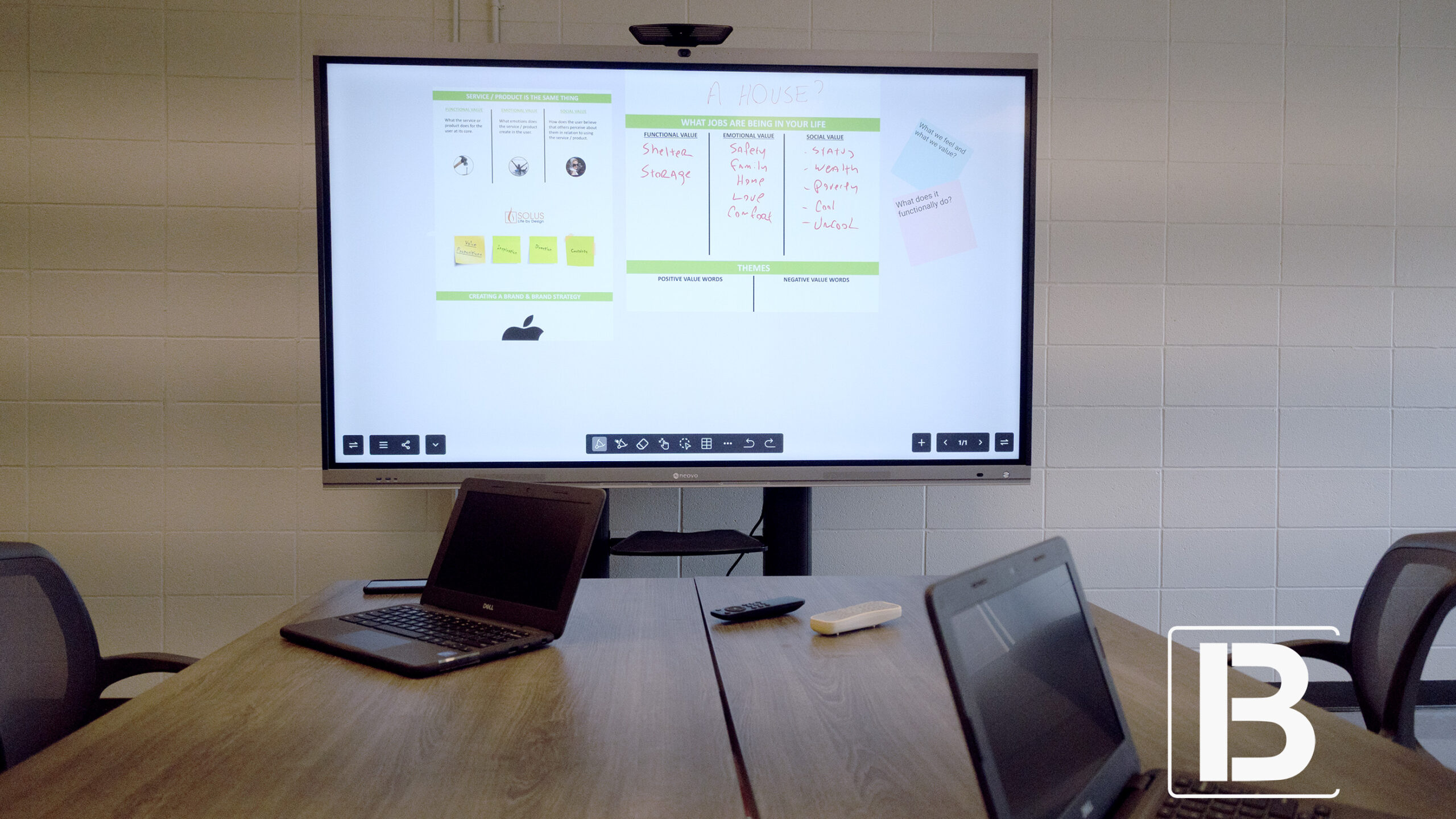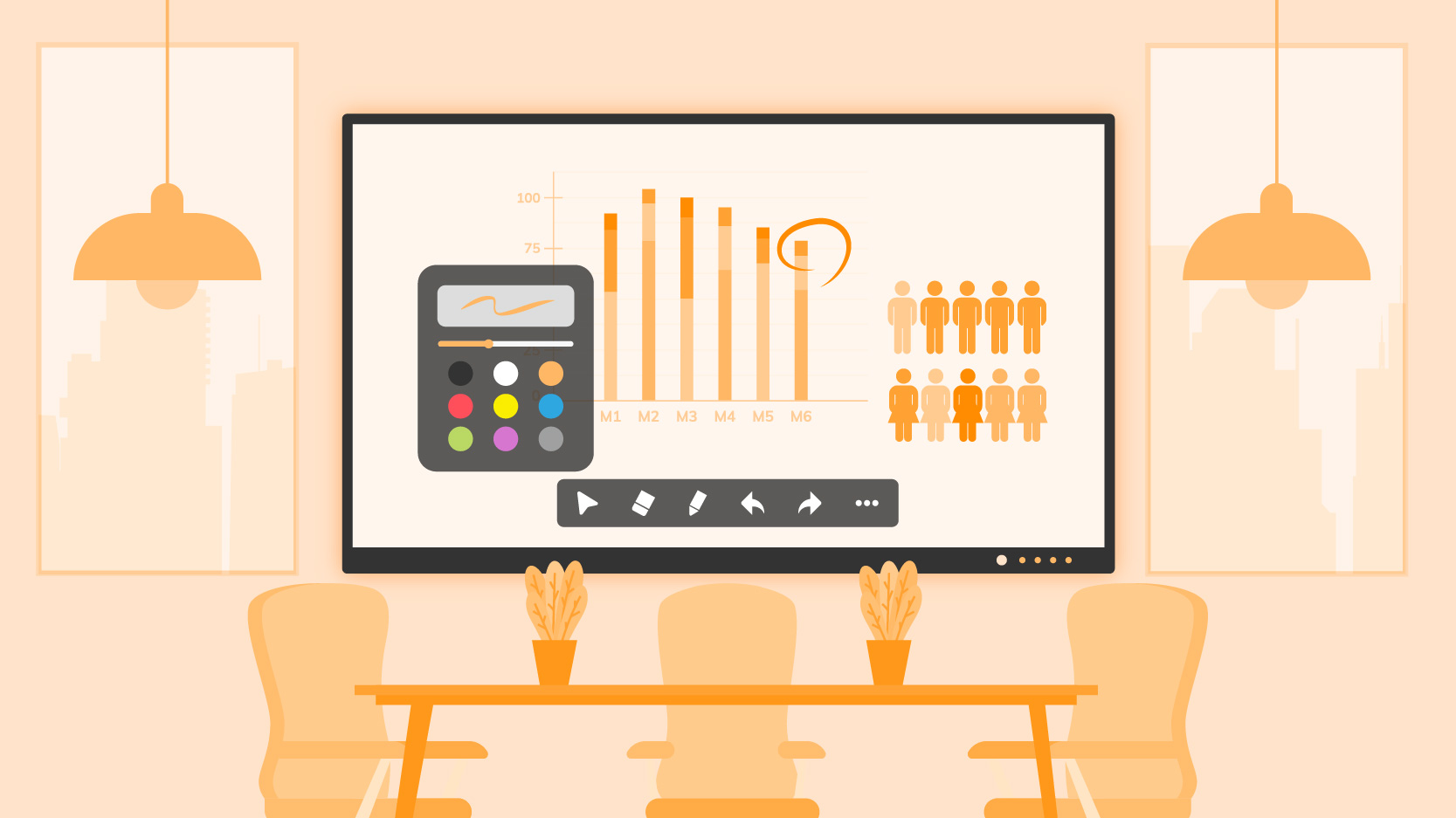
Selecting the right smart board for office deployment has shifted from a simple facility decision to a strategic infrastructure investment in 2026. As organizations solidify hybrid work models, the interactive display has evolved into a critical network endpoint—requiring the same level of security scrutiny and performance evaluation as enterprise laptops or servers.
For IT Directors, CIOs, and Procurement Managers, the selection criteria have fundamentally changed. It is no longer just about screen size; it is about security architecture (Google EDLA), OS stability (Android 13), wireless BYOD mastery, and Total Cost of Ownership (TCO).
The global interactive whiteboard market is projected to exceed USD 50 billion, yet many deployments fail due to poor user experiences, lack of security compliance, or restrictive casting options. This comprehensive guide provides the technical framework for choosing smart boards for business that meet modern security standards and high-performance user expectations.
In the current enterprise landscape, legacy equipment—such as standalone projectors, non-interactive TVs, or older Android 8 smart boards—is becoming a liability rather than an asset.
For the enterprise buyer, the goal is to procure a solution that offers a seamless “Walk-up-and-Use” experience. The technology must be invisible; employees should not need a manual to start a meeting. If it takes more than 30 seconds to connect a laptop to the screen, the technology has failed.
The most significant shift in the 2026 smart board market is the transition to Google EDLA (Enterprise Devices Licensing Agreement) certification. For CIOs and IT Directors, this is no longer a “nice-to-have” feature—it is a mandatory compliance requirement.
Legacy smart boards often ran on “Open Android” (AOSP), forcing users to “sideload” apps via APK files on USB sticks. This practice is a massive security loophole, bypassing malware scans and version controls.
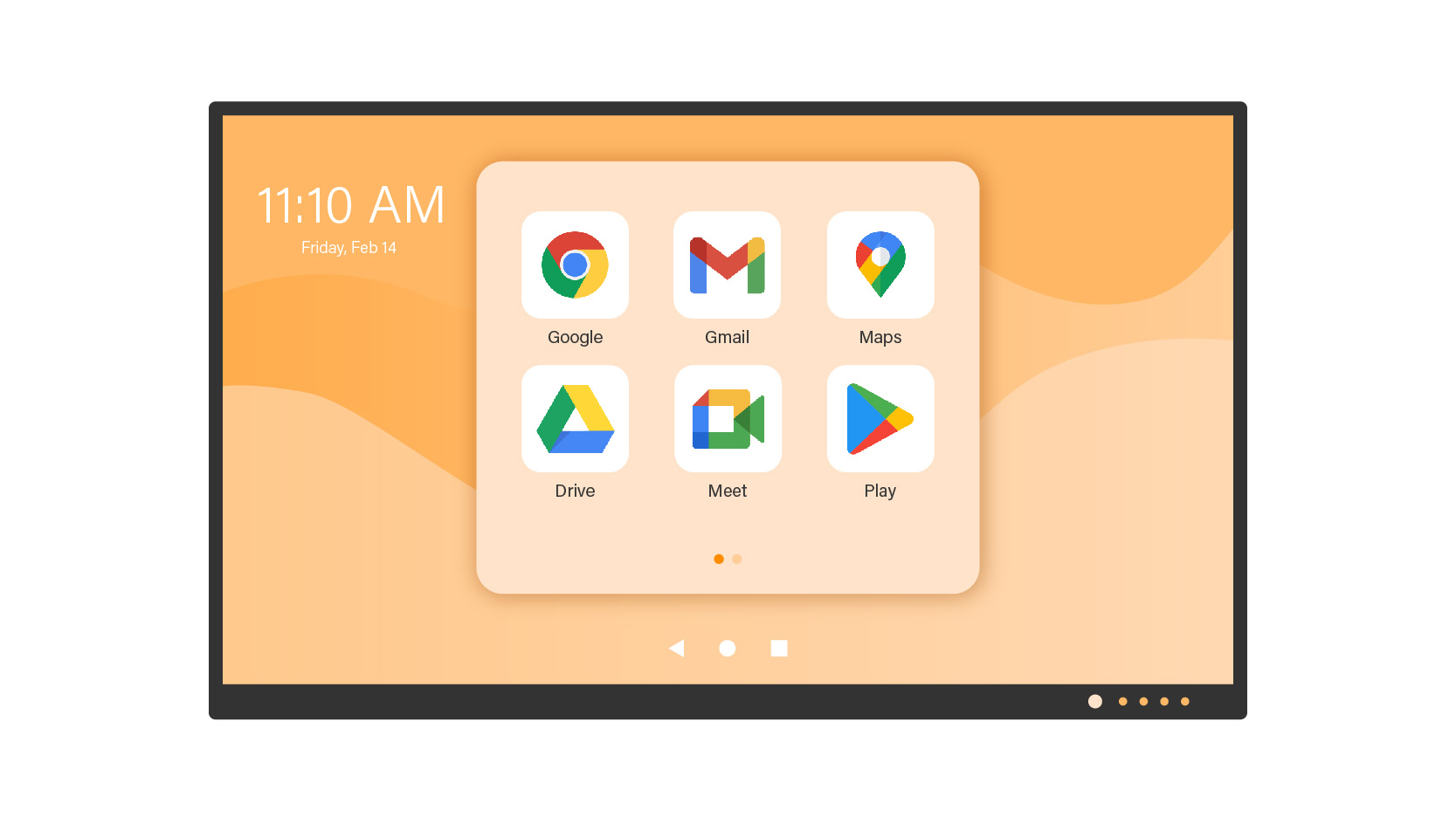
EDLA is the only official way to get Google Mobile Services (GMS) on a large-format display. This integration is crucial for workflow continuity.
For IT administrators, EDLA unlocks advanced API capabilities that non-certified boards lack.
Unified App Deployment: IT can push specific apps (e.g., a proprietary ERP dashboard) to all 50 meeting rooms instantly, ensuring version consistency across the campus without site visits.
Remote Wipe & Lock: In case of theft or a security breach, IT can lock the device remotely via Google Admin Console or third-party MDM (like Microsoft Intune).
When drafting your Request for Proposal (RFP), ensure your hardware specifications meet the following 2026 enterprise baseline. This ensures a product lifecycle of 5-7 years.
While consumer electronics push for the absolute latest OS, enterprise infrastructure requires stability. Android 13 is the robust standard for 2026.
4K UHD (3840 x 2160) is the minimum requirement for legibility of detailed spreadsheets and architectural drawings. However, resolution alone is not enough.
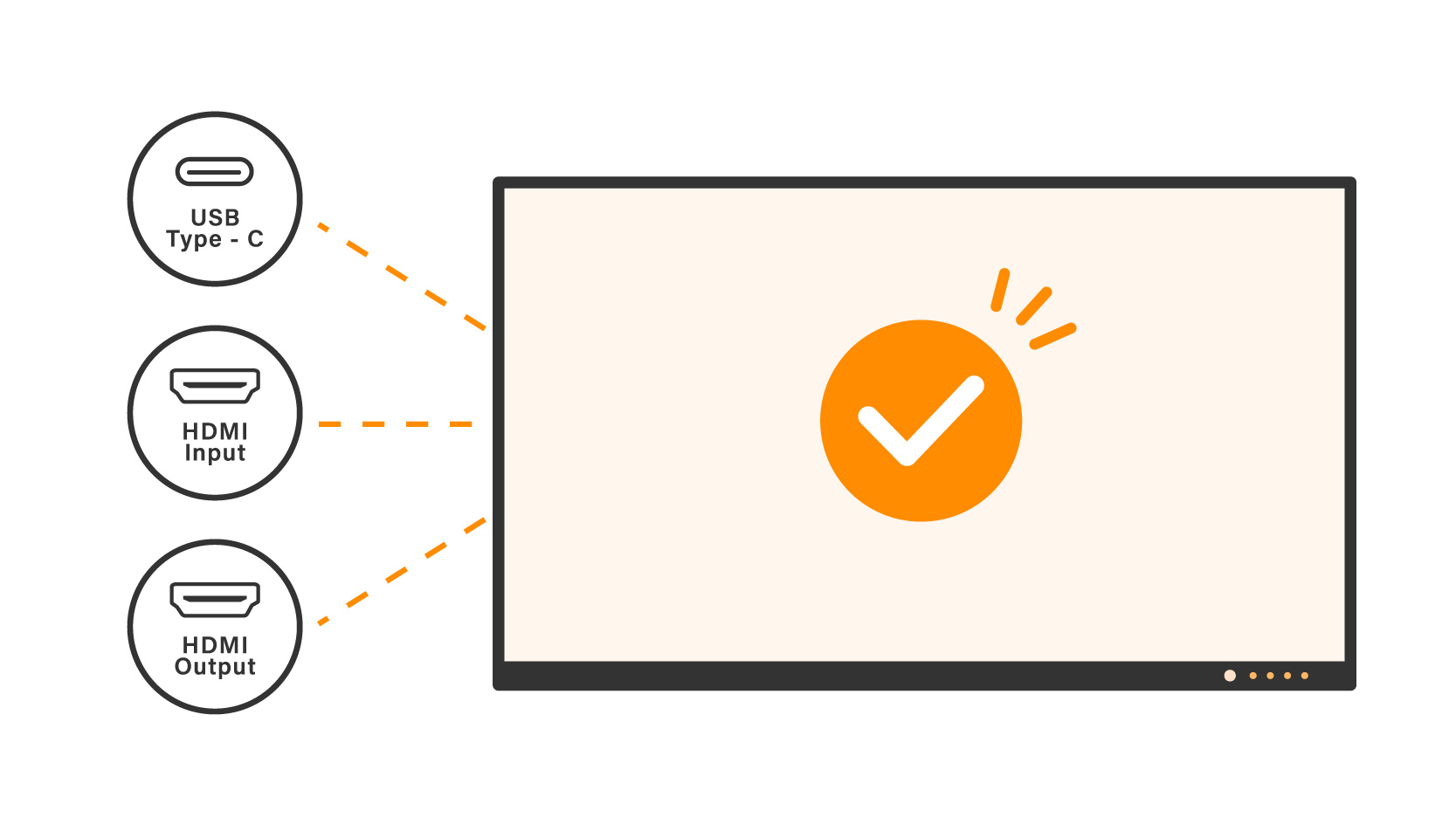
Modern workflows are driven by laptops. Your smart board must feature USB Type-C with 65W (or higher) Power Delivery.
Efficiency: A user walks in, plugs in, and starts the meeting in seconds—fully charged. This eliminates the “dongle mess” on the conference table and reduces calls to IT support.
One-Cable Solution: Audio, Video, Touch Data, and Power all flow through a single cable.
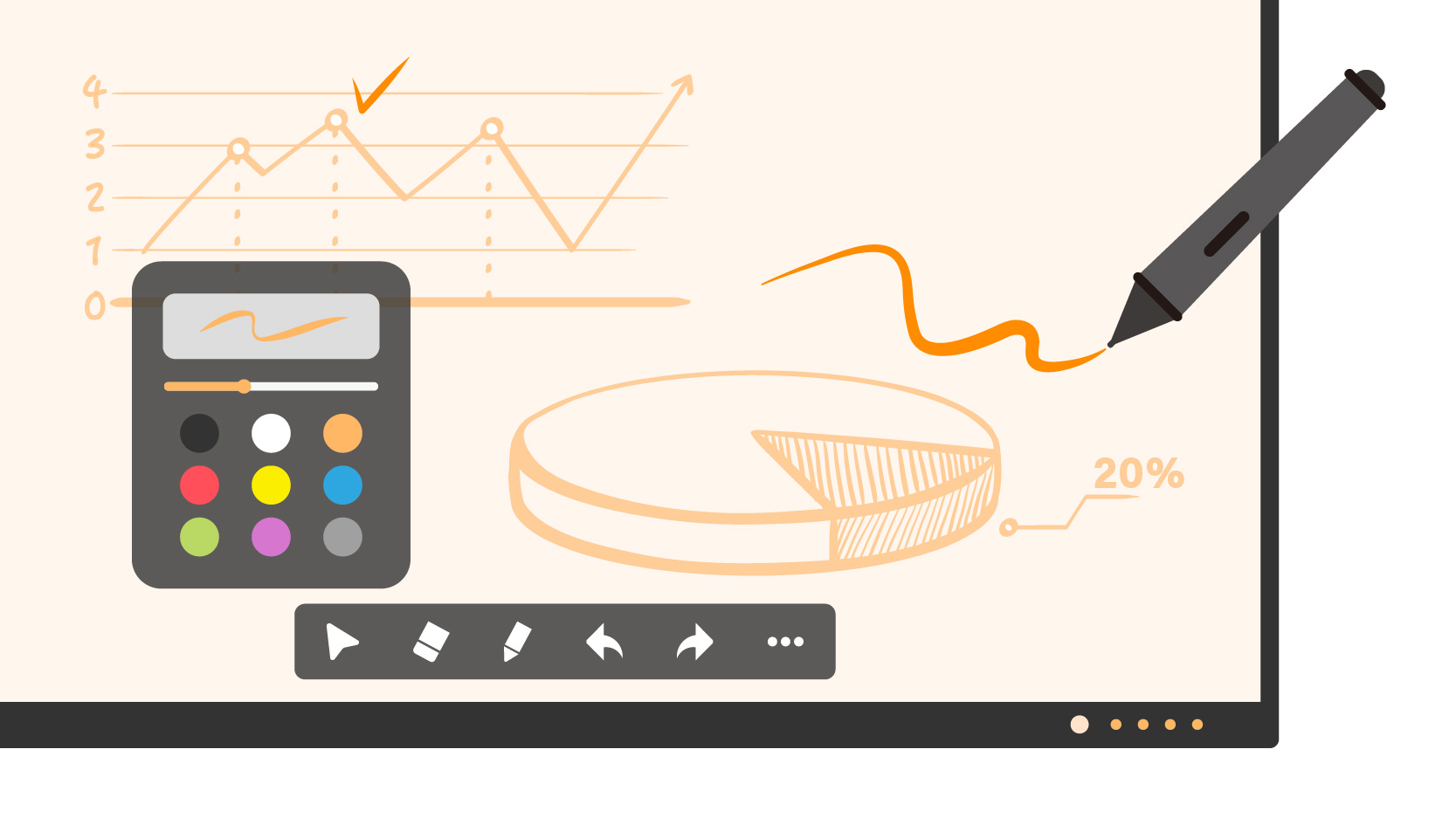
At its core, a smart board must be an exceptional writing surface. If the writing experience feels “laggy” or unnatural, user adoption will plummet. In 2026, the digital whiteboard must be faster and smarter than analog markers.
The difference between a good and a bad smart board lies in milliseconds.
Modern whiteboard software uses AI to understand how you are interacting with the screen.
The physical whiteboard is limited by the wall size. The smart whiteboard removes these boundaries.
Secure Saving: Ensure the board has a “End Session” feature that wipes the local cache, ensuring no confidential strategy is left on the screen for the next group to see.2. Screen Size: Match the Board to Your Room
Infinite Canvas: Users should be able to scroll endlessly in any direction, ensuring ideas are never wiped away to make space.
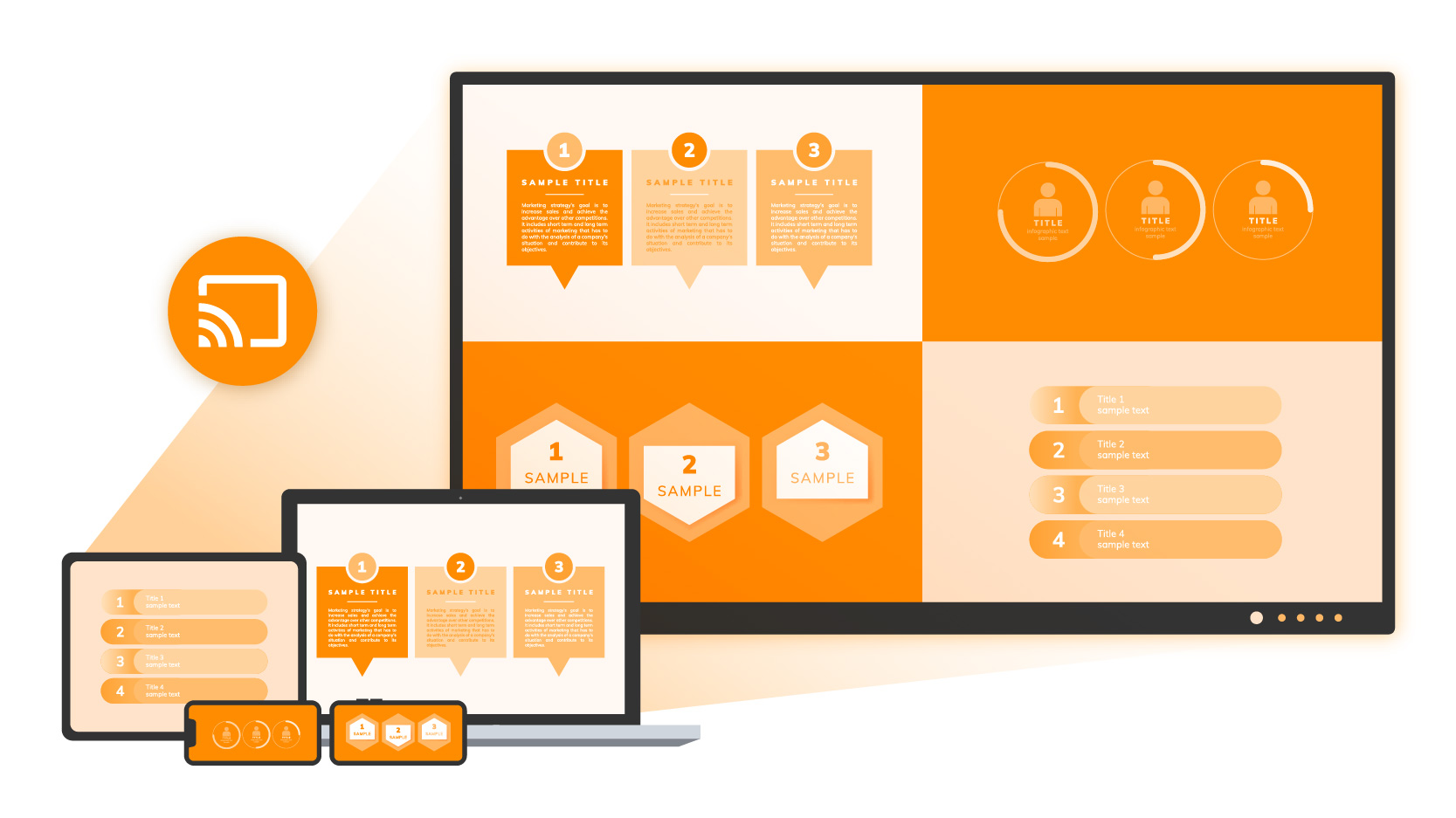
In 2026, cables are optional, but stability is not. A top-tier smart board must support a truly agile “Bring Your Own Device” (BYOD) environment through dedicated enterprise casting software.
A. Why an App Matters: Security & Stability While consumer TVs rely on generic casting protocols, enterprise smart boards utilize dedicated casting apps to ensure a secure handshake between the device and the display.
B. Two-Way Control (Touchback) This is the productivity game-changer that generic casting often lacks. When a user casts their Windows or Mac screen via the board’s app, they gain full touch control.
C. Multi-View Split Screen Collaboration often requires comparison. The casting app should support Quad-View (4 screens) simultaneously.
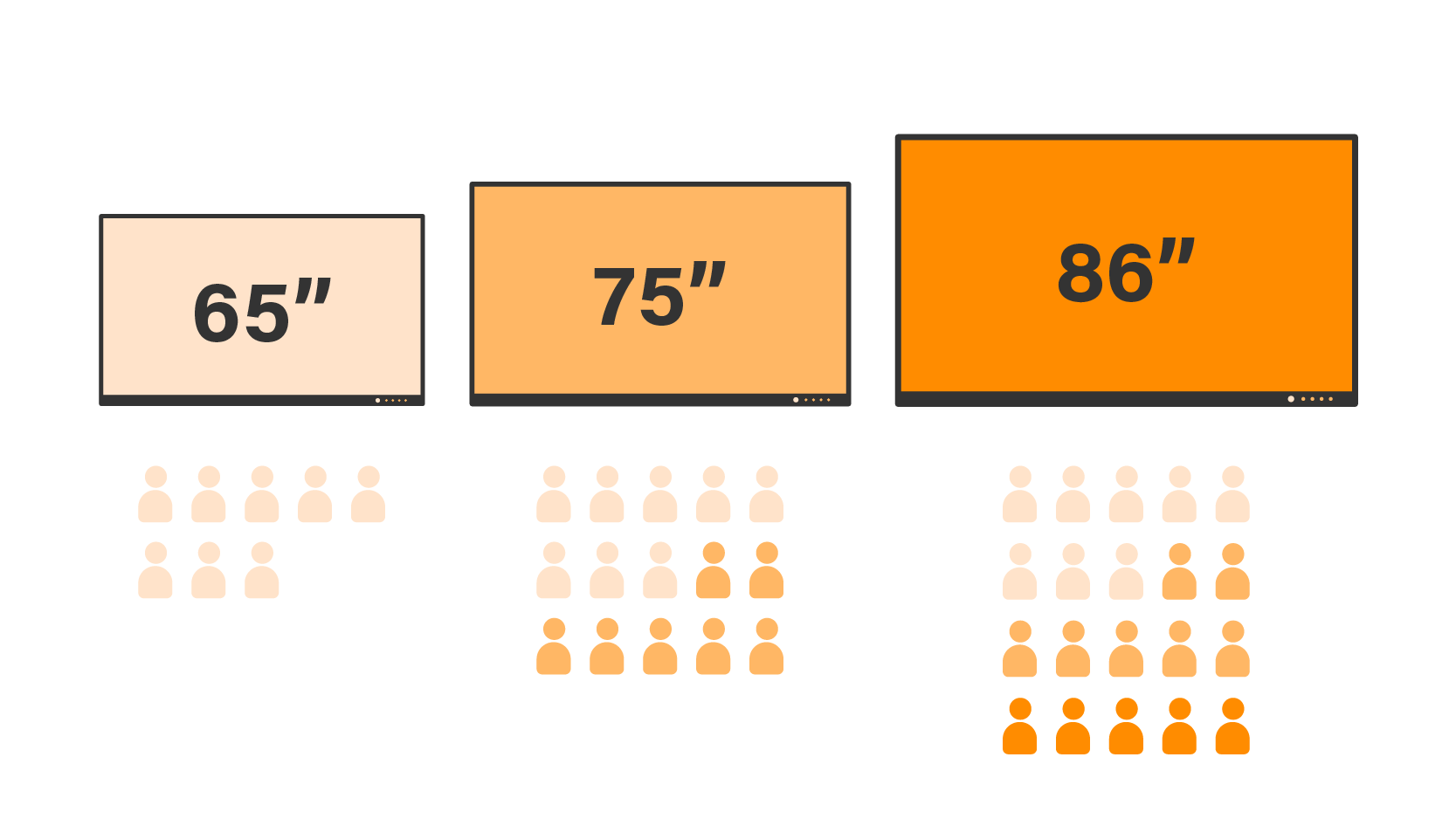
Standardizing display sizes across your campus simplifies maintenance and user experience. A common mistake is buying a screen that is too small for the room depth.
| Room Type | Room Depth | Recommended Size | Rationale |
| Huddle / Focus Room (1-4 Pax) | < 3 Meters | 65-inch | Provides an intimate collaboration space without overwhelming the room. Ideal for quick stand-ups. |
| Standard Conference Room (8-15 Pax) | 3 – 6 Meters | 75-inch | The Enterprise Standard. Offers the best balance of visibility and budget. Text remains legible from the back of the room. |
| Boardroom / Training Hall (15+ Pax) | > 6 Meters | 86-inch or larger | Essential for ensuring remote participants’ faces are visible alongside content. Consider dual-screen setups here. |
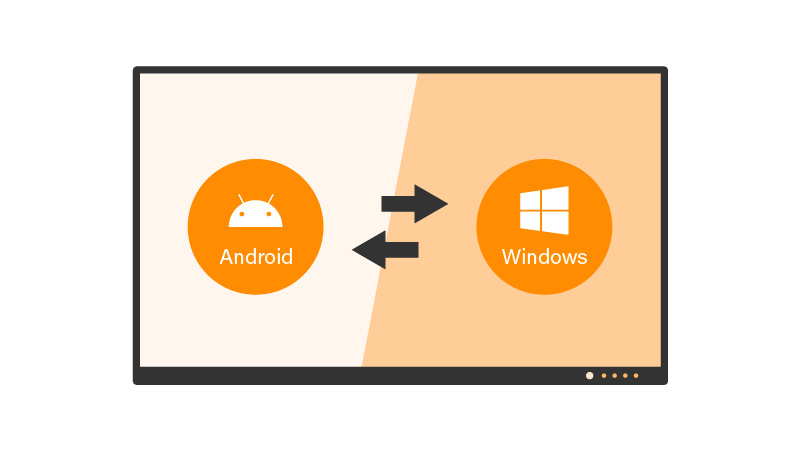
Enterprise buyers often face the dilemma: Do we stick to Android or add a Windows PC? The answer depends on your team’s workflow.
Ideal for agile teams, creative brainstorming, and quick stand-ups.
Ideal for heavy Excel users, engineering reviews (AutoCAD), and Microsoft-centric organizations requiring full domain joining.
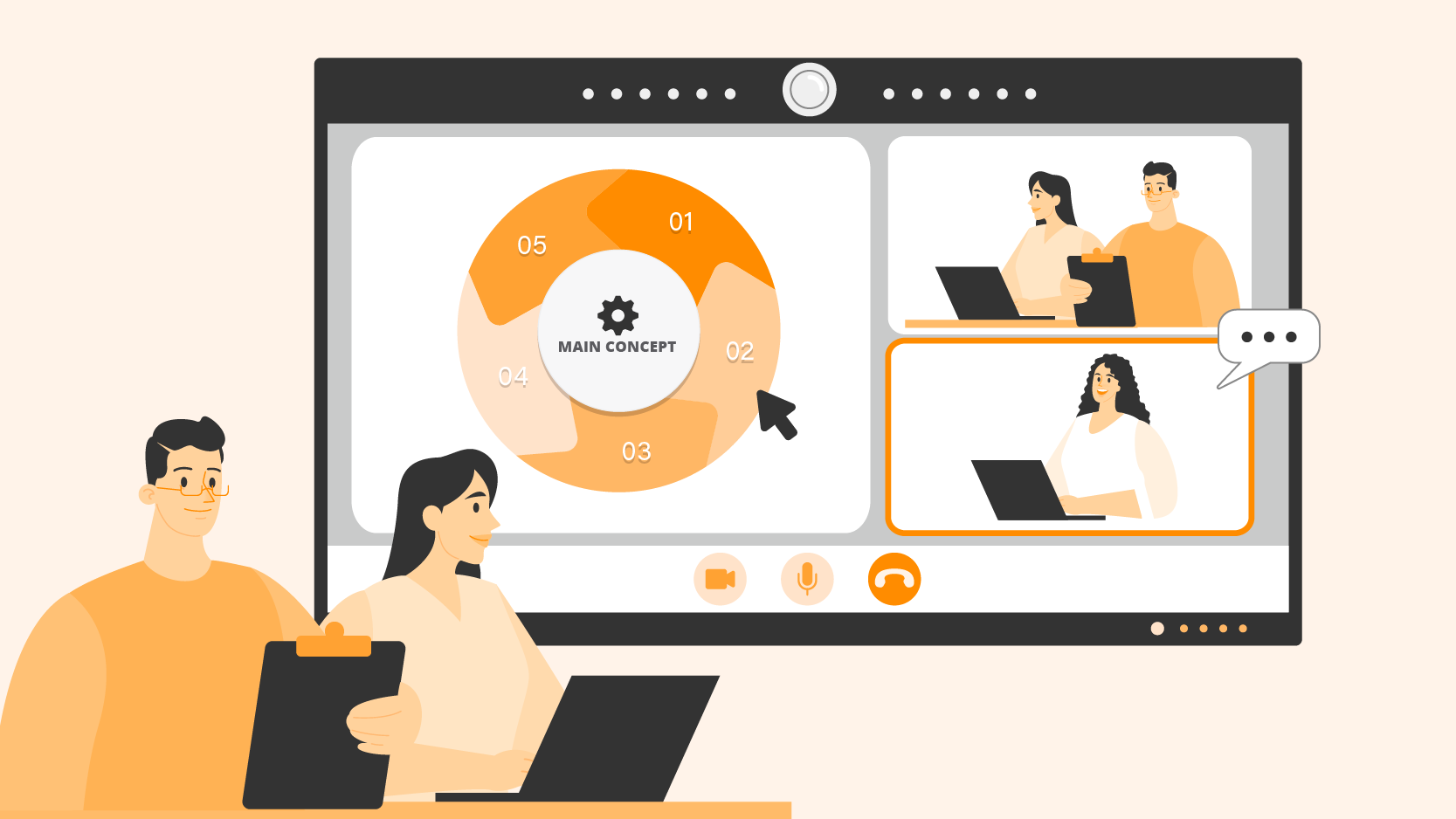
A smart board in 2026 is also a communication device. The visual and audio quality determines whether remote employees feel included or alienated.
In 2026, corporate procurement is increasingly driven by ESG (Environmental, Social, and Governance) goals. Smart boards are large electronic devices, and their energy profile matters.
The purchase price is only one part of the equation. Total Cost of Ownership (TCO) includes installation, training, and management.
For IT teams managing 50+ displays across different floors or cities, remote management is essential.
Enterprise-grade smart boards should come with a standard 3 to 5-year onsite warranty. Unlike consumer TVs where you have to ship the unit back for repair, enterprise support means a technician comes to your office to fix or swap the unit, minimizing downtime.
To secure the best smart board for office use in 2026, prioritize these six non-negotiables to protect your ROI:
By adhering to these standards, Procurement and IT teams can deploy a solution that satisfies end-user needs while maintaining strict network security and manageability. The best smart board is not just a screen; it is the bridge that connects your hybrid workforce.
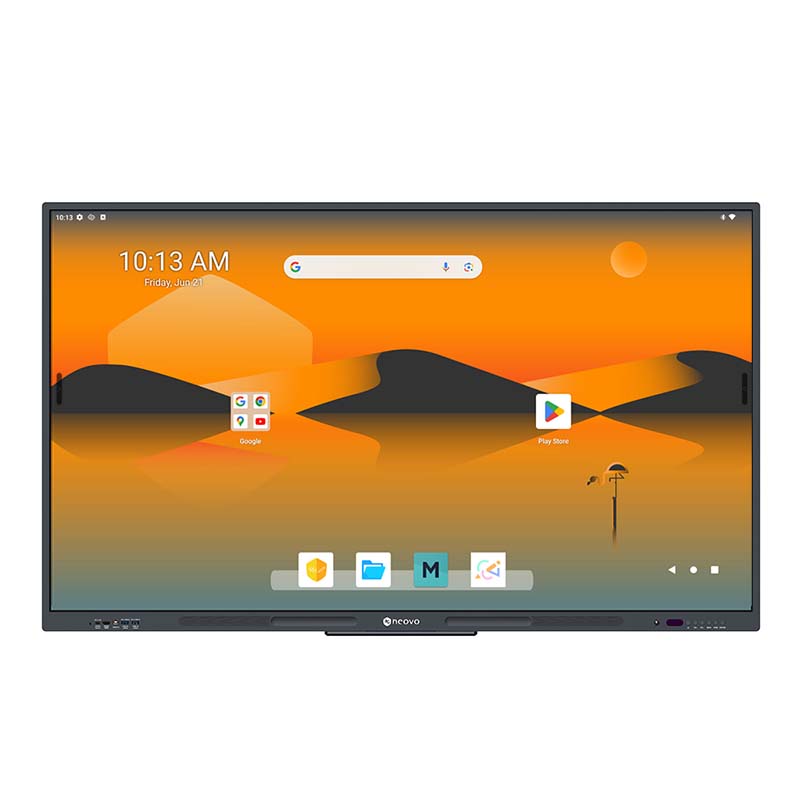
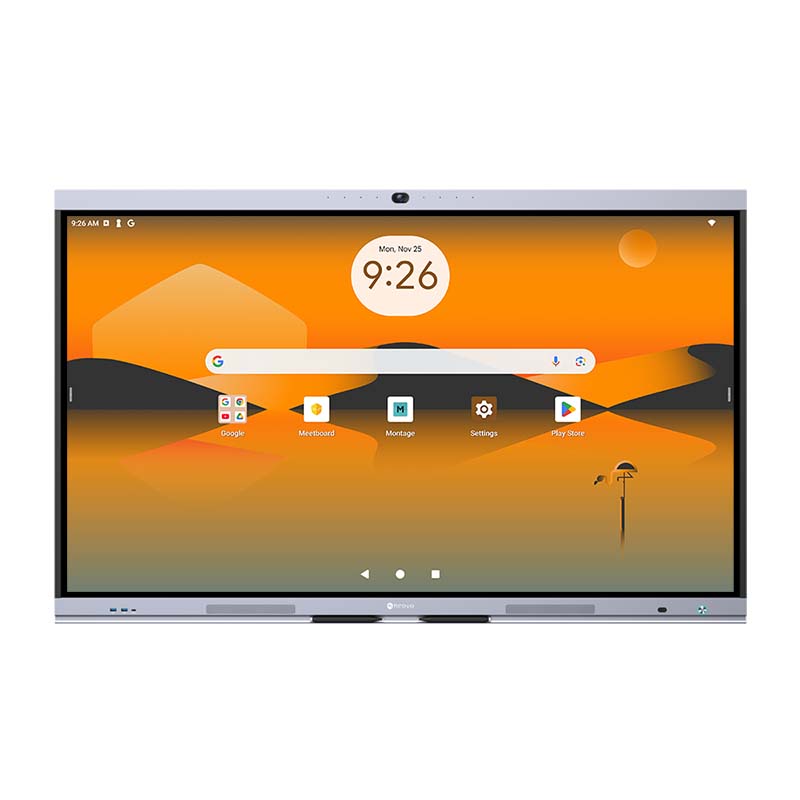


 NeoV™ Optical Glass Screen
 Anti-Burn-in™ Technology