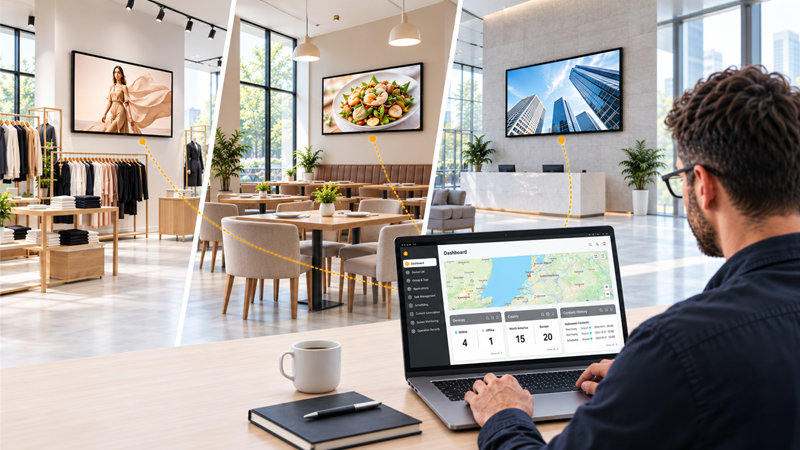
Scaling a digital signage network is about more than installing displays and publishing content. A digital signage management system must also give teams a reliable way to monitor devices, resolve issues and maintain consistent operations as screens expand across stores, offices, campuses, transport hubs or customer sites.
A digital signage management system may help teams organize content and schedules. But keeping the displays themselves online, correctly configured and easy to support requires a different operational layer: a Device Management System, or DMS.
For system integrators, IT teams and AV managers, the difference becomes especially important after installation. This is where display uptime, support costs and long-term project margins are decided.
The first day of a digital signage project is often straightforward. Displays are installed, connected and configured. Content is published, and the network goes live.
The more difficult work starts afterwards.
As the network grows, teams need answers to practical operational questions:
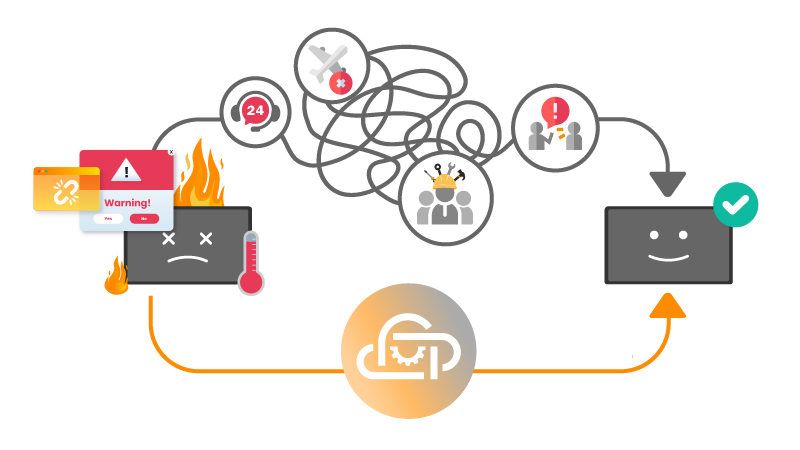
Without centralized device visibility and remote control, even small issues become time-consuming. A frozen screen, incorrect input source, failed app or offline device can quickly turn into a support ticket and an unnecessary site visit.
A digital signage content management system, or CMS, is designed to manage what appears on the screen. It helps teams upload media, schedule playlists, organize campaigns and update content across locations.
A DMS serves a different purpose.
A DMS manages the display environment: the screens, supported Android devices, device status, settings, power schedules, input sources, app deployment and user access that keep the signage network operating.
This distinction matters because published content does not guarantee that a display is working correctly. A CMS may confirm that a playlist has been sent, but it may not show whether the display is powered on, connected to the network, using the correct input or experiencing a device-level issue.
For scalable digital signage operations, content management and device management should work alongside each other.
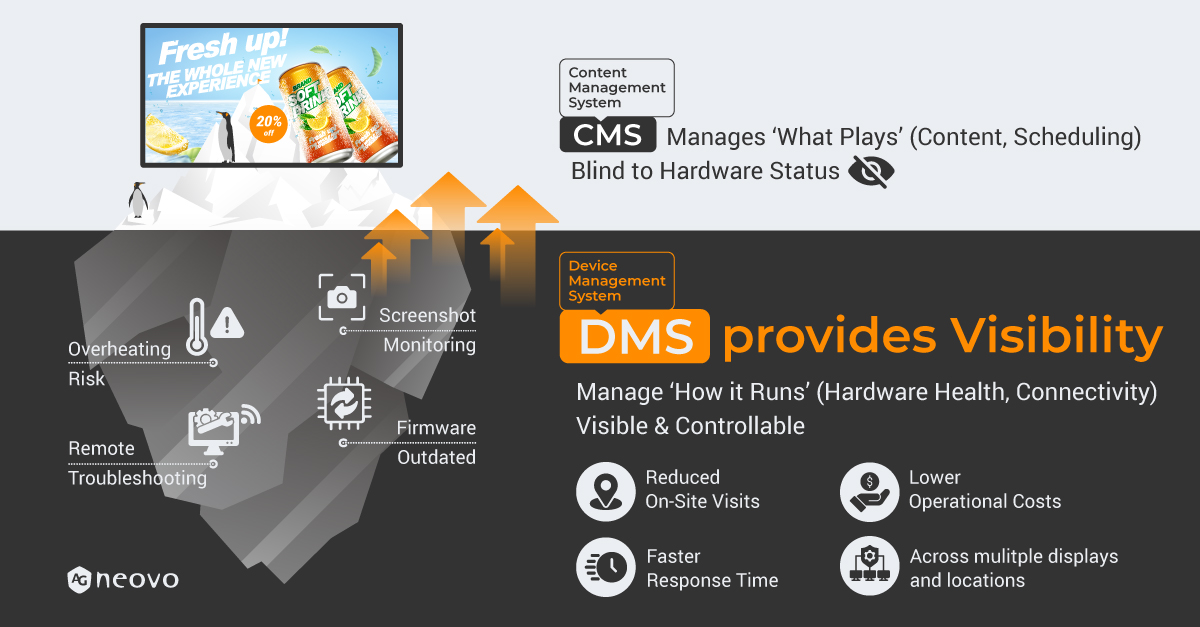
For multi-location projects, on-site support is expensive. Sending a technician to restart a display, change a setting or check an offline device consumes travel time, labor and project margin.
A DMS helps reduce these unnecessary truck rolls by enabling authorized teams to handle common tasks remotely.
Depending on the supported display environment, this can include:
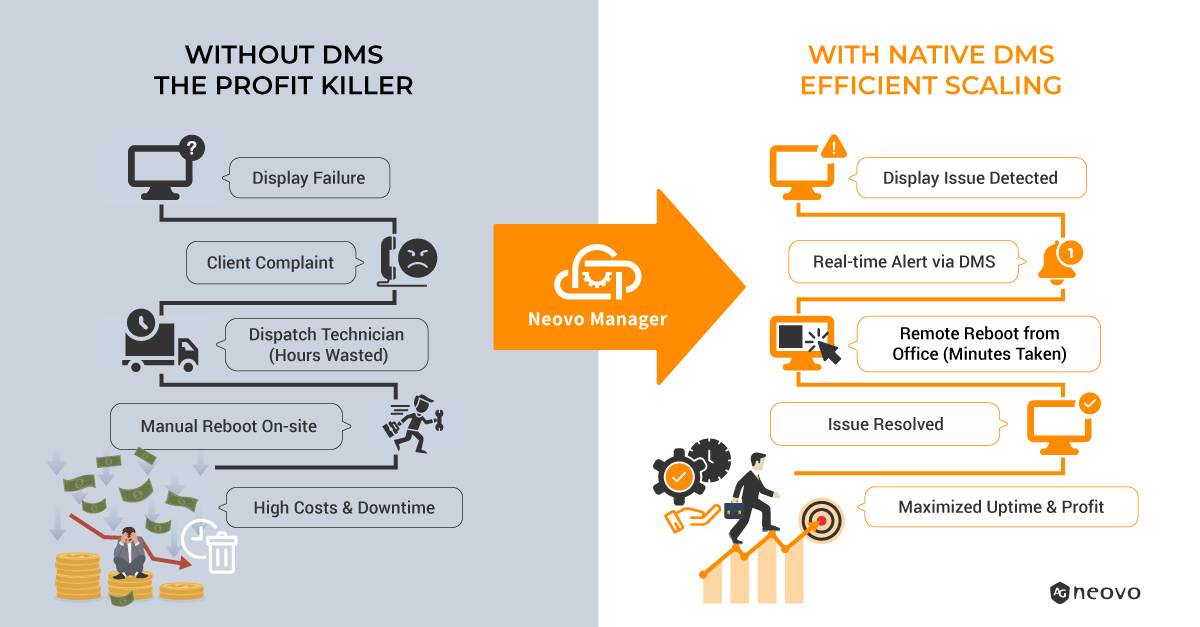
When routine tasks can be completed remotely, technical teams spend less time traveling and more time supporting larger networks efficiently.
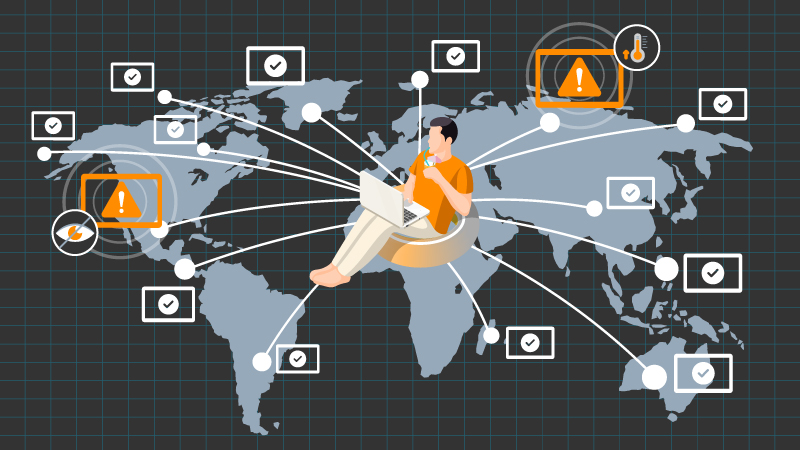
Without digital signage monitoring, teams often discover a problem only after a customer, store manager or end user reports it.
That approach is reactive. It makes it harder to prioritize issues, identify recurring faults and maintain consistent display performance across locations.
A DMS gives teams a central view of the display network, helping them monitor device status, organize screens by location and respond to issues with more context.
Instead of asking, “Which display is affected?”, support teams can see where the device is located, which group it belongs to and whether similar devices are affected.
When there is no clear device management layer, teams often rely on a mix of manual checks, separate tools, local contacts and ad-hoc remote access methods.
This fragmented approach may work for a few screens. It becomes difficult to manage when deployments expand across regions, customers or hundreds of devices.
The risks include:
When evaluating remote device management software for a signage network, teams should focus on the operational tasks that occur after installation.
A practical digital signage DMS should help teams manage:
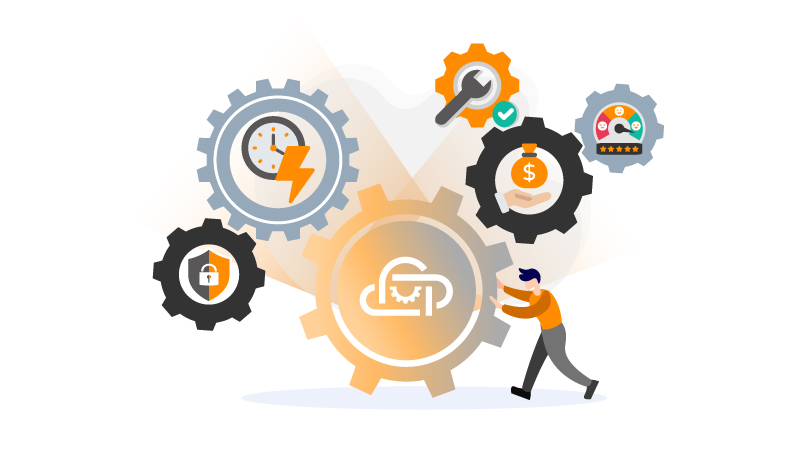
For organisations using compatible AG Neovo Android displays, Neovo Manager provides the device management layer for day-to-day display operations.
It helps authorized teams monitor display status, organize devices into groups, adjust supported settings remotely, manage power schedules, switch input sources and maintain compatible Android applications through a web-based interface.
Neovo Manager is not a CMS. It does not replace the tools used to create playlists, schedule campaigns or manage content. Instead, it supports the display and device operations that sit behind a reliable digital signage network.
A CMS is designed to manage content. It may confirm that content has been published, but it does not always provide device-level visibility, remote display control, input management or operational monitoring. A DMS supports these display and device management tasks.
Start by creating a central view of all displays, grouping devices by location or responsibility, defining support roles and using remote monitoring to identify issues. As the network grows, a DMS helps standardize these processes across sites.
A digital signage management system can refer broadly to the tools used to operate a signage network. A DMS is the device-management layer within that environment, focused on displays, supported devices, settings, status and remote support.
Teams can reduce downtime by monitoring display status, defining a remote support process, organising devices into manageable groups and resolving common issues before sending a technician on-site.
A scalable signage network depends on more than content delivery. With the right DMS in place, teams can maintain greater visibility, reduce unnecessary truck rolls and manage displays more consistently as deployments expand.
Ready to build a more manageable signage network? Explore Neovo Manager for compatible AG Neovo Android displays, or contact us to discuss your requirements.



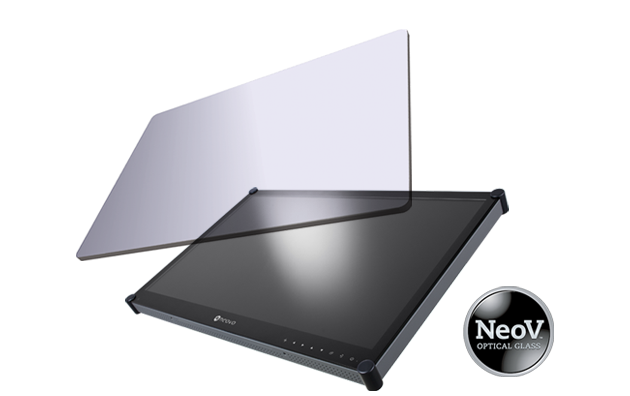 NeoV™ Optical Glass Screen
 Anti-Burn-in™ Technology