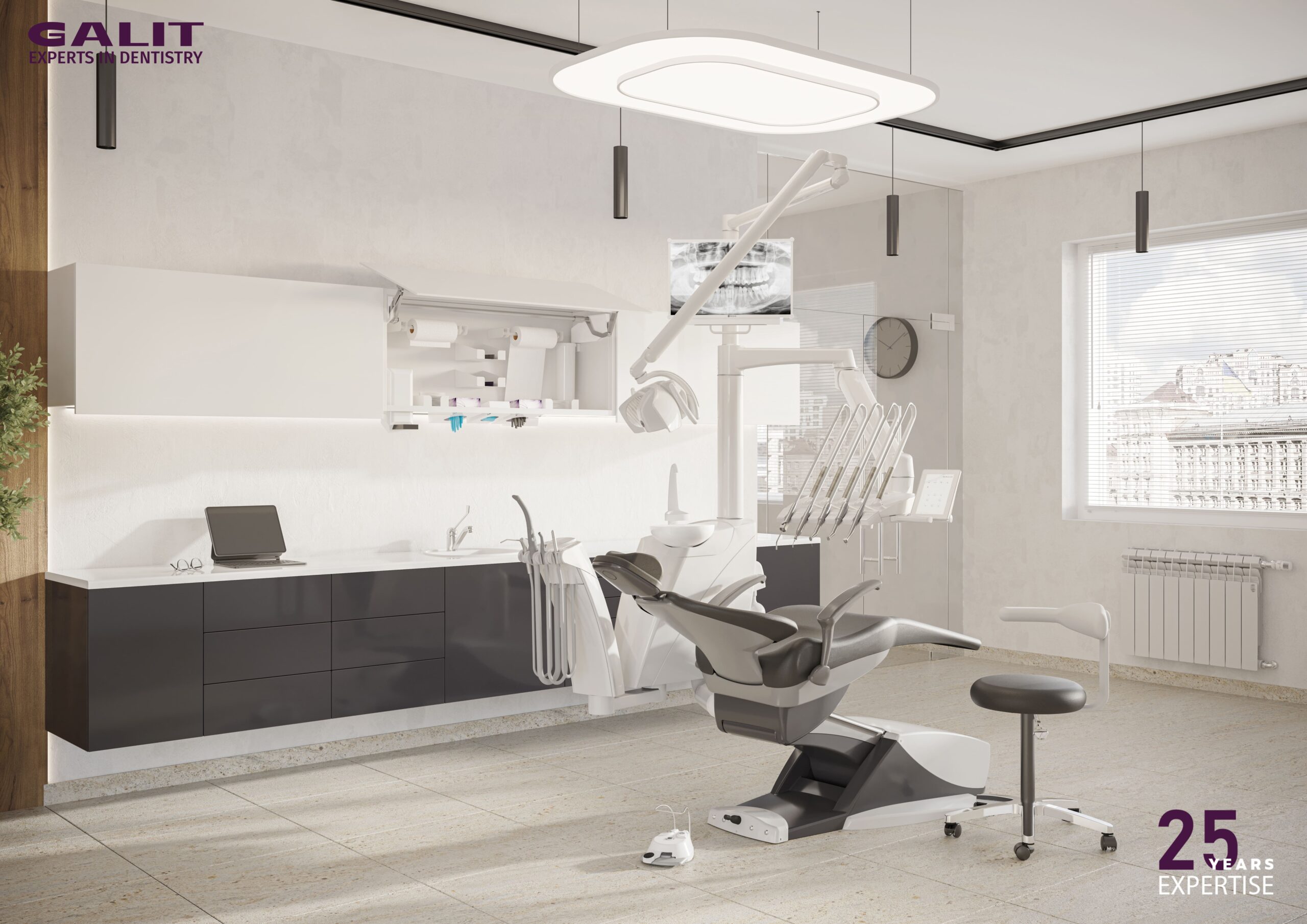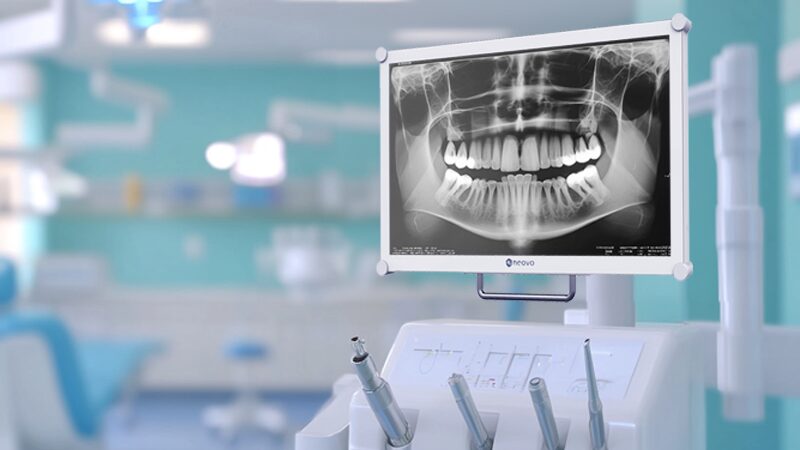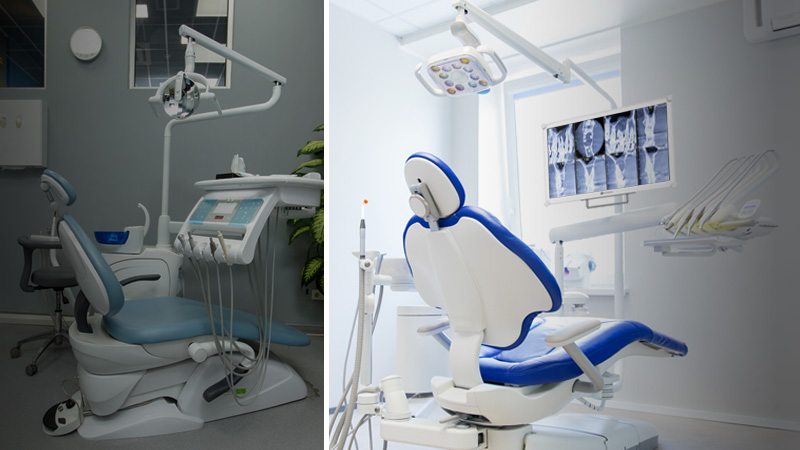
Modern dental equipment is becoming more digital, connected, and workflow-driven. Clinics now use digital imaging, intraoral cameras, patient record systems, treatment planning software, CBCT systems, and cloud-based tools throughout the day.
Yet in many treatment rooms, the dental chair is still not fully connected to this digital workflow.
For dental chair system integrators, this creates a clear opportunity. A dental chair monitor is no longer just an optional add-on or aftermarket accessory. When designed properly, it becomes a built-in display solution that brings imaging, patient records, treatment plans, and visual communication directly into the chairside environment.
This article focuses on built-in displays for dental chairs. In this context, a dental chair monitor means a visual display hardware unit integrated into, mounted on, or designed as part of a dental chair setup. It does not refer to remote dental monitoring software or patient vital monitoring systems.
For system integrators, the value is simple: built-in displays can make dental chairs more functional, easier to integrate, and more attractive to clinics building digital-ready treatment rooms.
Dental clinics are investing heavily in digital tools, but those tools do not always fit smoothly into the physical treatment area.
X-ray systems, intraoral cameras, CBCT software, CAD/CAM tools, and patient record platforms may all exist in the same clinic, but they are often accessed through separate devices or workstations. During treatment, a clinician may need to turn away from the patient, move toward a distant monitor, or rely on a screen that is not positioned well for chairside use.
These interruptions may seem small, but they affect workflow, ergonomics, and patient communication.
A well-integrated dental chair monitor helps solve this by bringing visual information closer to the point of care. Instead of treating the dental chair as a standalone mechanical unit, system integrators can help turn it into a digital-ready chairside workstation.
That is why built-in displays are becoming more relevant in modern dental equipment.
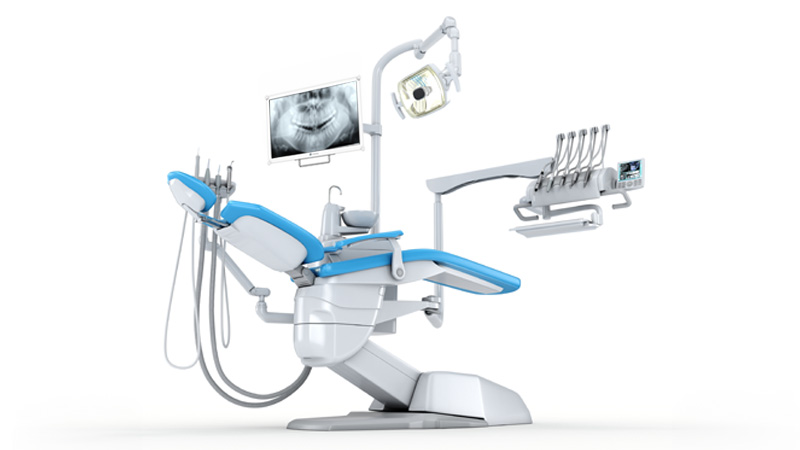
For system integrators and OEM partners, built-in displays for dental chairs create value in several practical ways.
First, they help differentiate the dental chair system. A chair with an integrated display feels more complete and more modern than a standard chair that depends on third-party screens or aftermarket modifications.
Second, they reduce operatory clutter. External monitors often require additional arms, cables, power adapters, and mounting space. A built-in dental chair monitor can create a cleaner and more organized treatment area.
Third, integration becomes more predictable. When the display is planned as part of the chair system, mounting, cable routing, power design, and positioning can be standardized instead of handled as separate installation problems.
Finally, built-in displays give system integrators a clearer commercial message. The feature is easy for clinics to understand because it connects directly to workflow efficiency, chairside imaging, patient communication, and digital equipment value.
In other words, the dental chair monitor should not be positioned as “just a screen.” It should be positioned as part of a connected chairside workflow.
Although the value is clear, integrating a display into a dental chair is not the same as attaching a consumer monitor to an arm. System integrators need to consider mechanical design, power, signal routing, hygiene, and safety from the beginning.
A display that works well on a desk may create problems when installed inside a dental chair system. It may be too heavy, difficult to power, hard to clean, or unreliable when signal cables are routed through moving joints.
Below are the key factors system integrators should evaluate.
Dental chair arms rely on carefully balanced mechanical tension or gas springs. If the display is too heavy, the arm may drift, sink, or become difficult to reposition during use.
This creates frustration for clinicians and may increase long-term mechanical wear.
For chair-mounted use, system integrators should evaluate display weight based on the arm’s payload capacity. A lightweight and balanced display, often under 5 kg for a 22-inch screen, can help maintain smooth repositioning and stable operation.
This is why dental chair monitor integration should begin with mechanical compatibility, not only screen specifications.
Power design is another common integration challenge.
Standard monitors often rely on bulky AC adapters, which may not fit well inside a delivery unit or dental chair housing. They can also create heat, cable clutter, and maintenance issues.
For built-in displays, low-voltage DC power input is often more practical. A display that supports direct DC input, such as 12V or 24V depending on the system design, can be easier to integrate with the chair’s internal power architecture.
Cable length also matters. If the cable is too short, it may not reach the connection point. If it is too long, excess cable can bunch up inside the arm or interfere with moving joints.
For OEM or system integration projects, customizable cable length can make installation cleaner and more reliable.
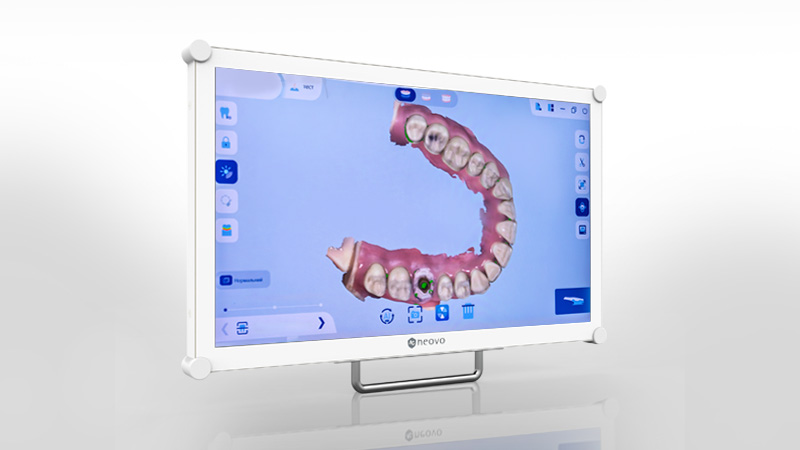
In many clinics, the workstation that processes CBCT data, intraoral camera feeds, or 3D images may be several meters away from the treatment area. Transmitting high-resolution video over that distance can be challenging, especially when cables must pass through a dental chair arm or internal channel.
Standard HDMI or DisplayPort cables may suffer from signal loss, latency, or dropouts if the routing is too long or mechanically complex.
System integrators should therefore consider signal transmission early in the design. Depending on the setup, active optical cables, signal amplifiers, or robust video input design may be needed to keep imaging feeds stable.
This is especially important when the dental chair monitor is used for intraoral camera viewing, X-ray review, or 3D imaging workflows where real-time image clarity matters.
Dental chair monitors are used close to patients, clinicians, gloves, aerosols, and disinfectants. Cleanability is not a secondary concern; it is part of the product design.
If clinicians need to reposition the screen during treatment, they may touch the bezel or glass repeatedly. This can leave smudges, increase cleaning needs, and create hygiene concerns.
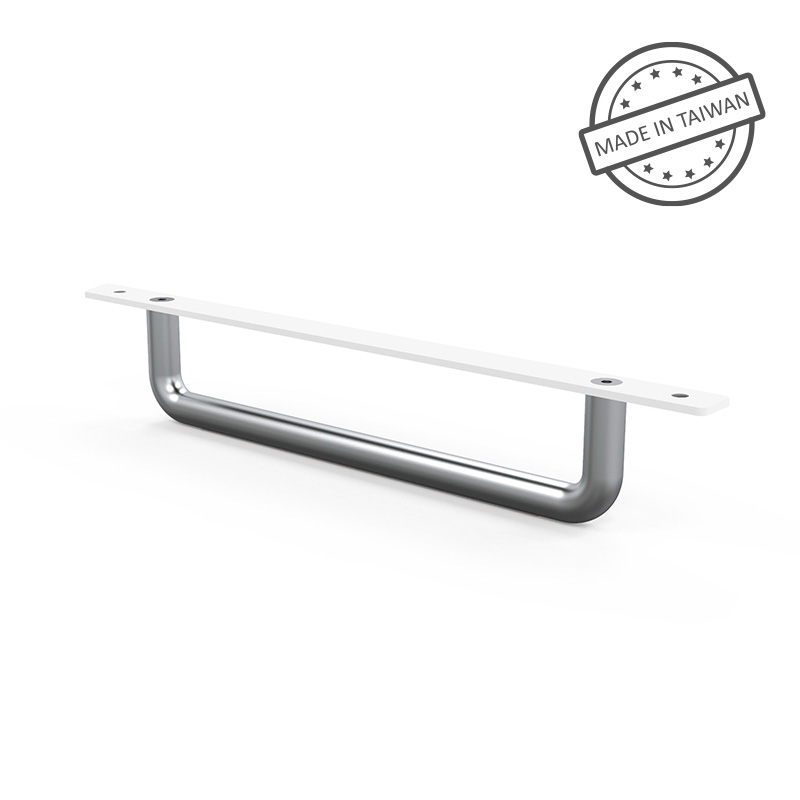
A better approach is to design the display with ergonomic handling in mind. For example, a dedicated handle attached near the VESA mount can give clinicians a clear touchpoint for repositioning the screen while keeping the display surface clean.
The front surface should also be smooth, durable, and easy to disinfect. In a dental operatory, hygiene-friendly design is just as important as image quality.
A dental chair monitor operates near patients, fluids, dental equipment, imaging systems, and other electrical devices. Because of this, safety compliance is a major consideration for system integrators.
Using non-compliant components can create risk for the overall dental chair system. It may also complicate certification, service, or customer acceptance.
Displays designed for clinical integration should support relevant medical electrical safety and electromagnetic compatibility requirements. IEC 60601-1 helps address electrical safety, while IEC 60601-1-2 focuses on electromagnetic compatibility.
For system integrators, choosing a display with appropriate safety compliance can reduce integration risk and help ensure reliable operation around other clinical devices.
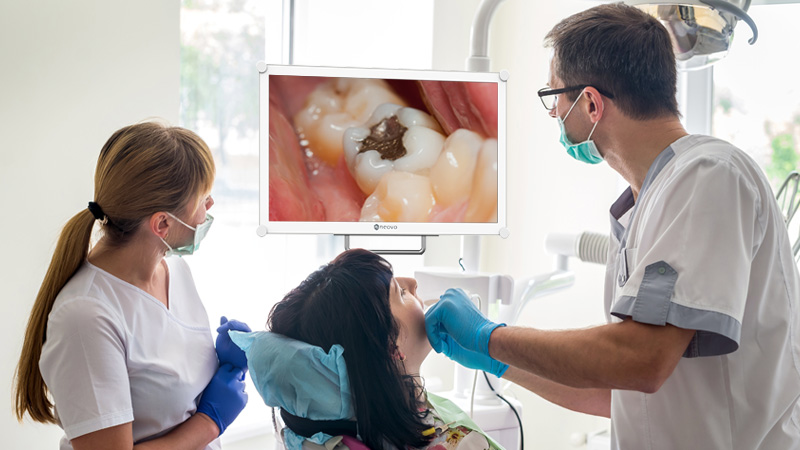
A dental chair monitor must work with different types of clinical content. It may display intraoral camera images, CAD/CAM scans, X-rays, CBCT visuals, patient records, treatment plans, or before-and-after comparisons.
Each use case places different demands on the display.
For intraoral scans and CAD/CAM workflows, color reproduction and contrast help clinicians distinguish tissue, tooth structure, and restoration details.
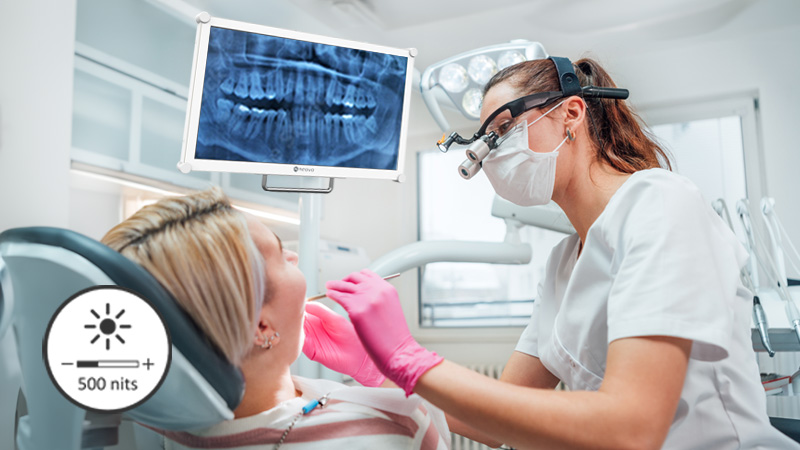
For X-ray and CBCT review, grayscale consistency is more important. A display with DICOM Part 14 support can help maintain more reliable grayscale presentation when radiographic images are reviewed.
For bright dental operatories, brightness and anti-reflection performance are also important. A display with around 300 nits or higher brightness, combined with anti-reflection treatment or optical bonding, can help keep images readable under overhead and chairside lights.
For system integrators, this means the dental chair monitor should be treated as clinical workflow hardware, not as a generic IT screen. For a deeper look at display specifications, imaging performance, hygiene, and clinical safety, read our guide on how to choose the right dental display for X-ray, CBCT, and chairside use.
When presenting built-in displays to clinics, system integrators should avoid leading with technical specifications only. Specs matter, but clinics usually care most about workflow, patient communication, and equipment value.
A dental chair monitor can help dentists review images and patient information without leaving the chairside area. This reduces unnecessary movement and supports a smoother treatment process.
It can also improve patient communication. Many patients struggle to understand dental conditions from verbal explanations alone. When dentists can show X-rays, intraoral scans, 3D models, or before-and-after images directly at the chairside, the explanation becomes clearer and more visual.
This can support patient trust and treatment acceptance.
For clinics, built-in displays may also reduce clutter from external monitors, improve the appearance of the operatory, and make the dental chair feel more connected to the digital workflow.
These are the benefits system integrators should emphasize when positioning dental chair monitor integration.
Consumer monitors may look cost-effective at first, but they can create long-term service and reliability issues when used in dental chair integration.
Common problems include chemical damage from disinfectants, screen damage from daily handling, unstable mounting, internal cable wear, and higher replacement rates.
Purpose-built displays can reduce these risks by offering stronger durability, better cleanability, proper power design, safer integration, and mechanical compatibility with the chair system.
For system integrators, this affects total cost of ownership. Fewer failures mean fewer service calls, fewer replacements, and a stronger reputation for reliable equipment.
This is an important message when working with OEMs, dealers, and clinics that care about long-term reliability, not only initial cost.
Dental chair monitor integration is becoming more important as clinics move toward digital workflows.
For system integrators, built-in displays for dental chairs offer a practical way to connect imaging, patient records, treatment planning, and visual communication directly at the point of care. They can also make dental chair systems more modern, more organized, and easier for clinics to adopt.
To succeed, system integrators need to look beyond basic screen specifications. Payload limits, low-voltage power, cable length, signal routing, ergonomic handling, hygiene, image quality, and IEC compliance all affect whether the display works well in a real dental operatory.
When these factors are handled properly, a dental chair monitor becomes more than an accessory. It becomes part of a smarter, cleaner, and more connected dental chair system.
Explore our dental display solutions for chairside imaging, dental chair integration, X-ray review, and CBCT workflows.
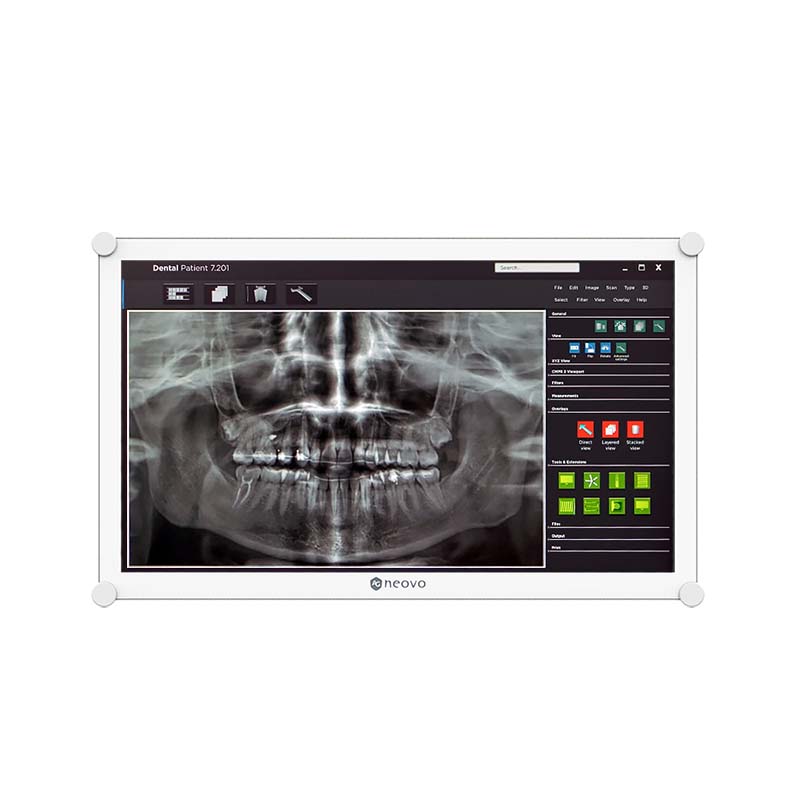



 NeoV™ Optical Glass Screen
 Anti-Burn-in™ Technology