Choosing the right dental monitor (or dental display) is no longer a minor equipment decision. In modern dental practices, displays are used throughout the clinical workflow—from chairside imaging and CBCT analysis to patient consultation and treatment planning. The performance of a display directly affects diagnostic accuracy, workflow efficiency, and patient understanding.
In many clinics, a single dental display is expected to support multiple scenarios. This makes consistency, reliability, and integration far more important than standalone specifications. Selecting the right solution is therefore not just about screen size or resolution, but about how the display performs across real clinical environments.
A dental monitor refers to a display used in dental environments for imaging, consultation, and patient communication. It should not be confused with dental monitoring systems used for tracking patient vitals.
Unlike general-purpose screens, dental displays are designed to deliver stable image performance, support hygienic cleaning, and integrate with dental equipment. These characteristics make them suitable for continuous use in clinical settings where both accuracy and reliability are essential.
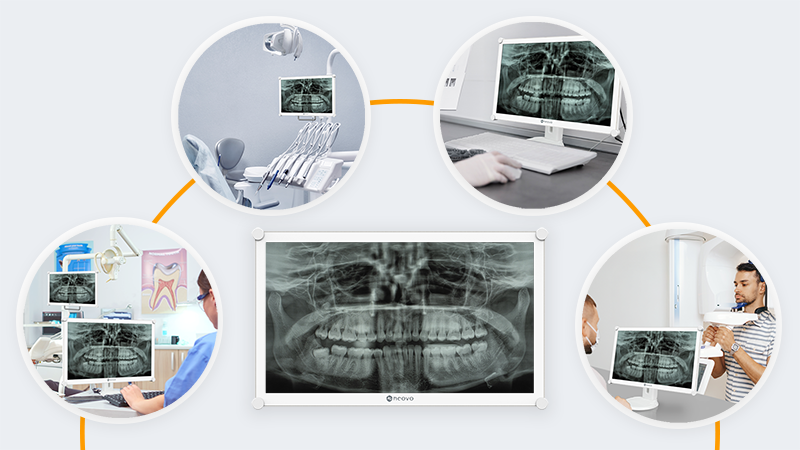
Dental displays are rarely used in a single fixed scenario. Instead, they are deployed across multiple areas within a clinic, each with different operational requirements. Understanding these environments is the first step in selecting the right display.
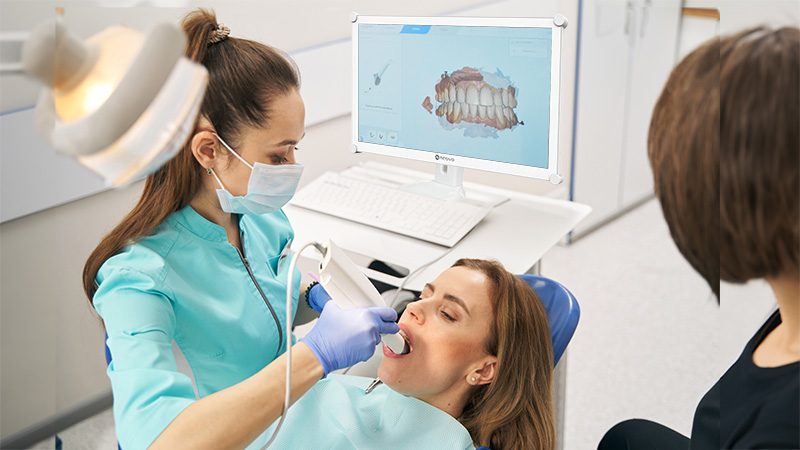
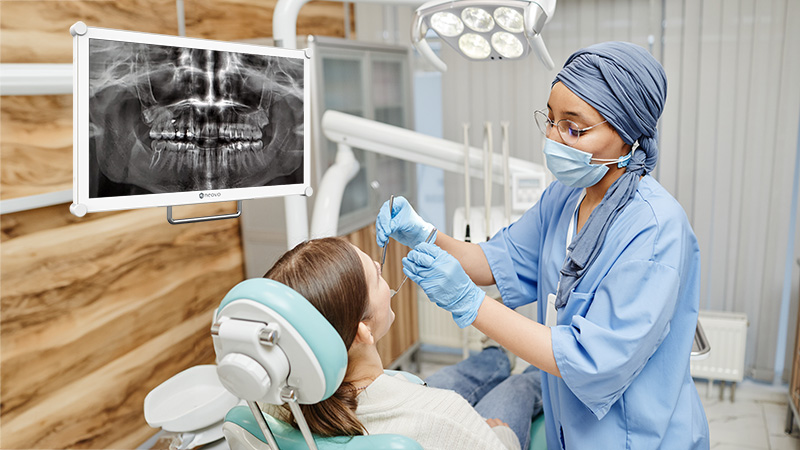
In treatment areas, dental displays are often mounted on dental chairs or rear delivery systems, allowing clinicians to view X-rays or 3D images in real time during procedures.
Because dental operatories are typically well-lit, displays must maintain sufficient brightness and contrast to ensure images remain clear under strong lighting conditions. At the same time, weight becomes an important factor—heavy displays can strain mounting arms and affect long-term reliability.
A suitable dental display for chairside use should combine high brightness, lightweight construction, and hygienic surfaces that support frequent cleaning.
In clinics with multiple treatment rooms, displays may be mounted on mobile delivery cabinets and moved between spaces. These systems are often shared, requiring the display to remain stable and durable despite frequent repositioning.
Displays used in these environments should be securely mounted, resistant to physical impact, and capable of maintaining consistent performance across different rooms.
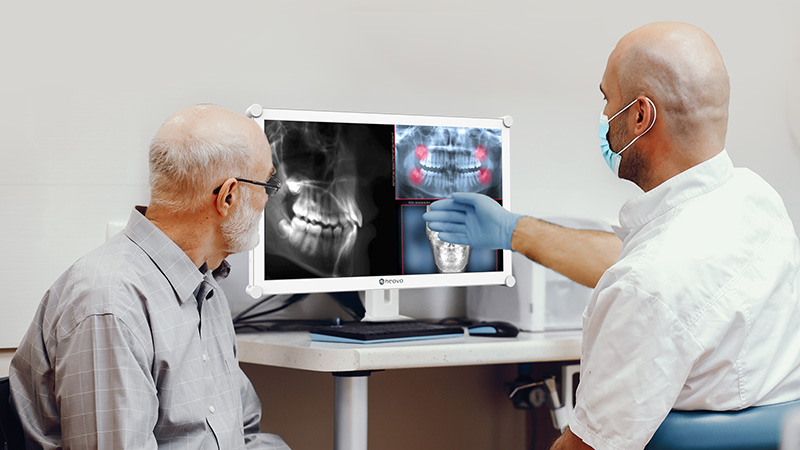
In consultation rooms, displays are used to review imaging with patients and explain treatment plans. In this setting, image clarity supports not only clinical accuracy but also communication.
A display that presents images clearly and consistently helps patients better understand their condition, improving engagement and trust in the proposed treatment.
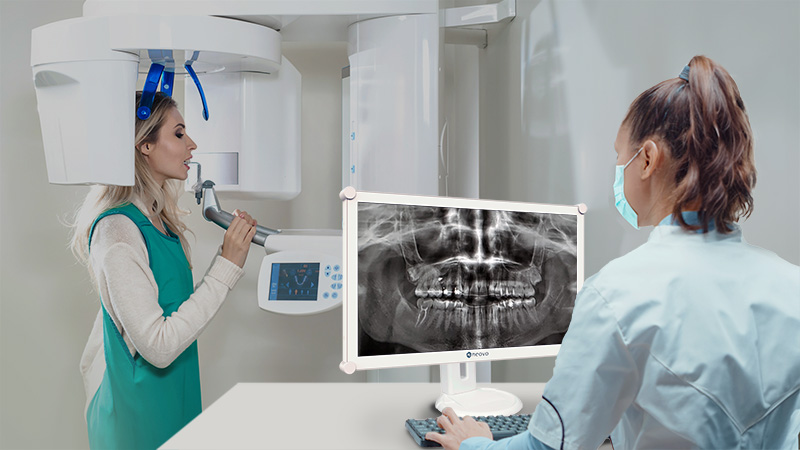
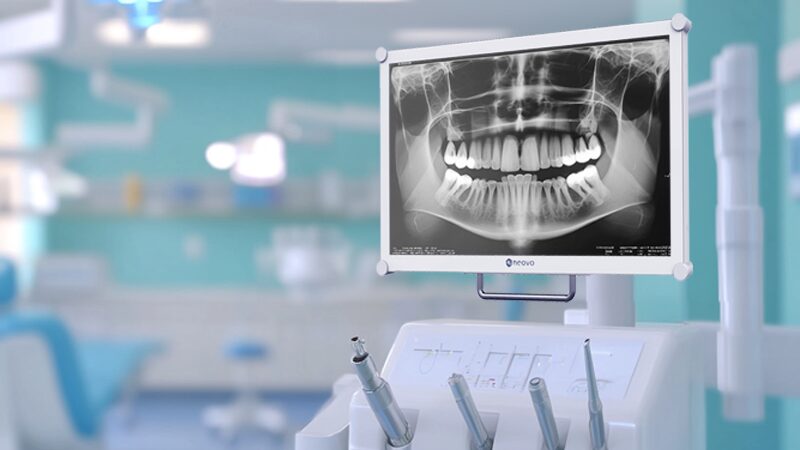
Displays positioned near CBCT or imaging systems are used to review captured images in detail. These scenarios demand a high level of visual precision.
Consistent grayscale performance is particularly important when reviewing X-ray or CBCT data, where subtle differences can influence interpretation.
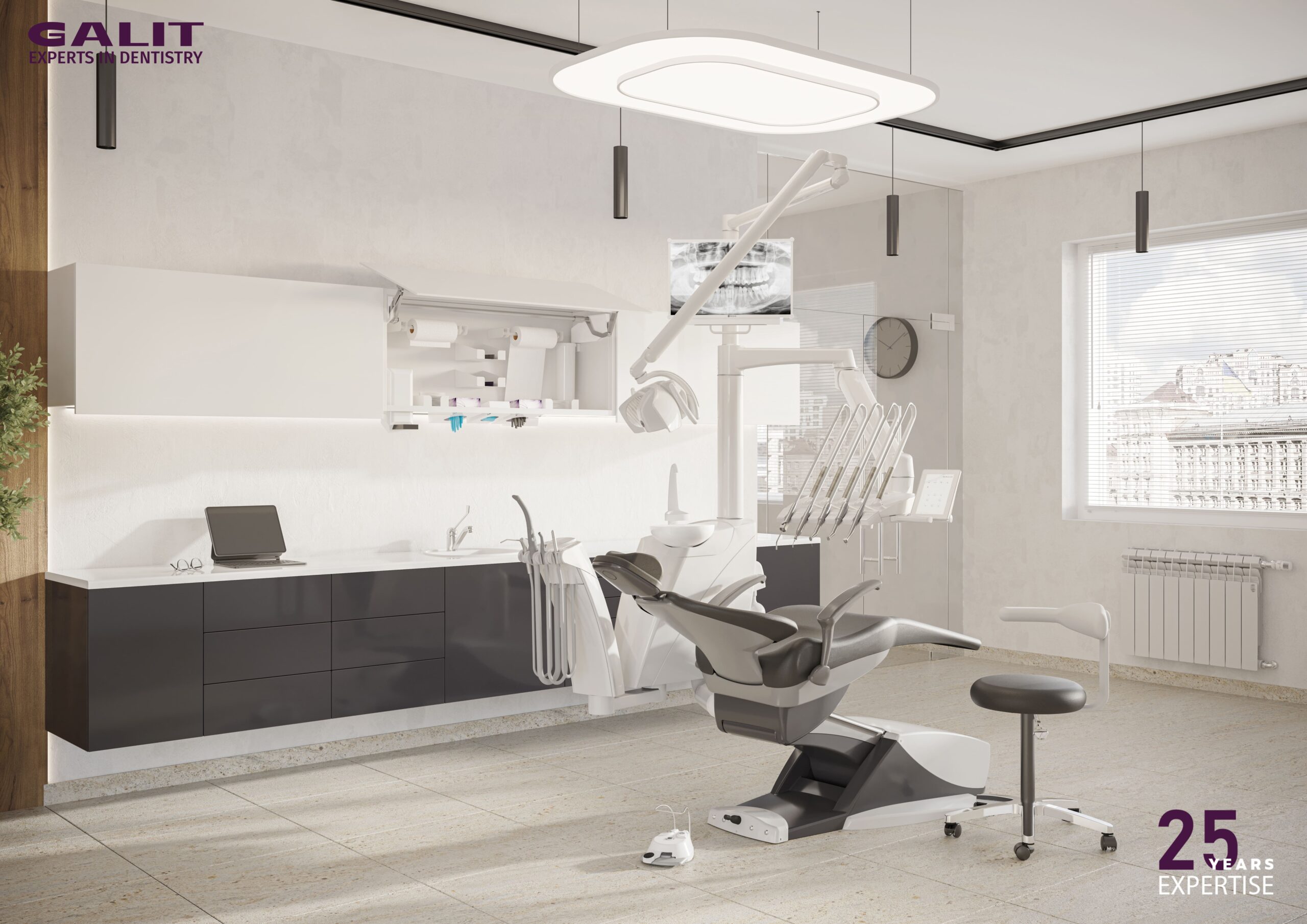
Displays integrated directly into dental chair systems must balance performance with ergonomics. They need to be lightweight, adjustable, and reliable for continuous use, while supporting both clinician workflows and patient visibility.
Proper integration also reduces setup complexity and contributes to a more streamlined clinical environment.
While consumer monitors may appear similar to dental displays, they are not designed for clinical environments.
Consumer displays often lack stable grayscale performance and are not built for frequent cleaning with disinfectants. Their image output may also vary between units, leading to inconsistencies across different rooms.
In contrast, dedicated dental displays are designed to maintain predictable image performance, support hygienic workflows, and integrate with dental equipment. This makes them more suitable for environments where reliability and consistency are essential.
Selecting the right dental display is not simply about comparing specifications. In dental environments, each feature directly affects how images are interpreted, how smoothly workflows operate, and how reliably equipment performs over time.
The following factors translate technical specifications into real clinical impact.
In dental imaging, clarity is not only about sharpness—it is about consistency. When reviewing X-rays or CBCT scans, subtle differences in grayscale can indicate early-stage conditions that require careful attention.
Displays that support DICOM calibration help ensure that grayscale performance remains stable and predictable. This becomes even more important in clinics where multiple displays are used, as the same image must appear consistent across different rooms to avoid discrepancies in interpretation.
Color consistency also plays a role, particularly when images are shared across multiple workstations. A display with stable color reproduction ensures that visual information remains reliable regardless of where it is viewed.
Key considerations:
Dental treatment rooms are typically brightly lit, which can significantly affect screen visibility. Displays with insufficient brightness may cause images to appear washed out, making it more difficult to interpret details.
A brightness level of around 300 nits or higher helps maintain visibility under operatory lighting. When combined with technologies such as optical bonding, reflections are further reduced, allowing images to remain clear even in challenging lighting conditions.
Key considerations:
Strict hygiene standards are a defining requirement in dental environments. Displays are frequently exposed to alcohol and disinfectants, which can degrade materials not designed for clinical use.
Displays with smooth, non-porous surfaces and sealed front designs are easier to clean and more resistant to chemical exposure. These features support effective infection control while maintaining long-term performance.
Key considerations:
Dental displays are used continuously throughout the day and are exposed to both physical interaction and cleaning procedures. Over time, this increases the risk of surface wear and accidental damage.
Protective materials such as optical glass help improve resistance to impact and abrasion. This ensures that the display maintains its performance and appearance even in high-usage environments.
Key considerations:
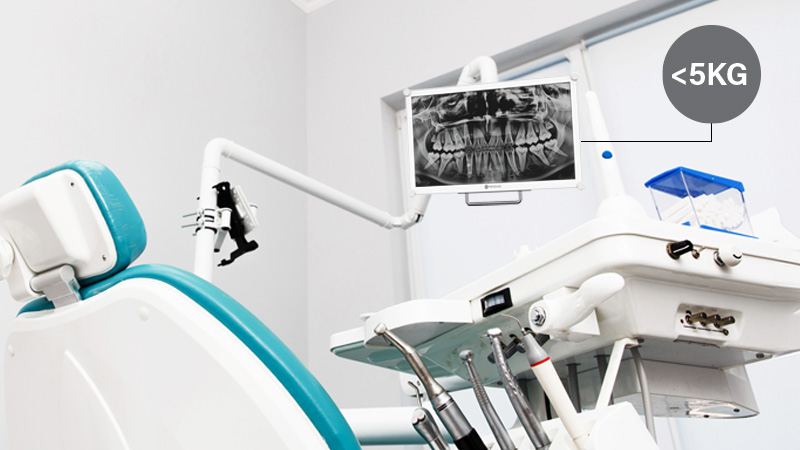
In many dental setups—particularly chair-mounted configurations—size and weight are critical factors. Displays that are too heavy can strain mounting arms, while overly large screens may reduce usability.
A balanced size, often around 22 inches, combined with a lightweight design, allows for ergonomic adjustments and helps protect the mechanical structure of dental chairs.
Key considerations:
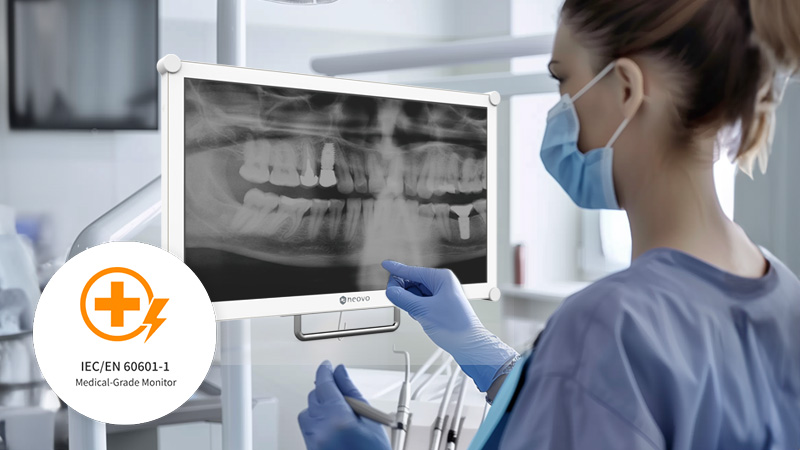
Dental displays must meet medical safety standards to ensure safe operation alongside other clinical equipment. In dental environments, displays are often used together with dental chairs, imaging systems, and other electrical devices, making safety and compatibility essential.
Compliance is not only a regulatory requirement—it is also a key factor in ensuring stable system integration and minimizing operational risks during daily use.
Standards such as IEC 60601-1 and IEC 60601-1-2 define requirements for electrical safety and electromagnetic compatibility (EMC), helping ensure that the display operates reliably without interfering with other equipment in the clinical environment.
Additional design considerations, such as medical-grade power adapters and equipotential bonding, further reduce the risk of electrical hazards and contribute to a safer and more reliable setup.
Key considerations:
Optical bonding is an advanced feature that improves both image quality and durability. By eliminating the air gap between the display panel and protective glass, it reduces internal reflections and enhances contrast.
This results in clearer images in bright environments, improved resistance to impact, and easier cleaning—making it particularly suitable for dental workflows where both visibility and hygiene are critical.
Key considerations:
Beyond technical specifications, ease of installation and daily operation also play an important role. Displays that are difficult to install or operate can create unnecessary friction in busy clinical environments.
Features such as standard VESA mounting and quick-access controls help streamline setup and allow clinicians to adjust display settings efficiently during use.
Key considerations:
Many selection issues arise from focusing on specifications without considering real-world use.
Common mistakes include choosing displays based solely on cost, using consumer monitors in clinical environments, or overlooking hygiene and integration requirements. Inadequate brightness and inconsistent image performance can also lead to workflow inefficiencies.
Avoiding these pitfalls requires evaluating the display within the context of daily clinical operations.
The most effective way to choose a dental display is to align it with your workflow.
Consider where the display will be used, how it will be mounted, and what type of imaging it needs to support. Evaluate lighting conditions, hygiene requirements, and whether consistent image performance is required across multiple rooms.
A display that fits these conditions will provide better long-term reliability than one selected purely on specifications.
Choosing the right dental monitor is about ensuring consistent performance across your entire clinical workflow. A well-selected display improves diagnostic confidence, enhances patient communication, and supports efficient daily operations.
By focusing on image consistency, hygiene, durability, and integration, clinics can build a more reliable and effective dental environment.
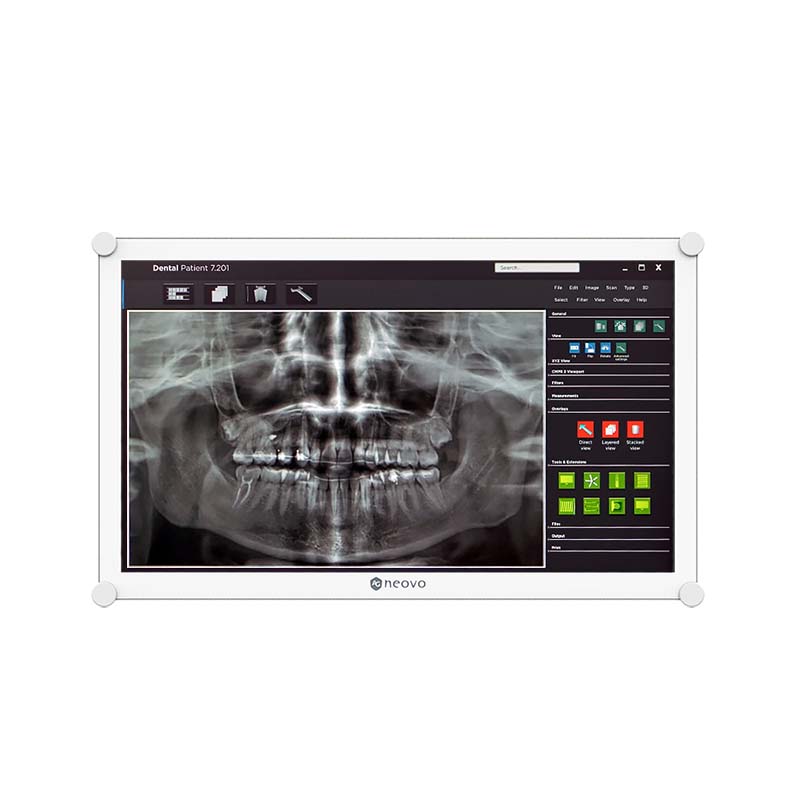



 NeoV™ Optical Glass Screen
 Anti-Burn-in™ Technology