

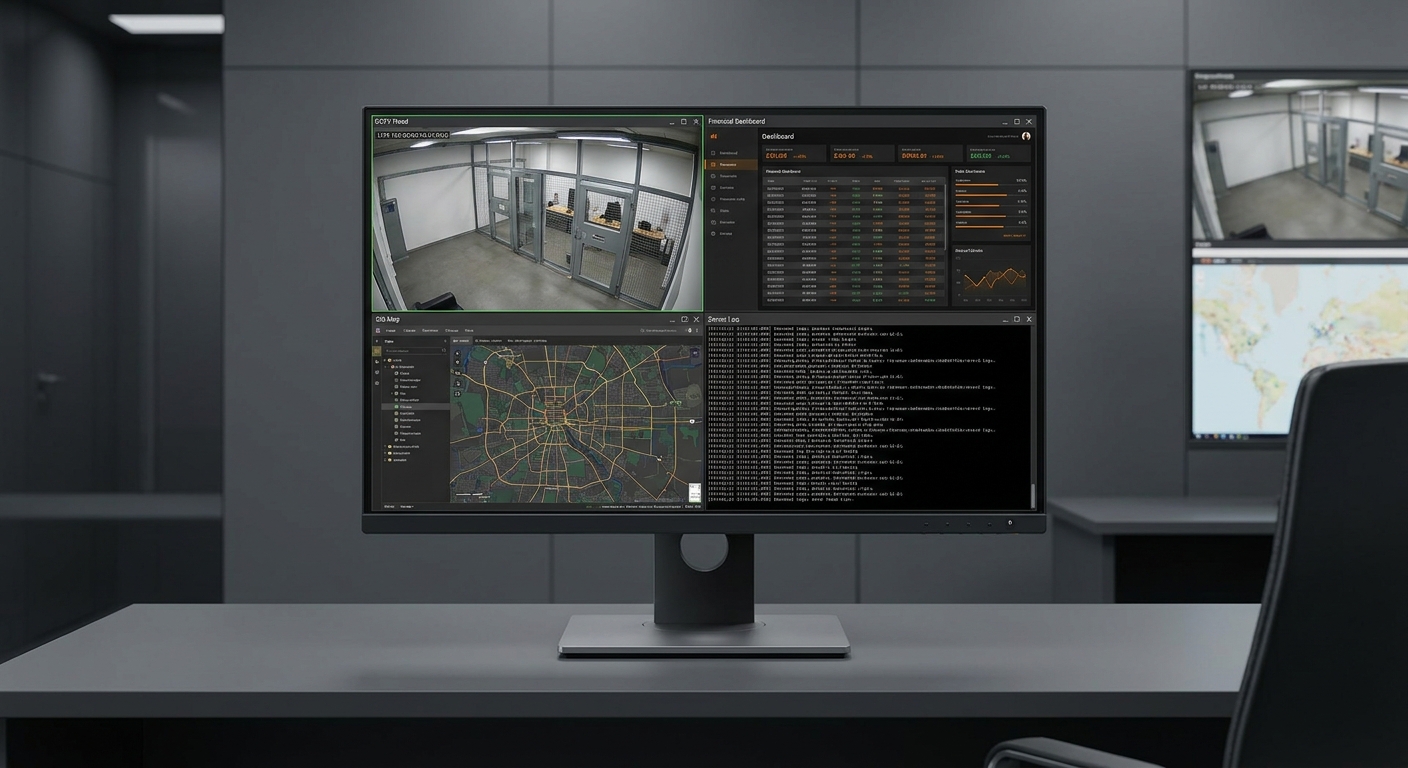
In many professional environments, the challenge is no longer whether teams have enough data. The real challenge is whether they can see the right information at the right time without creating unnecessary operational complexity.
A security operator may need to watch multiple live feeds while keeping alarms visible. An operations desk may rely on several dashboards at once. A control room may need to compare independent systems in real time. In each case, multiple sources need to remain visible simultaneously.
For years, the common answer was to add more hardware. More monitors, more mounts, more switchers, more cables. If four sources were needed, four screens often followed. If one screen was preferred, an external multiview processor was usually added between the sources and the display.
These approaches can work, but they often solve one problem while creating several others.
Today, there is a more efficient option: a professional multi-input display that accepts four HDMI sources directly and manages the viewing layout internally. For organizations seeking cleaner architecture, simpler deployment, and better long-term usability, this can be a smarter path forward.
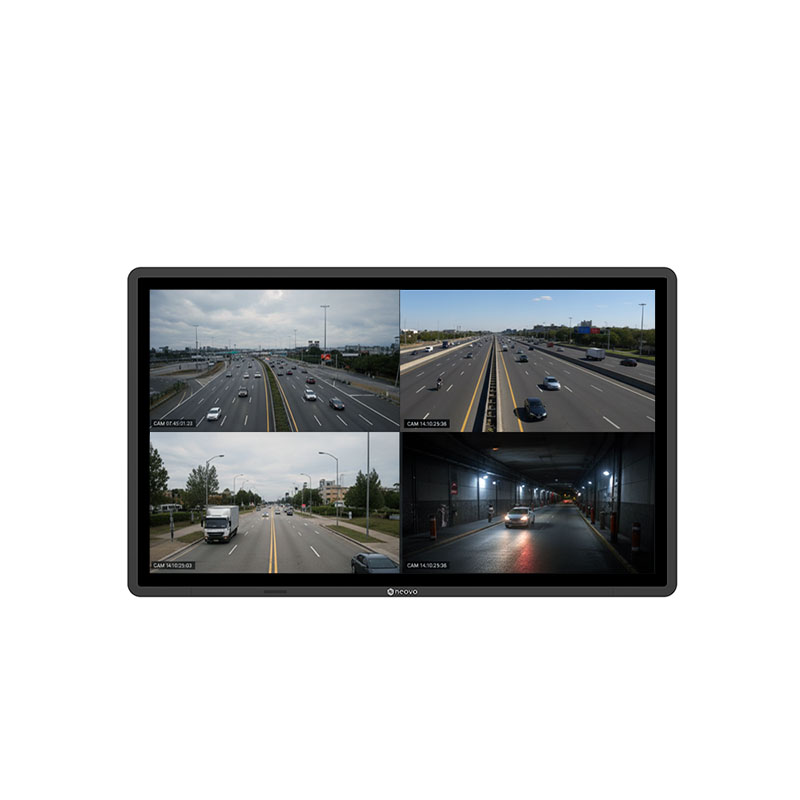
Yes. A dedicated multi-input display with four native HDMI ports and built-in hardware multiview capability allows four separate devices to connect directly to one monitor and be viewed simultaneously.
Instead of routing signals through an external switcher, the display processes layouts internally for more responsive real-time viewing. This reduces extra hardware layers and helps create a cleaner, more manageable monitoring environment.
Many teams begin with the tools already available. A spare monitor is added. Then another. Later, an external switcher is introduced to consolidate signals. Over time, what started as a practical workaround can become a complicated workstation.
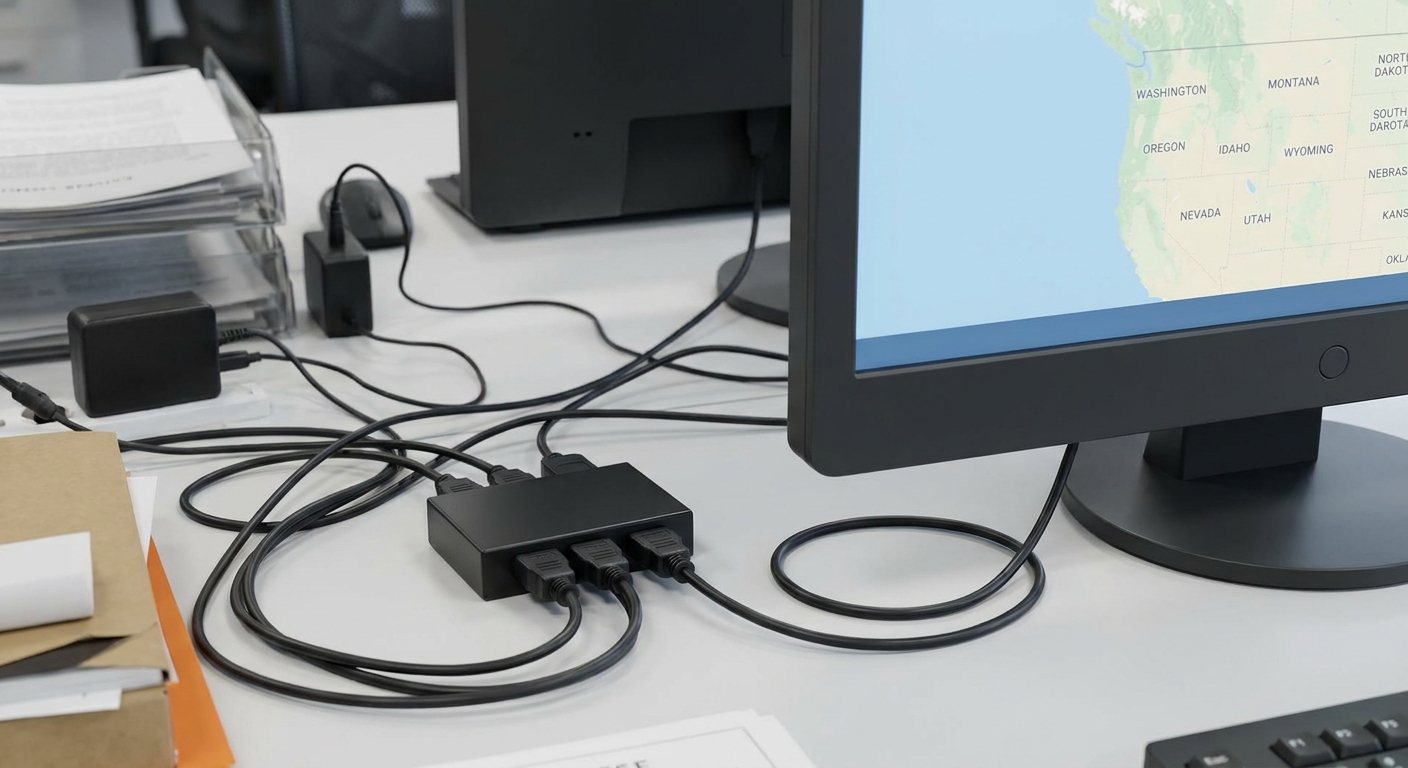
Each additional device may appear minor on its own, yet together they create friction:
In professional environments, these small inefficiencies accumulate quickly. They can slow deployment, complicate maintenance, and make daily operation less intuitive than it should be.
A workstation built around too many separate components may still function, but it rarely feels elegant or scalable.
External switchers and multiview processors are often selected because standard monitors cannot natively display multiple independent sources at once. In that sense, they solve a real problem. However, they also introduce an additional processing layer between source and display.
That extra layer can create several considerations.
First, there is hardware management. Another device means another point of power, another cable path, another mounting requirement, and another item to troubleshoot if something stops working.
Second, there is operational simplicity. Some environments need users to change layouts quickly or move between sources during active monitoring. If layout control depends on a separate device, workflows can become less direct.
Third, additional signal handling may affect responsiveness in time-sensitive environments where operators rely on real-time control.
Finally, there is lifecycle cost. A system with more boxes and more accessories may cost more to maintain than a simpler integrated alternative.
For many teams, the question is no longer whether an external switcher works. The more relevant question is whether it is still the best architecture.
A professional 4 HDMI display, such as the AG Neovo QX-Series, is designed to solve the same problem more directly.
Instead of sending signals through intermediary hardware, each device connects straight to the monitor. Layout management happens inside the display itself through built-in, hardware-level multiview processing.
This integrated approach can offer meaningful operational advantages.
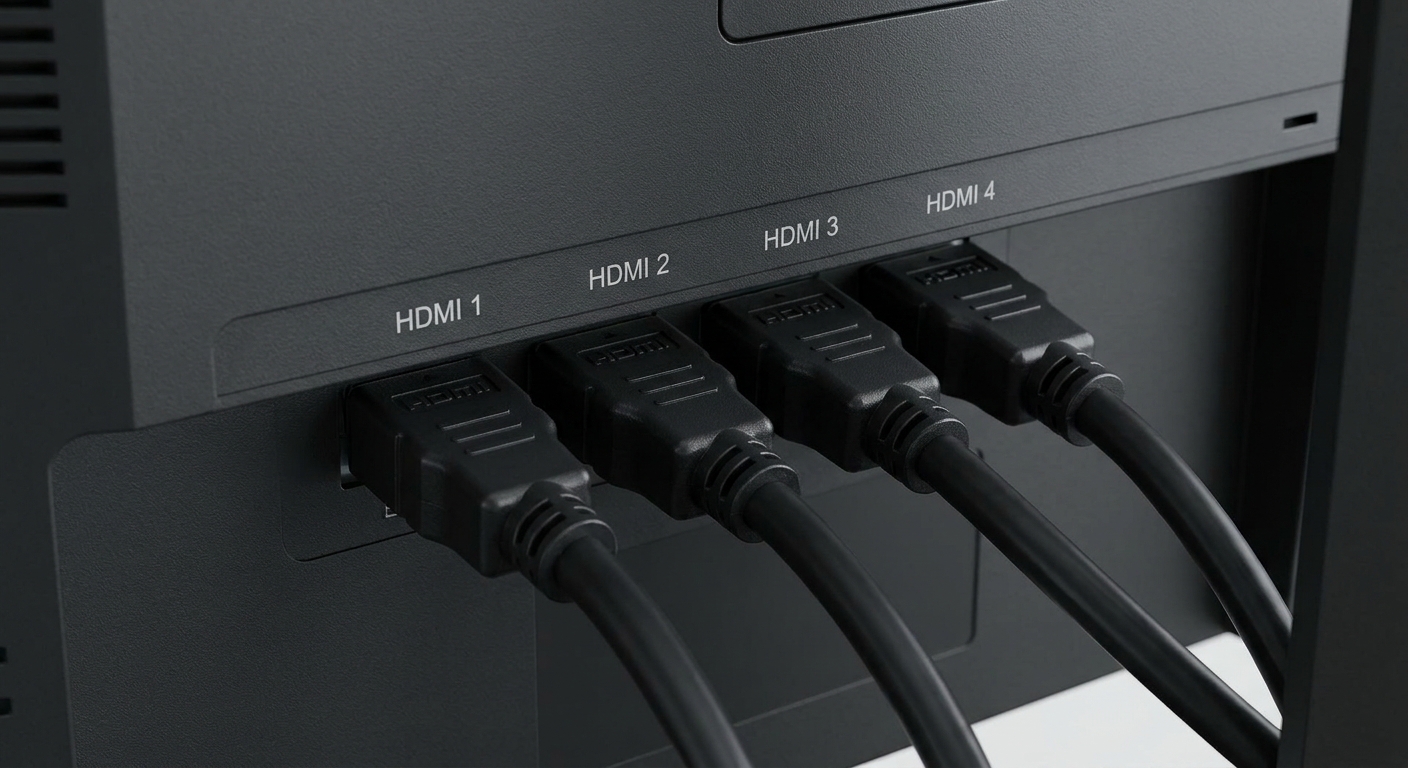
Deployment is cleaner because there are fewer devices to install. Cable management becomes easier because sources connect directly to one destination. Daily operation is simpler because layout changes happen at the display level rather than through an external processor.
Just as importantly, the system is easier to understand. For integrators, facility managers, and operators alike, simplicity is often an underrated asset.
In many professional settings, the most reliable system is not always the most complex one. It is often the one with the fewest unnecessary layers.
Many traditional monitors only display one input at a time. When multiple systems need to be checked, users must constantly switch between sources.
This may seem manageable at first, but in active environments it can create delays, interrupt workflows, and reduce situational awareness.
When one source is on screen, another source may be temporarily hidden. Alerts, status changes, or critical visual information can be missed simply because it is not currently selected.
A professional multi-input display solves this by keeping multiple sources visible simultaneously, allowing operators to compare systems instantly without repeated source switching.
The advantage is not just convenience. It is faster decisions, smoother workflows, and more consistent monitoring.
Professional multi-input displays are not limited to one static layout. They typically support several viewing modes that allow teams to adapt the screen to the task at hand.
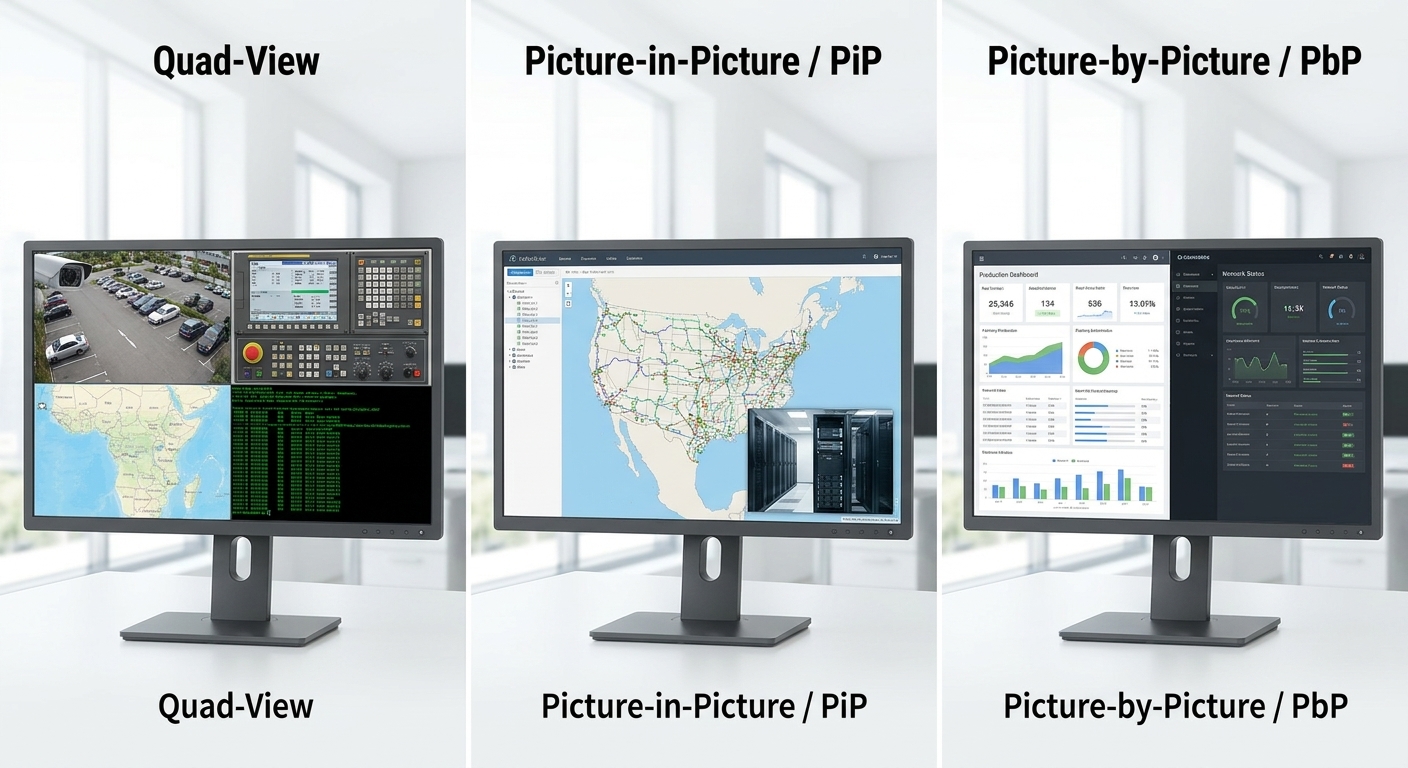
The advantage is flexibility. Instead of changing hardware to fit a workflow, the display layout adapts to the workflow instantly.
For system integrators, the value of a solution is measured not only by what it does on day one, but by how manageable it remains over time.
Integrated multi-input displays can reduce deployment friction because they remove the need to install separate switching hardware. Fewer components generally mean fewer mounting decisions, fewer cable routes, and fewer configuration variables.
That simplicity often continues after installation.
When maintenance is required, technicians can work with a more straightforward signal path. When systems evolve, updates may be easier because the architecture is less fragmented. When multiple displays are deployed across facilities, centralized control features such as LAN or RS232 management can further reduce operational overhead.
In practice, efficiency is rarely one dramatic change. It is often the result of many small complexities removed.
Not all multi-input displays are designed for professional use. When comparing options, decision-makers Not all multi-input displays are built for professional environments. While many products may appear similar on paper, real-world usability often depends on how well the display fits daily operational demands.
When comparing solutions, buyers should focus on several practical factors:
The best choice is rarely just the largest screen or the lowest price. It is the solution that reduces friction, supports operator workflows, and remains dependable over the long term.
As operations become more connected, the number of visible systems tends to grow. Dashboards multiply. Camera feeds increase. Software platforms expand. Yet desk space, operator attention, and maintenance resources rarely grow at the same pace.
That is why older approaches built around “just add another screen” are becoming less attractive.
Organizations now look for solutions that consolidate tools, simplify architecture, and reduce long-term overhead.
A well-designed multi-input display aligns with that shift. It turns multiple devices into one coherent visual workspace rather than one growing collection of hardware compromises.
If your current setup depends on multiple monitors, separate processors, or increasingly complex cabling, there may be a more efficient alternative.
A dedicated 4 HDMI multi-input display can consolidate four sources into one professional viewing environment, simplify deployment, and improve day-to-day usability without relying on external switchers.
For teams planning cleaner and more scalable monitoring systems, integrated multi-input displays offer a practical next step.
Explore professional 4 HDMI multi-input displays designed for streamlined monitoring environments, integrated multiview layouts, and simplified system deployment.



 NeoV™ Optical Glass Screen
 Anti-Burn-in™ Technology