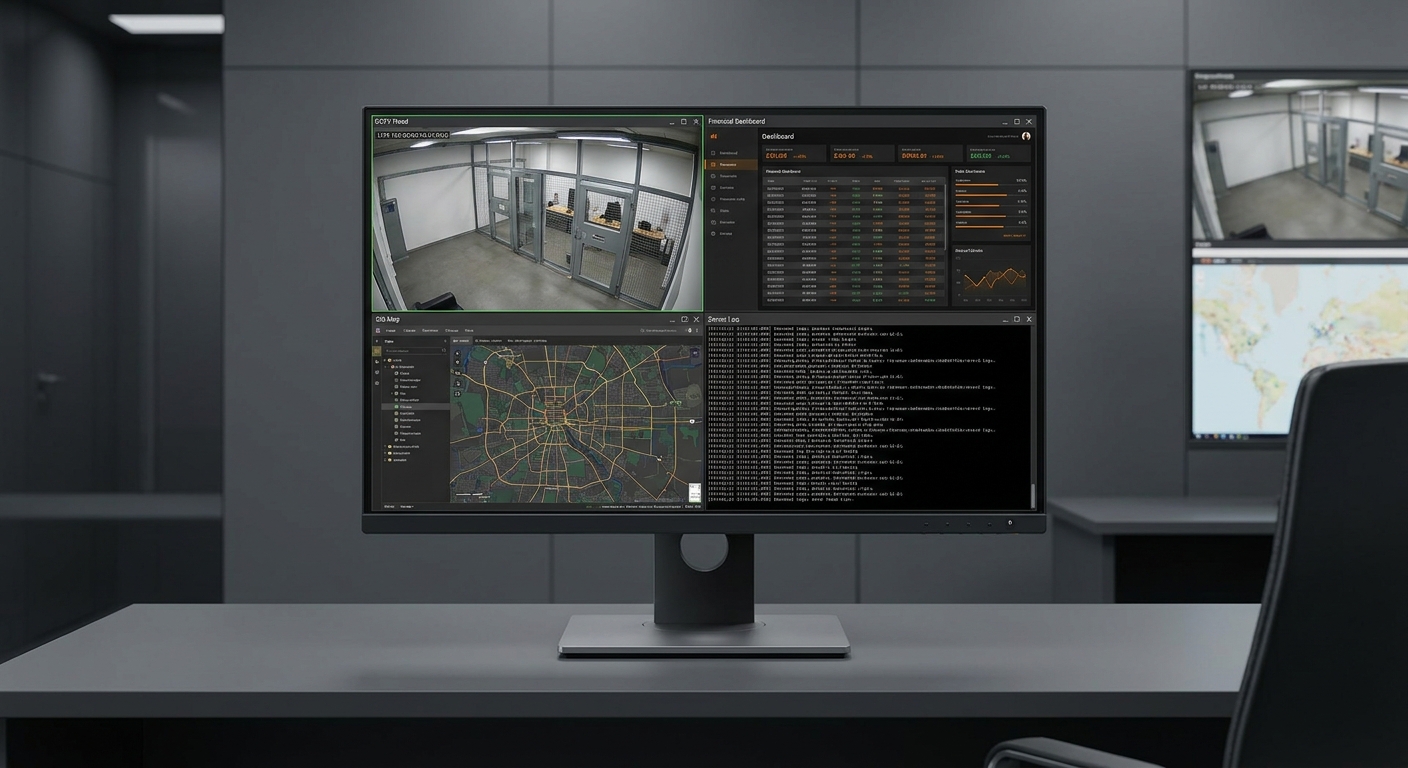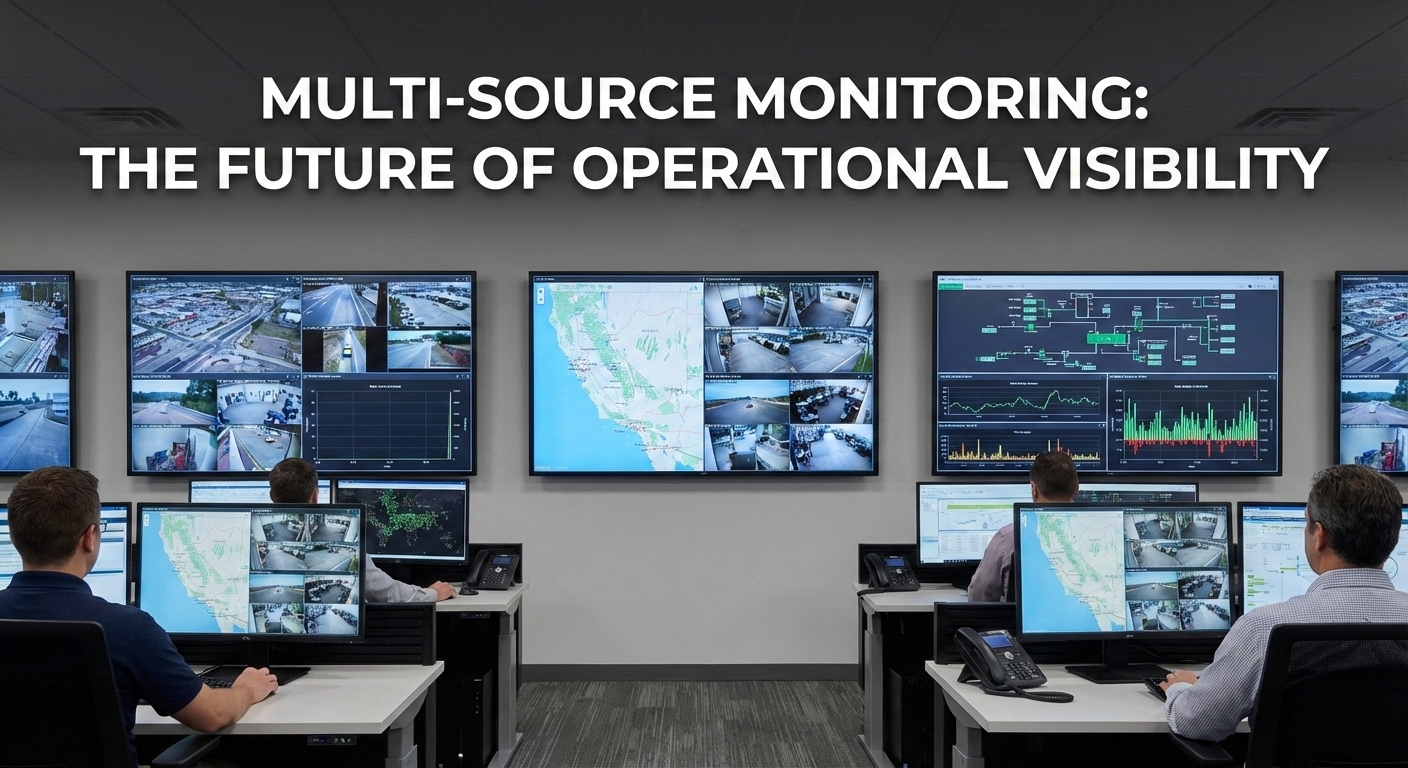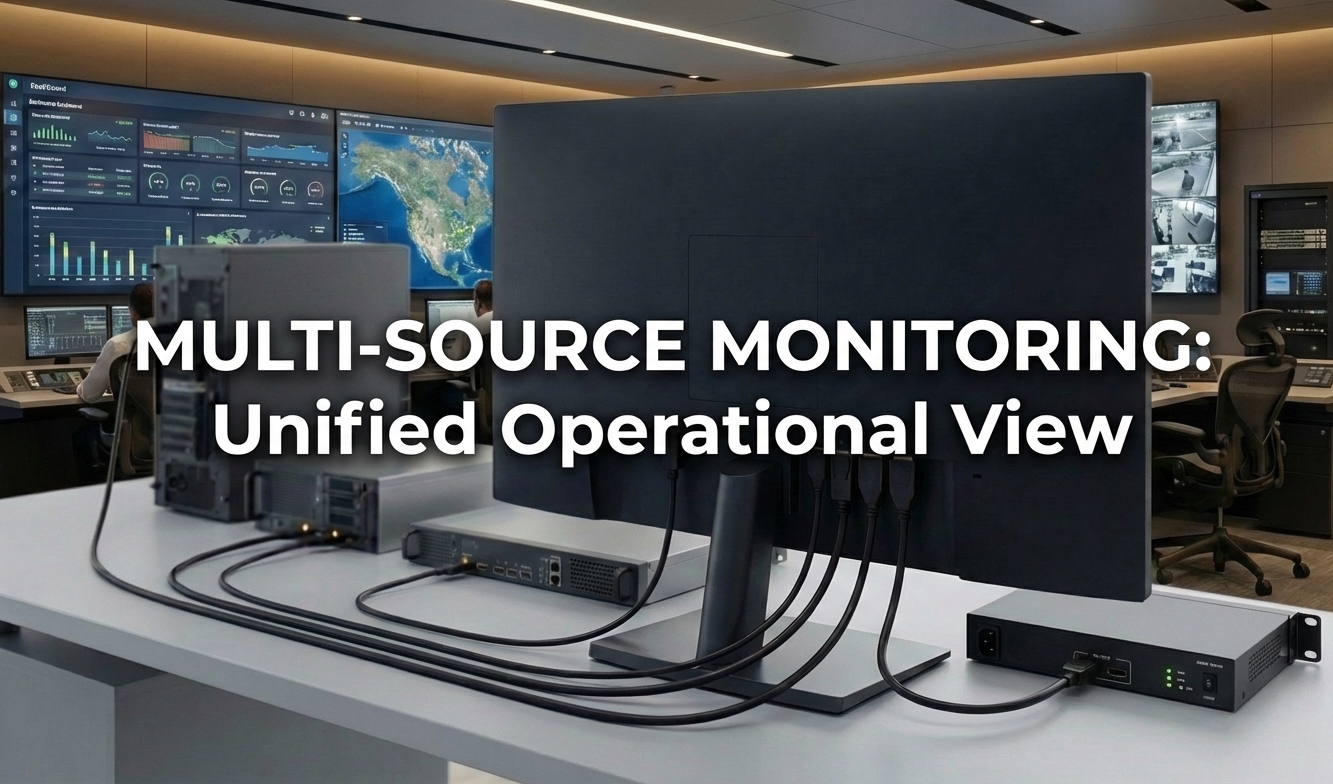
In many professional environments, a single display is expected to handle multiple connected systems. Whether in a control room, technical workstation, or operational desk, users often work across several devices—including computers, recording systems, and control interfaces.
As a result, system integrators often begin by searching for a multiple input monitor, assuming that additional input ports will simplify connectivity and reduce system complexity.
While this assumption is partially correct, it overlooks a critical factor: not all displays that support multiple inputs are designed to support professional monitoring workflows.
Selecting the right multiple input monitor depends not only on connectivity, but on how the display will be used in practice.
A multiple input monitor is a display designed to connect and manage multiple devices, allowing users to switch between or, in some cases, view multiple inputs within a single screen environment. The demand for a multiple input monitor is driven by increasingly complex operational workflows. Instead of relying on external switchers or constantly reconnecting cables, integrators require direct connections from multiple devices to one display. These devices typically include:
In these environments, the display configuration directly impacts how quickly operators can access information, how efficiently systems can be monitored, and how reliably workflows can be maintained. As system complexity increases, simply having multiple input ports is no longer sufficient.
In basic desktop setups, multiple inputs are often used for simple switching between devices. In professional environments, the requirement is different.
Operators are expected to:
In these contexts, the display is part of the workflow—not just an output device.
As system complexity increases, the ability to manage multiple connected devices efficiently becomes a practical requirement rather than a convenience feature.
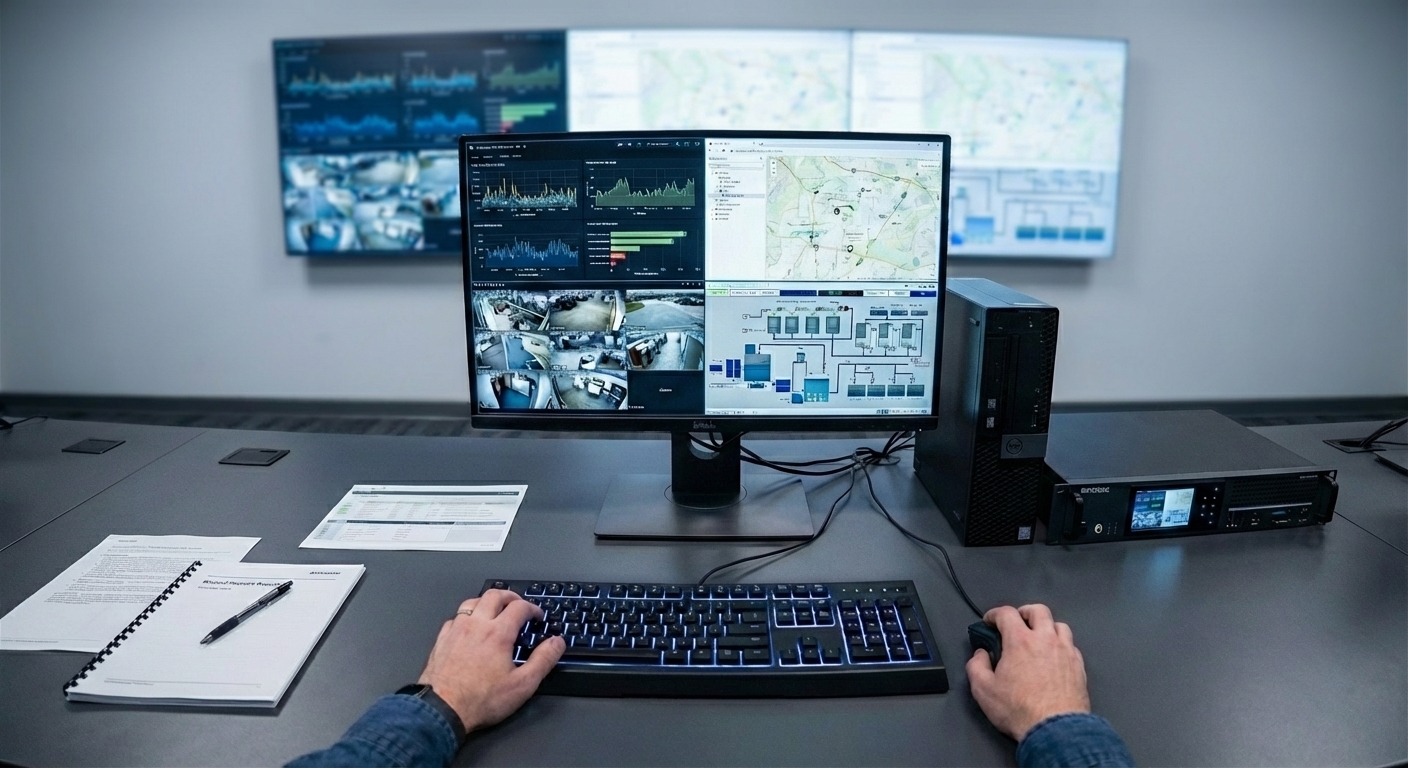
A common mistake in display selection is focusing only on the number of input ports.
While it is important to ensure that all required devices can be connected, this approach does not account for how those devices will be used.
Typical limitations of input-based selection include:
For professional use cases, the goal is not simply to connect multiple devices—but to manage them effectively within a unified display environment.
Choosing a multiple input monitor is not only about how many devices can be connected, but also about how those connections support actual usage needs.
In many cases, users begin with a requirement for multiple inputs, but later realise that switching between inputs is not sufficient.
As workflows expand, the need shifts from simple connectivity to continuous visibility across multiple devices. This is often the point where display capabilities—not just input count—become the deciding factor.
For users working across multiple systems, switching between inputs can become a bottleneck.
Rather than alternating between devices, a more efficient approach is to access multiple inputs without losing visibility. This reduces the need to constantly change context and improves workflow continuity.
This shift—from switching to simultaneous access—marks the transition from basic multi-input usage to more advanced display capabilities.
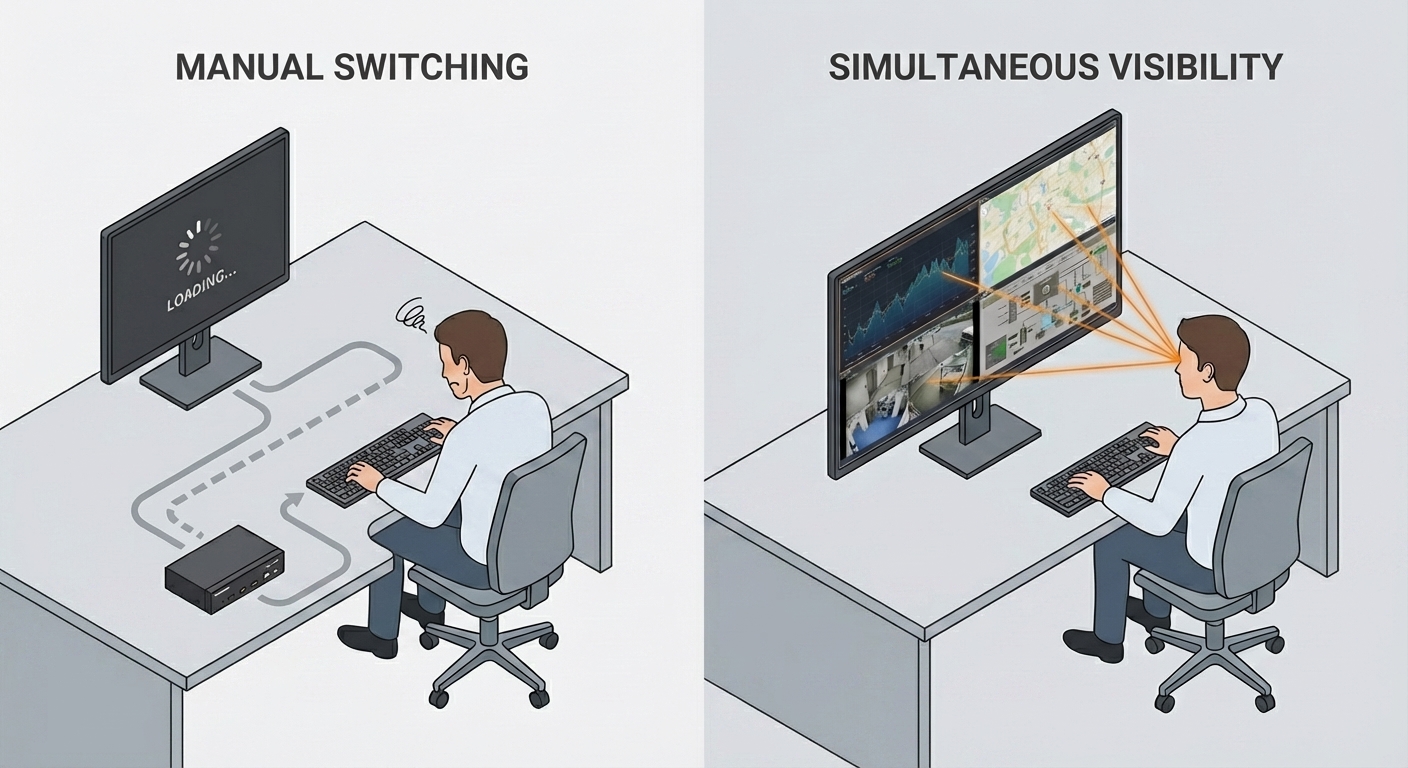
For users who need to move beyond input switching, understanding how multiple inputs can be displayed simultaneously becomes essential.
→ Learn how multi-window display modes enable this in our guide to PBP displays
Selecting the right display requires aligning technical specifications with operational needs. The following factors help determine whether a display is suitable for professional environments.
While HDMI is the most common interface, professional environments often require a high-capacity combination of input types to handle multiple data streams natively. Assessing the need for a 4 HDMI multiple input display alongside DisplayPort for high-resolution systems ensures seamless compatibility with both existing infrastructure and future upgrades.
Consider:
A flexible, high-capacity input configuration ensures that the display can adapt to evolving multi-device workflows without relying on external matrix switchers.
The most critical specification is whether the display can show multiple inputs at the same time without external hardware. Professional displays natively support Picture-by-Picture (PBP) and Picture-in-Picture (PIP) layouts, allowing operators to maintain continuous situational awareness.
Key questions include:
In environments where continuous visibility is required, selecting a display that supports simultaneous viewing becomes essential.
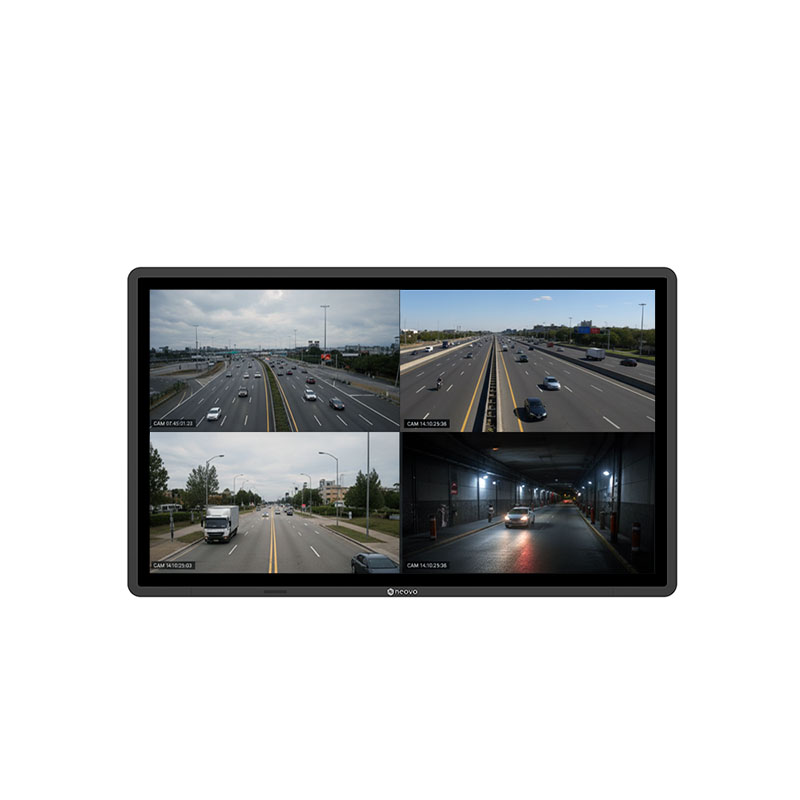
In advanced monitoring environments, simultaneous viewing is frequently implemented through Quad-view configurations. A Quad-view monitor allows four independent input sources to be displayed on a single screen simultaneously. Displays with four HDMI inputs are commonly specified for these setups, enabling direct connections without relying on external matrix switchers.
When combined with a 4K UHD panel, this enables exact pixel-to-pixel mapping of four Full HD (1080p) signals, ensuring that each source remains pristine and perfectly readable.
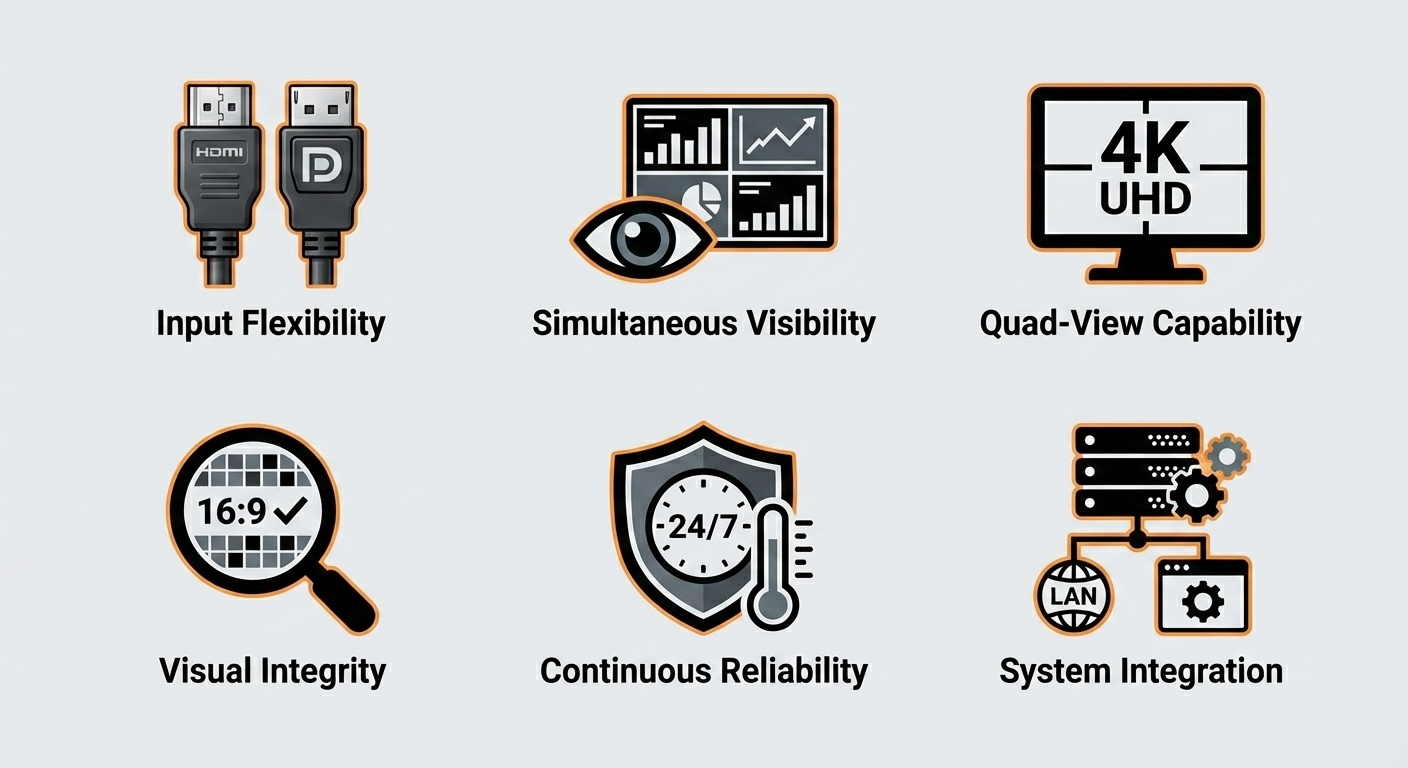
When displaying multiple inputs simultaneously, resolution and aspect ratio are critical. A 4K UHD display provides the necessary pixel density for multi-source layouts. Furthermore, professional displays must feature aspect ratio preservation within their multi-window settings to prevent 16:9 data feeds from being artificially stretched or distorted.
A higher-resolution panel enables:
Maintaining visual integrity across inputs is essential when operators must interpret information quickly and accurately.
Professional monitoring environments demand displays that operate reliably over long periods. Essential requirements include consistent signal handling, stable thermal performance, and resistance to image retention. Displays engineered for 24/7 continuous operation are mandatory in mission-critical environments where downtime is unacceptable.
Displays built for continuous use help reduce operational risk and ensure reliability.
In enterprise deployments, displays are integrated into a broader network. Integration interfaces such as RS-232 control and LAN-based management allow system administrators to control display settings remotely, standardise multi-window configurations, and reduce long-term maintenance overhead.
Features such as:
allow system integrators to manage displays efficiently within a broader system architecture.
Multiple input monitors are commonly used in workstation environments where users need to manage several devices simultaneously.
For example, a user may:
In these scenarios, the display acts as a central interface for coordinating multiple inputs without increasing physical complexity.
The need for multiple inputs often begins as a hardware requirement. However, as workflows become more advanced, the focus shifts toward how those inputs are structured within a system.
Understanding how devices are connected and accessed is an important step before making broader decisions about display architecture.
For a deeper comparison of how different system architectures handle multiple inputs, see our analysis of multi-input monitors vs video switchers.
A multiple input monitor provides a practical solution for connecting multiple devices to a single display. However, selecting the right display requires more than counting input ports.
For professional environments, the key consideration is how those inputs are used—whether for simple switching or for structured interaction across multiple systems.
By aligning display capabilities with operational requirements, system integrators can ensure that monitoring environments remain efficient, scalable, and reliable over time.
See how one display can connect multiple devices while reducing external hardware complexity.



 NeoV™ Optical Glass Screen
 Anti-Burn-in™ Technology