Modern monitoring systems are no longer limited by display quality—they are limited by how efficiently multiple inputs can be managed.
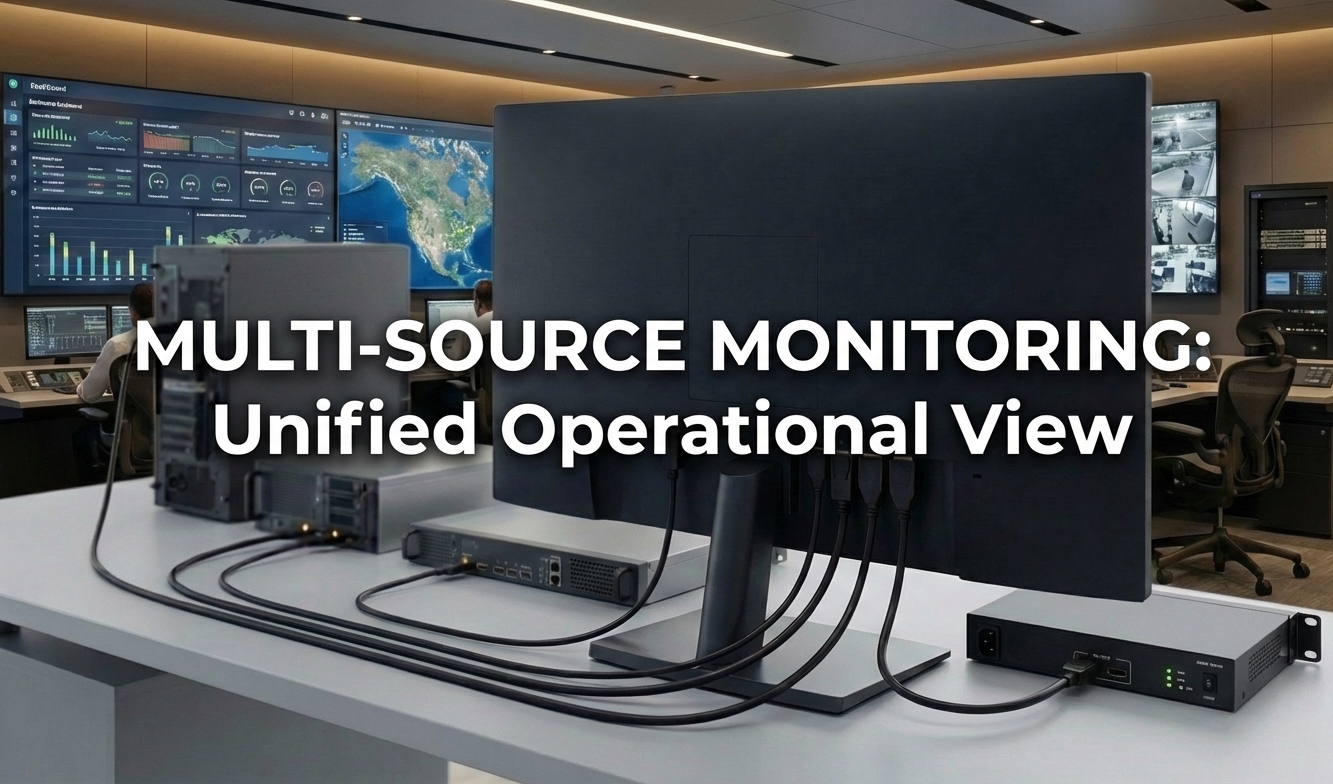
AG Neovo 4 HDMI multi-input displays combine direct connectivity and hardware-level multiview processing in a single unit. By eliminating external switchers and reducing hardware layers, they help system integrators build more stable, scalable, and maintainable monitoring environments.
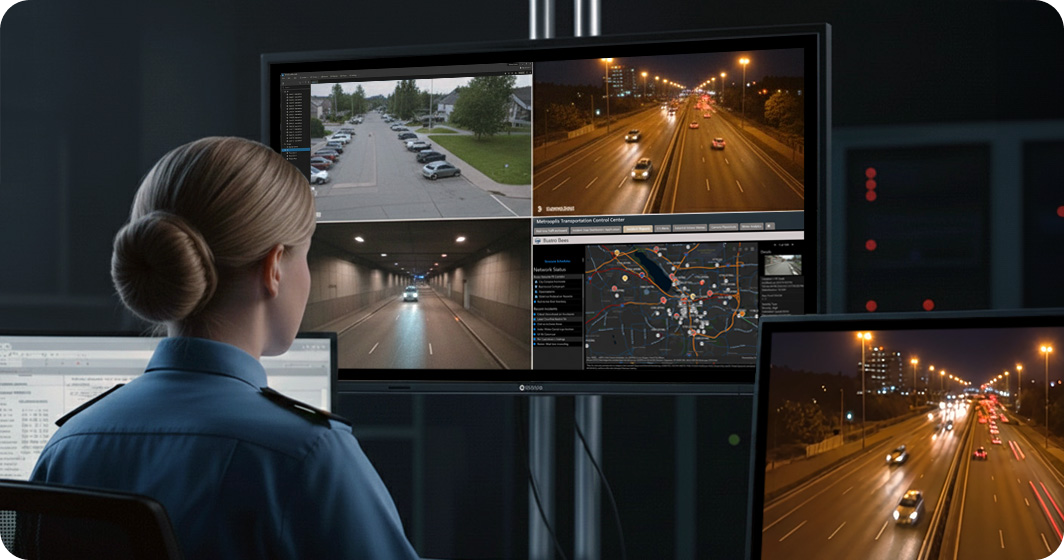
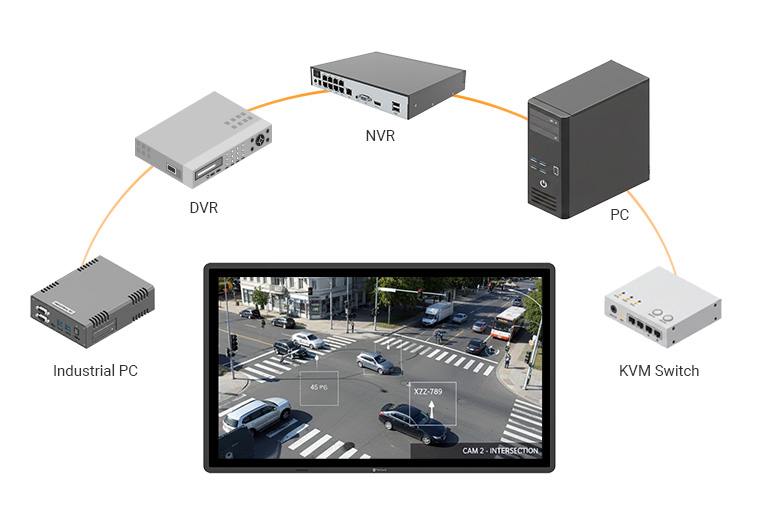
Engineered with four direct HDMI and DisplayPort connections, multiple input displays facilitate direct links to both modern IT infrastructure and legacy systems. By eliminating the need for external switching hardware, they simplify system architecture, reduce potential failure points, and improve long-term reliability.
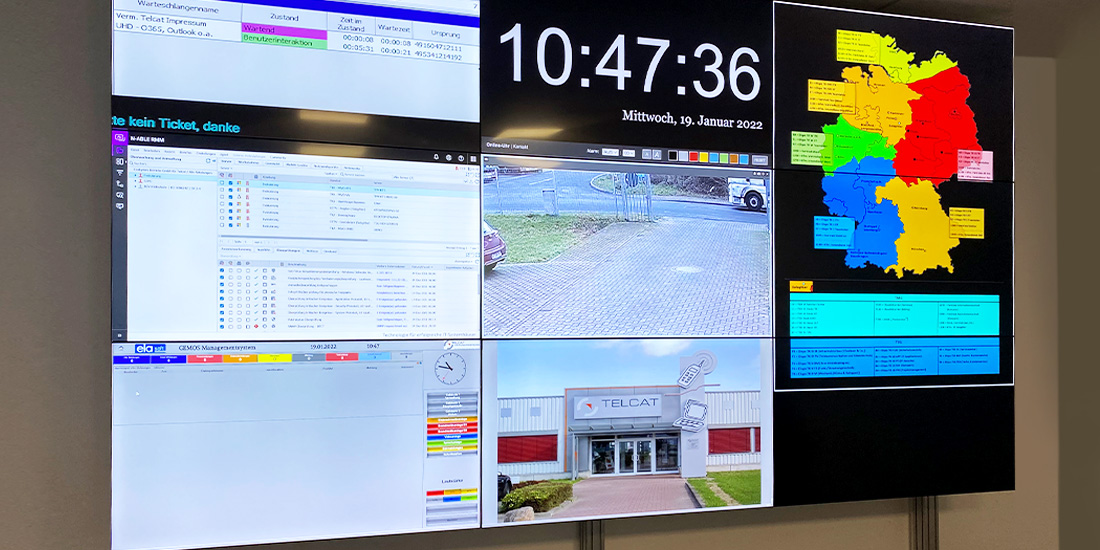
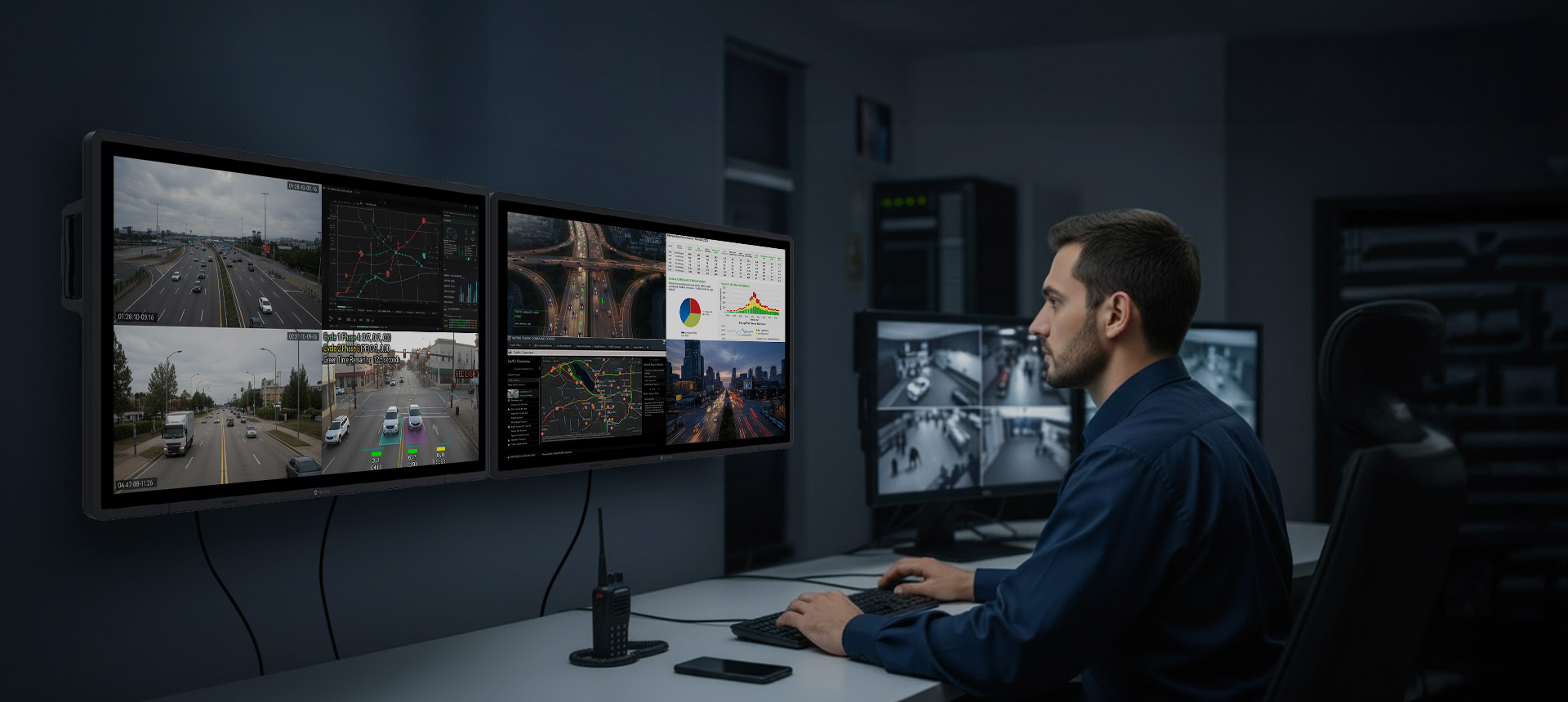
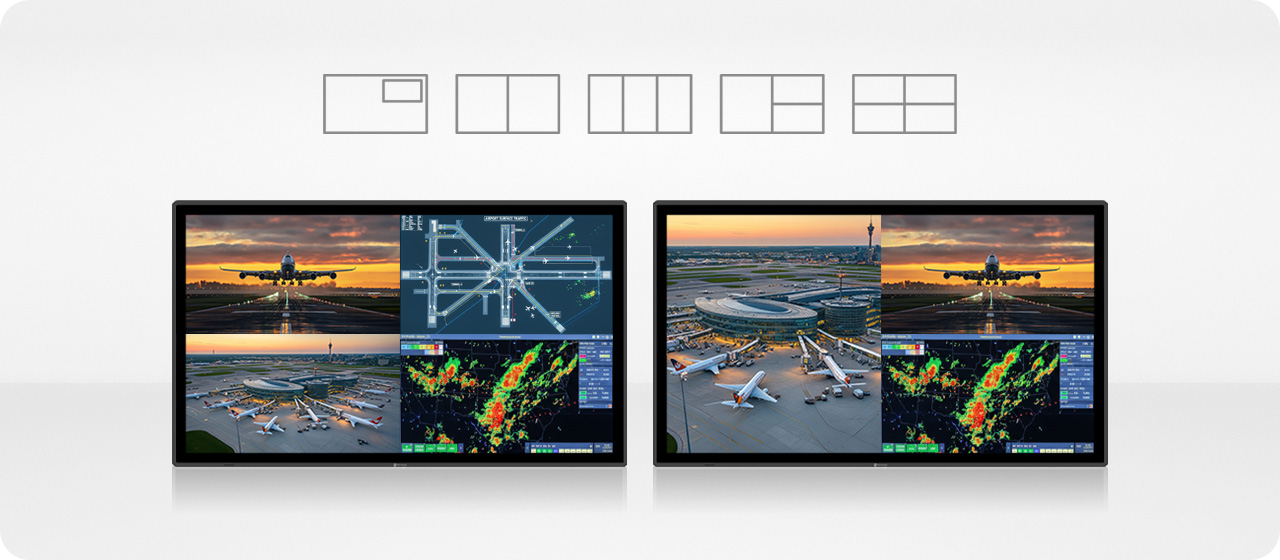
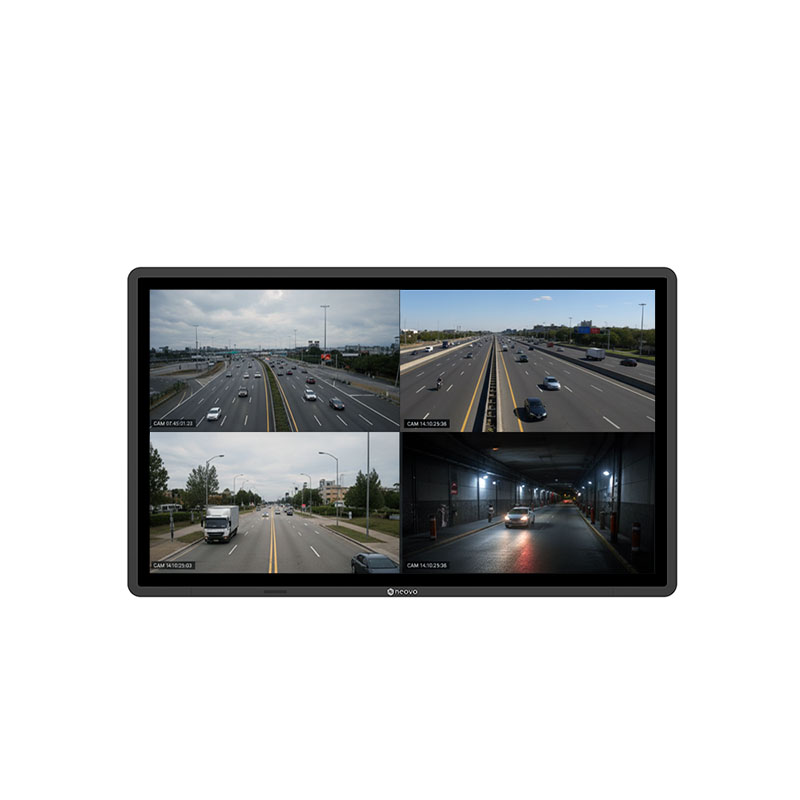
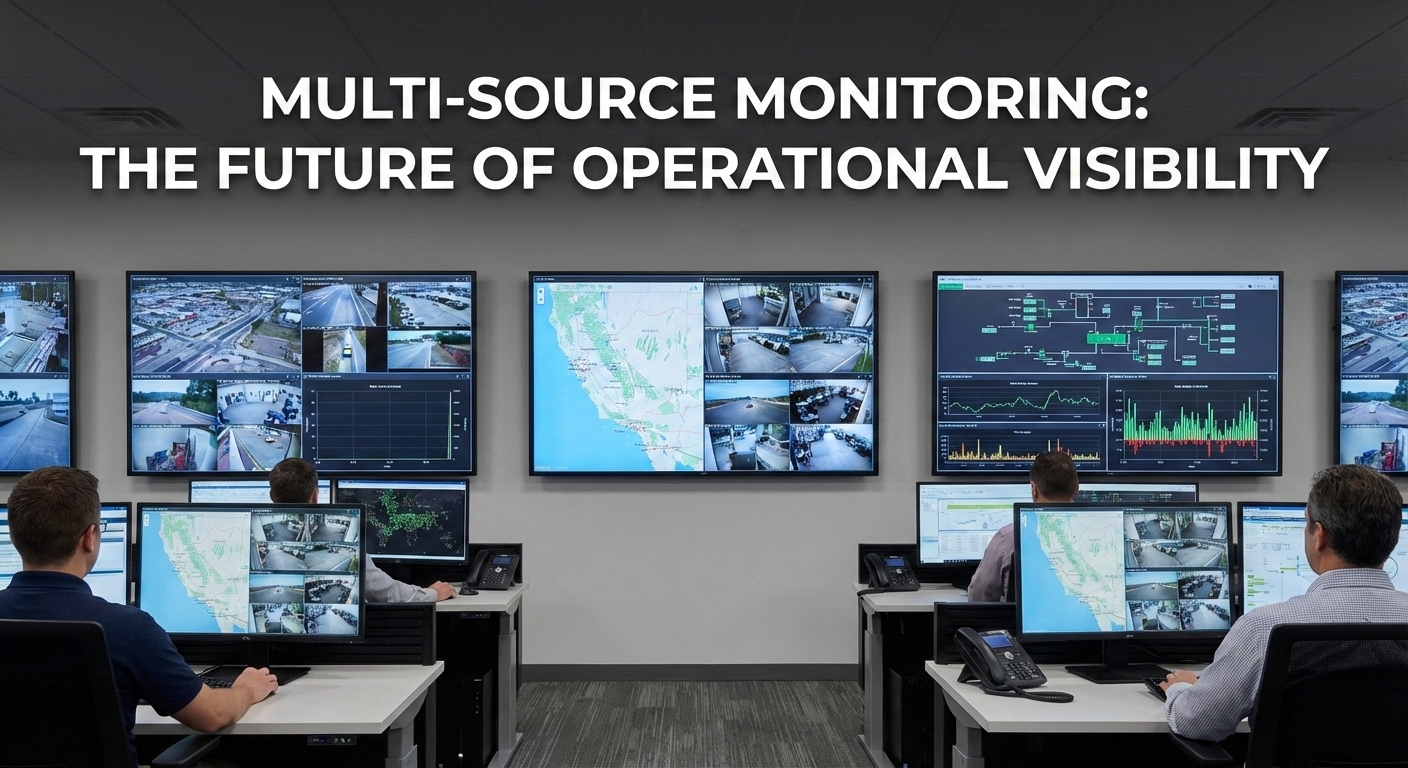
Powered by built-in multiview technology, multiple input displays support several sources on a single screen, allowing operators to monitor up to four independent inputs simultaneously. Depending on the operational task, users have the freedom to adapt their viewing layout, choosing from standard quad-view, Picture-in-Picture (PiP), or Picture-by-Picture (PbP) configurations. This enables continuous visibility without switching between sources, making it possible to view multiple HDMI inputs on one monitor in real time.
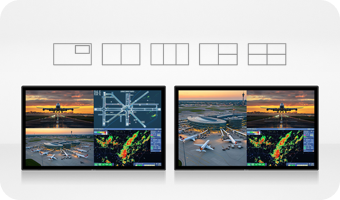
Our 4 HDMI multiple input displays integrate DP daisy-chain and RS232/LAN connectivity to simplify large-scale monitoring setups. This architecture reduces integration complexity while ensuring systems remain scalable, stable, and easy to manage over time.
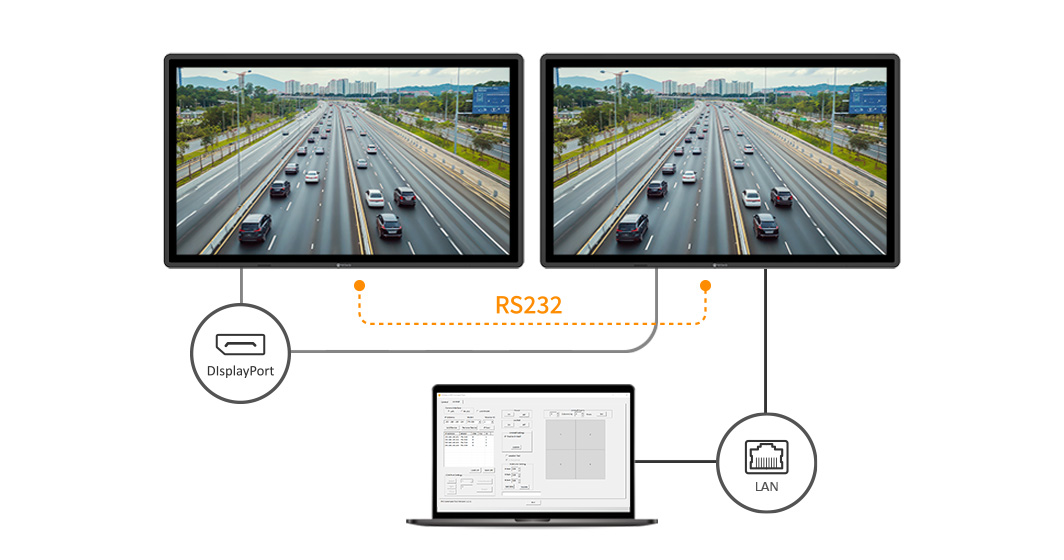
Daisy-chain to additional displays to mirror and extend processed multi-source content across multiple screens. This creates a synchronized monitoring environment without the need for external signal splitters.
Leverage the built-in LAN-to-RS232 bridge to manage entire display arrays through a single IP connection. This enables unified adjustments—such as backlight or power states—for streamlined management.
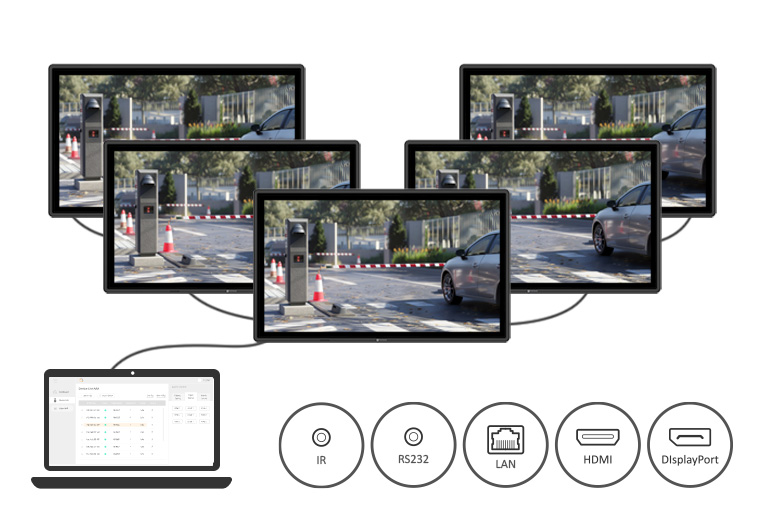
Integrated with Neovo Controller software, these 4 HDMI displays provide remote configuration and synchronized fleet control via LAN or RS232. Real-time device feedback delivers proactive alerts for critical conditions—such as signal loss or thermal changes—enabling rapid fault detection and maintaining continuous operation.
Every control room operates under unique conditions, from day-to-night shifts to specialized workflows. These multiple input displays allow operators to quickly adapt through hardware-level controls, enabling consistent performance across different workflows and operating conditions.
Save and recall up to five user-defined configurations for quick adaptation to different shifts or mission-critical operational scenarios.
Connect a keypad via a standard 15-pin D-sub port for instant access to blackout, brightness, volume, input source, and display layout.
Fine-tune brightness quickly and precisely with an optional hardware knob, ensuring optimal visibility and reliable performance in any environment.
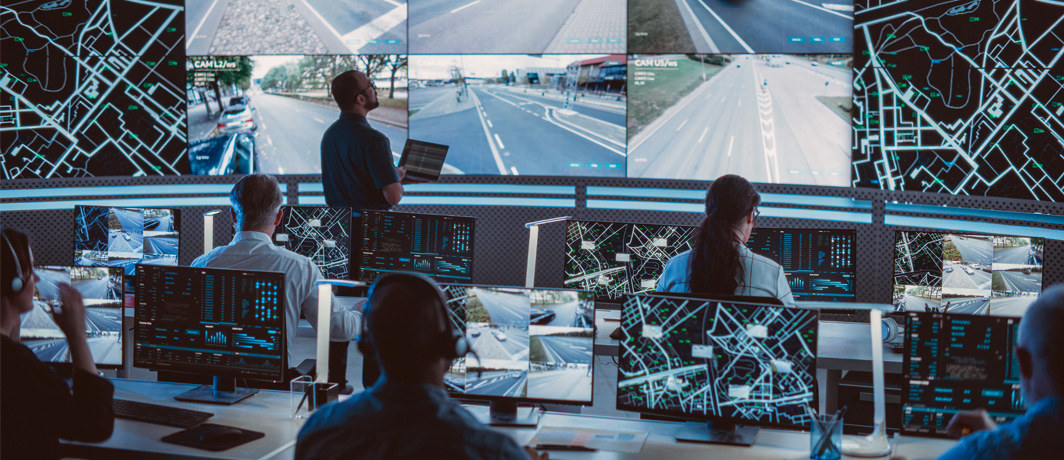
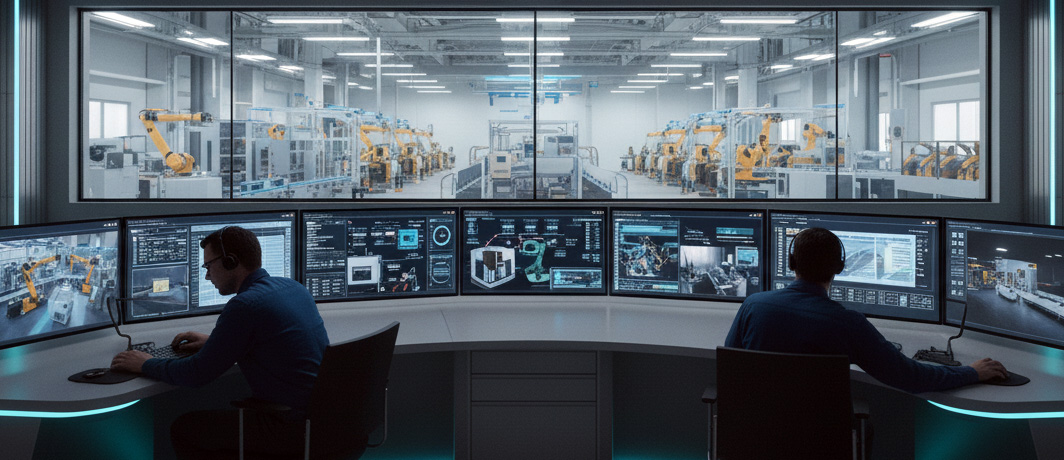
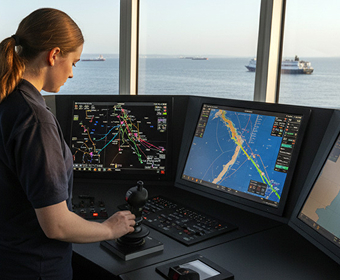
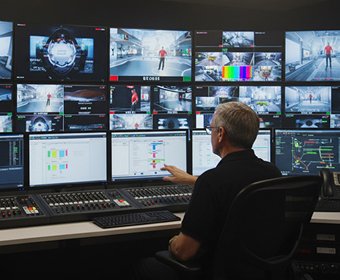
Looking to replace switchers, reduce hardware complexity, or manage multiple sources more efficiently?
Talk with our team to find the right 4 HDMI display solution for your monitoring environment.
A professional display that supports four HDMI inputs and allows users to switch or view multiple sources simultaneously.
Yes. With built-in multiview modes such as quad-view or PBP.
AG Neovo 4 HDMI Displays offer 17 layouts, including PiP and PbP. This allows resizing, repositioning, or prioritizing video feeds to suit the monitoring task.
It combines native 4K resolution with four HDMI inputs, allowing multiple video sources to be displayed on one screen without external hardware.
Yes. By consolidating multiple devices into a single monitor, total power consumption and heat output are reduced, making them more efficient for 24/7 environments.
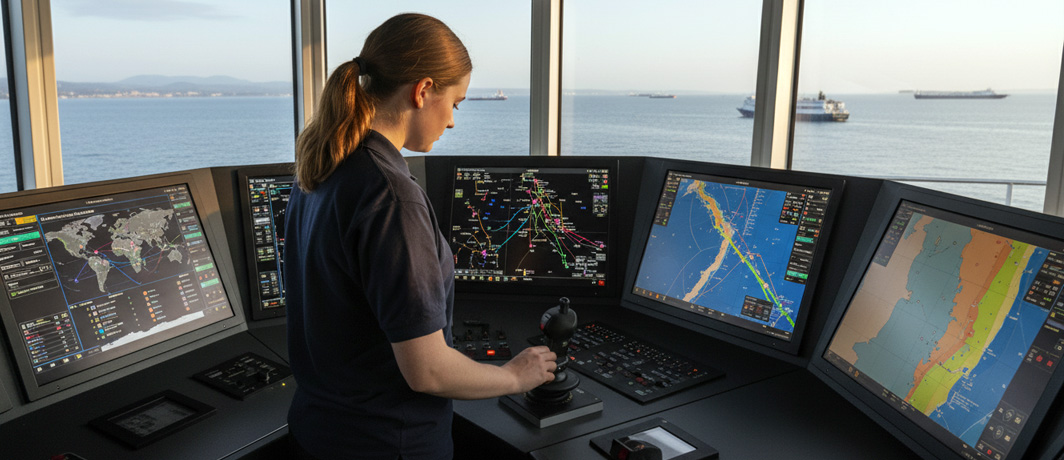
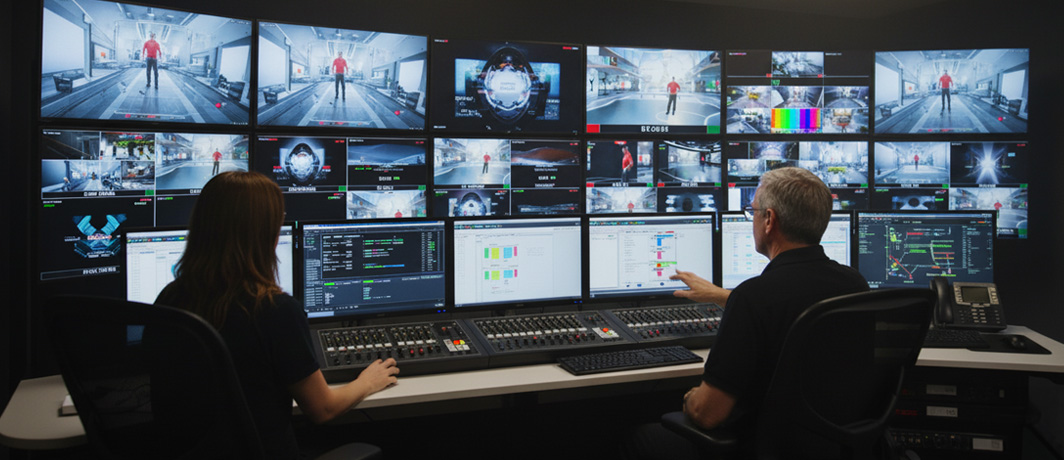
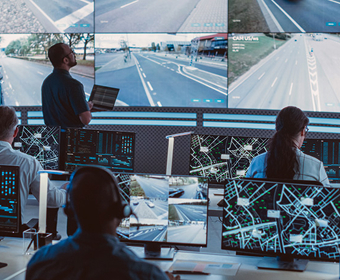
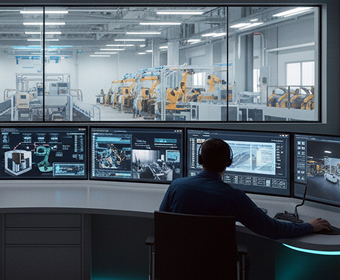
Beyond security and surveillance, multiview monitors are used in broadcast studios, traffic management centers, manufacturing plants, and IT command centers — anywhere multiple video sources need to be viewed in real time.



 NeoV™ Optical Glass Screen
 Anti-Burn-in™ Technology