

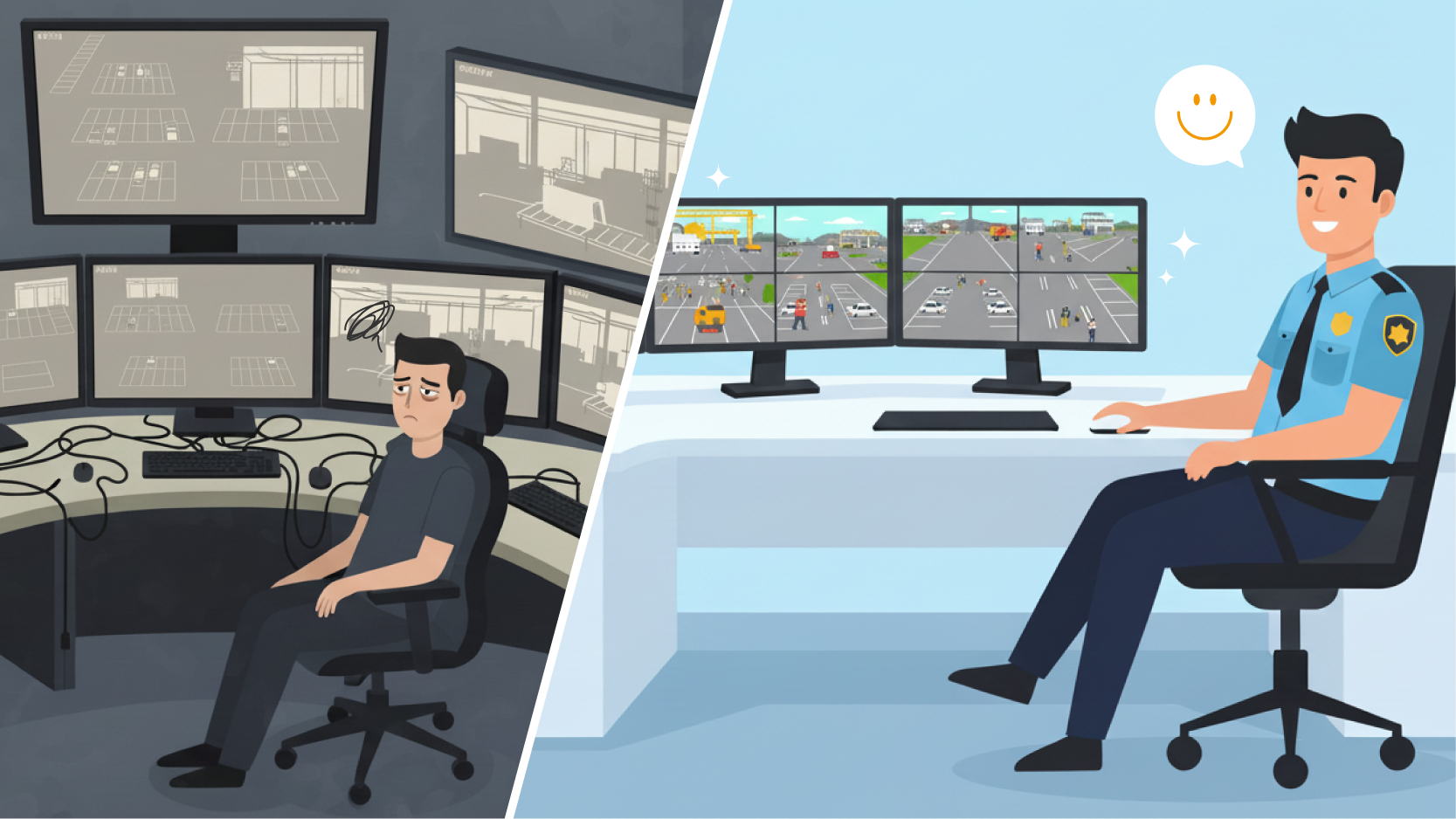
An HDMI monitor with four built-in HDMI inputs gives professional monitoring teams a direct way to connect and view multiple video sources on one screen.
Commonly, teams have used an external HDMI multiviewer to combine sources from PCs, NVRs, KVM systems, cameras, and control dashboards. However, an external processor is no longer the only way to create a quad-view monitoring setup.
A professional 4 HDMI monitor can process multiple input signals directly inside the display. This allows system integrators to reduce external hardware, simplify cabling, and create monitoring systems that are easier to install and maintain.
This article compares an external HDMI multiviewer with a monitor that has four built-in HDMI inputs, helping system integrators and channel partners decide which approach is better for their projects.
A 4 HDMI monitor is a display equipped with four direct HDMI inputs. Unlike a standard HDMI monitor that usually shows one selected source at a time, a professional multi-input monitor can display several independent sources simultaneously.
Common viewing layouts include:
With built-in multiview processing, the signal path becomes:
Sources → HDMI Monitor
Each source connects directly to the monitor, and the display manages the screen layout internally.
This differs from a traditional external multiviewer setup, where the signal path is:
Sources → HDMI Multiviewer → Monitor
For professional monitoring environments, the advantage is not simply having more HDMI ports. The real value is being able to keep multiple sources visible without installing another processing device between the sources and the screen.
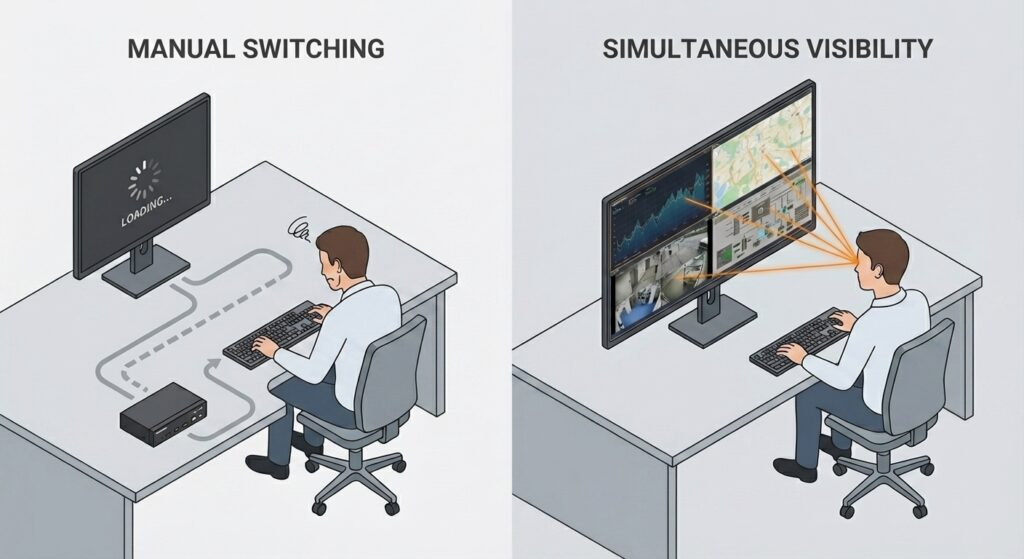
A monitor with four HDMI inputs is useful when several systems must remain visible at the same time.
In control rooms, surveillance desks, industrial facilities, transportation operation centers, and marine environments, operators may need to compare information from multiple independent systems, including:
In these environments, connecting four sources is only part of the requirement. Operators also need to see those sources together.
A multiple HDMI input monitor helps maintain situational awareness by keeping critical information visible within one screen environment. Operators can compare feeds and respond to changes without repeatedly switching from one input to another.
A standard HDMI monitor may include more than one input, but it usually displays only one selected source at a time.
An HDMI switcher works in the same way: users choose which connected source appears on the screen while the other sources remain hidden.
This may be sufficient for meeting rooms, offices, or applications where users only need one device at a time. It is less suitable for professional monitoring environments where information from several systems must remain continuously visible.
Repeated source switching can:
A 4 HDMI monitor with quad-view solves a different problem. Instead of choosing one source, it allows operators to view multiple sources simultaneously.
The objective is not faster switching. It is continuous visibility.
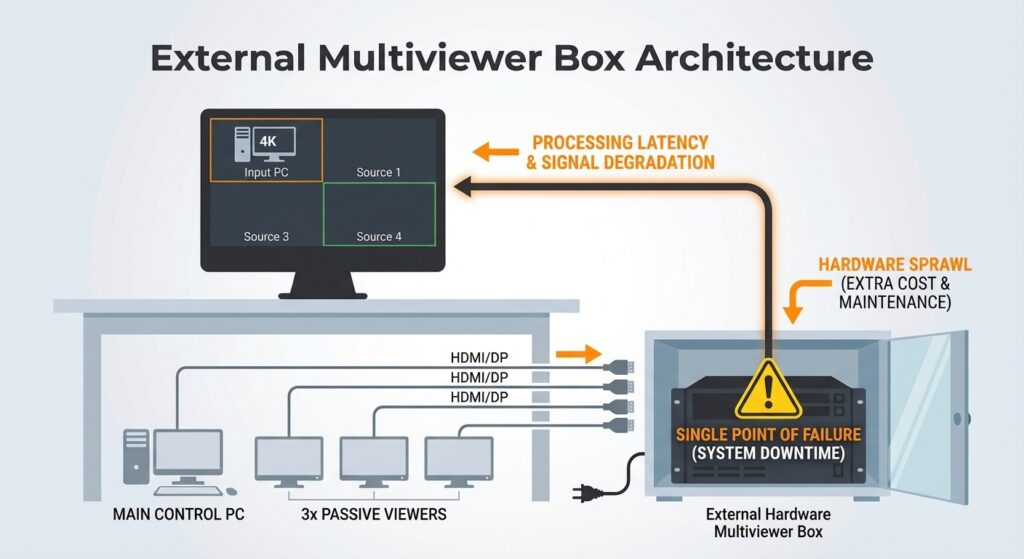
The traditional approach places an external HDMI multiviewer between the video sources and the monitor.
Each source connects to the multiviewer. The multiviewer combines those signals into a single output, which is then sent to a standard HDMI monitor.
This architecture can be effective when a project requires:
However, an external HDMI multiviewer introduces another hardware layer into the signal chain.
For system integrators, that means another device to specify, install, mount, power, configure, and support. It can also introduce:
For complex AV projects, this flexibility may be necessary. For a dedicated monitoring workstation, it may add more complexity than the application requires.
A built-in approach removes the external multiviewer from the signal path.
Instead, each source connects directly to a professional HDMI monitor with four inputs. Hardware-level processing inside the monitor then manages the selected screen layout.
The simplified signal path is:
Sources → 4 HDMI Monitor
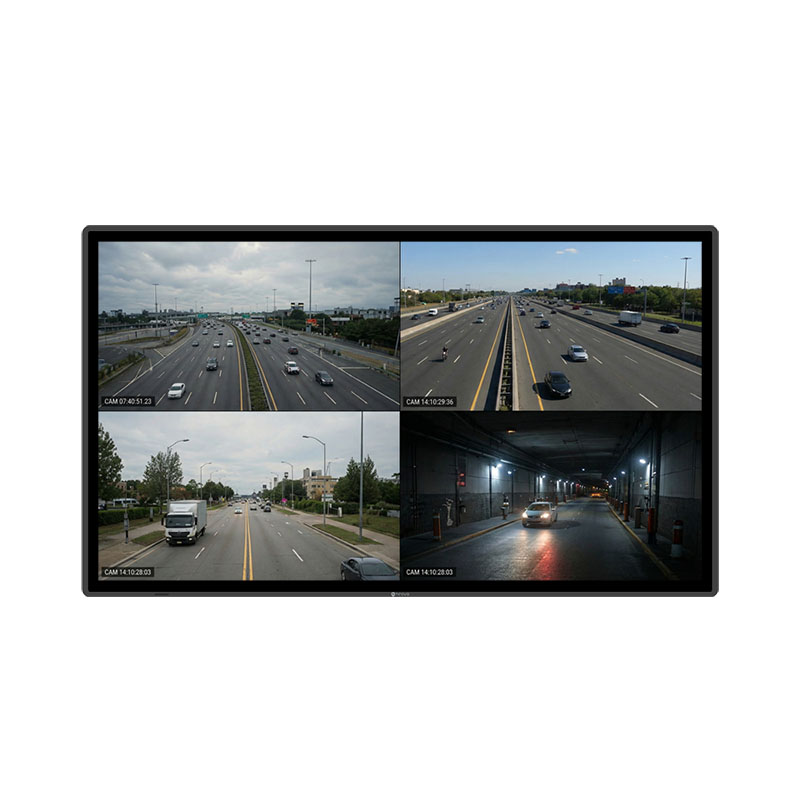
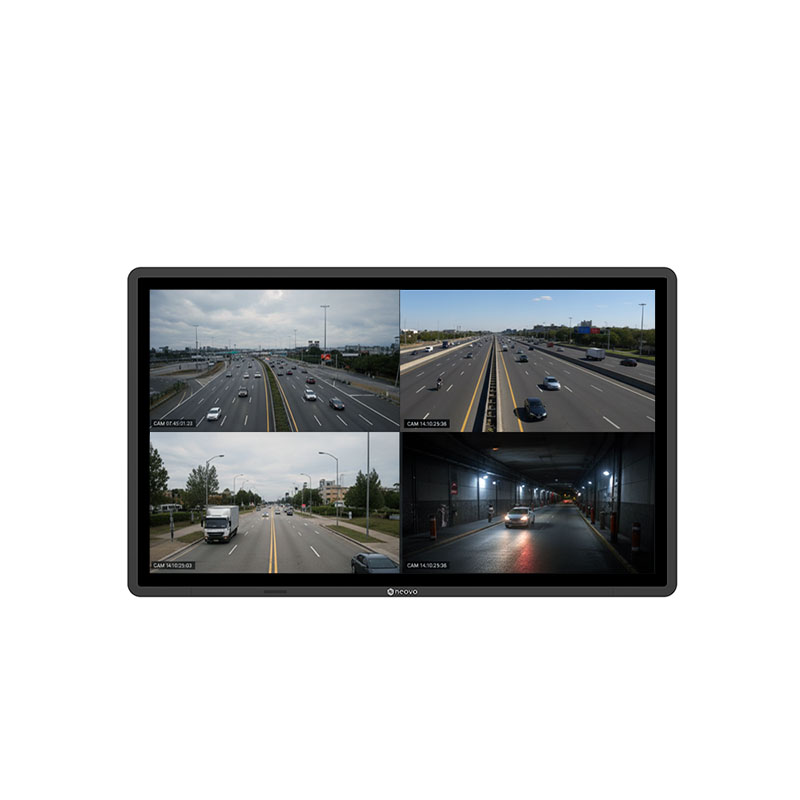
Operators can select quad-view, Picture-in-Picture, Picture-by-Picture, or full-screen layouts according to the monitoring task. This approach is particularly suitable when the requirement is straightforward: connect four sources and keep them visible on one reliable professional display.
For system integrators and channel partners, the benefit extends beyond a cleaner installation. A built-in multi-input monitor can reduce the number of components required to deliver the same monitoring outcome.
Both approaches allow users to view four HDMI sources on one screen. The main difference is how the system is constructed and maintained.
| Criteria | External 4 HDMI Multiviewer + Monitor | 4 HDMI Monitor with Built-In Multiview |
| Displays four sources simultaneously | YES | YES |
| Additional processing hardware | Required | Not required |
| Signal path | Sources → multiviewer → monitor | Sources → monitor |
| Cabling complexity | Higher | Lower |
| Installation | More devices to configure | Simpler and more repeatable |
| Potential failure points | More components in the chain | Fewer external hardware layers |
| Layout management | Depends on the multiviewer | Managed at the display level |
| Maintenance | Separate processor and monitor | Integrated display-level control |
| Best fit | Complex AV routing or larger signal systems | Stable monitoring workstations and control rooms |
Project success is not determined only by whether the system works on the first day. A successful installation must also be easy to explain, operate, troubleshoot, and maintain throughout its service life.
Need four sources on one screen without adding another device to the signal chain? Explore AG Neovo 4 HDMI Multi-Input Monitors
The best architecture depends on the project requirements.
An external HDMI multiviewer may be the better choice when a customer needs complex routing, centralized video distribution, or multiple sources shared across several displays. In these projects, the multiviewer forms part of a broader AV infrastructure.
A built-in 4 HDMI monitor may be more practical when the customer needs a compact and dependable monitoring workstation without unnecessary external devices.
This approach is especially relevant when customers want to:
This approach is especially relevant when customers want to:
For repeatable SI and channel deployments, fewer hardware layers can also make the solution easier to standardize across multiple rooms, workstations, or sites.
In many professional monitoring environments, the cleanest signal path is often the easiest one to support.
Multi-source monitoring involves viewing and interpreting several independent video or system inputs within one visual environment.
These sources may come from:
An HDMI monitor for multiple sources keeps this information visible in a consistent screen layout.
Instead of switching between hidden inputs, operators can compare feeds, dashboards, alarms, and system outputs as events occur. This improves visual continuity and helps operators understand how information from different systems relates to the same situation.
Typical applications include:
The value of multiview is not simply fitting more images on one display. It is giving operators the context to interpret those images together.
AG Neovo QX Series displays are designed for professional environments that require direct source connectivity and continuous multi-source visibility.
Each QX display integrates four HDMI inputs with built-in multiview processing. This allows users to connect several sources directly to the monitor and view them through quad-view, Picture-in-Picture, or Picture-by-Picture layouts. The integrated design simplifies the project architecture:
This makes the QX Series suitable for surveillance desks, control rooms, industrial workstations, transportation monitoring environments, and other applications where several systems must remain visible.
Rather than building the monitoring workflow around an additional processing box, the multiview capability becomes part of the display itself.
Explore 4K HDMI Monitor QX Series displays built for professional monitoring environments. Or, tell us your project’s needs and let our team recommend a display solution for you.



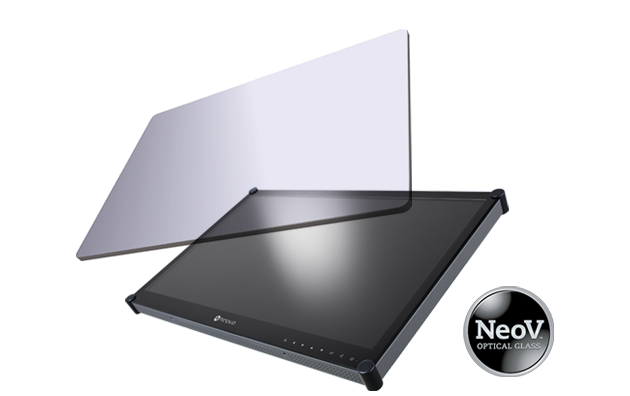 NeoV™ Optical Glass Screen
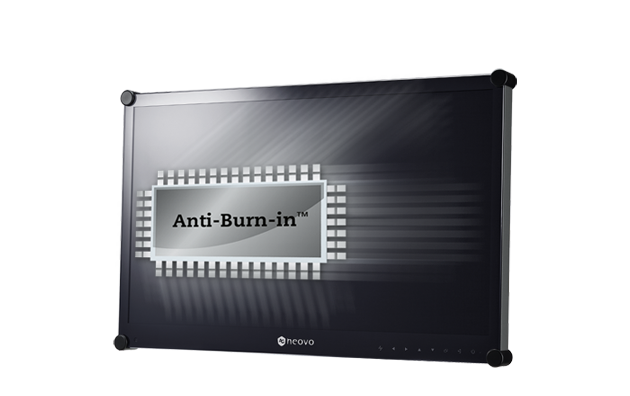 Anti-Burn-in™ Technology