

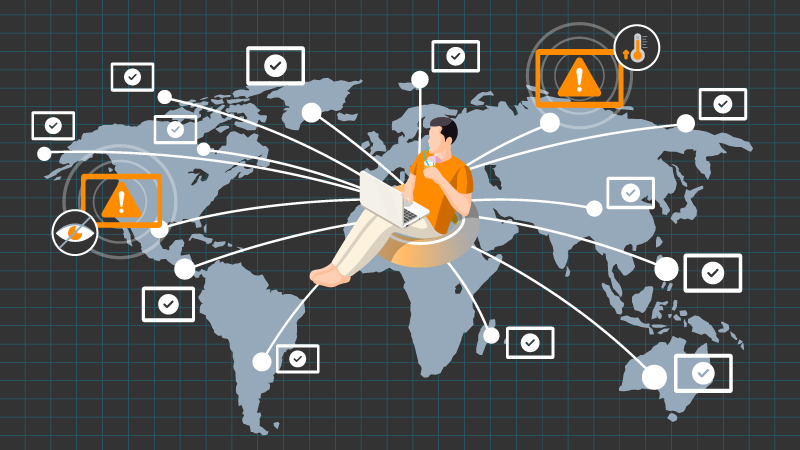
For system integrators, IT teams, ProAV partners, and operations managers, a display project does not end when the screens are mounted and powered on. Installation is only the first milestone. The real operational challenge begins after deployment, when every display needs to stay online, visible, updated, and manageable across different rooms, buildings, customer sites, or locations.
A small deployment can often be checked manually. But once a display network grows across retail stores, restaurants, offices, campuses, classrooms, meeting rooms, or public areas, manual support quickly becomes inefficient. Teams need a repeatable way to monitor devices, adjust settings, organize displays, and respond to issues without sending someone on-site for every small task.
This is the Day-2 operations problem in display projects: the screens may be installed correctly, but long-term operation depends on whether the network can be managed efficiently after handover.
Most display rollouts look straightforward at the start. Displays are installed, content or collaboration tools are configured, and the system goes live. Then the operational questions begin.
Then the operational questions begin:
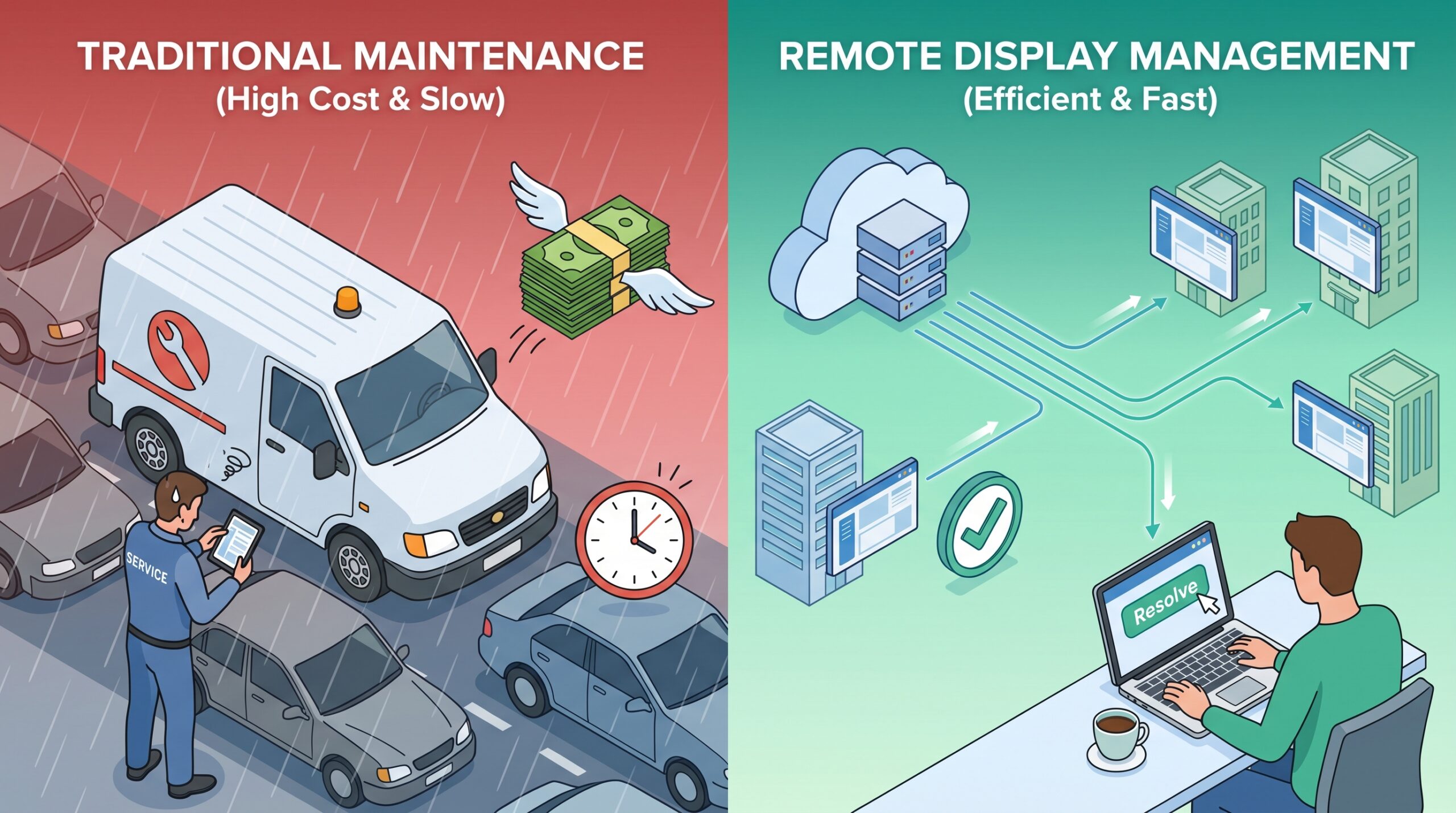
These questions are not just technical details. For system integrators and ProAV teams, they affect support cost, response time, customer satisfaction, and the ability to scale projects across multiple sites.
When teams cannot see or control their displays remotely, every small issue becomes harder to solve. A frozen screen, wrong input source, disconnected device, or missed schedule can quickly turn into a support ticket or an on-site service visit.
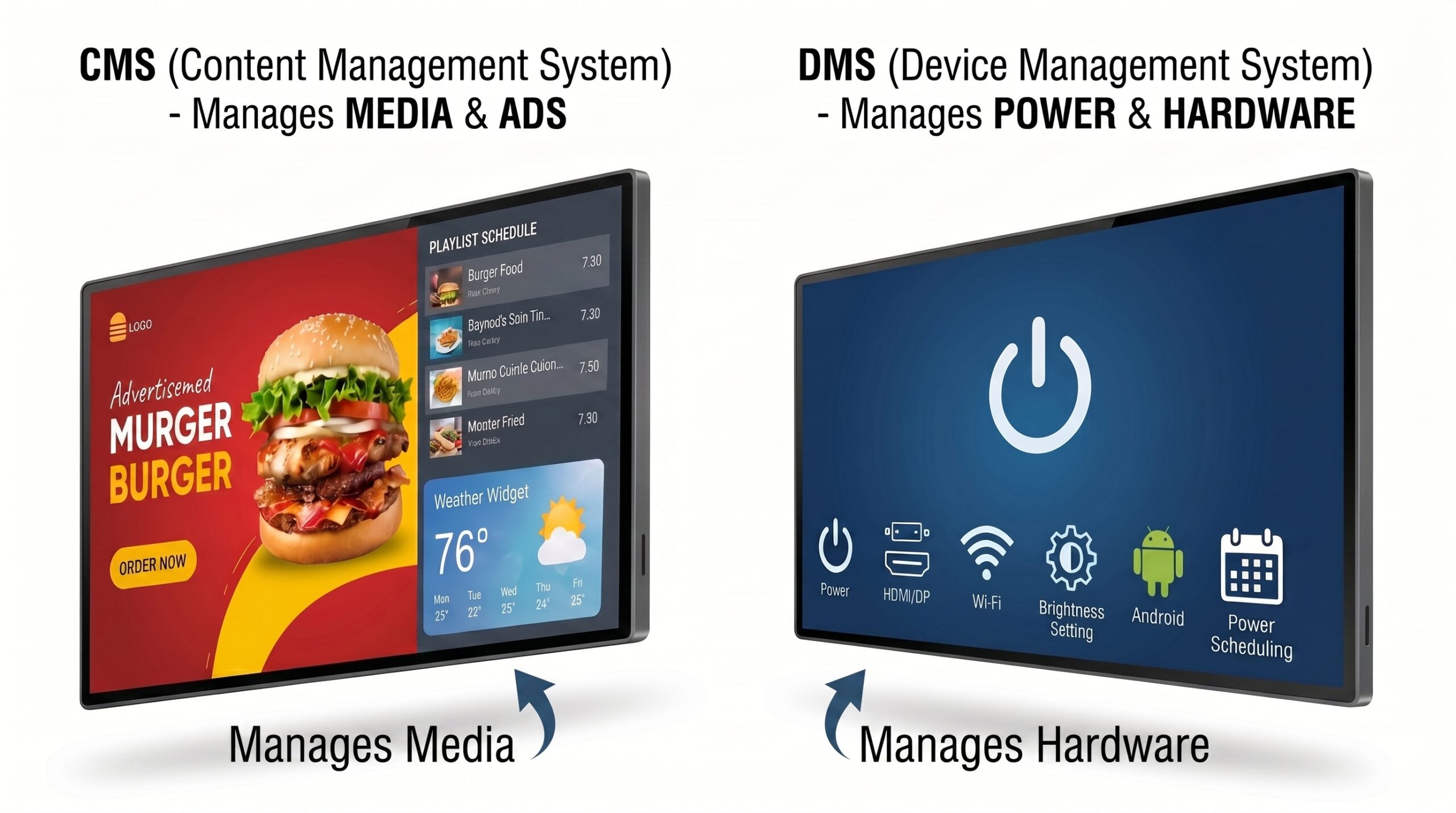
In digital signage and display projects, one common misunderstanding is treating content management and device management as the same layer. They are related, but they are not the same.
A digital signage CMS is mainly built to manage what appears on the screen. It helps teams upload media, schedule playlists, update announcements, and manage content campaigns.
Device management focuses on the display environment itself. It helps teams monitor device status, control display settings, organize displays, schedule device actions, manage input sources, deploy apps on compatible Android displays, and troubleshoot operational issues.
For multi-location deployments, both layers matter. A CMS may confirm that content has been published, but that does not always mean the display is powered on, connected, using the right input, or functioning correctly at the site. Without display-level visibility, IT and AV teams can still be left guessing.
When planning a display project for long-term operation, system integrators and channel partners should look beyond installation requirements. The operational plan should define how displays will be monitored, grouped, updated, and supported after the project goes live.
A practical post-installation checklist should include device visibility, remote status monitoring, display setting control, input source management, power scheduling, group and tag organization, Android app management for compatible displays, and role-based access for different users.
This approach helps project teams reduce unnecessary site visits, identify issues faster, and support customers more consistently as deployments expand.
A scalable display operations workflow should support the everyday tasks that IT teams, AV teams, and system integrators actually handle after deployment.
Centralized device visibility helps teams see connected displays from one dashboard, including status, location, and grouping. Remote monitoring helps teams identify issues before someone at the site reports a problem. Remote display control allows common settings such as brightness, volume, input source, and power behavior to be adjusted more efficiently, depending on the supported device.
Groups and tags become important as deployments grow. They allow teams to organize displays by customer, building, room, use case, or location. Scheduling helps automate recurring device actions, such as power on/off timing or input switching. For compatible Android displays, app management can help teams install and maintain APKs across multiple devices without repeating the same manual process at each site.
Role-based access is also important when multiple stakeholders are involved. Administrators, operators, support users, and customer teams may need different levels of control.
For teams using compatible AG Neovo Android displays, Neovo Manager supports the device management layer of the workflow. It is designed to help teams monitor, control, organize, schedule, and maintain supported AG Neovo displays through a web-based dashboard.
Neovo Manager is not intended to replace every digital signage CMS, meeting room app, or classroom workflow. Instead, it helps manage the display environment around compatible AG Neovo Android displays.
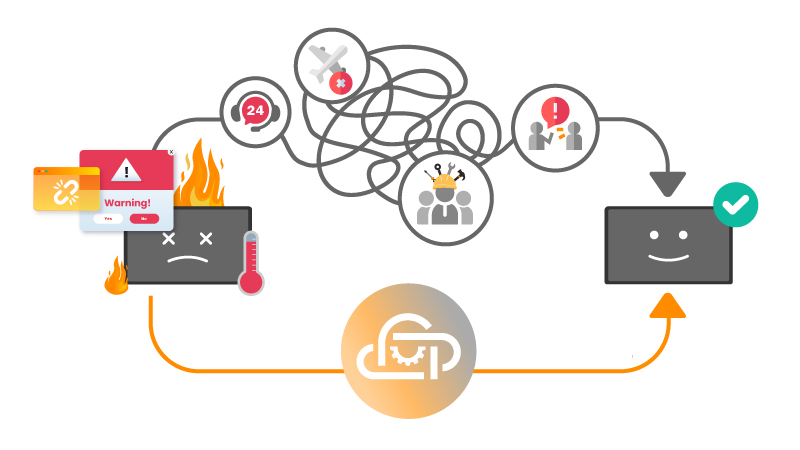
Key capabilities include:
In a typical workflow, a CMS may manage content and playlists, collaboration or education apps may support meetings and classroom interaction, and Neovo Manager helps technical teams manage display status, settings, input sources, power schedules, app deployment, device grouping, and user roles.
For system integrators, ProAV teams, and IT administrators, this separation can make multi-location display operations easier to support. Content and user-experience teams can focus on what appears on the screen, while technical teams have a clearer way to manage the display hardware and Android device environment.
Post-installation display management is especially valuable when displays are spread across multiple rooms, buildings, departments, customer sites, or locations.
Common examples include retail stores managing promotional displays, restaurants and QSR locations using menu boards or announcements, corporate offices managing lobby and meeting room displays, education environments managing classroom or campus displays, healthcare and public facilities operating information displays, and system integrators supporting multiple customer deployments.
In each case, the challenge is similar: teams need to keep displays visible, organized, and manageable without depending on constant on-site support.
The success of a display project is not measured only by whether the screens turn on during installation. It is measured by whether the network can keep operating reliably over time.
As deployments grow, manual management becomes harder to sustain. More locations mean more devices, more settings, more user roles, more maintenance tasks, and more chances for small issues to interrupt the experience.
That is why post-installation display management should be part of the project plan from the beginning.
If your team is managing compatible AG Neovo Android displays across multiple locations, explore Neovo Manager to see how centralized monitoring, display control, scheduling, app management, and device organization can support long-term operations.


 NeoV™ Optical Glass Screen
 Anti-Burn-in™ Technology