



 NeoV™ Optical Glass Screen
 Anti-Burn-in™ Technology
For default setting, the side menu will be hide on Homepage, and user can swipe from either left and right side to call the Side Menu buttons.
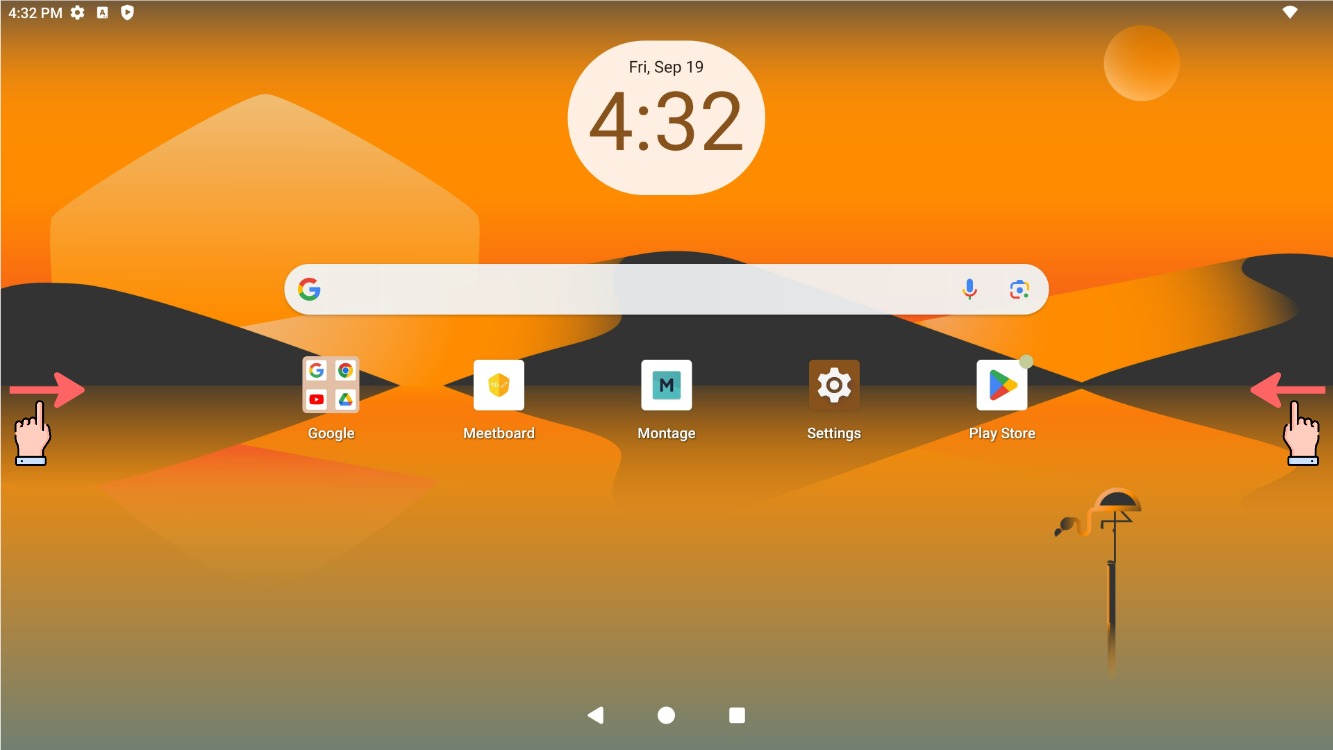
Swipe from either left or right side to call Side Menu buttons
To make the Side Menu buttons always-on, the option in the settings needs to be disabled.
- Settings
Open Android Settings from Homepage
- Disable Sidebar Gesture Switch
In System, disable Side Gesture Switch option - Side Menu Buttons
Now you can see the Side Menu buttons is always-on


