NeoV™ Optical Glass Screen
 Anti-Burn-in™ Technology
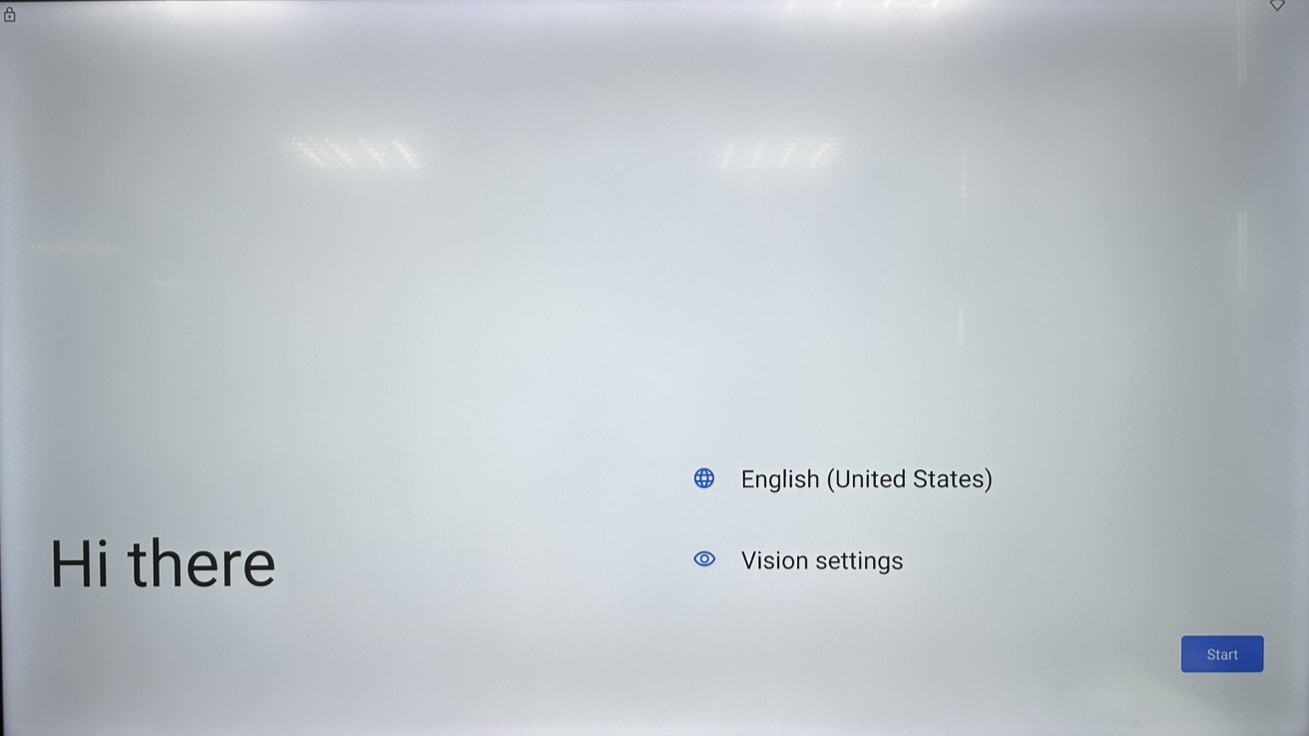
When users unbox the Meetboard and turn it on for the first time, a guide for basic Google settings will appear before they can start using the device.
- Language
Select language and press start
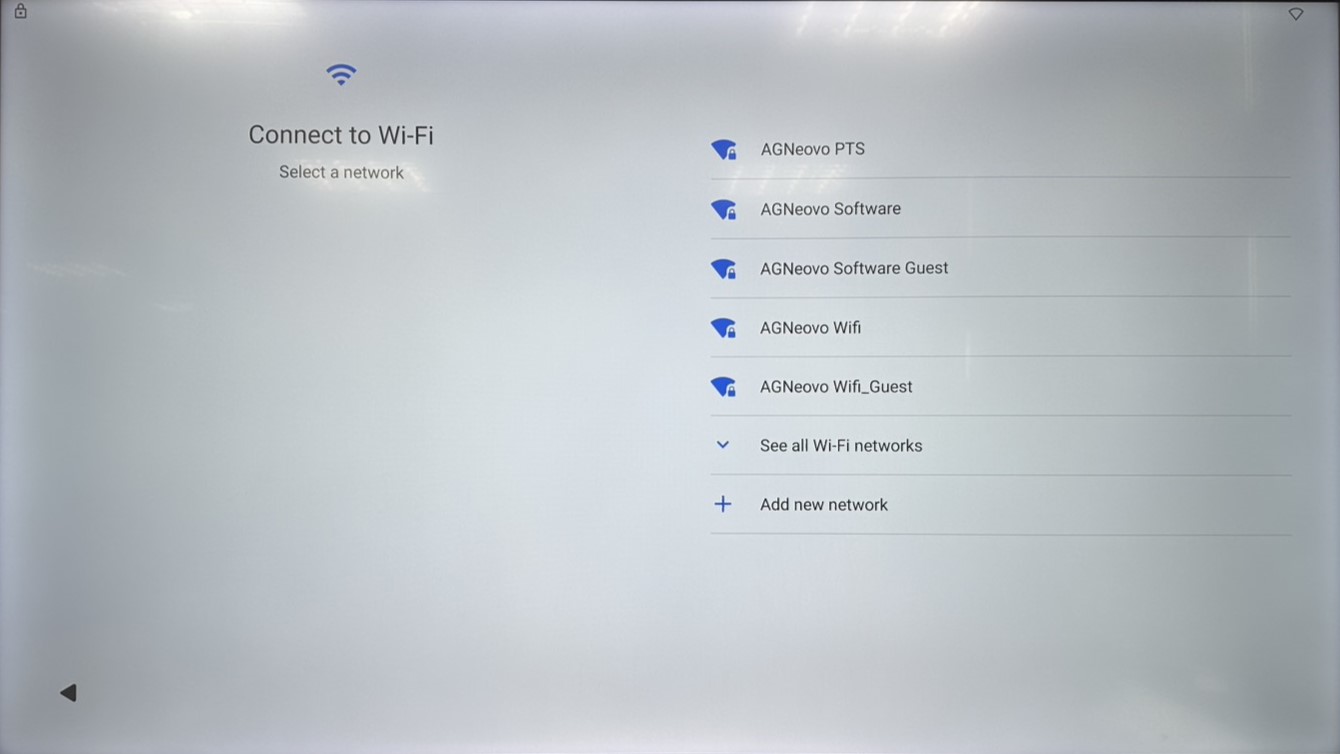
- Connect Wi-Fi
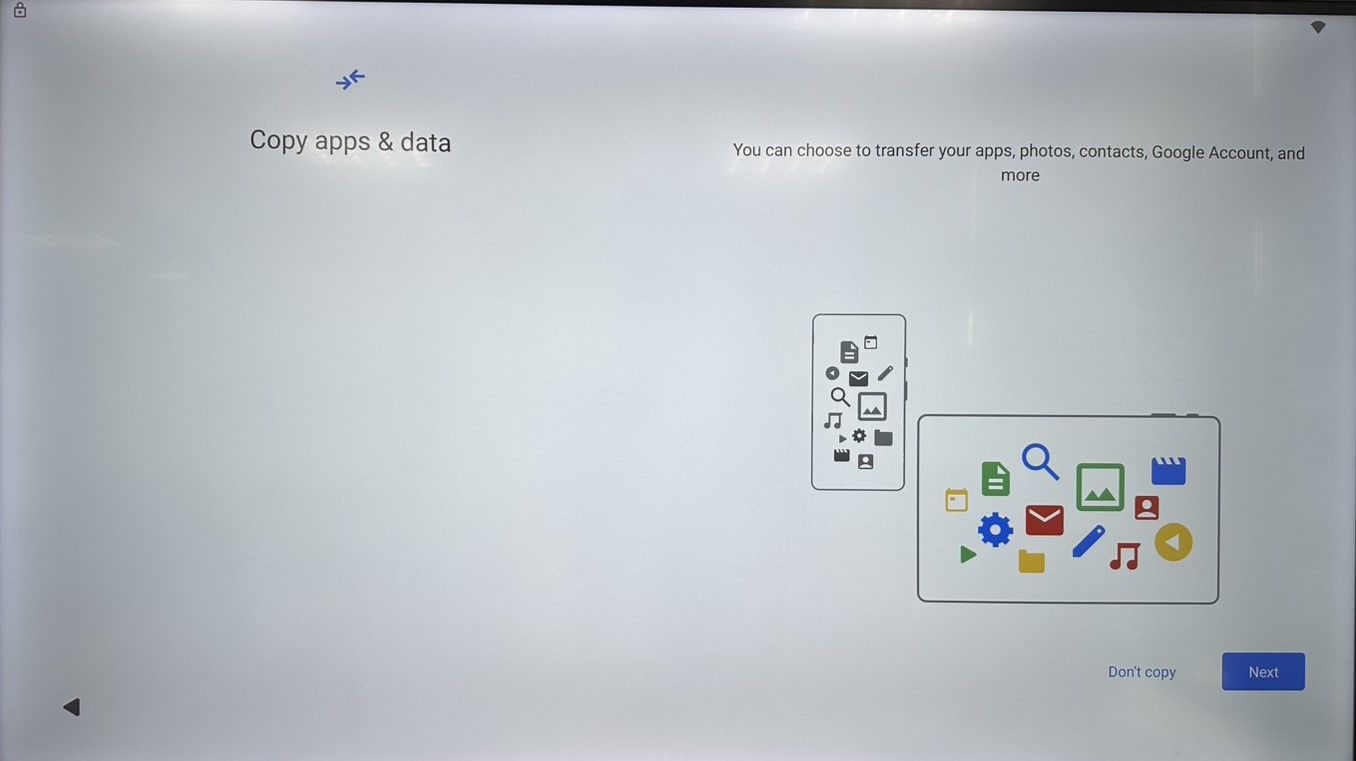
Select the Wi-Fi, and type in Wi-Fi password - Copy apps & data
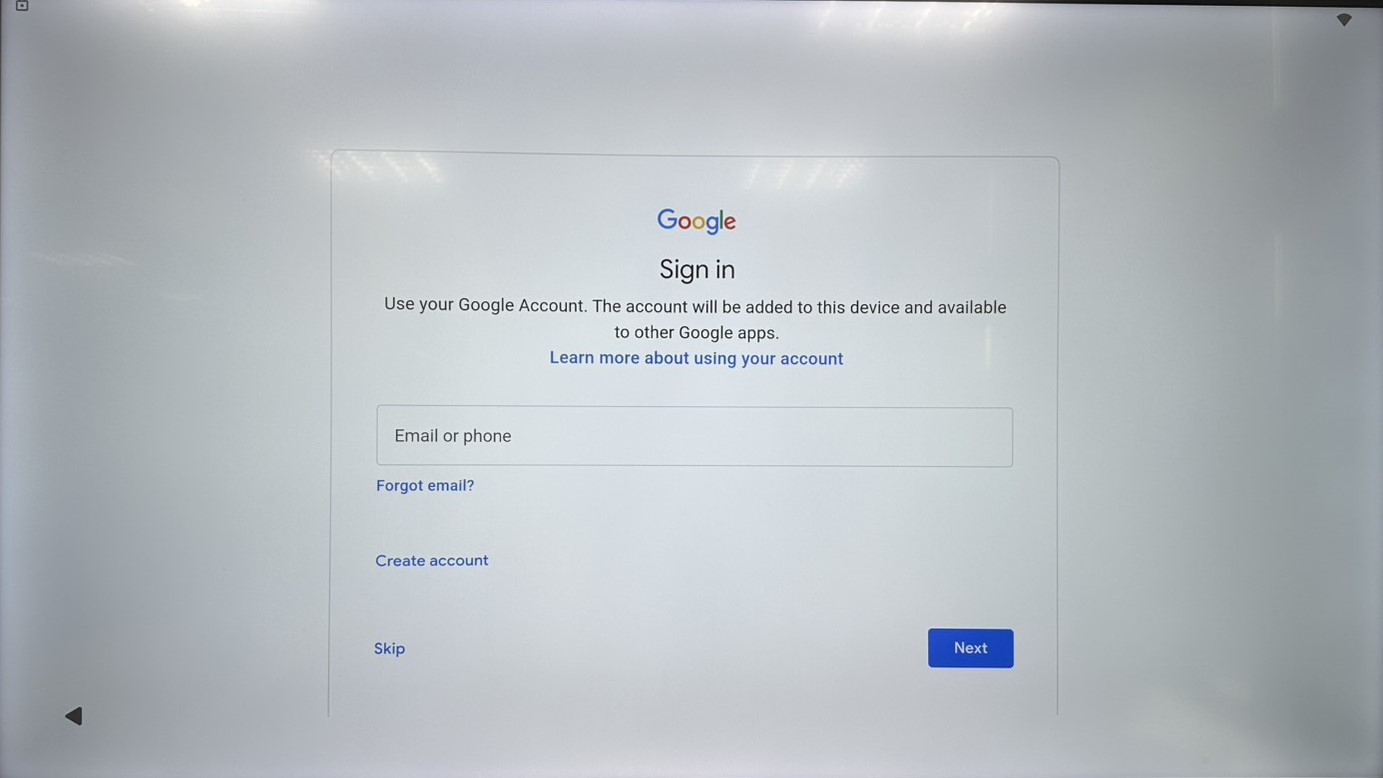
Press “Don’t copy” unless user want to transfer apps & data from another Android device - Sign in Google account
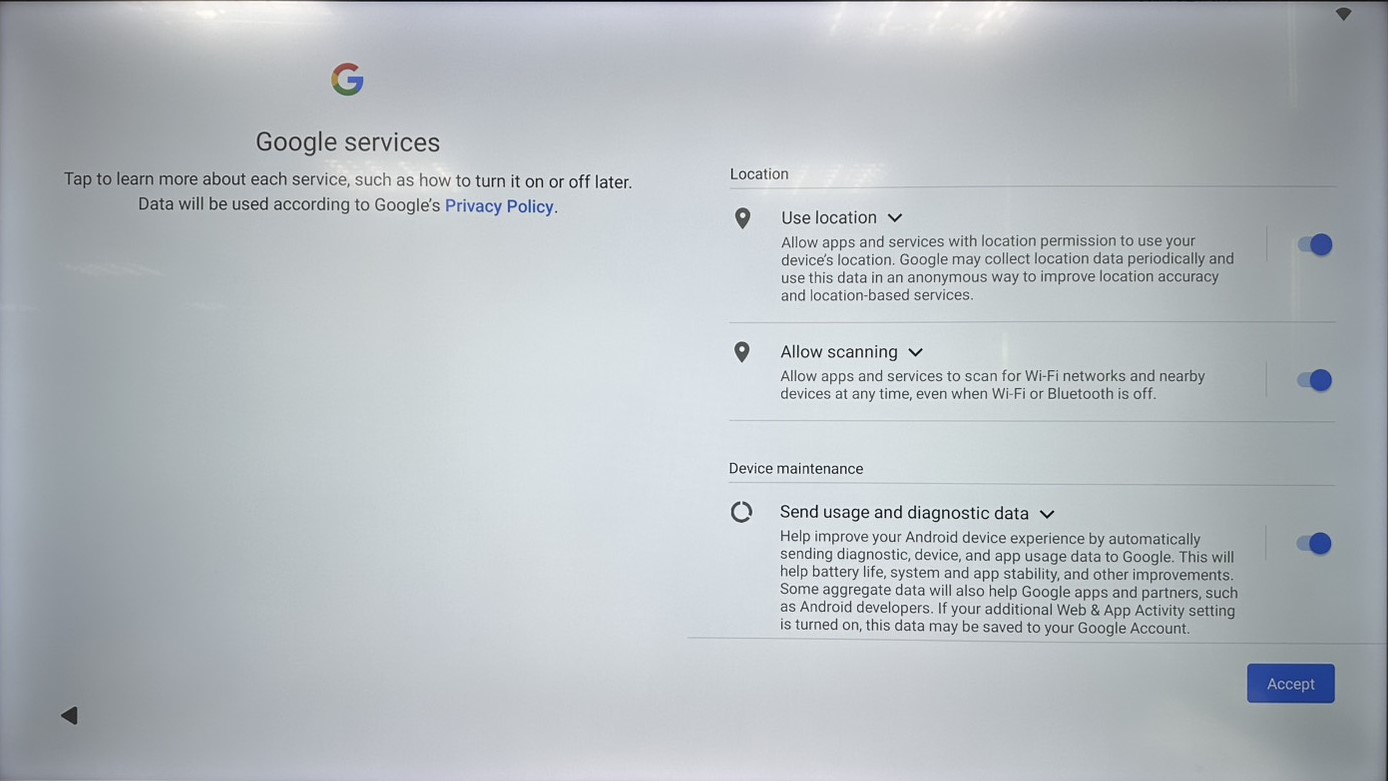
Sign in Google account for further Google service, or press “Skip” to the next step - Agree Google services
Check the Google service permissions and press “Accept” - Set screen lock
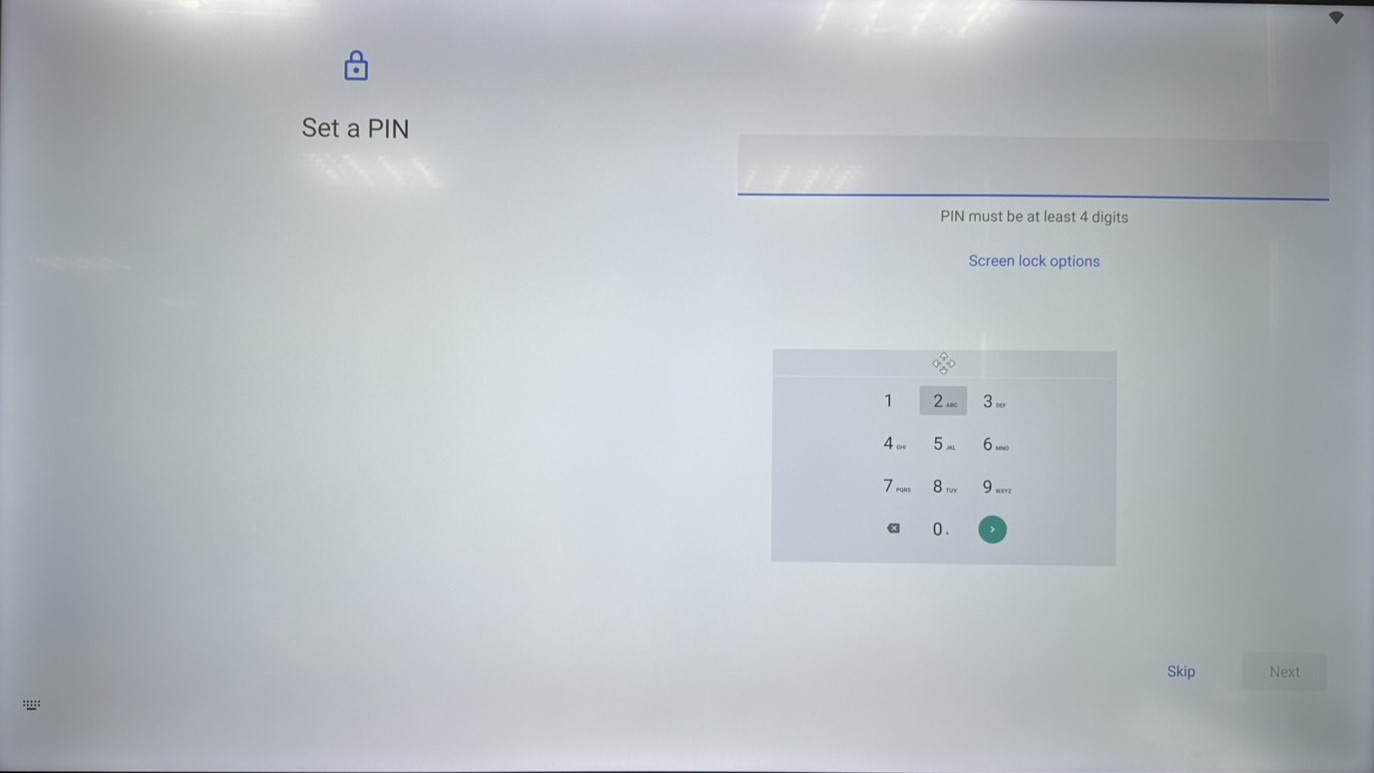
Simply press “Skip” to disable screen lock, or select “Screen lock options” and set the password - Notification
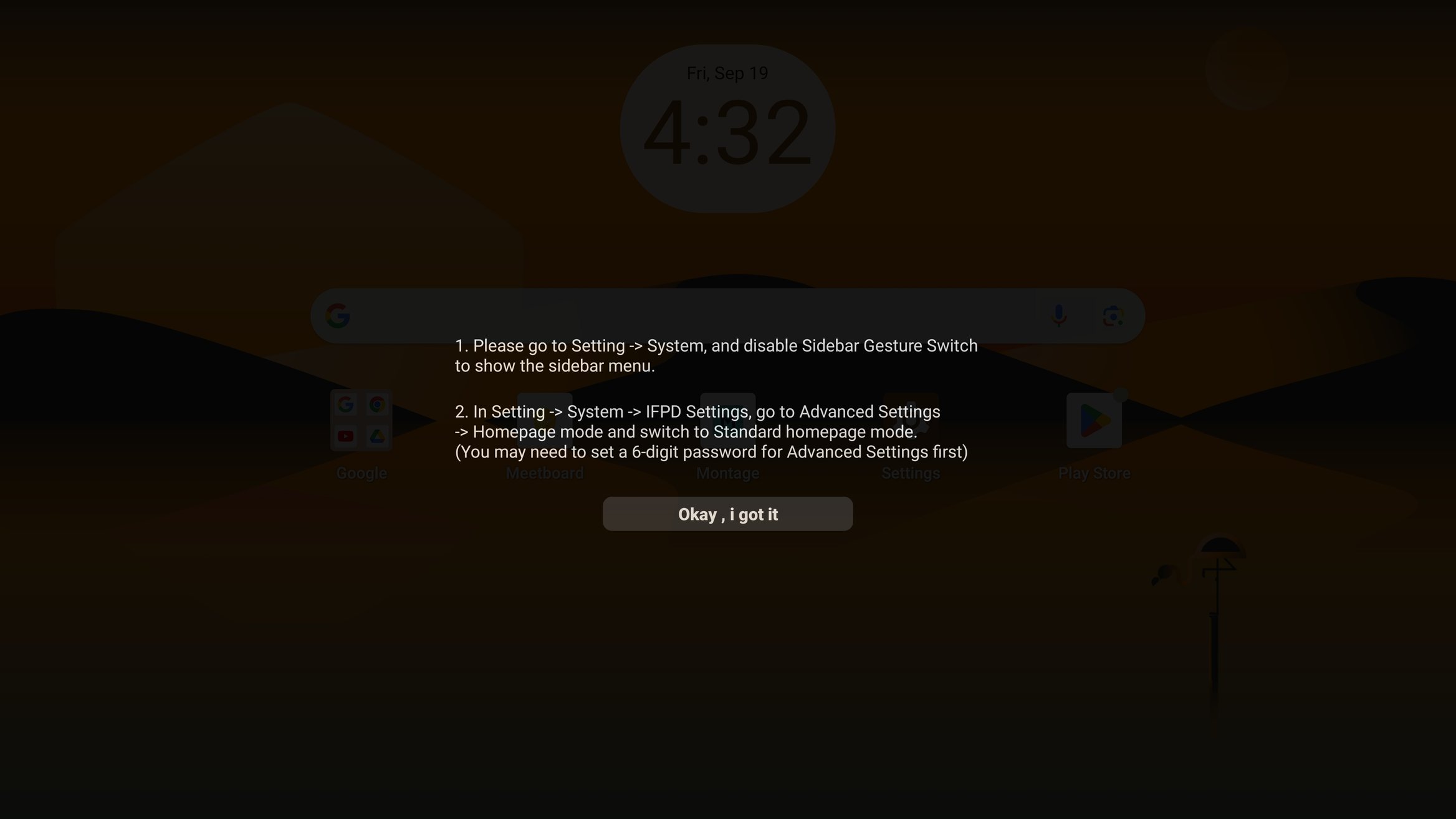
After set up, there will be a notification guide about Side Menu and Homepage Mode setting
Press the button to continue. - Done
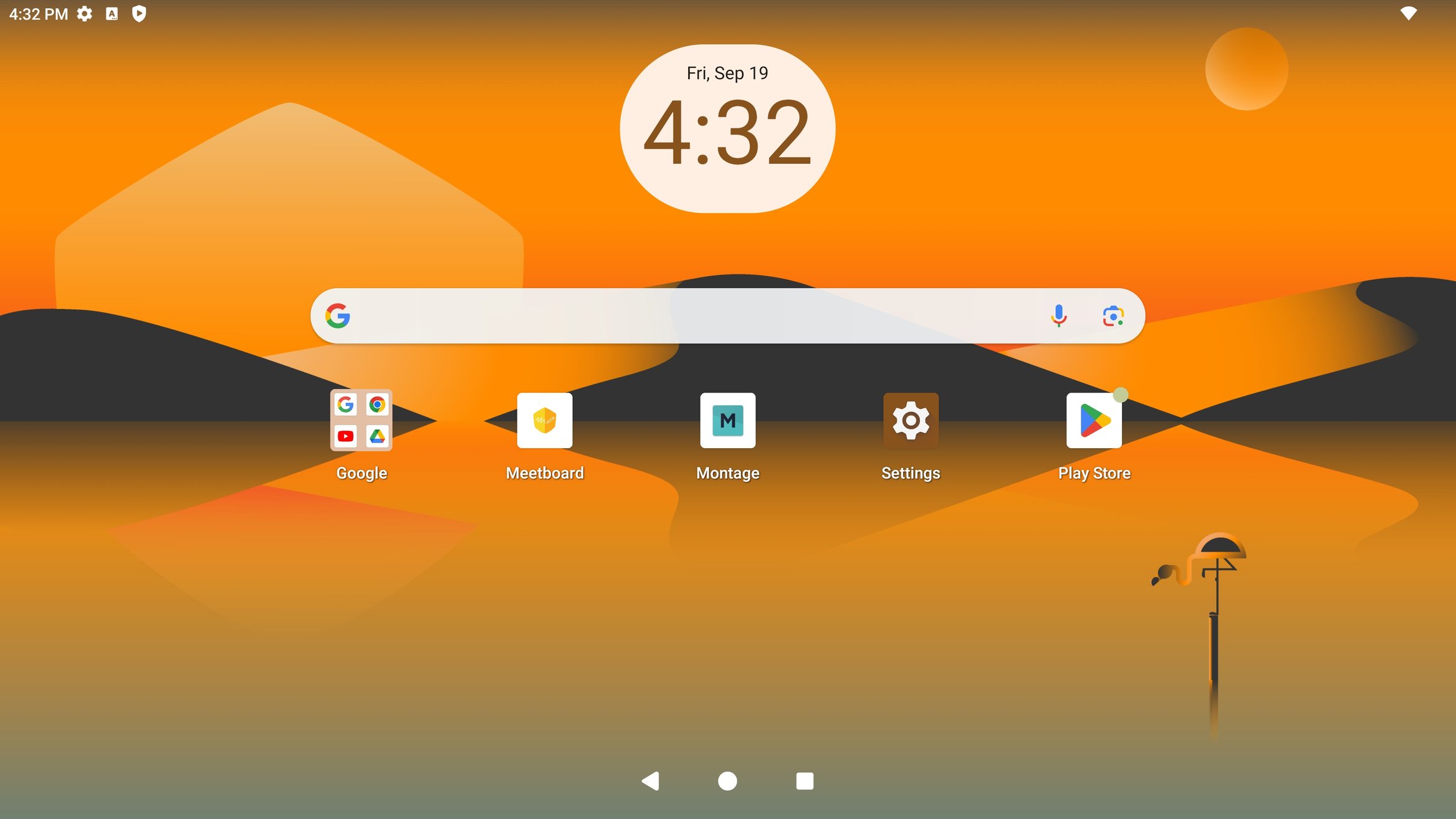
Now you have finished the set up for Meetboard