When planning a digital signage installation, one of the most common questions is whether a consumer TV is good enough, or if a commercial display is really necessary. At first glance, TVs look like an affordable and convenient option. They are easy to buy, widely available, and often include built-in smart features.
However, digital signage systems usually operate in very different conditions than home entertainment. Screens may run for many hours every day, stay on in bright environments, or be installed in public areas where reliability is critical. When a display is used outside the purpose it was designed for, problems such as overheating, image retention, or early hardware failure can occur.
Commercial displays are built specifically for professional use. They are designed for longer operating hours, better visibility, and stable performance in demanding environments. Understanding the differences between a consumer TV and a commercial display helps you make the right decision before installing your signage system.
This guide explains the key differences between commercial displays and consumer TVs, and how to decide which one fits your project.
CConsumer TVs are attractive because of their price and availability. For small projects, buying a TV may seem like the fastest way to get a screen installed. Common reasons people choose consumer TVs include:
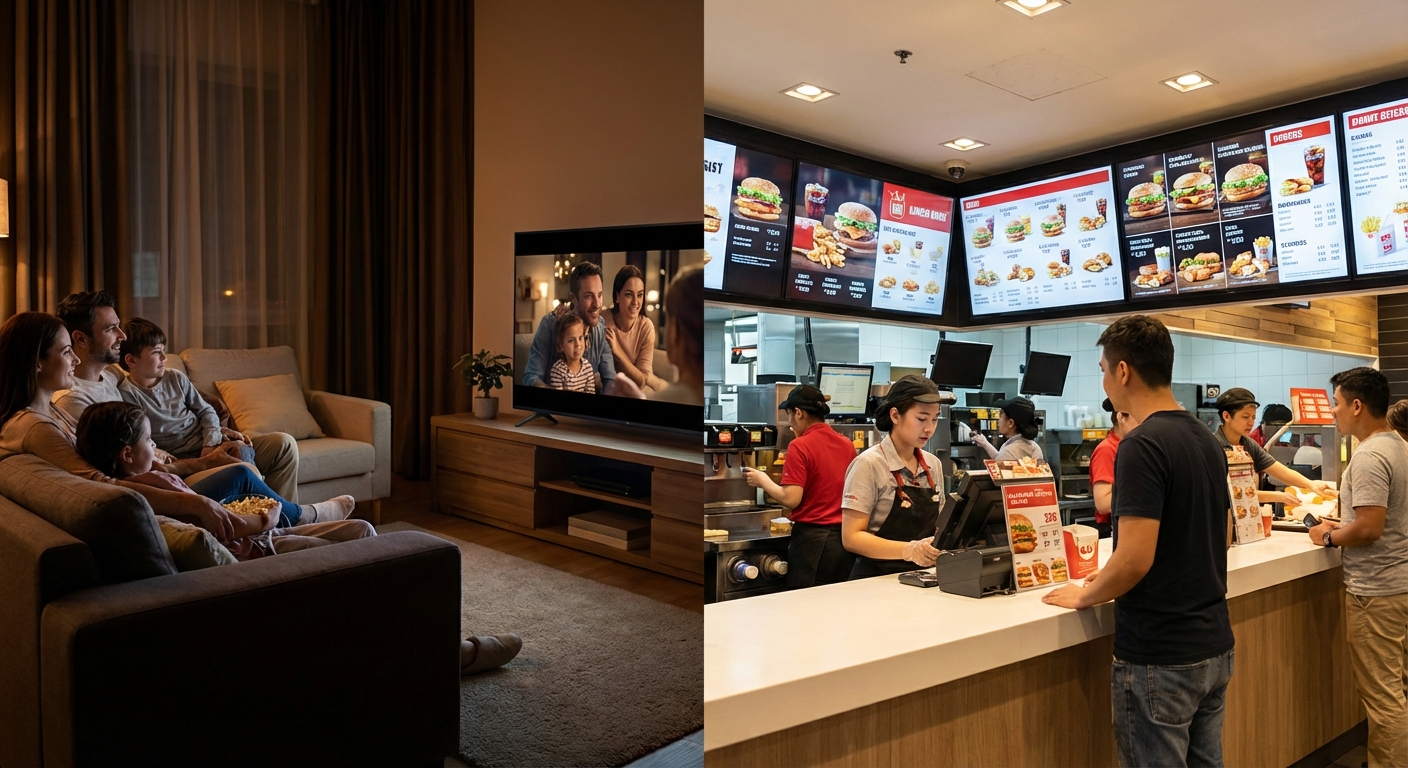
For home use, these advantages make sense. But digital signage often requires hardware that runs longer, stays visible in bright environments, and operates reliably for years. When consumer TVs are used for these purposes, their limitations become clear very quickly. A screen that looks great playing a movie in a dark living room will often struggle to display static business information in a brightly lit corridor.
A commercial display is a professional-grade screen designed for business environments. These displays are commonly used for digital signage, public information systems, control rooms, corporate communication, and other applications where screens must operate for long periods.
Unlike consumer TVs, commercial displays are designed with:
Because of these engineering differences, commercial displays are fundamentally more suitable for installations where hardware reliability and message visibility are strictly required.
One of the biggest differences between consumer TVs and commercial displays is the expected operating time, often referred to as the “duty cycle.”
Consumer TVs are designed for home entertainment, where the screen runs only a few hours each day. Their internal components are engineered with the assumption that the unit will have time to power down and cool off. When used continuously, heat builds up rapidly, degrading the capacitors and drastically reducing the lifespan of the LCD panel and backlight.
Commercial displays, however, are designed for longer duty cycles such as:
Displays rated for extended use include stronger internal components and improved cooling paths. This allows them to operate for long periods without performance problems, color shifting, or backlight failure. If your display will run many hours per day, choosing a commercial display is the most reliable way to prevent premature hardware failure.
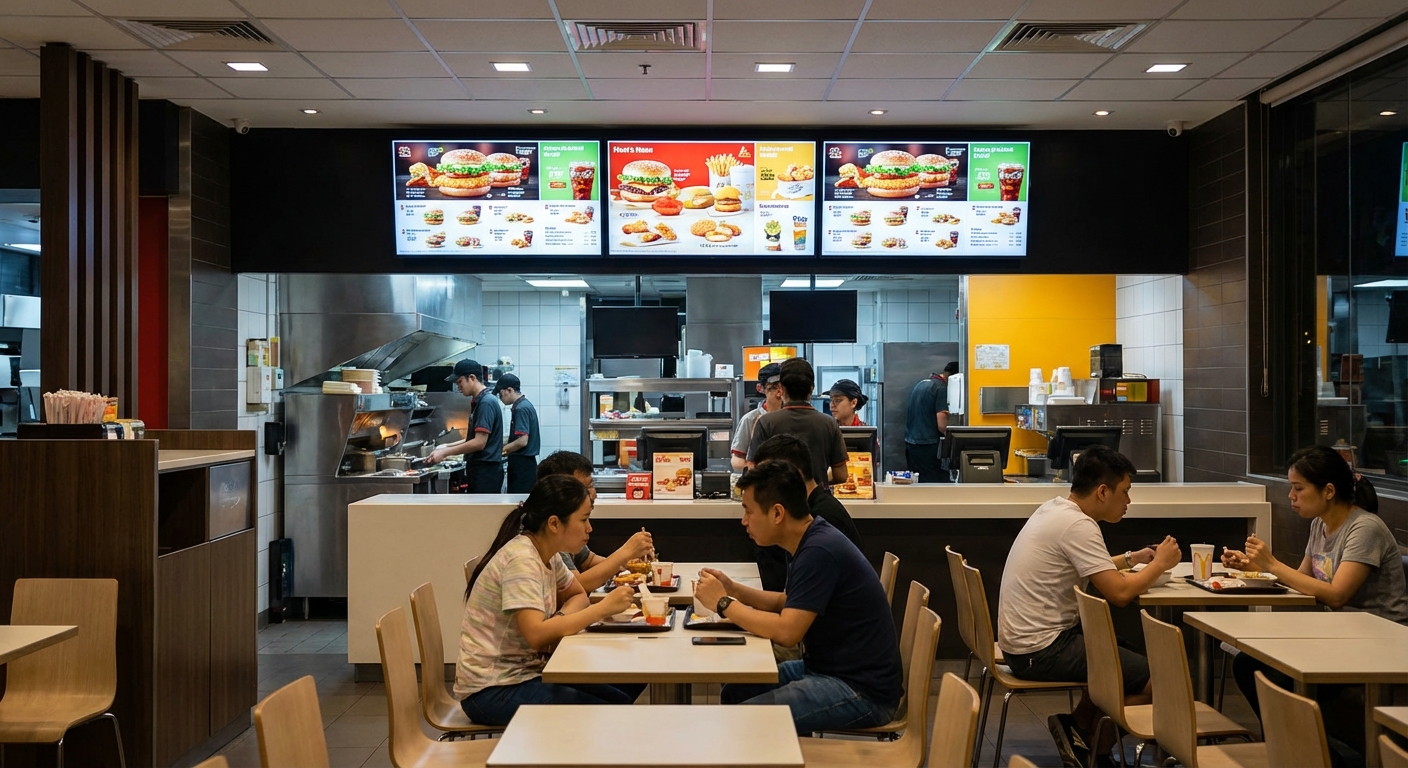
Another major difference is brightness, measured in nits.
Consumer TVs are designed for living rooms where lighting is controlled or generally dim. In bright commercial environments—which are often filled with fluorescent lights, LED track lighting, or large glass windows—a consumer screen will appear dim, washed out, or difficult to read.
Commercial displays are available with higher brightness levels, making them easier to see in public spaces, near windows, or under strong lighting. Typical brightness ranges include:
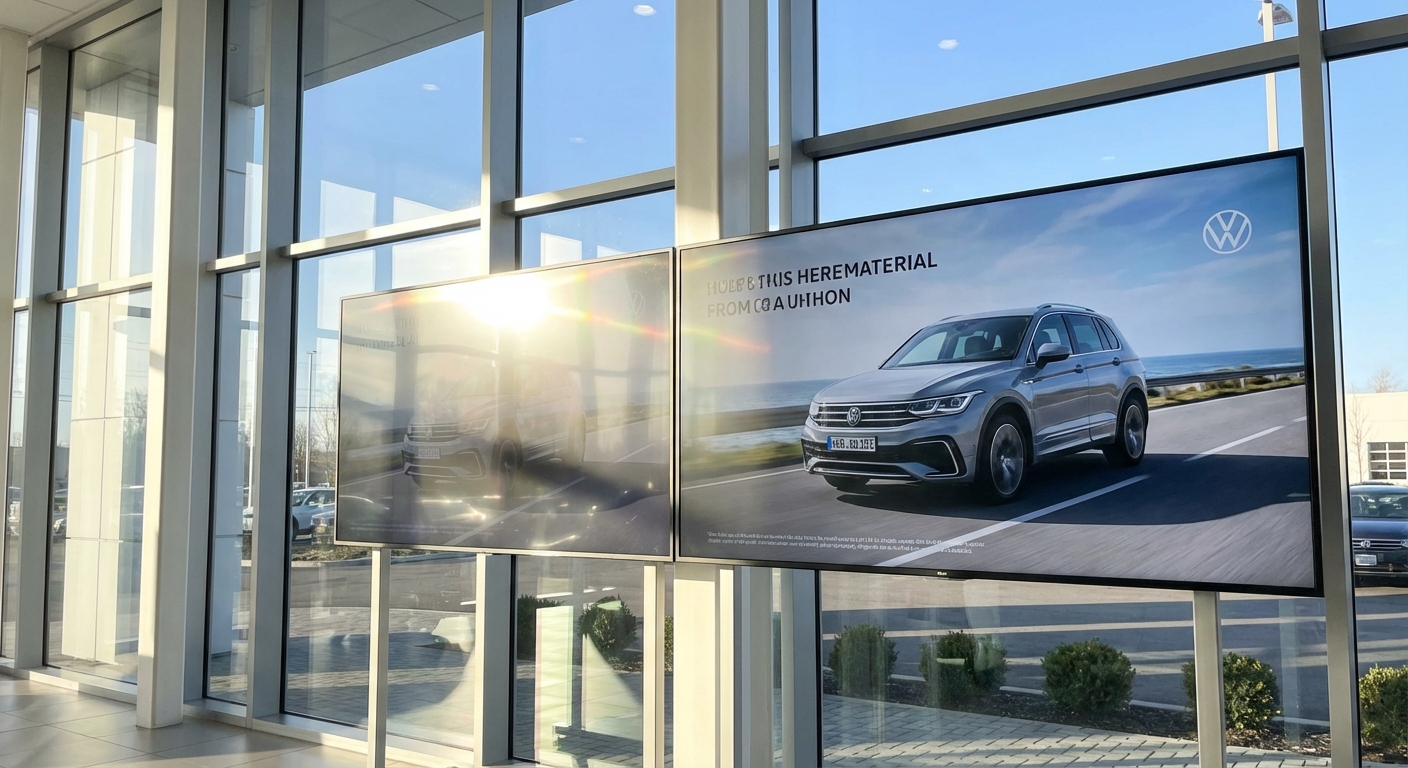
Furthermore, professional displays often include an anti-glare (AG) or high-haze coating to reduce reflections. While consumer TVs often use glossy screens to make colors look vibrant in the dark, that same gloss acts like a mirror in a brightly lit store. Anti-glare treatments help maintain clear visibility even in the most challenging lighting conditions.
Digital signage displays often run for long periods without interruption. Heat is one of the main reasons consumer TVs fail in professional installations.
Commercial displays are built with:
These features help the display maintain consistent performance over time. In installations where the screen is mounted inside a wall, kiosk, or custom enclosure, proper heat management becomes even more critical.
The Portrait Orientation Challenge: It is also important to note how the screen will be mounted. Consumer TVs are engineered strictly for landscape (horizontal) use; their vents are placed so heat rises and escapes the top. If a consumer TV is rotated into a portrait (vertical) orientation, the heat flow is blocked, pooling inside the chassis and permanently damaging the panel. Commercial displays are engineered with symmetrical cooling designs, allowing them to operate safely in both landscape and portrait orientations.
Consumer TVs are designed for simple remote control use by a single user. Commercial displays, on the other hand, include the advanced control features required by IT departments in professional environments.
Common control and connection options include:
These functions allow multiple displays to be controlled from one central system. Instead of an employee walking around with a remote control, an IT manager can schedule power-on times, push firmware updates, and monitor hardware health remotely. If your installation requires remote management or system integration, a commercial display is the only viable choice. integration, a commercial display is usually the better choice.
Commercial displays are designed for flexible and secure installation in public environments. Because they are often placed in areas with high foot traffic, they include features that consumer TVs do not need.
Many commercial models support:
The lockable controls are particularly important. A consumer TV in a public waiting room can easily be altered by anyone with a universal remote or by pressing the physical buttons on the bezel. Commercial displays allow administrators to lock these inputs, ensuring that the intended digital signage content cannot be interrupted or changed by unauthorized users.
Orientation, Touch, and Public-Use Features
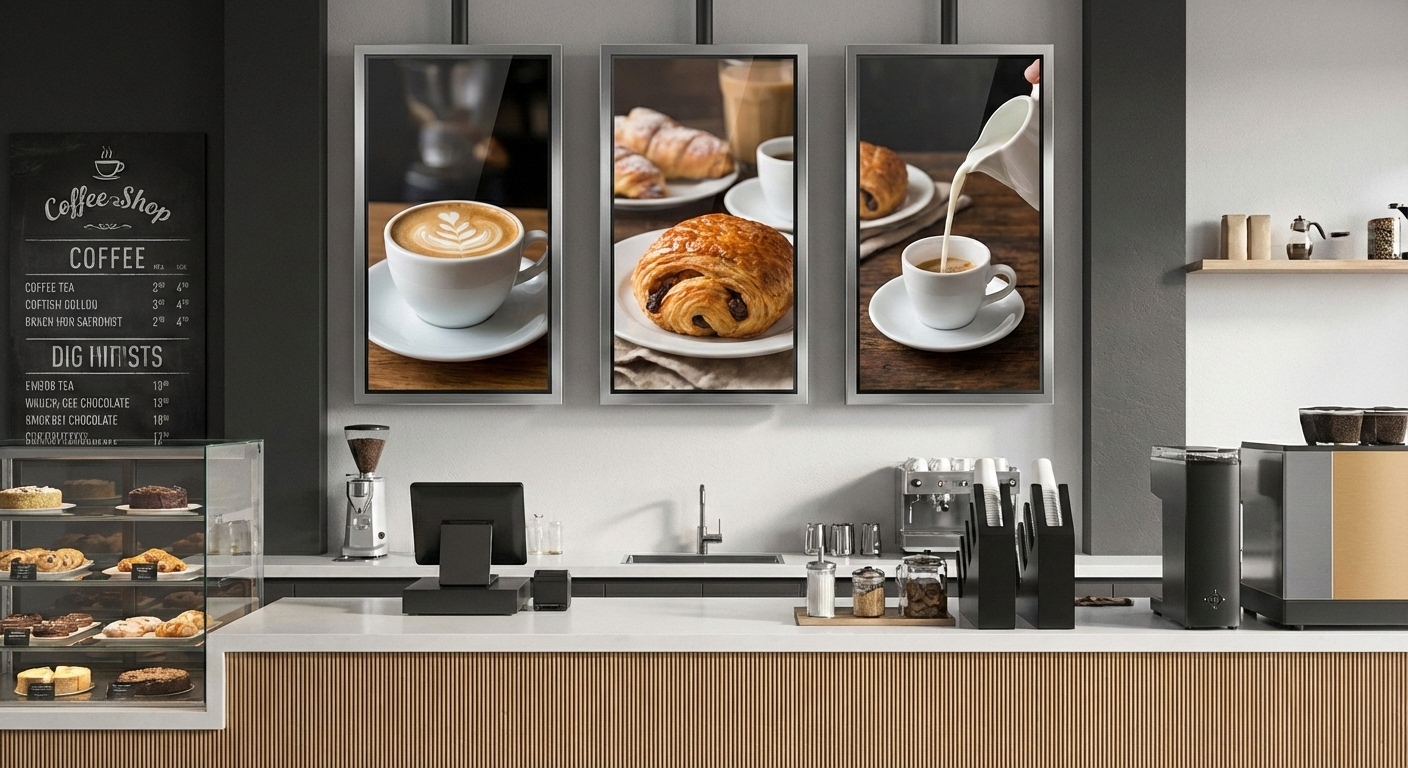
Commercial displays are designed for flexible installation in highly trafficked public environments. Because they serve as dynamic posters, interactive directories, or menu boards, their physical form factor and user interface must adapt to the space, not the other way around.
Many commercial models support features that consumer TVs fundamentally lack:
1. Landscape and Portrait Orientation
This is a critical engineering distinction. Consumer TVs are designed exclusively for landscape (horizontal) viewing. Their internal ventilation and LCD panel structures rely on gravity and heat rising in a specific direction. If you rotate a consumer TV into a portrait (vertical) orientation, the heat flow is blocked, pooling inside the chassis and causing permanent “hot spots.” Furthermore, the liquid crystals inside a standard TV can pool downward over time due to gravity. Commercial displays use symmetrical thermal designs and reinforced panel structures, allowing them to operate safely and reliably in both landscape and portrait orientations.
2. Touch Capability
In retail, corporate, and hospitality environments, displays often need to be interactive. Commercial displays frequently offer integrated touch technology (such as PCAP or Infrared touch) to serve as wayfinding kiosks, self-service checkouts, or collaborative meeting room boards. Consumer TVs do not have the rugged glass or the precise touch overlays required for public interaction.
3. Built-in Media Player Support (SoC)
To simplify installation in public spaces, commercial displays often feature a built-in System-on-Chip (SoC). This allows the display to run digital signage software directly without needing an external media player or messy HDMI cables exposed to the public.
4. Lockable Controls
If a consumer TV is placed in a public waiting room, anyone can walk up and change the channel using the side buttons or a universal remote. Commercial displays solve this with Button Lock and IR Lock features. IT administrators can disable the physical buttons and the infrared receiver, ensuring the intended signage content cannot be tampered with by unauthorized users.
5. Public-Use Protection Features
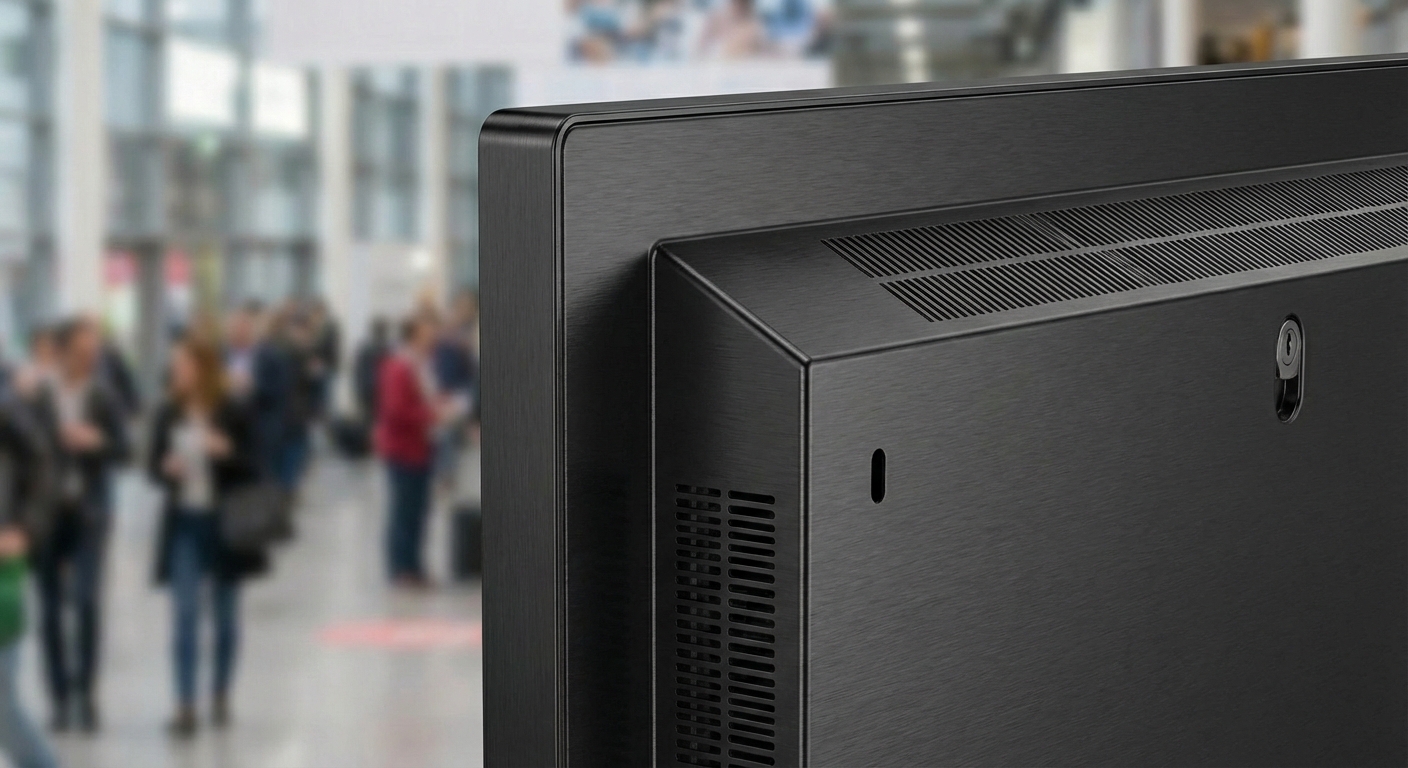
Beyond the software, commercial displays are physically built for the public. They often feature robust metal chassis, conformal coating on circuit boards to resist dust and moisture, and sometimes protective glass. These options make commercial displays significantly easier and safer to deploy in retail, transportation, corporate, and hospitality environments.
Consumer TVs usually do not include any of these features because they are simply not designed for the unpredictable nature of public use.
Consumer TVs change models frequently to keep up with retail trends. A specific model available today may be completely discontinued next year. Commercial displays usually have much longer product lifecycles (often 3 to 5 years). This long lifecycle helps keep installations consistent across multiple locations; if a business expands and needs to add screens two years later, they can purchase the exact same hardware to match their existing network.
Warranty terms are also vastly different. Consumer TVs often include shorter warranty periods (typically 1 year), and more importantly, the fine print usually states that the warranty is voided if the TV is used in a commercial environment. Commercial displays usually offer longer warranty coverage (up to 3 years) and dedicated B2B service support. For projects that need long-term stability and guaranteed technical backing, this difference is crucial.
A consumer TV usually costs less at the beginning, but it may not last as long when used for digital signage. Commercial displays are designed for longer operating hours, which means the total cost over time is often lower and much more predictable.
Factors that affect total cost include:
When the display is expected to run for many hours every day, the long-term cost of a commercial display becomes highly favorable. Reducing service visits and avoiding unexpected replacement cycles easily justifies the initial investment.
A consumer TV may be acceptable in some highly specific situations, such as:
In these cases, the lower price may be reasonable. However, these situations are rare in professional digital signage projects.
A commercial display is highly recommended when:
In these situations, the higher initial cost is immediately offset by better reliability, robust warranties, and drastically lower maintenance efforts.
Consumer TVs and commercial displays may look similar from the outside, but they are designed for entirely different purposes. A consumer TV is built for home entertainment. A commercial display is built for continuous operation in professional, demanding environments.
Before choosing a display, consider:
By selecting the right type of display for the actual working conditions, you can build a digital signage system that remains stable, visible, and easy to maintain over time.


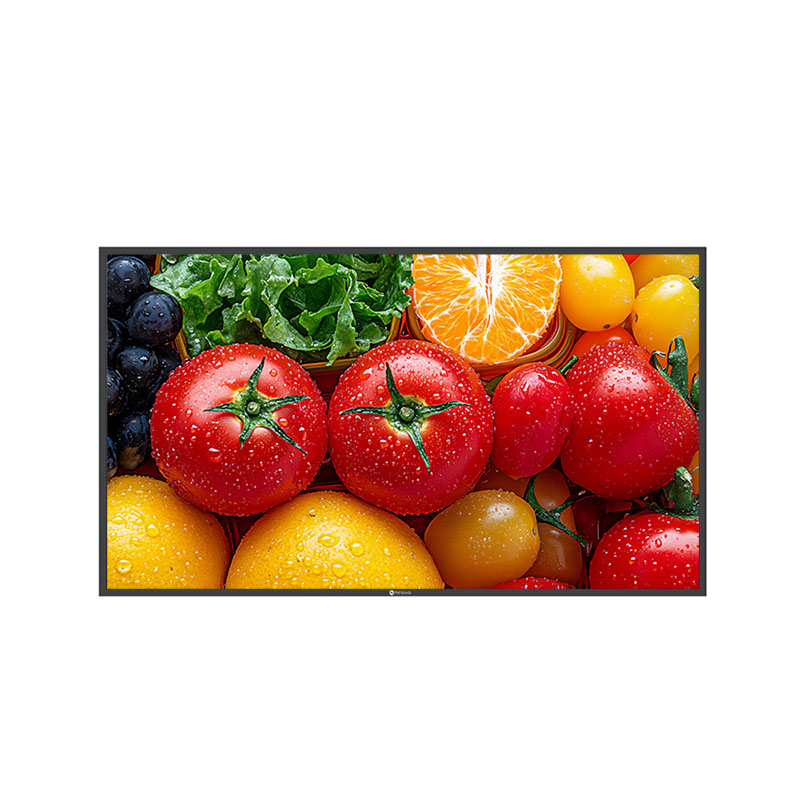



 NeoV™ Optical Glass Screen
 Anti-Burn-in™ Technology