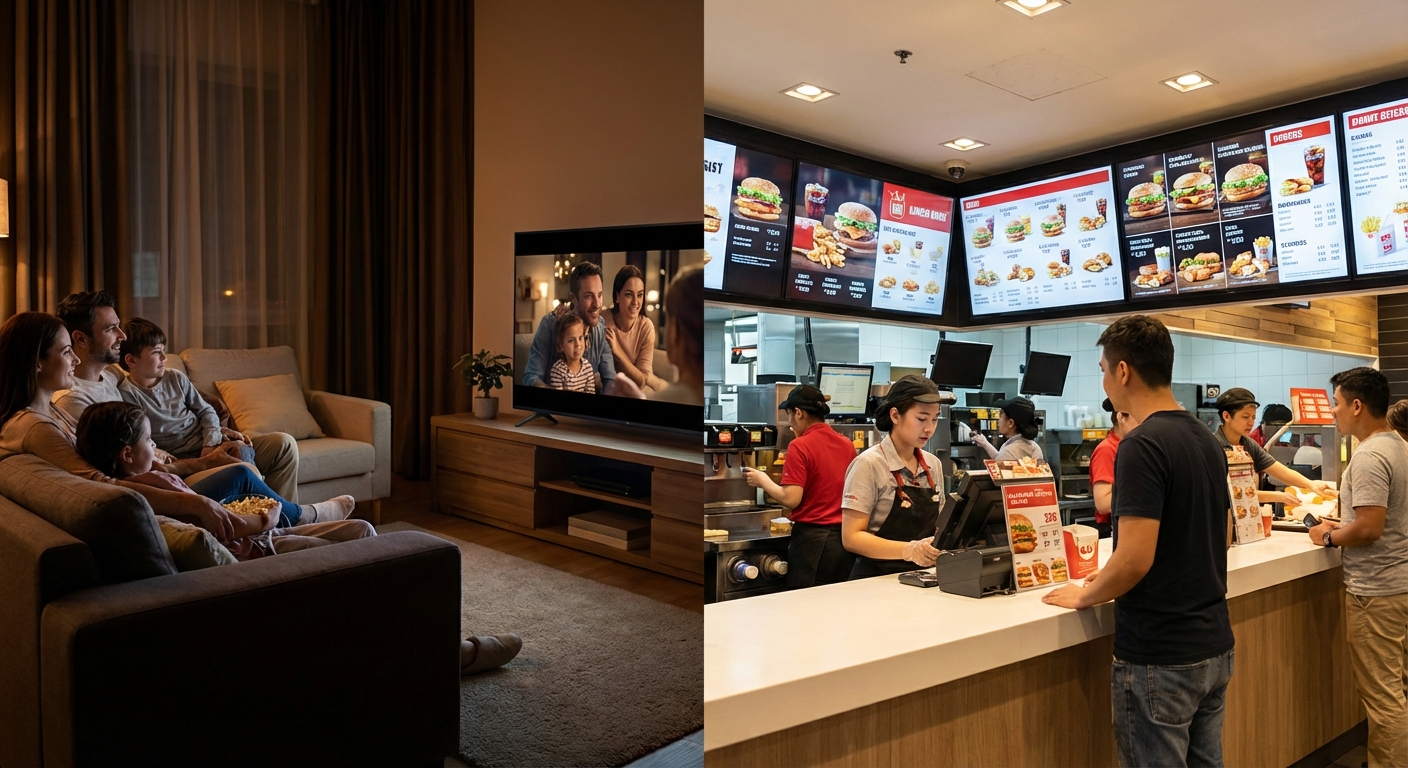
When planning a digital signage installation, system integrators and IT procurement teams face a recurring question: is a consumer TV sufficient, or is a professional commercial display truly necessary? At first glance, consumer TVs appear to be an attractive, cost-effective solution. They are widely available, competitively priced, and simple to procure.
However, a digital signage network operates under fundamentally different conditions than a living room entertainment system. Screens must run continuously for extended hours, combat high ambient light, and withstand the rigours of public environments. When consumer hardware is deployed outside its intended operational scope, the result is inevitably overheating, image retention, and premature hardware failure.
Commercial displays are specifically engineered for enterprise applications. This guide breaks down the critical technical disparities between a commercial display vs consumer TV, ensuring you specify the right hardware to guarantee long-term system stability and protect your return on investment (ROI).
The initial appeal of a consumer TV is undeniable. For small-scale deployments, purchasing a retail TV seems like a rapid path to deployment. The lower initial capital expenditure (CapEx) is often the primary driver.
However, consumer televisions are engineered around a fundamental assumption: limited daily usage in a controlled, dimly lit environment. Digital signage, conversely, demands hardware that operates relentlessly, maintains visibility against harsh commercial lighting, and delivers consistent performance for years. When consumer TVs are forced to display static business information—such as a flight schedule or a digital menu—their inherent engineering limitations surface rapidly. A screen designed to play a film in the dark will critically fail when tasked with displaying bright, static corporate data in a sunlit reception area.
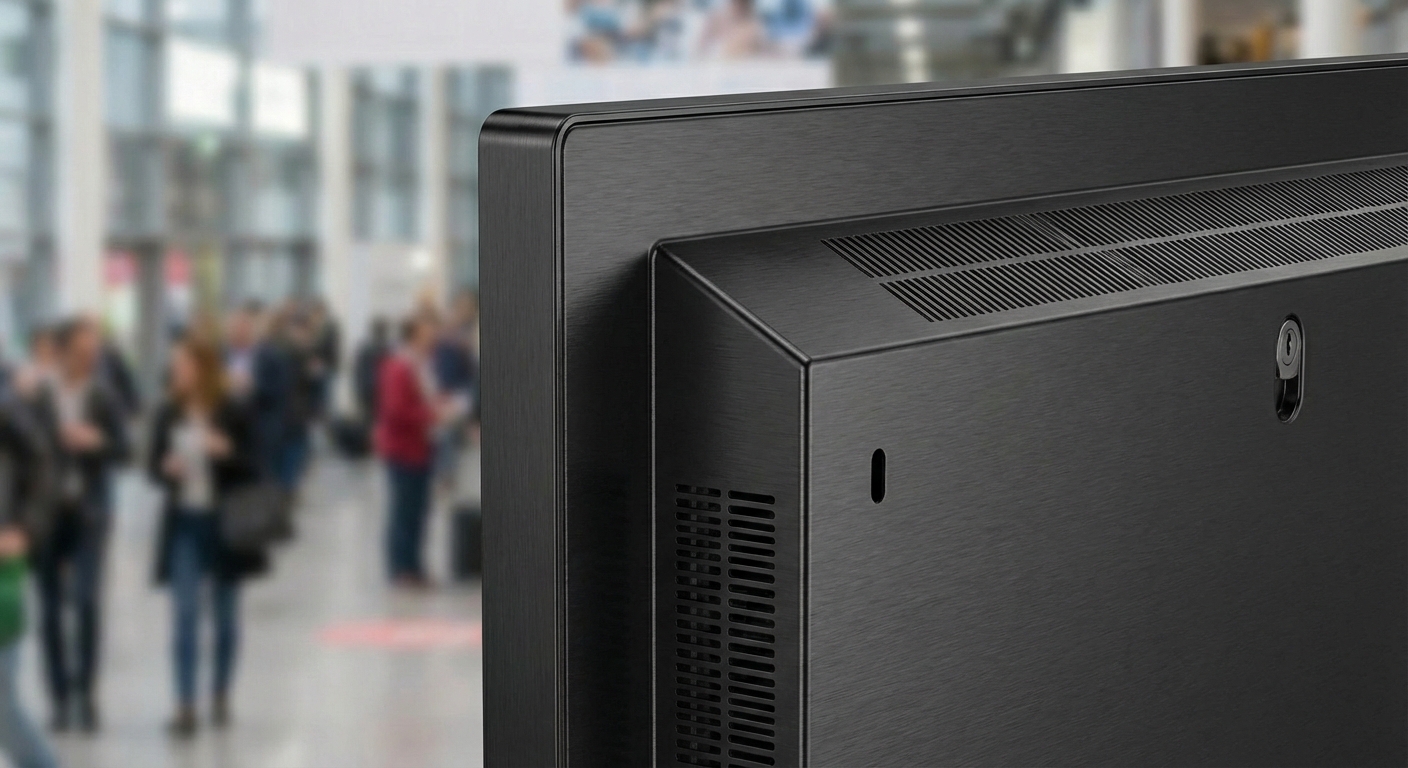
A commercial display is an industrial-grade monitor engineered specifically for mission-critical business environments. These displays are the backbone of public information networks, control rooms, retail signage, and corporate communications.
The engineering architecture of a commercial display prioritises durability and stability, featuring:
Because of these engineering differences, commercial displays are fundamentally more suitable for installations where hardware reliability and message visibility are strictly required.
The most significant distinction between consumer and commercial hardware is the expected duty cycle.
Consumer TVs are engineered for casual home entertainment, typically running for 4 to 6 hours daily. Their internal components rely on extended downtime to cool off. If forced into continuous operation, the internal heat build-up accelerates capacitor degradation, drastically reducing the lifespan of both the LCD panel and the backlight.
Commercial displays, however, are designed for longer duty cycles such as:
If a digital signage project requires the screen to operate for a full business day, specifying a commercial display is the most effective strategy to mitigate premature hardware failure.
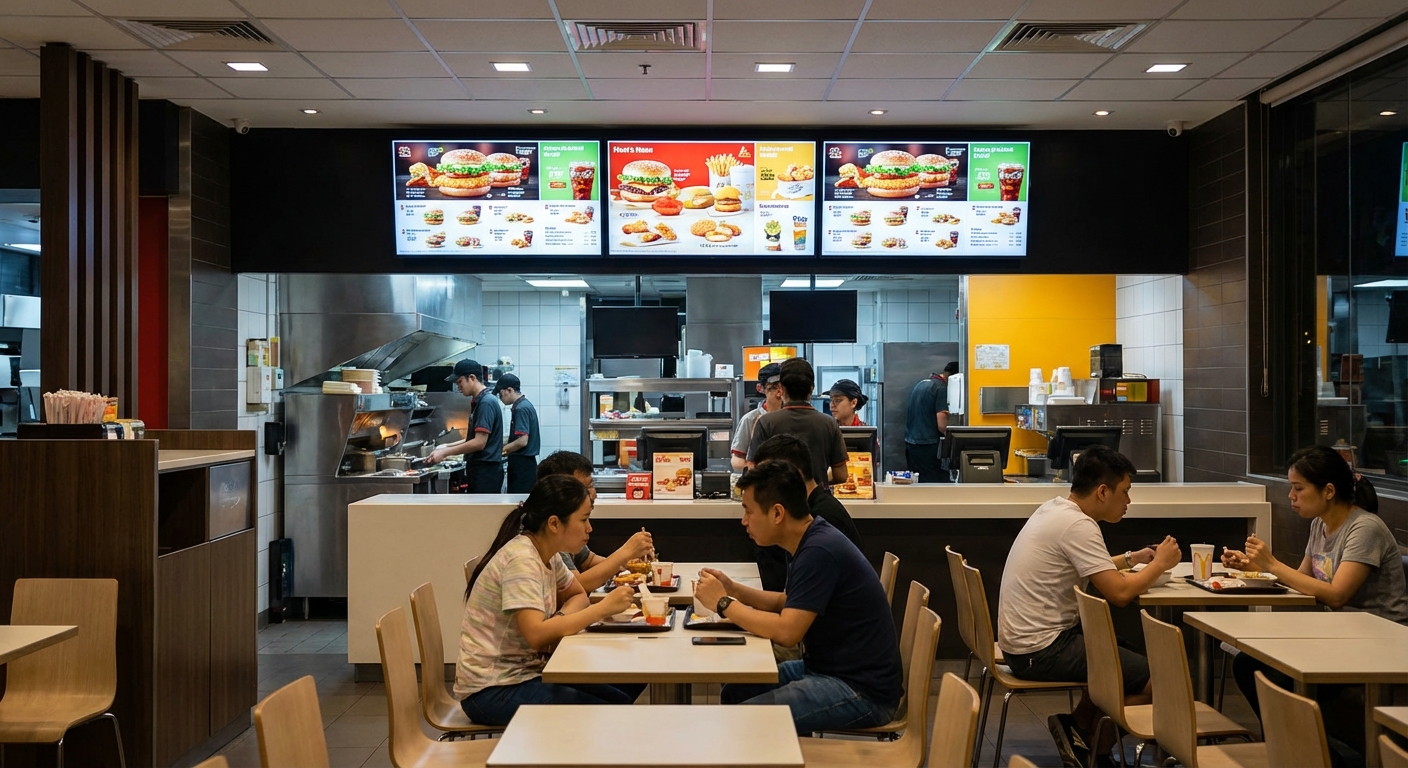
Visibility is the core metric of successful digital signage. Brightness is measured in nits (cd/m²).
Consumer TVs typically output between 250 and 350 nits. This is perfectly adequate for a living room. However, in bright commercial environments—characterised by fluorescent lights, LED track lighting, or large glass atriums—a consumer screen will appear washed out and illegible.
Commercial displays are available with higher brightness levels, making them easier to see in public spaces, near windows, or under strong lighting. Typical brightness ranges include:
Furthermore, professional displays often include an anti-glare (AG) or high-haze coating to reduce reflections. While consumer TVs often use glossy screens to make colors look vibrant in the dark, that same gloss acts like a mirror in a brightly lit store. Anti-glare treatments help maintain clear visibility even in the most challenging lighting conditions.
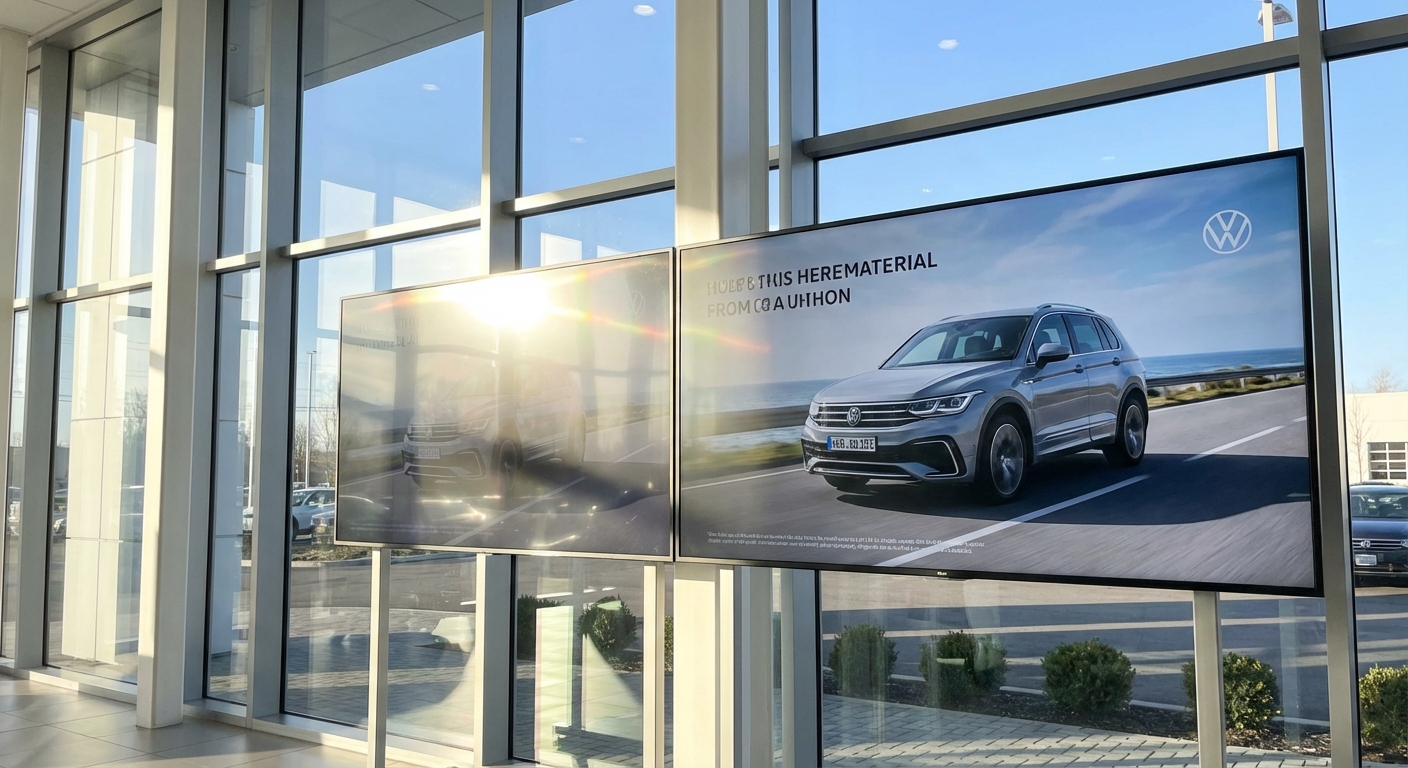
Heat is the primary catalyst for hardware failure in digital signage. The way a display manages thermal output dictates its lifespan.
Consumer TVs are designed strictly for landscape (horizontal) installation. Their ventilation grilles are positioned to allow heat to rise and escape vertically. If a consumer TV is rotated into a portrait (vertical) orientation—a common requirement for digital posters or wayfinding boards—this thermal flow is obstructed. The heat becomes trapped within the chassis, creating “hot spots” that permanently damage the liquid crystals.
Commercial displays feature symmetrical cooling architectures. This robust thermal design ensures safe heat dissipation regardless of whether the screen is mounted in landscape or portrait orientation, making them highly adaptable for bespoke architectural installations.
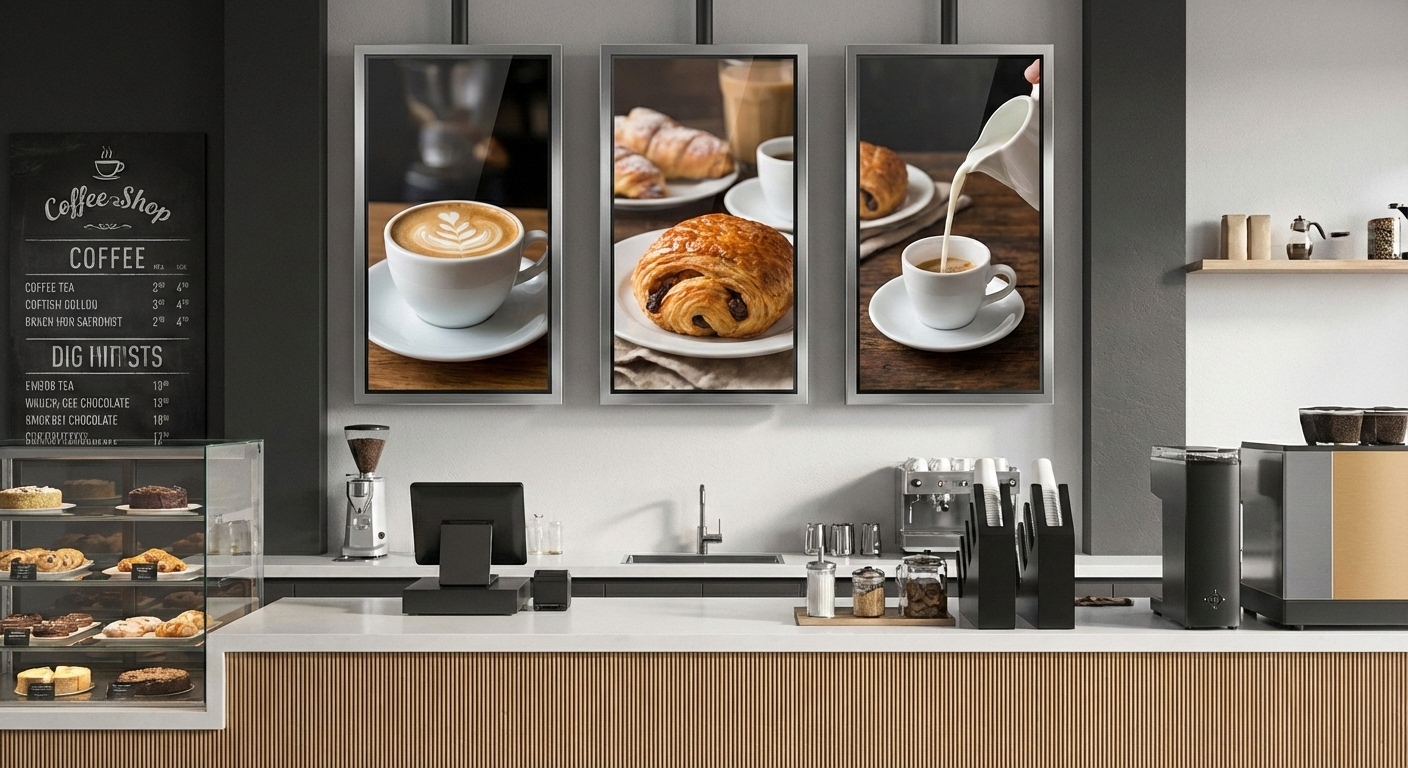
Consumer TVs are designed for simple remote control use by a single user. Commercial displays, on the other hand, include the advanced control features required by IT departments in professional environments.
Common control and connection options include:
These functions allow multiple displays to be controlled from one central system. Instead of an employee walking around with a remote control, an IT manager can schedule power-on times, push firmware updates, and monitor hardware health remotely. If your installation requires remote management or system integration, a commercial display is the only viable choice. integration, a commercial display is usually the better choice.
Digital signage often resides in high-traffic, unsupervised public areas. The hardware must be physically resilient and secure from tampering.
Commercial displays provide several layers of security that consumer televisions lack:
Interactive Capabilities: Many commercial displays offer integrated touch technology (PCAP or IR) protected by rugged, tempered glass, enabling their use as interactive kiosks or wayfinding directories.
Lockable Controls (IR & Button Lock): A consumer TV in a public waiting room can be easily disrupted by anyone pressing the side buttons or using a universal remote. Commercial displays allow IT administrators to disable physical inputs and the infrared receiver, ensuring the digital signage content remains uninterrupted.
Robust Chassis Design: Commercial units frequently employ metal enclosures and conformal-coated circuit boards to resist dust and moisture, ensuring reliability in demanding environments like factories or quick-service restaurants.
Consumer TVs are designed for isolated use with a remote control. Enterprise digital signage networks require centralised, scalable IT management.
Commercial displays provide the necessary infrastructure for professional system integration:
For IT departments managing dozens or hundreds of screens across multiple locations, the remote management capabilities of a commercial display are non-negotiable.Orientation, Touch, and Public-Use Features
The consumer television market is driven by rapid retail trends, resulting in short product lifecycles. A consumer model purchased today will likely be discontinued in six months. Commercial displays boast stable lifecycles of 3 to 5 years. This longevity allows businesses to maintain hardware consistency across multi-year, multi-site rollouts.
Crucially, warranty terms expose the true risk of using consumer hardware. A standard consumer TV warranty is typically limited to one year and explicitly states that the warranty is voided if the unit is used in a commercial environment.
Commercial displays are backed by comprehensive 3-year B2B warranties and dedicated technical support. While the initial CapEx of a commercial display is higher, the Total Cost of Ownership (TCO) is significantly lower. By eliminating frequent hardware replacements, reducing maintenance call-outs, and preventing system downtime, a commercial display proves to be the far more economical long-term investment.
While a consumer TV and a commercial display may look superficially similar, their engineering DNA is entirely different. A consumer TV is an entertainment device; a commercial display is a robust, mission-critical business tool.
When specifying hardware for a digital signage project, the decision must be driven by the operational environment:
If the answer to any of these is yes, specifying a professional commercial display is the only way to ensure your digital signage network remains a stable, visible, and reliable asset for years to come.






 NeoV™ Optical Glass Screen
 Anti-Burn-in™ Technology