Choosing a digital signage display may seem straightforward. You select a screen, install it, connect a media player, and start showing content. In reality, the display you choose determines how stable, visible, and reliable your entire signage system will be over time.
Many signage projects run into problems months after installation. Screens may overheat, brightness may be insufficient, playback may become unstable, or maintenance may require more time than expected. These issues rarely come from incorrect setup. In most cases, the hardware simply was not designed for the environment where it is being used.
Professional digital signage displays are built for continuous operation, high visibility, and predictable performance. Understanding how to choose the right display helps prevent downtime, reduce maintenance cost, and ensure long-term system stability.
This guide explains the key factors to consider when selecting a digital signage display, including operating hours, brightness, installation conditions, system architecture, and different display categories.
A digital signage display is not just a screen. It is part of a larger system that may include content management software, media players, network control, and remote monitoring.
If the display cannot handle the environment where it is installed, the reliability of the entire signage network may be affected.
Professional installations often require:
Compared with consumer televisions, commercial digital signage displays are designed specifically for continuous operation and professional environments. Choosing the correct display at the beginning makes the entire project easier to manage and more predictable in the long term.
One of the first questions when selecting a digital signage display is how long the screen will operate each day. Commercial displays are designed with different duty ratings depending on the intended usage environment.
16/7 displays are designed for daily operation with regular shutdown periods. They are commonly used in offices, retail stores, restaurants, and other environments where screens are turned off overnight.
Typical advantages include:
For many indoor business applications, a 16/7 display provides the right balance between performance and operational efficiency.
24/7 displays are engineered for continuous operation without interruption. These displays often include reinforced internal components, improved cooling systems, and panels optimized for extended usage.
24/7 displays are commonly used in:
24/7 displays are strictly recommended when screens must stay on at all times or when maintenance access is severely limited. Choosing the correct duty rating is one of the most vital steps in display selection.
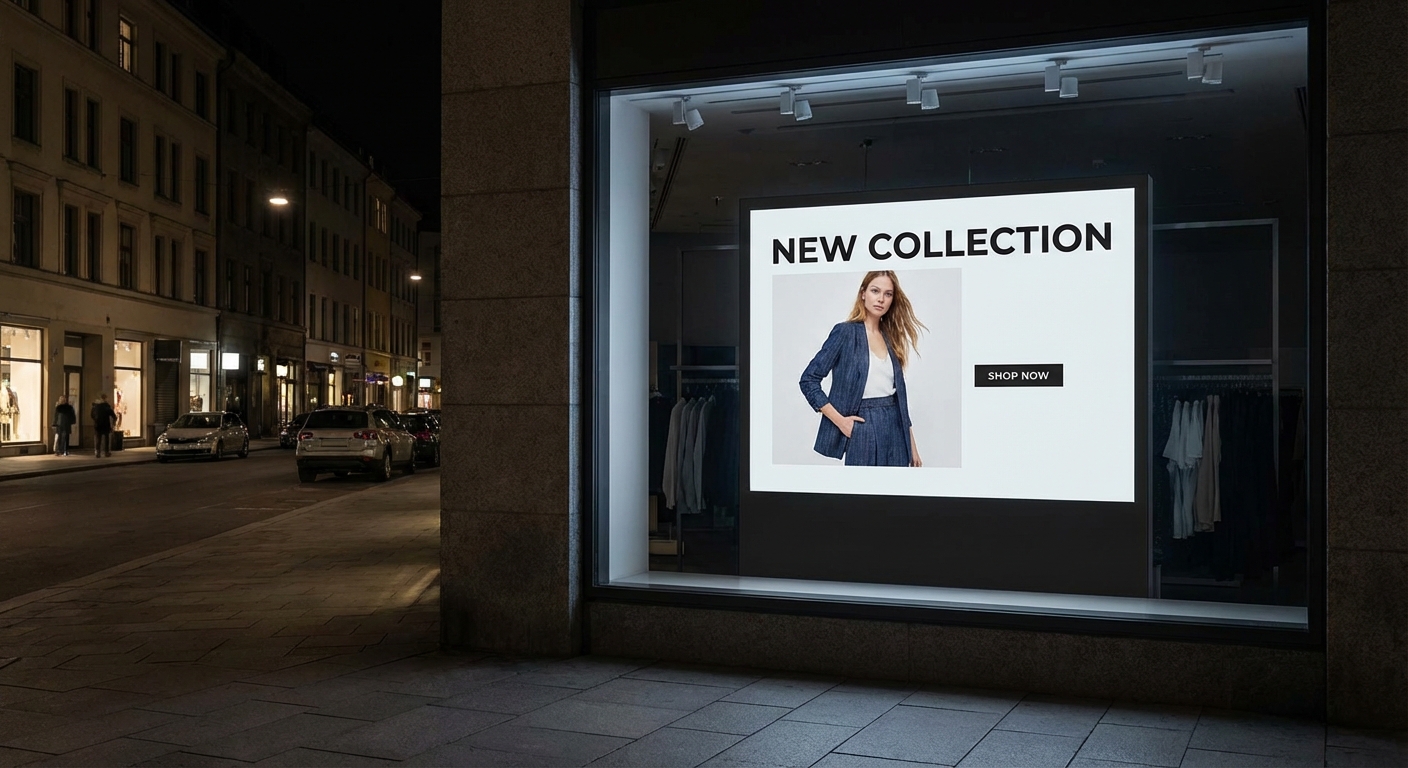
Brightness is one of the most important factors in digital signage visibility. A display that appears bright in a showroom may become difficult to read once installed in a real environment with strong ambient light.
Brightness is measured in nits, and the required level depends heavily on the lighting conditions:
Selecting the correct brightness ensures both clear visibility and a longer display life.
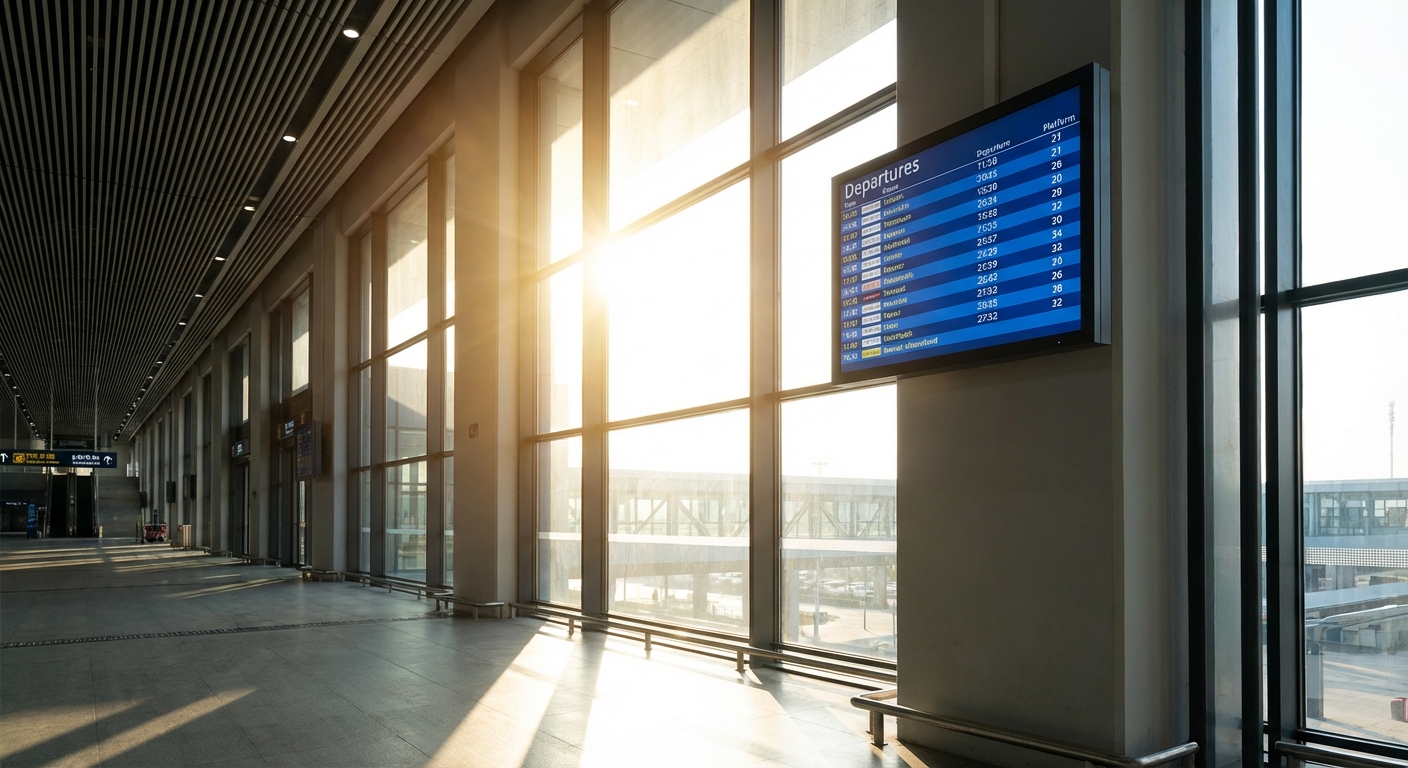
The physical environment plays a major role in determining the correct display configuration.
Factors such as viewing distance, mounting location, ventilation space, and screen orientation all affect the final installation.
Important considerations include:
Larger spaces may require large format displays to ensure content remains visible from a greater distance, while smaller installations may benefit from more compact screen sizes.
Selecting the correct display size and installation format helps improve readability and simplifies future maintenance.
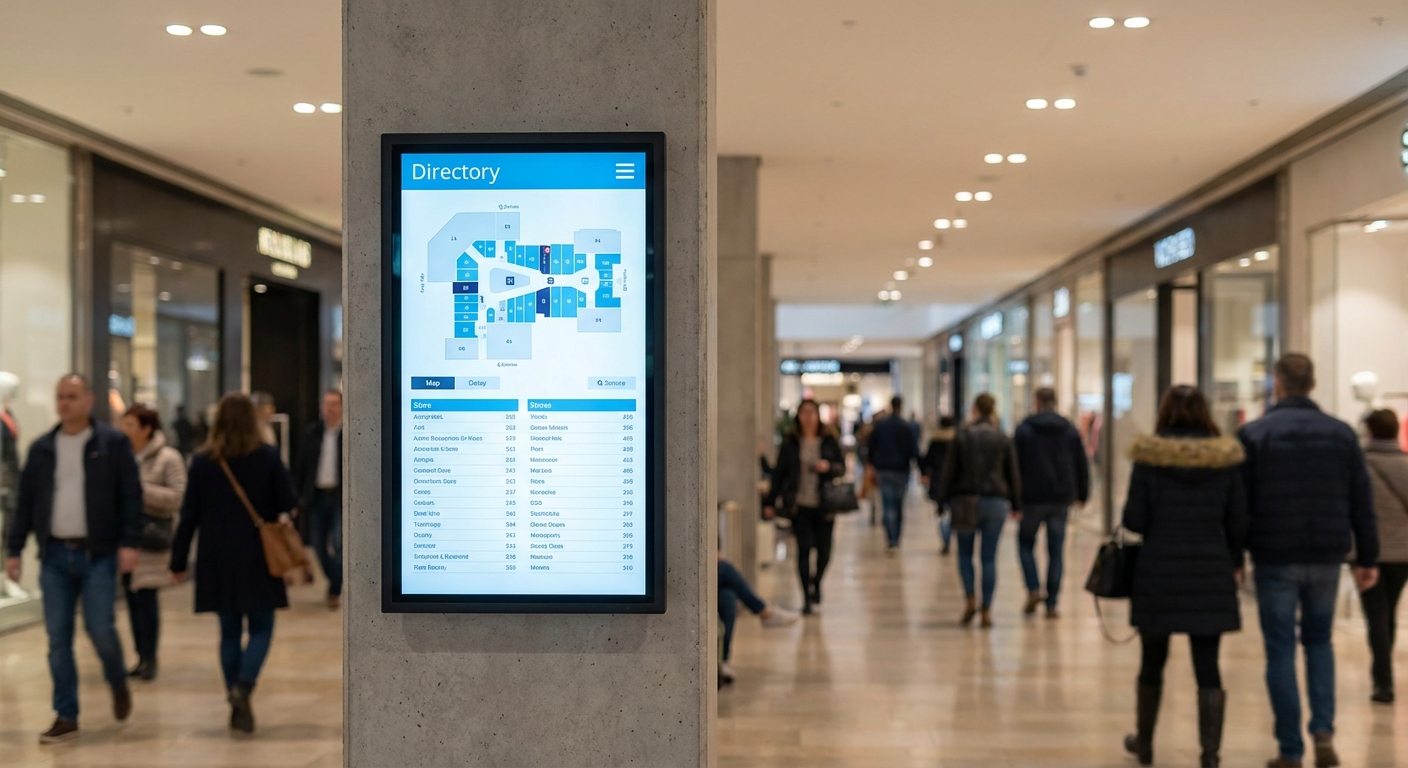
Modern digital signage systems may use either integrated smart displays or external media players depending on the project requirements.
An all-in-one digital signage solution integrates the media player, Wi-Fi connectivity, and an Android operating system directly inside the screen.
Advantages include:
Many professional all-in-one displays also support content management systems for remote scheduling. Because the system is optimized by the manufacturer, stability is usually much higher.
Some installations use separate media players connected to the display via HDMI or DisplayPort.
Advantages include:
Choosing between these two approaches depends heavily on how the signage network will be managed and scaled.
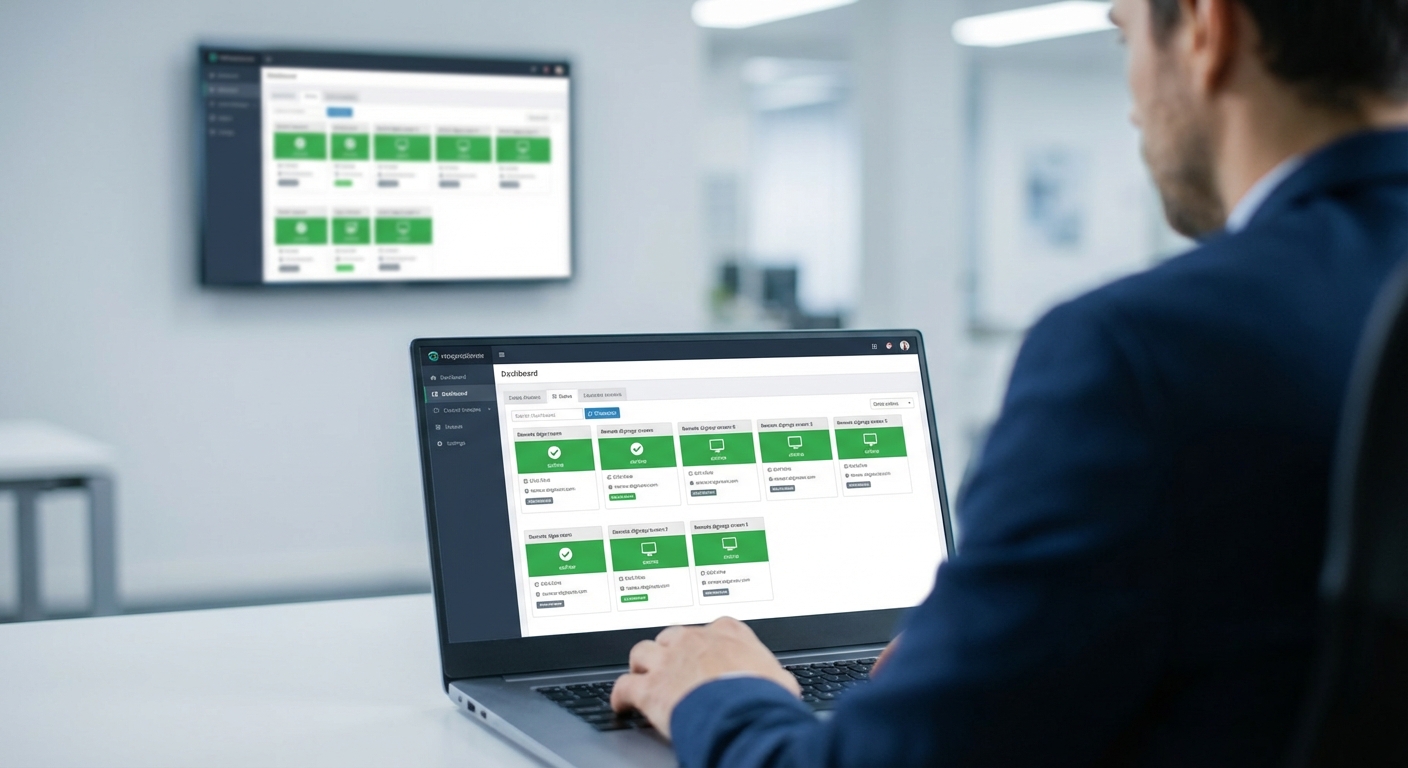
As digital signage networks grow, centralized management becomes increasingly important.
Standalone playback may work well for single-screen installations, but larger deployments often require remote monitoring and centralized control.
Organizations managing multiple displays may need:
Displays designed for professional use often support LAN, RS232, or cloud-based management platforms that simplify large-scale operation.
Planning for long-term management at the beginning of the project helps reduce operational complexity later.
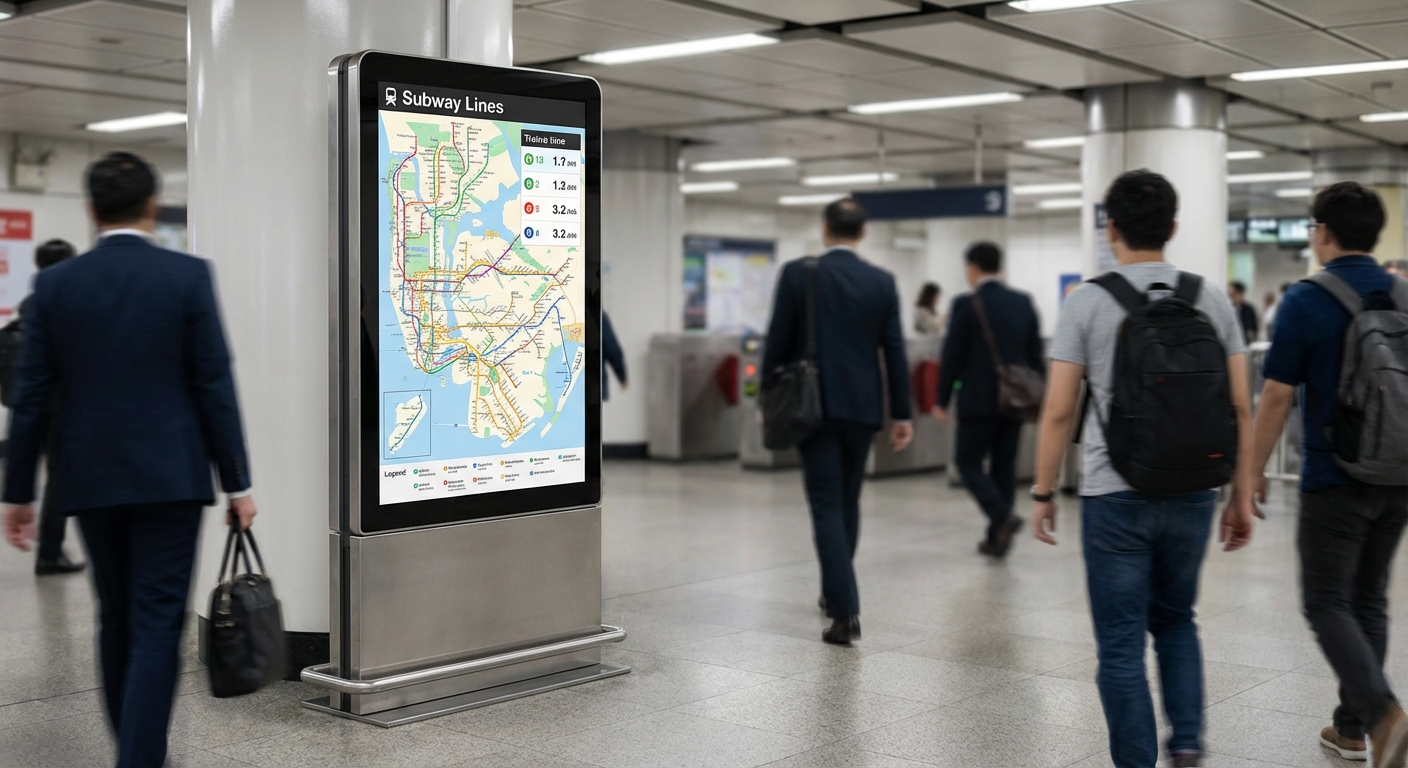
Successful digital signage projects are built around real operating conditions, not only technical specifications.
When evaluating displays, businesses should consider:
Different environments require different display solutions. Retail stores, transportation systems, corporate spaces, and public installations all place different demands on display hardware.
Choosing the right display for the environment helps ensure stable operation and predictable long-term performance.
Selecting a digital signage display involves more than choosing a screen size or resolution. The correct display depends on how the system will operate in the real world.
Factors such as operating hours, brightness, installation conditions, and management requirements all influence the long-term success of the signage network.
By matching the display hardware to the operating environment, businesses can build digital signage systems that remain reliable, visible, and easy to manage over time.
Explore AG Neovo Digital Signage Displays to find commercial display solutions designed for professional business environments. has a display engineered for your specific environment.
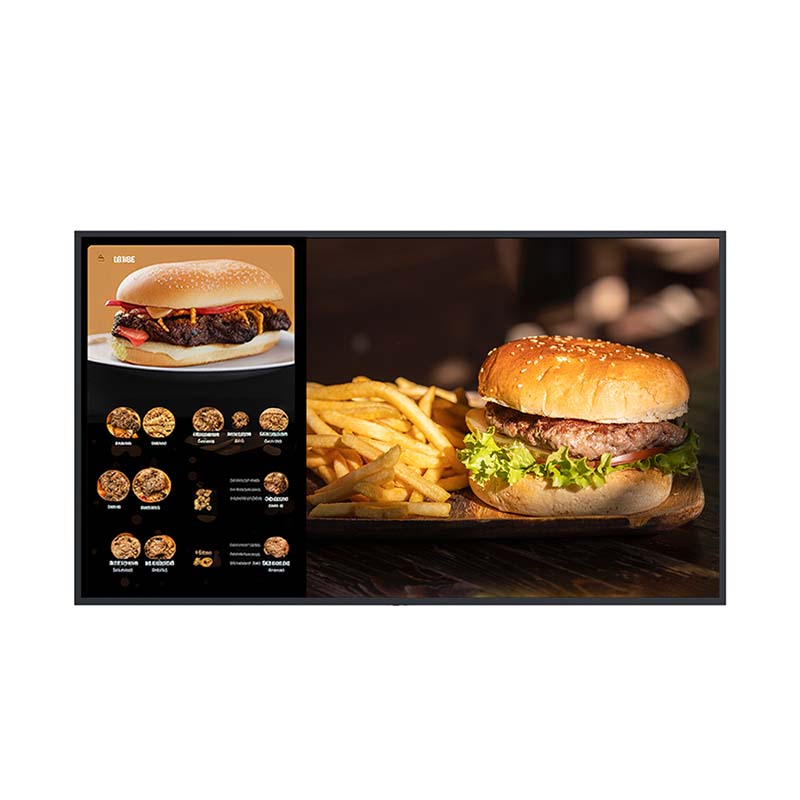


 NeoV™ Optical Glass Screen
 Anti-Burn-in™ Technology