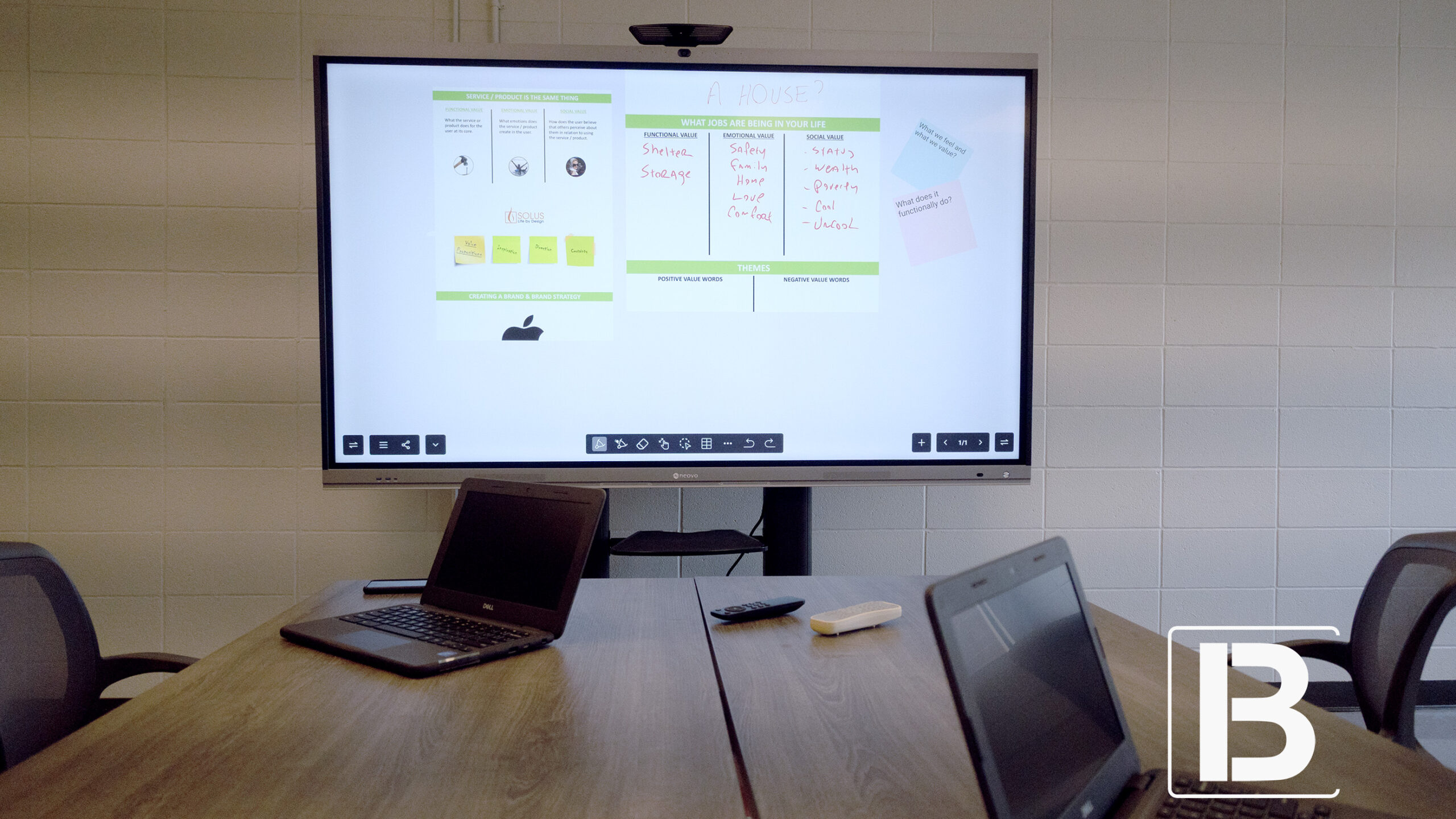
In today’s fast-paced business environment, selecting the right interactive whiteboard display can significantly impact your team’s productivity, collaboration, and overall efficiency. These devices have become essential in modern offices, transforming meetings, presentations, and collaborative sessions into more engaging and interactive experiences. Whether referred to as an interactive display or interactive whiteboard, these tools offer the advanced functionality needed to bring your office into the future. But with so many options available on the market, how do you ensure you’re choosing the best solution for your office?
In this blog, we’ll explore the essential considerations across four key areas: hardware, software, operating system, and user experience. By focusing on these critical aspects, you’ll be better equipped to choose a interactive whiteboard display that meets your office’s needs, enhances collaboration, and boosts productivity, making your business more efficient and dynamic.
A interactive whiteboard display for office settings is an advanced interactive display that functions as a digital whiteboard, allowing users to write, draw, and interact with content directly on the screen. Equipped with touch technology and integrated software, it enhances collaboration by supporting presentations, document editing, and real-time cloud access. interactive whiteboard displays foster teamwork and streamline communication, making them essential in modern office environments.
When selecting the best interactive whiteboard display for your office use, it’s essential to evaluate several critical factors that will influence how well the device meets your needs. From hardware specifications to software capabilities, each aspect plays a crucial role in ensuring that your interactive display or interactive whiteboard enhances productivity and collaboration in your workplace. Let’s explore these key considerations to help you make an informed decision.
The hardware specifications of a interactive whiteboard display are fundamental to its performance and the overall user experience. Here’s what you should consider:
When it comes to interactive whiteboard displays, especially those with screen sizes of 55” and above, 4K resolution should be considered the basic standard. A 4K display provides four times the detail of Full HD, ensuring that your presentations, charts, and graphics are crystal clear and easily readable, even in larger meeting rooms. This level of resolution guarantees that everyone in the room can view the content clearly, minimizing the risk of miscommunication and ensuring that no details are missed during critical discussions.
Selecting the right screen size of the interactive whiteboard display for office is crucial for creating a comfortable and effective meeting environment. An oversized screen in a small room can be overwhelming, while an undersized screen in a large room can make it difficult for participants to see details clearly. Here’s how to match the screen size to your meeting space:
Choosing the correct screen size not only improves visibility but also ensures that your meeting room feels appropriately balanced and functional for the size of the space and number of participants.

Connectivity options are vital for ensuring that your interactive whiteboard display can interface with various devices and systems in your office. Key connectivity features to consider include:
WiFi connectivity is crucial for interactive whiteboard displays, especially if you plan to use cloud-based apps or wireless presentations. WiFi 6 is the latest standard, offering faster speeds, better performance in crowded environments, and improved security. However, it’s important to consider your office’s security policies. In some environments, WiFi may be restricted due to security concerns. In such cases, ensure your interactive whiteboard display can still function effectively through wired connections or a secure local network.
If your office frequently engages in video conferencing, the quality and capabilities of the webcam on your interactive whiteboard display are critical. Consider embedded webcams that offer Full HD or 4K resolution, with features like auto-framing or tracking to enhance the video conferencing experience. These features ensure that remote participants can follow the conversation easily and that the speaker remains the focal point.

For offices that prioritize collaboration, a interactive whiteboard display with multi-touch functionality is a must. Multi-touch allows multiple users to interact with the board simultaneously, which is essential for brainstorming sessions, collaborative problem-solving, or interactive presentations. Opting for a board with 40 touch points can provide a more fluid and dynamic experience, especially in environments where several team members need to work on the board at the same time.

The operating system (OS) of your interactive whiteboard display greatly influences its usability and compatibility with other tools and software used in your office. Consider these key points:
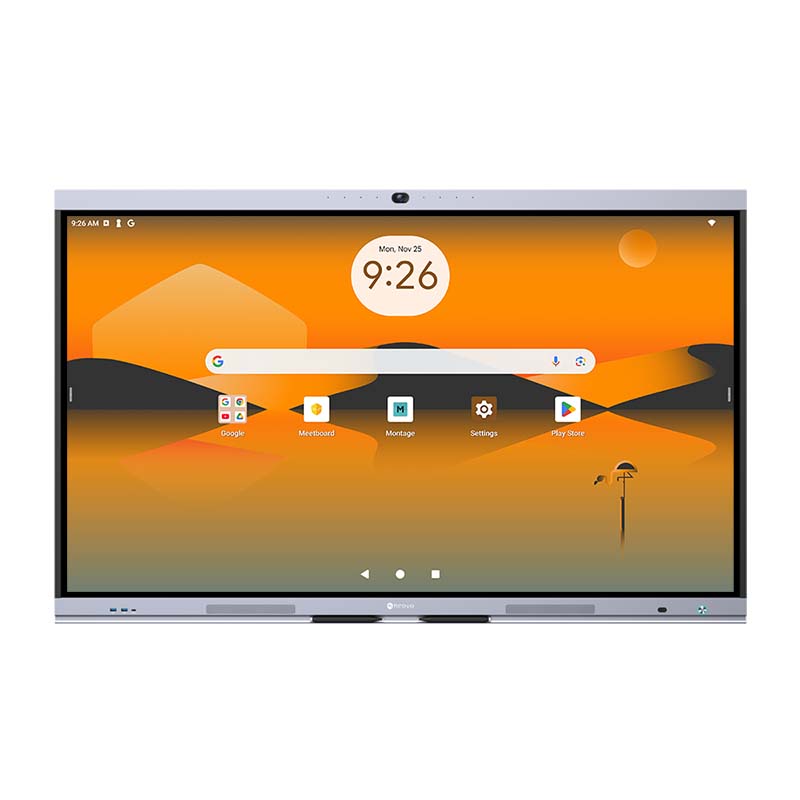
Opting for a interactive whiteboard display with an integrated Android operating system offers significant advantages, particularly for its familiarity and ease of use. As the most widely used OS globally, Android provides a user-friendly interface that most people are comfortable with, reducing the learning curve and ensuring immediate usability.
However, not all Android versions are created equal. The latest version available for large interactive whiteboard display for office is Android 13, which offers enhanced performance, improved security features, and better support for modern productivity apps. Choosing a interactive whiteboard display with Android 13 ensures you have access to the latest features and updates, making your meetings more efficient and your device more future-proof. Using an older Android version may limit your access to newer apps and features, potentially causing compatibility issues with the latest software.

For offices accustomed to working within a Windows-based environment, the ability to switch between Android and Windows on a interactive whiteboard display can be particularly advantageous. Many businesses rely on Windows-specific applications for their daily operations, such as specialized software for project management, data analysis, or industry-specific tasks. In these scenarios, a interactive whiteboard display with an expandable OPS (Open Pluggable Specification) slot is essential. This slot allows you to seamlessly integrate a Windows-based PC into your interactive whiteboard display, enabling you to run all your familiar Windows applications without disruption.
This dual system capability offers unparalleled flexibility, allowing your team to transition easily between the Android OS for general tasks and the Windows OS for more specialized needs. Whether you’re presenting a PowerPoint, running a complex Excel model, or using proprietary software, the ability to switch to a Windows environment ensures that your interactive whiteboard display can meet all your business requirements.

The storage capacity of your interactive whiteboard display for office is another important consideration. While 64GB might be sufficient for basic usage, offices that plan to store large amounts of data, apps, or multimedia content on the board should consider models with at least 128GB of storage. Ample storage ensures that the interactive whiteboard display for office operates smoothly, without lag or performance issues, even when handling large files or running multiple applications simultaneously.
The software ecosystem of your interactive whiteboard display is critical to maximizing its potential. Here’s what to look for:
Google EDLA (Enterprise Devices Licensing Agreement) certification has become a crucial standard for interactive whiteboard displays, especially in offices that rely on Google Workspace. This certification ensures seamless integration with Google services, providing enhanced security, reliable performance, and access to a broad range of Google applications. With Google EDLA, your interactive whiteboard display for office settings becomes a personalized workspace, allowing users to access Gmail, Chrome, Google Drive, and other Google services directly from the board. This integration not only streamlines workflows but also enhances collaboration and boosts productivity during meetings.
Why EDLA-Enabled Interactive Whiteboard Displays Redefine Business Meetings lies in their ability to provide direct access to Google Play. This enables users to easily download productivity apps and video conferencing tools without needing complicated workarounds. Unlike older interactive whiteboard displays, where APK installations could lead to compatibility issues, EDLA-certified boards simplify the process, ensuring your interactive whiteboard display is always equipped with the latest tools for effective, efficient meetings.

Wireless presentation apps are essential for modern meeting environments, especially where BYOD policies are in place. Look for a interactive whiteboard display that supports popular wireless presentation apps like AirPlay, Miracast, and Google Cast. These apps allow team members to share their screens wirelessly, regardless of the device they’re using. This flexibility makes it easier for everyone to participate in the meeting, whether they’re using a PC, Mac, tablet, or smartphone. Wireless presentation capabilities eliminate the need for cumbersome cables and adapters, making the meeting setup faster and less prone to technical issues.

For many businesses, Microsoft Office remains a staple in daily operations. Ensure that your interactive whiteboard display is compatible with Microsoft Office apps, allowing users to edit and view Word, Excel, PowerPoint, and other Office documents directly on the board. This compatibility ensures that your team can continue working seamlessly without needing to convert files or switch between devices. Having native support for Microsoft Office on your interactive whiteboard display means that employees can open, edit, and share documents without delays, making meetings more efficient and reducing the likelihood of technical disruptions.

An interactive whiteboard app is a key feature for any interactive whiteboard display, enabling real-time collaboration and brainstorming. This feature is more than just a space to write or draw—it’s a hub for creativity and problem-solving that can bring your team’s ideas to life. Here’s what to look for:

Choosing the best interactive whiteboard display for your office involves considering a wide range of factors, from hardware specifications to software capabilities and user interface design. By carefully evaluating these key features, you can select a interactive whiteboard display that not only meets your office’s needs but also enhances collaboration, productivity, and efficiency. The right interactive whiteboard display can transform your office into a more connected, dynamic, and efficient workplace, enabling your team to work smarter, not harder.


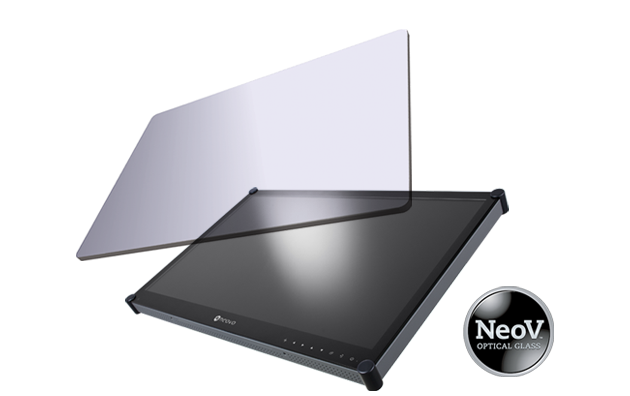 NeoV™ Optical Glass Screen
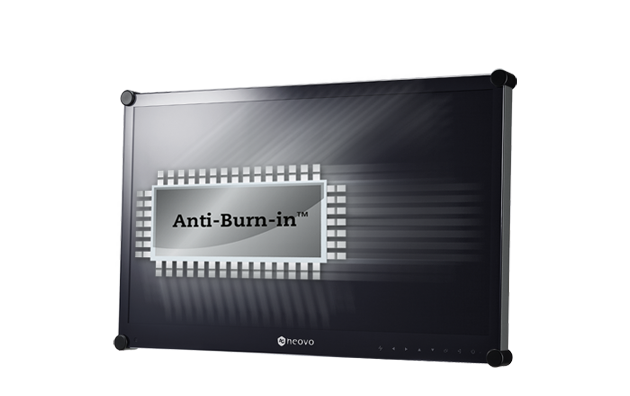 Anti-Burn-in™ Technology