A meeting can lose momentum before the discussion begins. A presenter needs to find a shared file, connect a laptop or switch between applications while everyone else waits. During the discussion, moving between a presentation, supporting documents and meeting notes can create further interruptions.
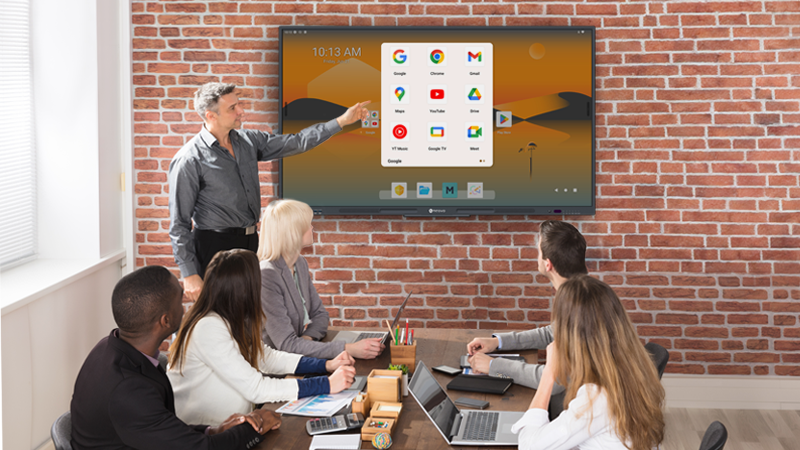
Google EDLA brings access to Google services and available applications to compatible interactive displays. For businesses already working with Google tools, this can make the meeting room a more familiar place to present, review information and collaborate.
This article explains what Google EDLA is, the benefits it can bring to business meetings and shared offices, and how system integrators can turn those benefits into a suitable room setup.
EDLA stands for Enterprise Devices Licensing Agreement, Google’s licensing programme used by manufacturers to bring Google Mobile Services to eligible enterprise devices.
For an interactive display, Google EDLA certification provides a foundation for access to official Google services, including Google Play. Available applications can then be considered as part of the room’s working environment, with the supported services and functions depending on the selected device and configuration.
For meeting participants, the practical value is straightforward: the display can become a place to access familiar tools and work with meeting content directly. The benefit comes from how those applications support everyday tasks.

When a team already uses Google Workspace, working with familiar applications in the meeting room can make the transition from individual preparation to group discussion more straightforward.
For example, a presenter may be able to open a presentation through an approved account and display it directly, without connecting a laptop for that particular task. Participants can focus on the material being discussed rather than learning a separate room interface.
An EDLA interactive display also provides access to Google Play when considering supported business applications. This creates options for adapting the room to the client’s working habits.
The useful question is which everyday tasks become easier: opening a presentation, reviewing a shared document or moving between the information needed for a discussion.

A discussion often depends on more than the presentation prepared beforehand. Someone may need to open an updated proposal, check a spreadsheet or refer to a document shared by another team.
Where the selected applications and account permissions support it, accessing shared files from the display can help participants bring that information into the discussion. It can also reduce the need to prepare a separate local copy for every meeting.
Consider a project review: the team opens the shared presentation, refers to a supporting document and returns to the discussion. The value lies in keeping the relevant information accessible while the group works through a decision.
A consistent process for accessing shared content can also make repeat meetings easier to prepare.
An effective meeting moves from reviewing information to developing ideas and agreeing on the next steps. An EDLA-certified interactive whiteboard can combine access to supported applications with the display’s whiteboard and annotation tools.
A team might review a proposal, switch to a whiteboard to map alternatives, then save or export the discussion output for follow-up. Bringing these activities onto the same display can help keep the conversation focused.
Google application access and whiteboard functions contribute different parts of that workflow. How they work together depends on the display, software and output formats. Whiteboard annotations may be saved as a separate output rather than changes to the original document.
The aim is to give participants a clear way to move from source material to discussion and then to a result they can use after the meeting.
In co-working spaces and shared offices, the same meeting room may serve different companies, project teams and visiting presenters throughout the day. Access to familiar Google applications on an EDLA-certified interactive display can make the room easier to approach, particularly for teams already working with Google Workspace.
Where the device and approved account setup support it, users can access their meeting materials directly on the display. Participants can also use the display’s whiteboard tools to develop ideas and export discussion notes through the available workflow.
A consistent application environment gives workspace operators a common starting point for room instructions and user support. Different teams can follow the same basic steps for accessing content and using the display, while connecting their own devices when required.
For workspace operators and system integrators, the goal is a reliable experience from one booking to the next. Plan how users access files, connect their devices and end each session. Guest connectivity, sign-out and content clean-up should be evaluated separately so the room is ready for the next team.

These EDLA display benefits become useful when the applications, accounts and room equipment work together.
Google EDLA certification addresses the Google application environment. Display size, touch performance, camera coverage, audio quality and device-management functions remain separate parts of the solution.
The distinction helps businesses understand what they are selecting:
| Area | EDLA’s role | What depends on the complete setup |
|---|---|---|
| Google services | Supports access to official Google services on eligible devices | Required services, accounts and permissions |
| Applications | Provides access to available apps through Google Play | Device support, app functions and subscriptions |
| Whiteboard collaboration | Provides an application environment that can be used alongside whiteboard tools | Annotation, saving, export and sharing workflows |
| Video meetings | Allows supported meeting applications to be considered | Hosting method, camera, audio and content sharing |
| Shared-room operation | Provides access to an application environment used by different teams | Guest access, account separation, sign-out and content clean-up |
| Ongoing management | Forms part of the device’s software environment | Actual management tools, controls and support responsibilities |
This gives the client a clearer basis for discussing the complete room. It also helps the project team distinguish application access from the capabilities that must be confirmed on the selected hardware and software.
For system integrators, the next step is to connect the intended business benefits with a few representative meeting workflows.
Start with a typical session: a user accesses the approved account, opens a shared file, presents the content, adds notes and shares the result. This makes it easier to identify where the proposed setup supports the client and where additional equipment or configuration is needed.
Focus the evaluation on four areas:
For a shared office, include the transition between bookings. A successful demonstration should show how one team completes its work and leaves the room ready for the next users.
Agreeing on these workflows gives the SI and client a practical reference for demonstration, deployment and handover.
Once the application and meeting workflows are clear, use them to evaluate the display configuration.
Meetboard 4 Prime combines Google EDLA certification, interactive whiteboard collaboration and wireless sharing with a built-in 4K AI camera. Review the 65-inch IFP6504P, 75-inch IFP7504P and 86-inch IFP8604P against the room layout and intended workflow.
For shared offices, include guest use and the handover between bookings in the evaluation. For broader guidance on size, connectivity and conferencing configurations, read our interactive whiteboard selection guide.
It refers to a device certified under Google’s Enterprise Devices Licensing Agreement programme, supporting access to official Google services on eligible devices. Review the selected model for the services, applications and functions required by the project.
It can bring familiar Google tools, available business applications and shared-file access to the meeting room display. Combined with suitable whiteboard and sharing workflows, this can help teams move between presenting information, discussing ideas and distributing meeting outputs.
It can provide a familiar Google application environment for different teams using the same meeting room. The operator and SI should define how users access content, connect guest devices and complete each session. Account separation and content clean-up depend on the actual device capabilities and operating procedures.
The need for a room computer depends on the applications and functions the client requires. Device management should also be assessed separately against the actual monitoring, maintenance and support tasks. EDLA certification alone does not determine whether either is needed.
Prepare the intended Google account workflow, required applications, conferencing platform, existing AV equipment, display quantity and deployment schedule before the technical discussion. These details help identify configuration questions and define a useful demonstration.
Request a technical discussion or demo to review the proposed setup, or explore Meetboard interactive displays.
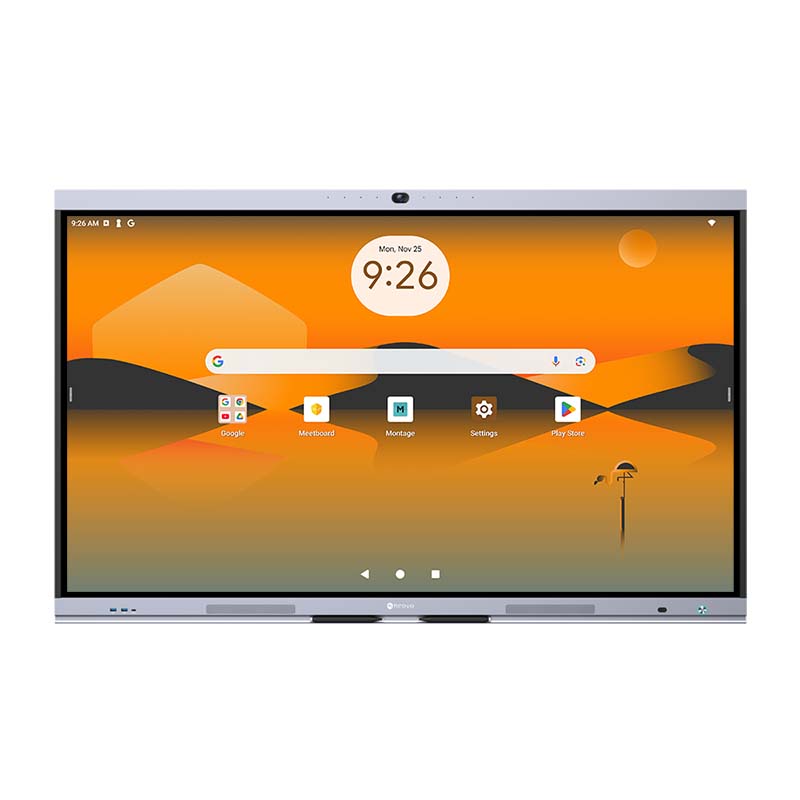


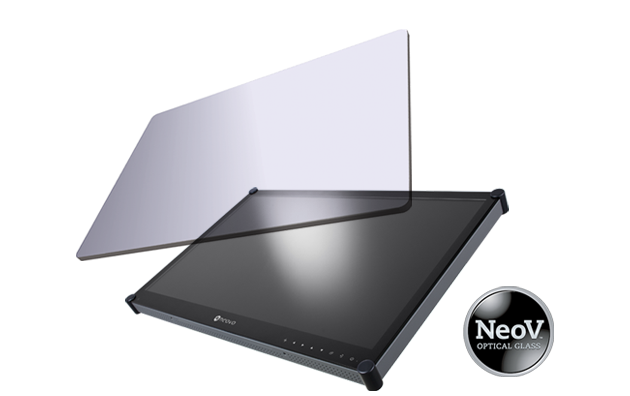 NeoV™ Optical Glass Screen
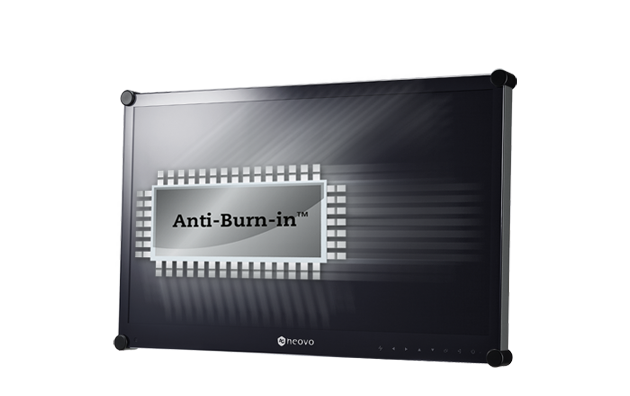 Anti-Burn-in™ Technology