Products

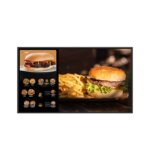
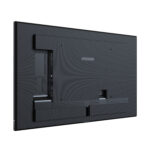
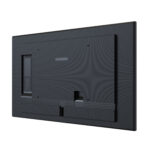
    43” All-in-One 4K UHD Digital Signage Display
    NSD-4303

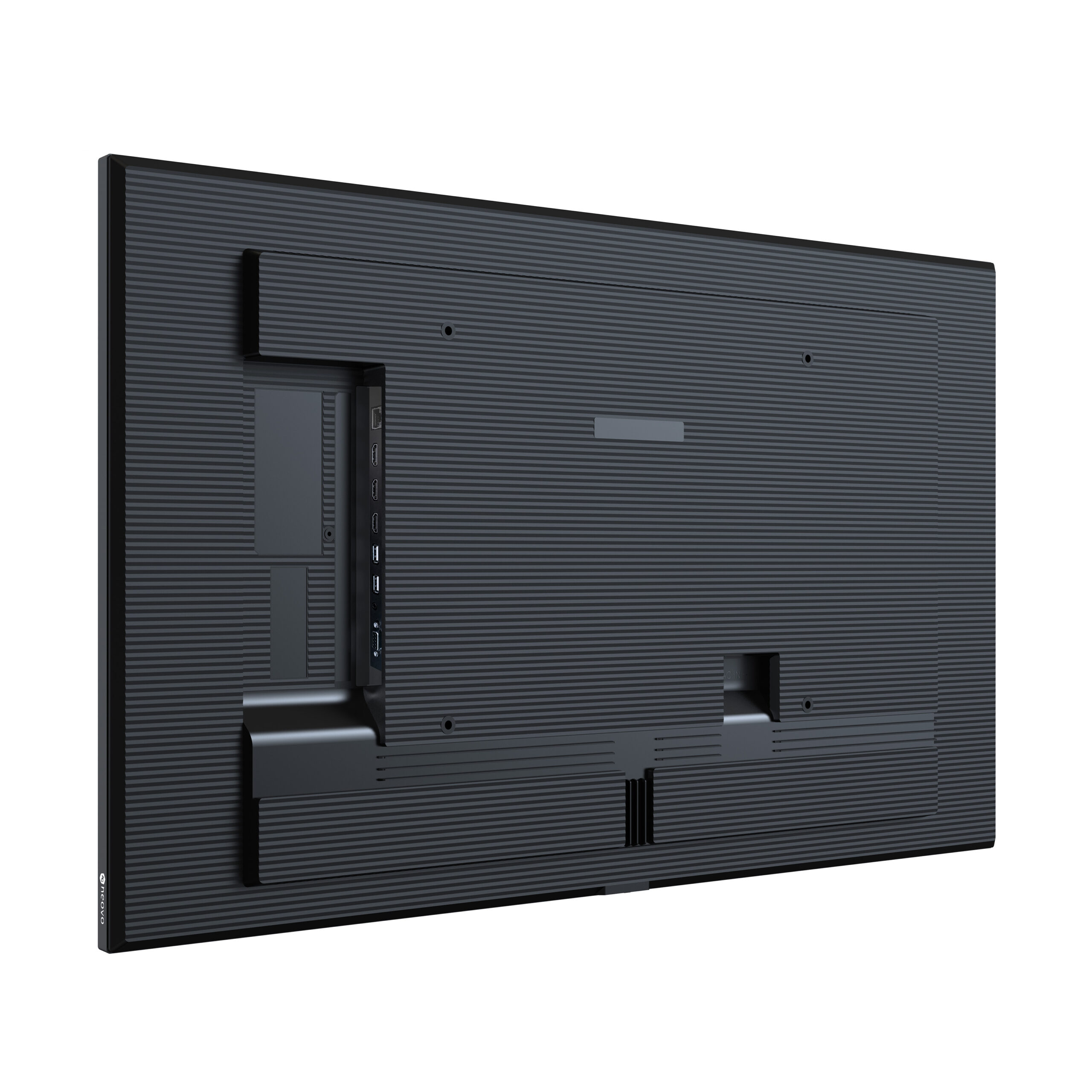
    • 4K UHD 3840 x 2160 resolution
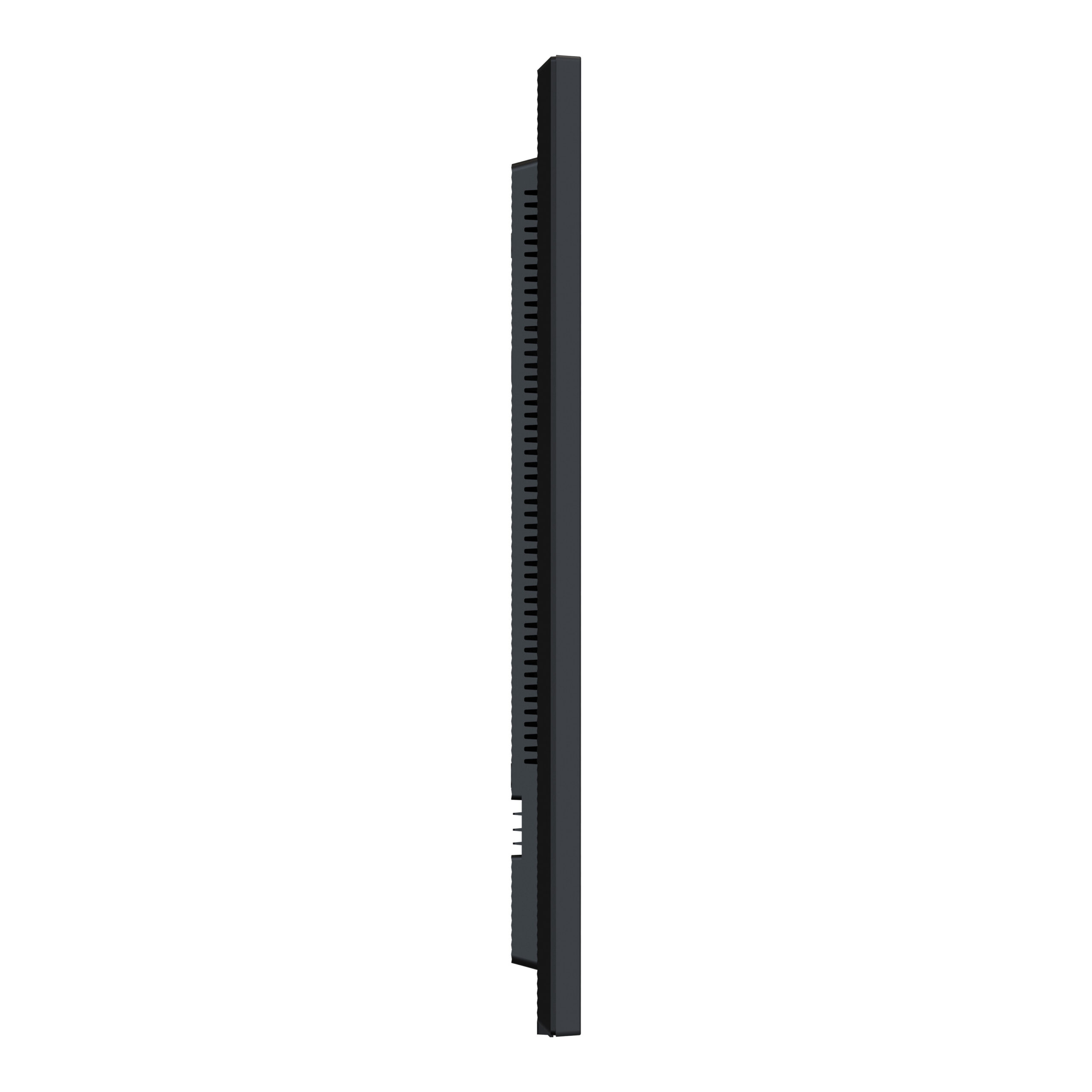
    • Slim profile and even bezel design
    • 500 nits brightness, 25% Haze anti-glare
    • Android OS with various content management applications
    • Built-in Wi-Fi 5
    • IP5X dust-proof for dependable operation
    All-in-One Digital Signage Display _ NSD-Series 3 icon

    43” All-in-One 4K UHD Digital Signage Display

    The NSD-4303 is a 43-inch all-in-one 4K UHD digital signage display with built-in Android and integrated content management tools. It enables teams to create, schedule, and deliver content without a separate media player. Compatible CMS apps and support for Neovo Manager simplify daily operation across professional display deployments.

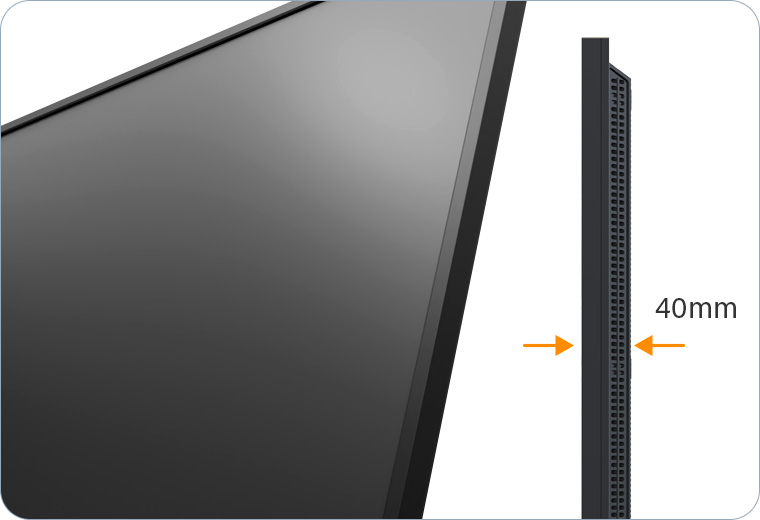
    All-in-One Digital Signage Display _ NSD-Series 3 Premium-Design-01-Even-Bezel_32-43

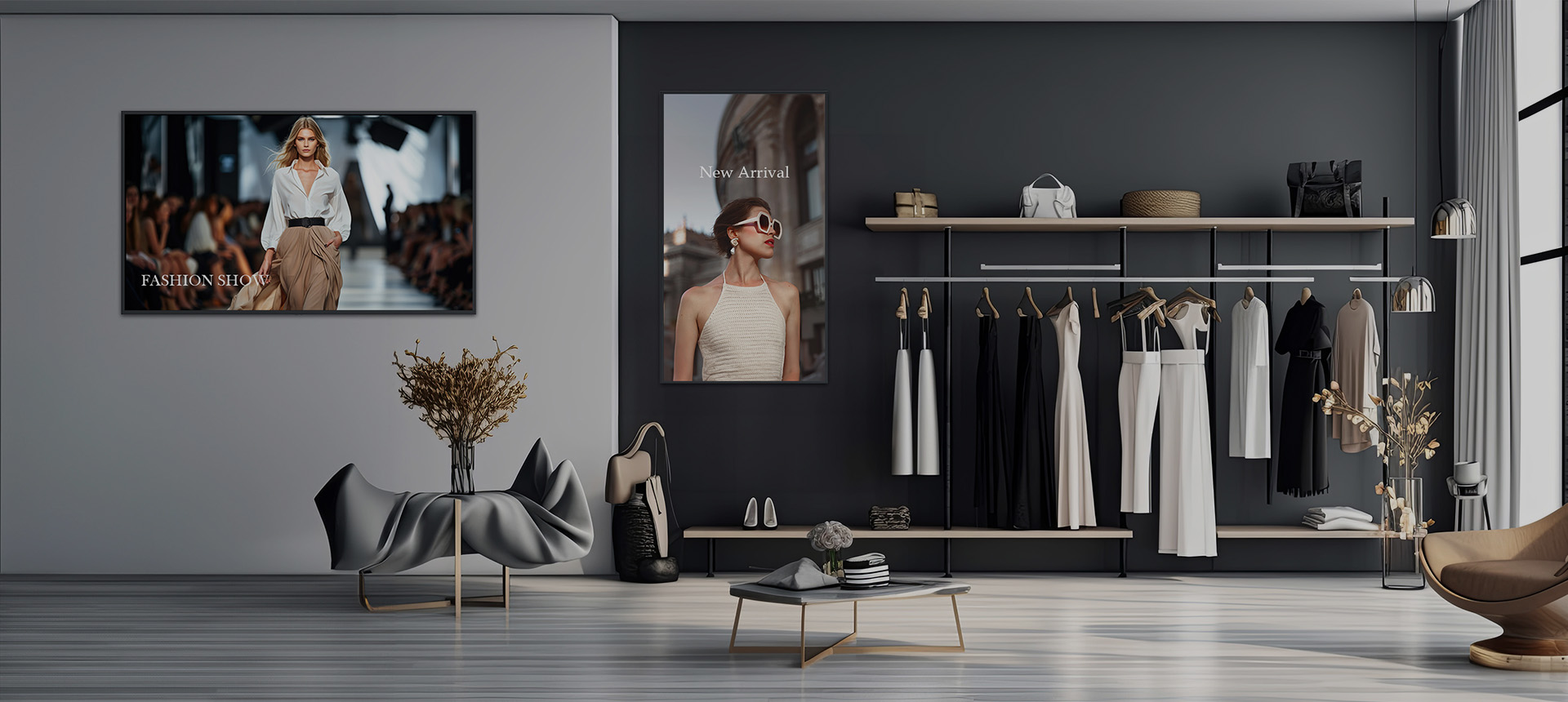
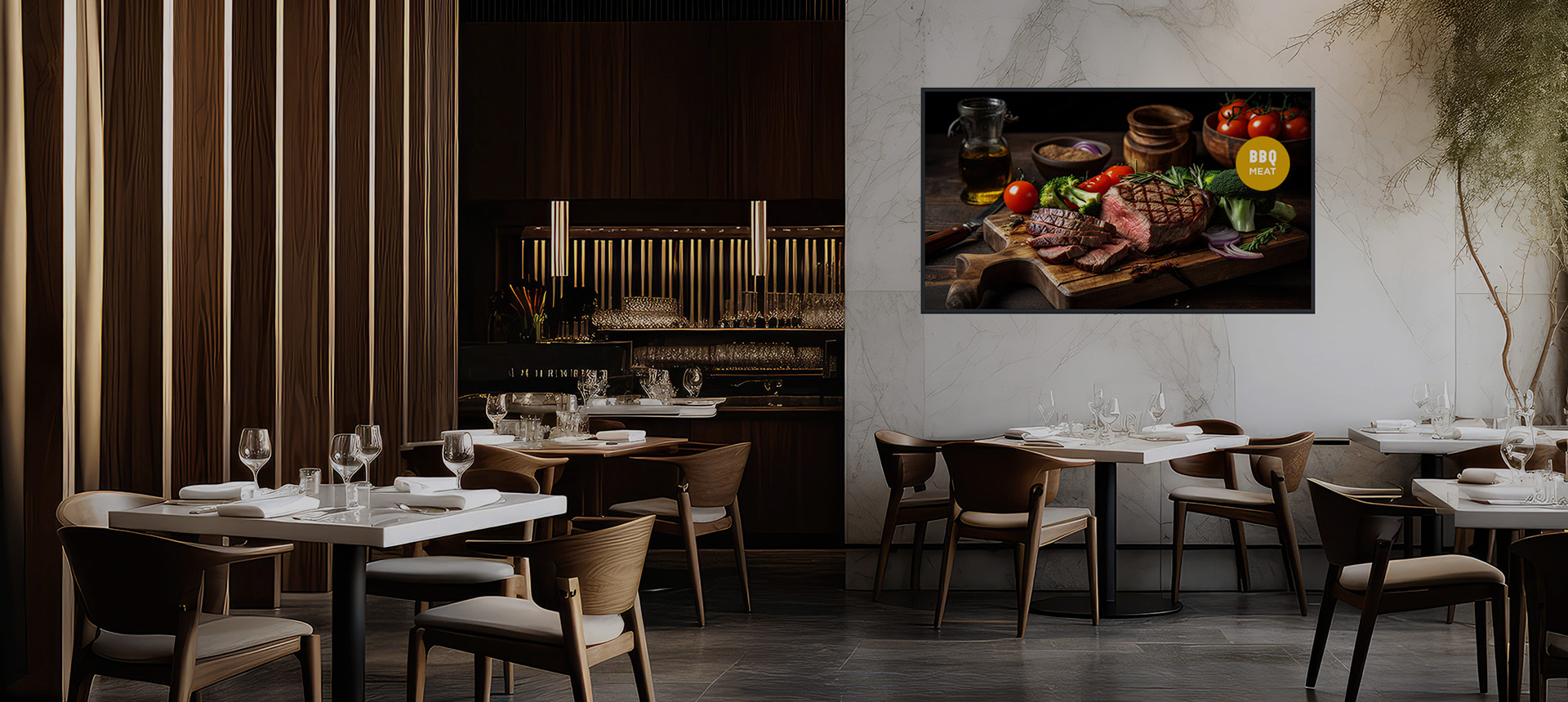
    Immersive Elegance with Premium Design

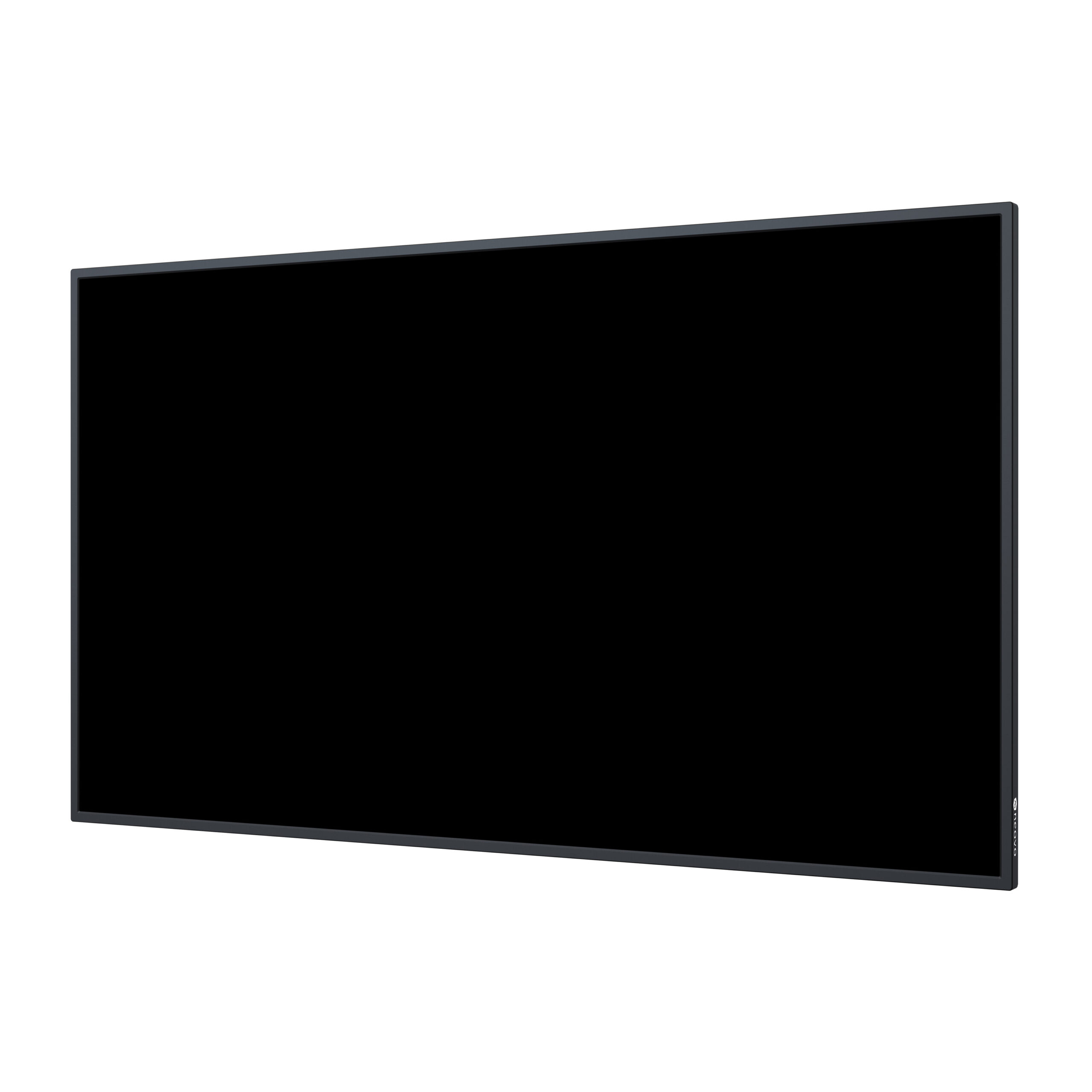
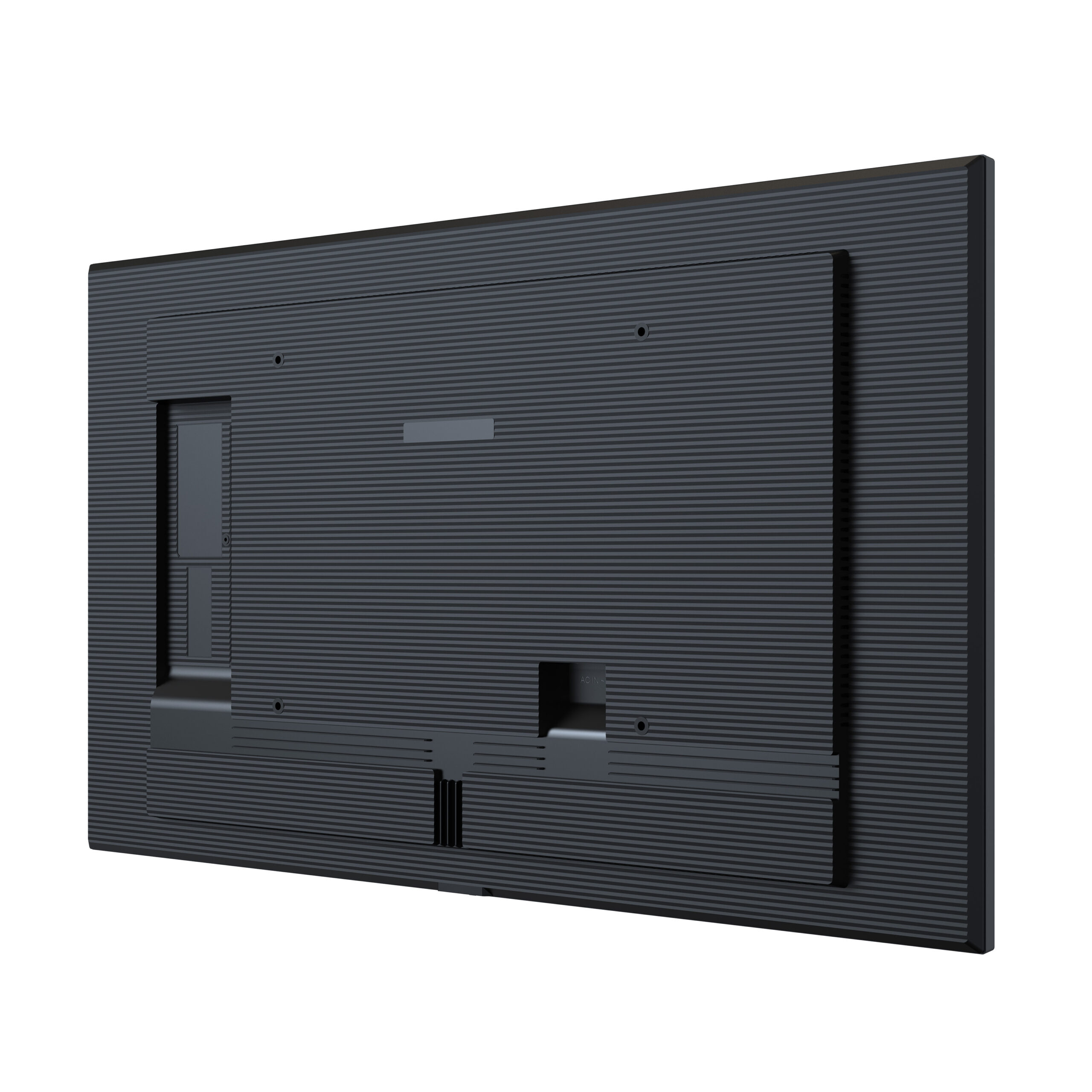
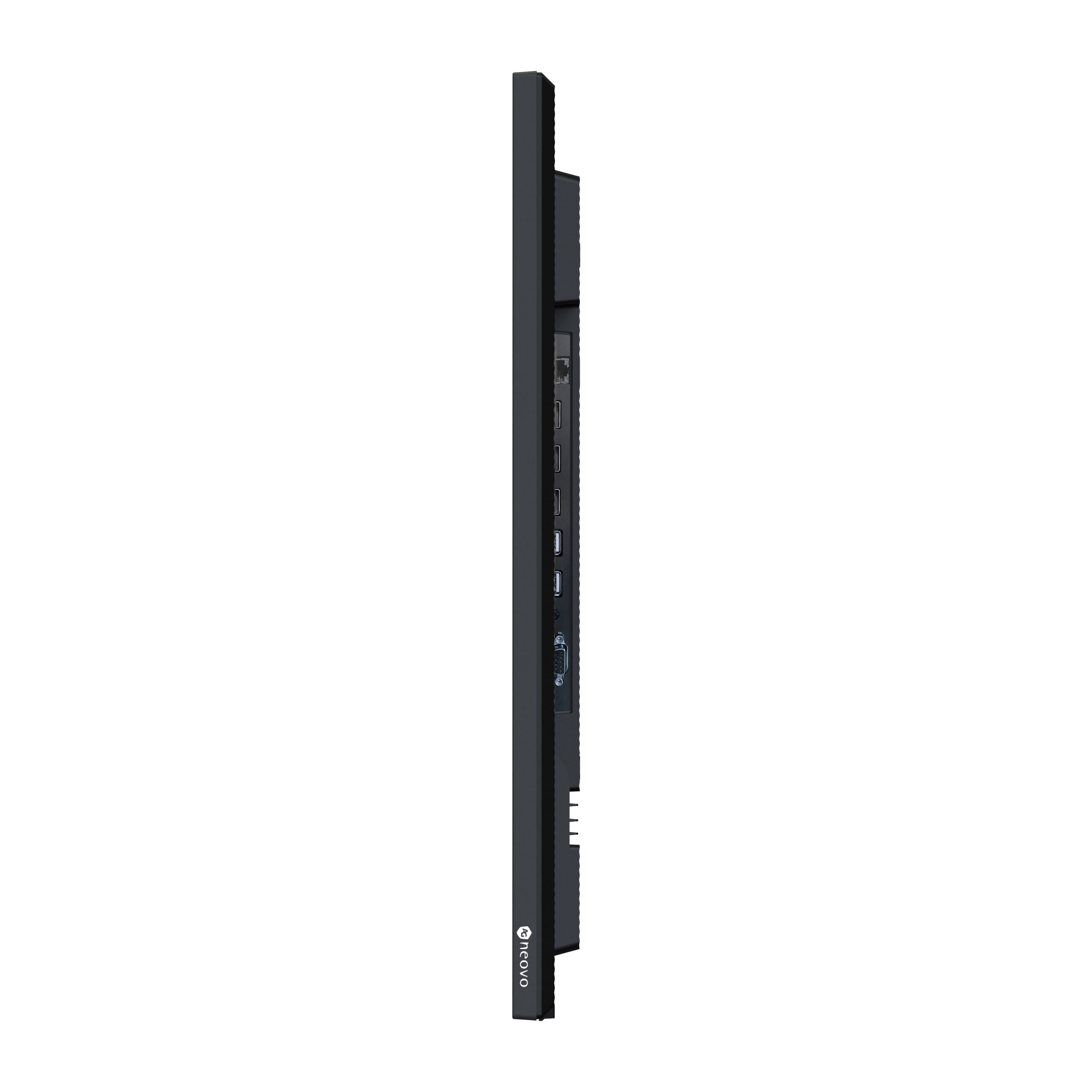
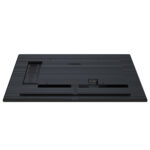
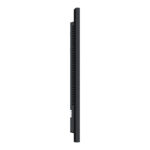
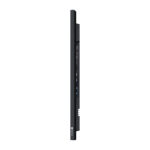
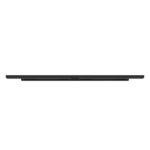
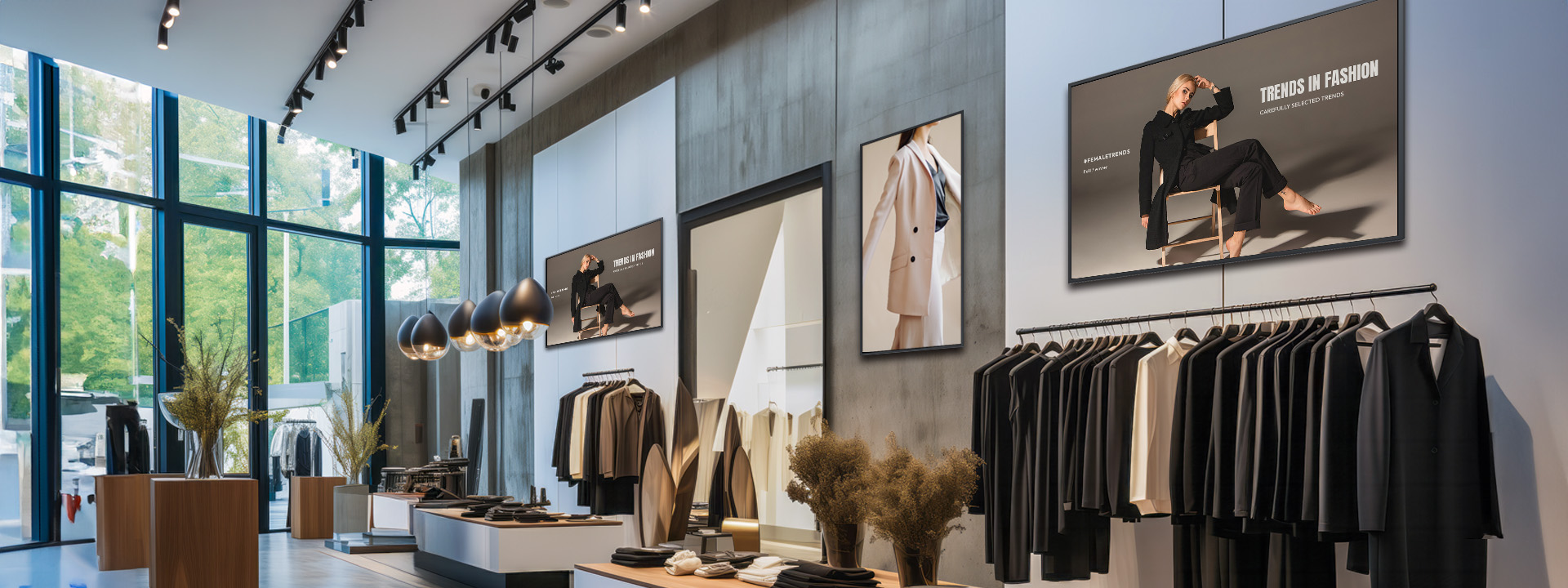
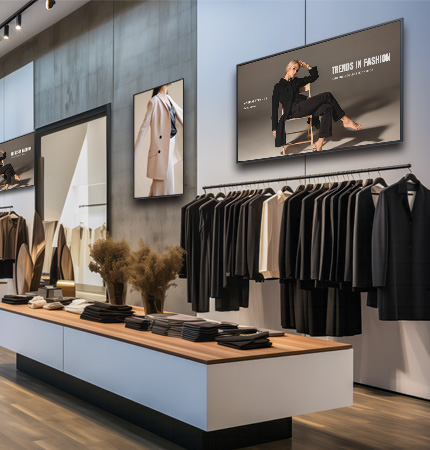
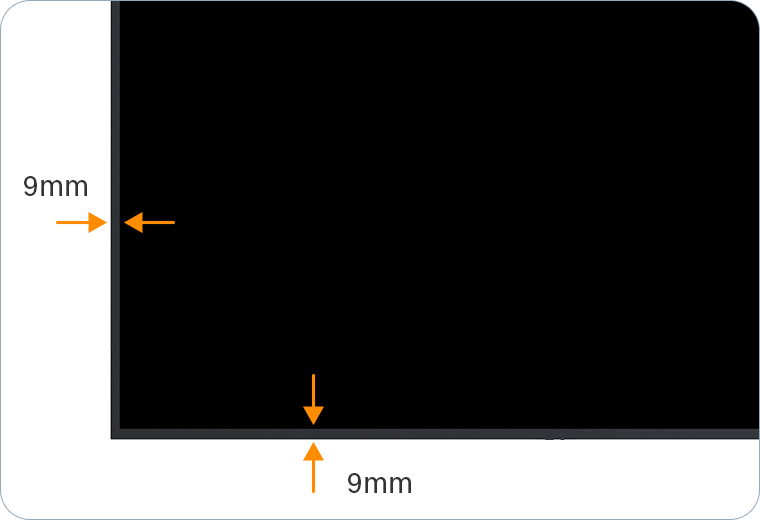
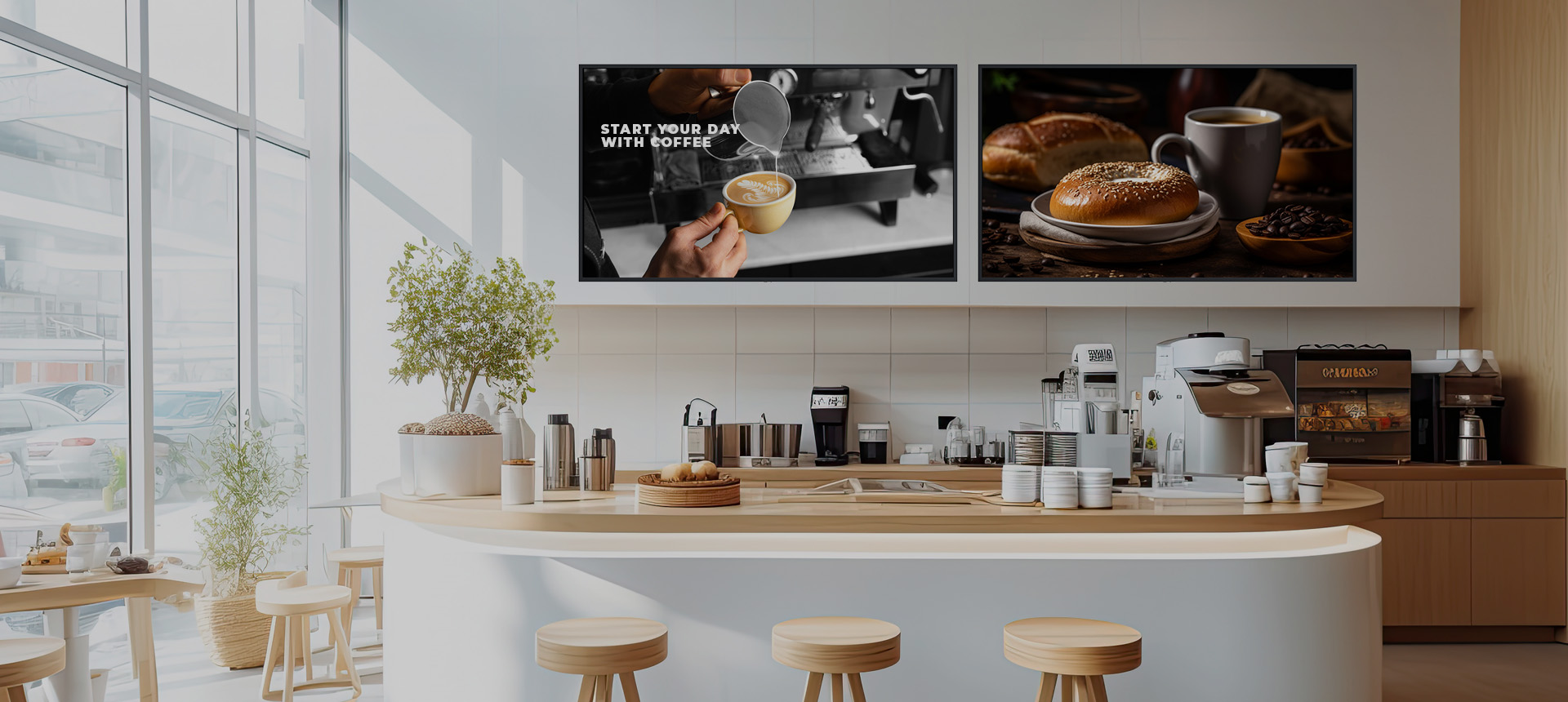
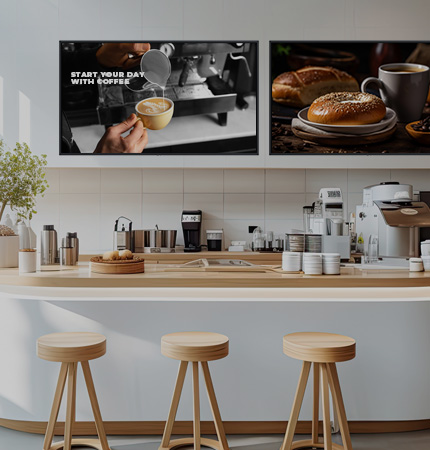
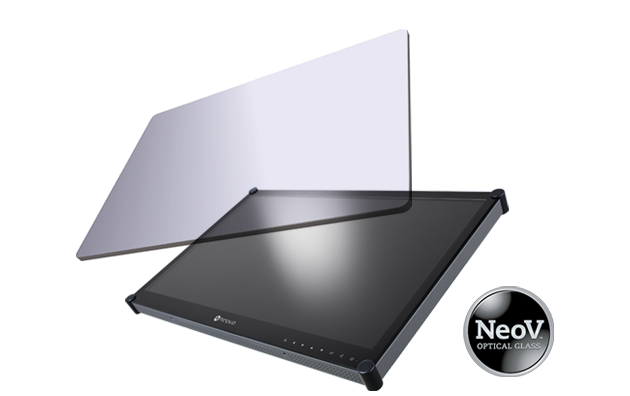
    Enhance your environment with the 43” NSD-4303 4K UHD Digital Signage Display. Featuring a premium design, complete with an even bezel and slim profile, it exudes a sleek and unified appearance. Seamlessly integrating into any setting, this display delivers eye-catching messages amidst premium decor.

    NSD-5503 55 吋 4K AIO 數位電子看板顯示器搭載側面 40mm 厚度

    Immersive Elegance with Premium Design

    Enhance your environment with the 43” NSD-4303 4K UHD Digital Signage Display. Featuring a premium design, complete with an even bezel and slim profile, it exudes a sleek and unified appearance. Seamlessly integrating into any setting, this display delivers eye-catching messages amidst premium decor.

    All-in-One Diverse Content Customisation

    Unleash Flexibility for Elevated Engagement with AG Neovo Digital Signage Displays

    USB Signage
    Quick Arrange Layout and Scheduling from USB Drive

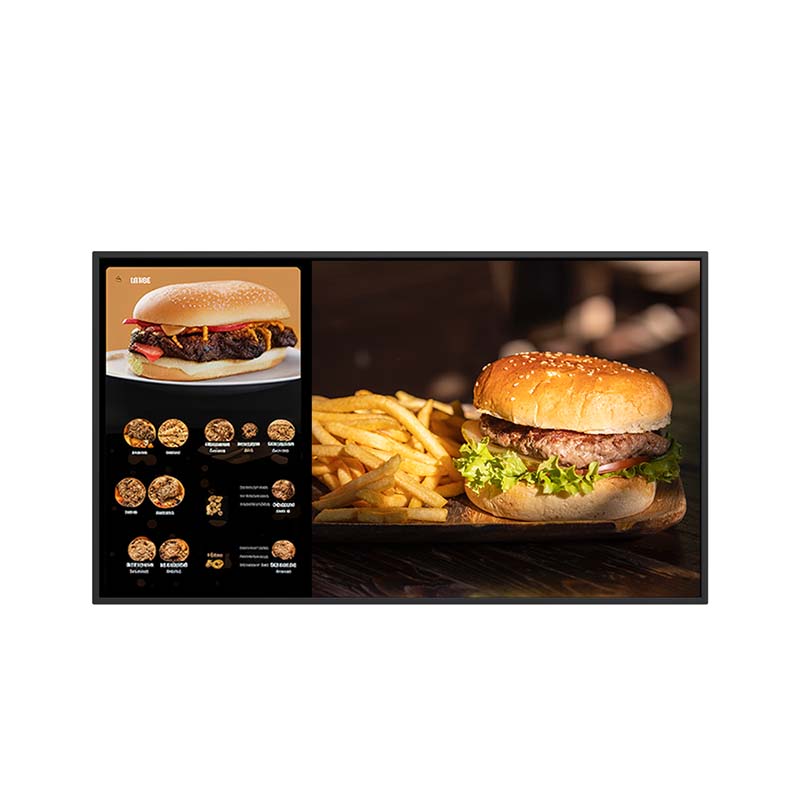
    Quickly create and schedule engaging displays with our USB Media Player, offering various layouts, auto play options, and support for up to five playlists. Achieve flexibility with Scale or Full picture style, delivering messages effectively and attractively with minimal setup.

    USB Signage
    USB Signage
    Web Browser
    Screen Sharing
    CMS

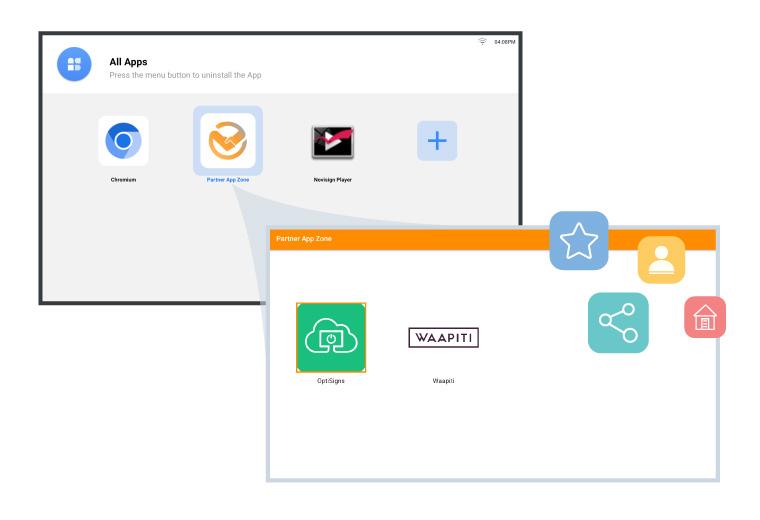
    CMS Apps That Fit Your Existing Workflow

    Download and install compatible CMS apps that fit your existing content workflow. Explore further options in the Partner App Zone and choose a CMS that supports your project and management requirements.

    Visual Brilliance for Exquisite Screen Presentations

    Stunning 4K Content Resolution

    The 4K Resolution ensures an unparalleled visual experience with stunning clarity and detail, providing an immersive viewing experience. This feature makes the NSD-4303 perfect for applications where exceptional visual quality is essential.

    NSD_Super Resolution

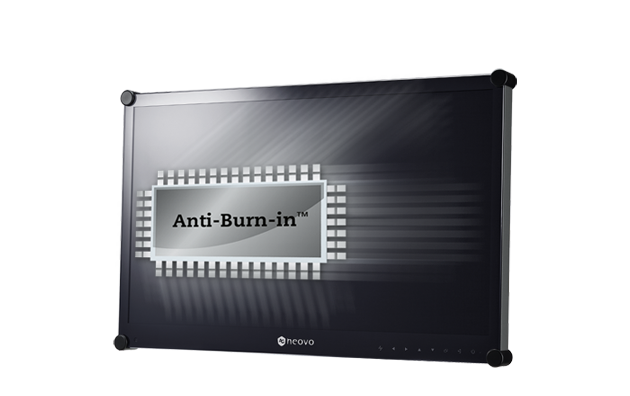
    Patented ANTI-BURN-IN™ Technology

    To combat the effects of traditional LCD burn-in or ghosting, AG Neovo utilises its patented Anti-Burn-in™ Technology to prevent image burn-in and ensure an extended lifespan for displays.
    500 nits Brightness

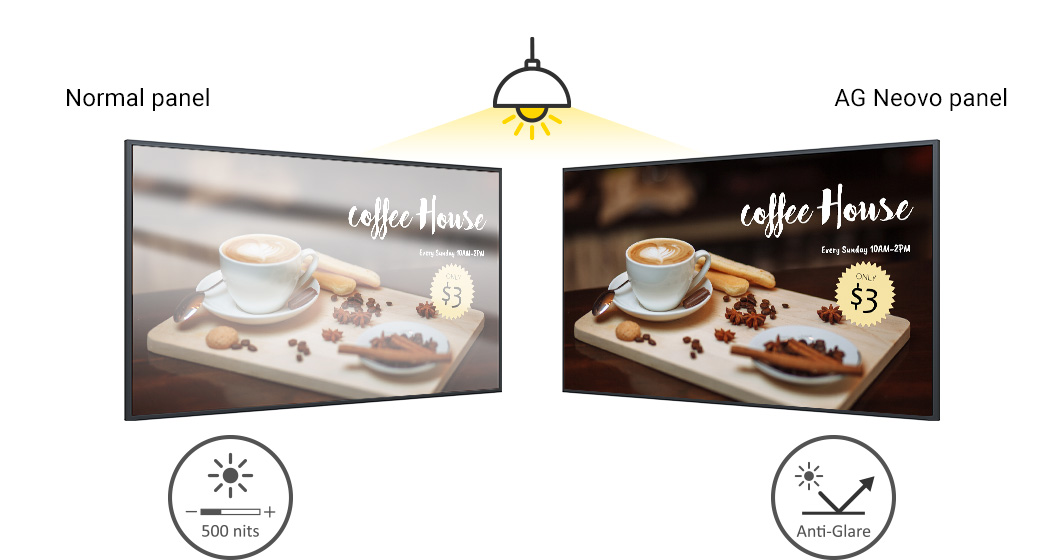
    With its impressive 500 nit brightness, this display guarantees vivid and easily discernible images and messages, making it suitable for diverse settings, including shopping malls, lobbies, control rooms, and beyond.

    Anti-Glare

    Featuring non-glare panels with a 25% haze, this display uniformly diffuses light across the screen, preserving the vibrancy and accuracy of the content for an optimal viewing experience.
    All-in-One Digital Signage Display _ NSD-Series 3 Landscape-Portrait-Capability

    Flexible Display Orientations

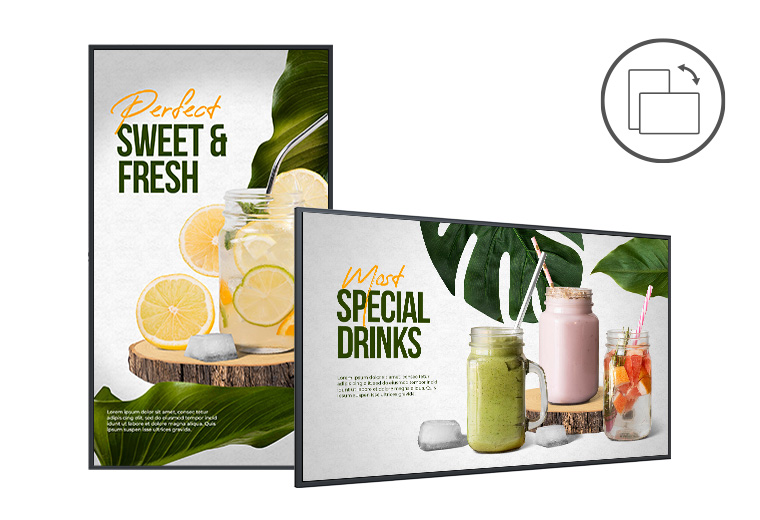
    Our displays seamlessly support both landscape and portrait orientations, providing flexibility for diverse applications.
    Efficient Connectivity and Management

    NSD-4303, with an all-in-one Android 9.0 platform and 16GB storage capacity, offers versatile features for captivating content presentation.

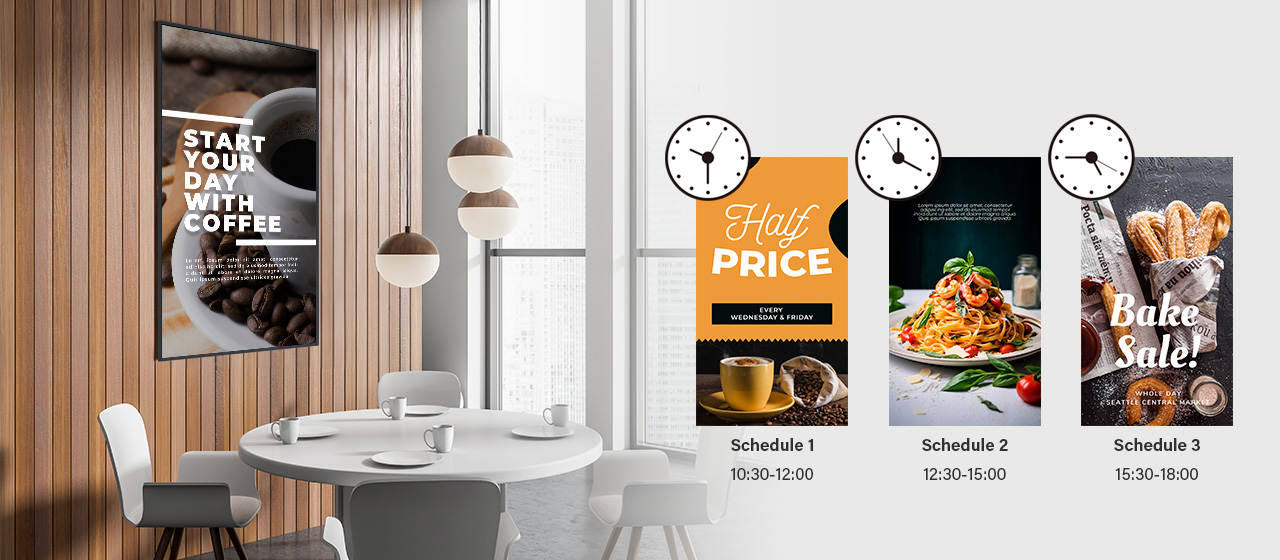
    Advanced Scheduling for Flexible Content Management

    Say goodbye to manual source switching! Elevate your content strategy with smart and flexible scheduling, enabling automatic updates from a variety of sources without manual intervention. Tailor your content flow with precision, ensuring your displays remain dynamic and engaging for your audience at all times.
    All-in-One Digital Signage Display _ NSD-Series 3 Advanced-Scheduling All-in-One Digital Signage Display _ NSD-Series 3 Advanced-Scheduling_m

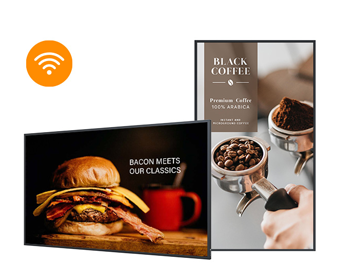
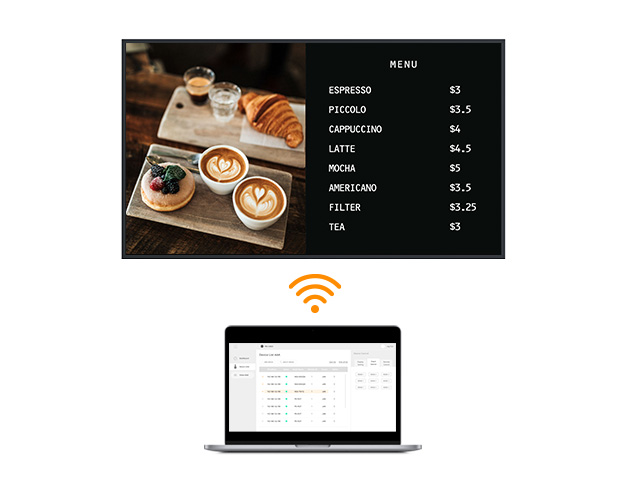
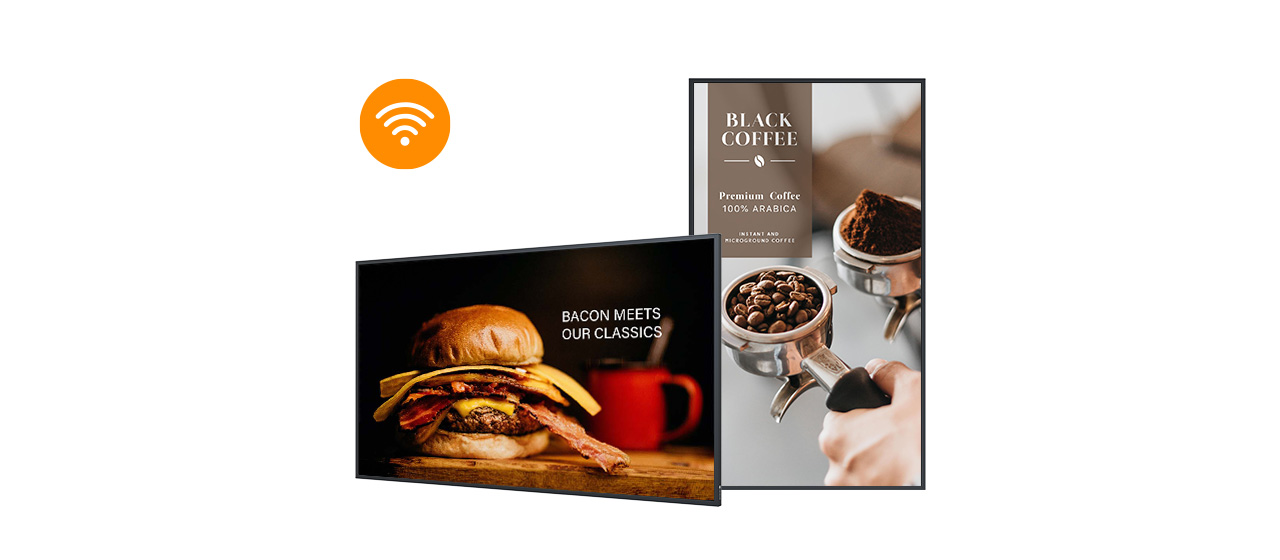
    Built-in Wi-Fi 5 Connection

    Enabling seamless connectivity, enhanced communication, and efficient data transfer.
    All-in-One Digital Signage Display _ NSD-Series 3 Built-in-Wi-Fi-5 All-in-One Digital Signage Display _ NSD-Series 3 Built-in-Wi-Fi-5_m

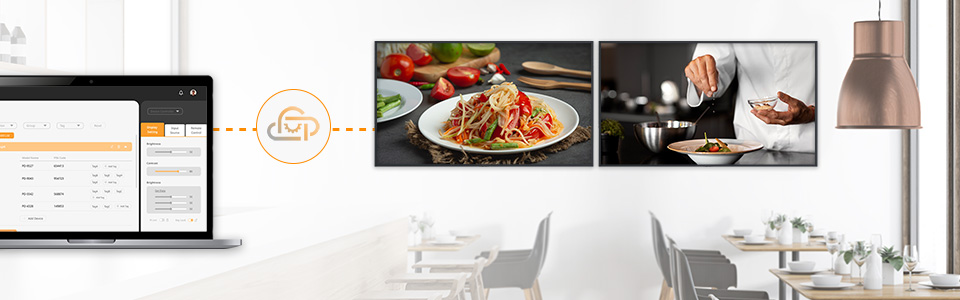
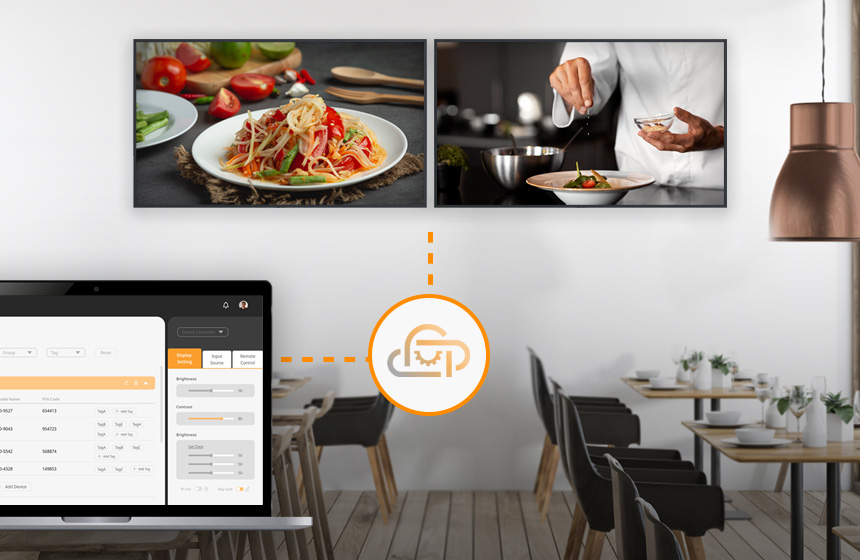
    Centralised Management with Neovo Manager

    With Neovo Manager, you can monitor the status of compatible displays, adjust settings, and support daily operations across multiple locations.
    A1-2_Neovo Manager_nsd-ds A1-2_Neovo Manager_m_nsd_ds
    All-in-One Digital Signage Display _ NSD-Series 3 Excellent-Remote-Control

    Control with Neovo Controller

    Neovo Controller consolidates display commands in an intuitive interface for compatible macOS, Android, and Windows devices.
    All-in-One Digital Signage Display _ NSD-Series 3 RS232-and-LAN-Control-1

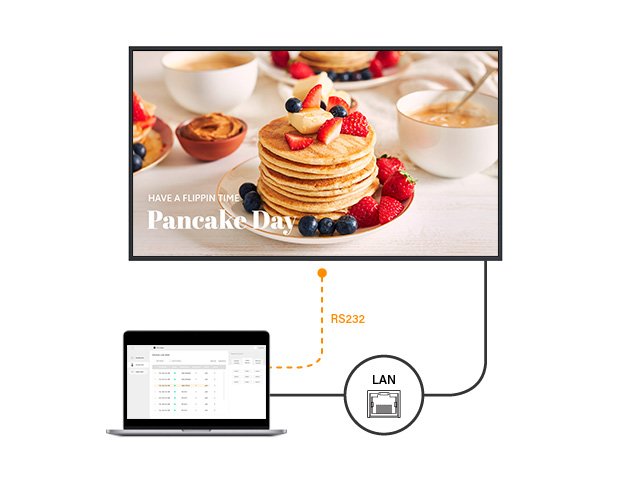
    Integrate with Existing Systems via RS232 and LAN

    RS232 and LAN connections support integration with existing AV systems, networks, and external control systems.
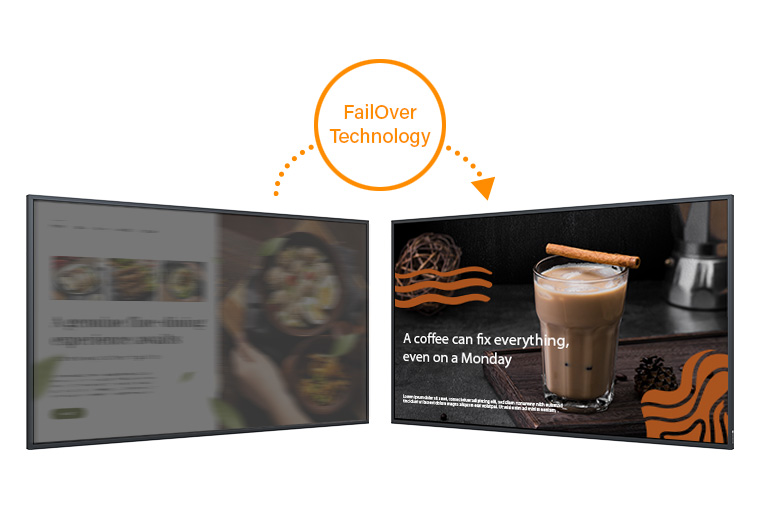
    All-in-One Digital Signage Display _ NSD-Series 3 Reliable-Continuity-with-FailOver-Technology

    Reliable Continuity with FailOver Technology

    Experience uninterrupted performance with FailOver, ensuring seamless content display by automatically switching to a backup source in case of primary input failure.
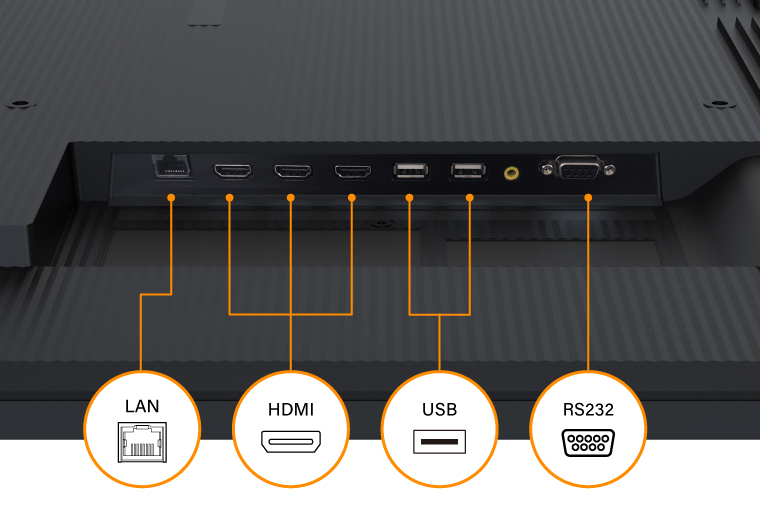
    All-in-One Digital Signage Display _ NSD-Series 3 Optimized-Power-Efficiency

    Optimised Power Efficiency

    Our NSD-series consume less power in power on, standby and sleep modes, ensuring energy efficiency and cost savings.

    All-in-One Digital Signage Display _ NSD-Series 3 Centralised-Control-4303

    Centralised Control

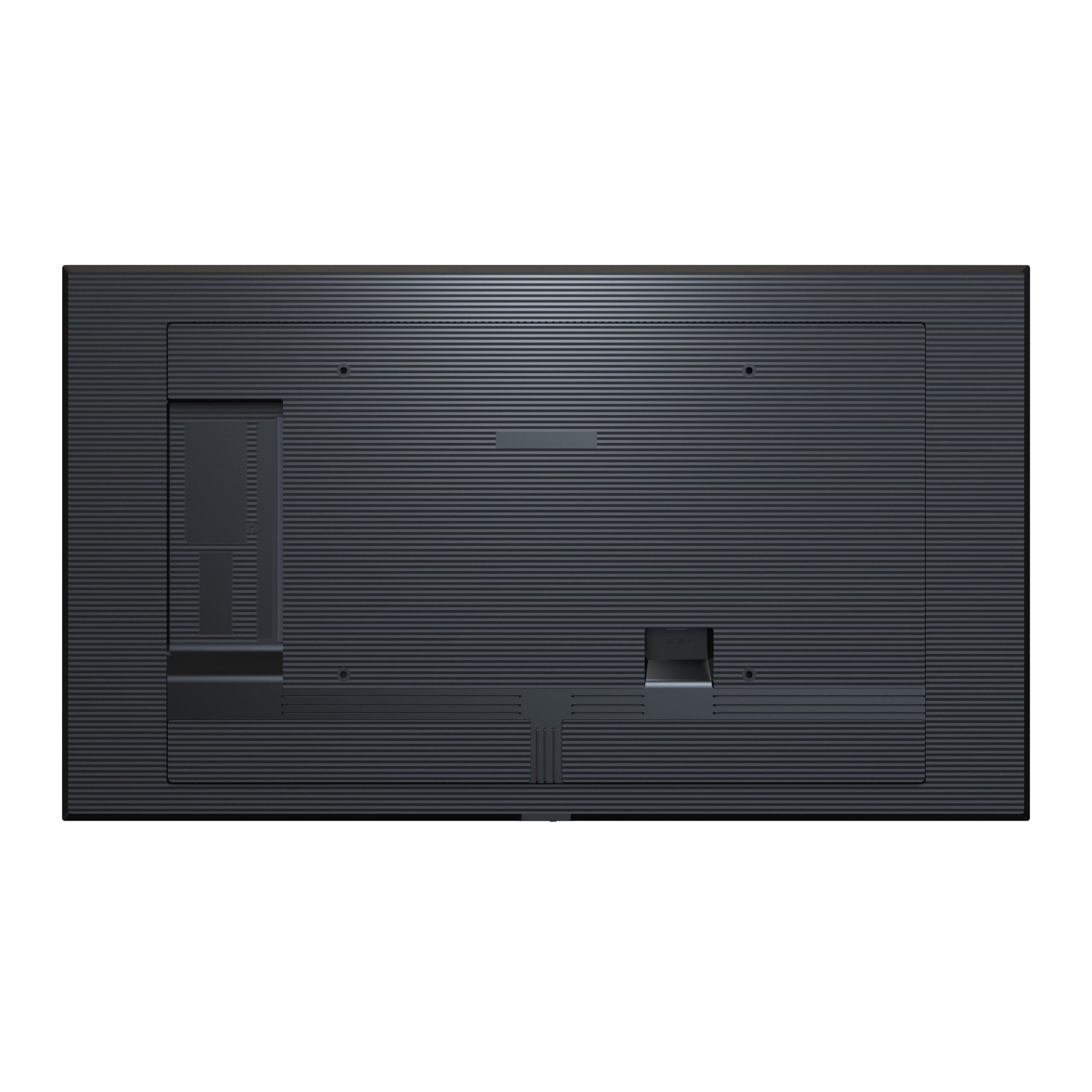
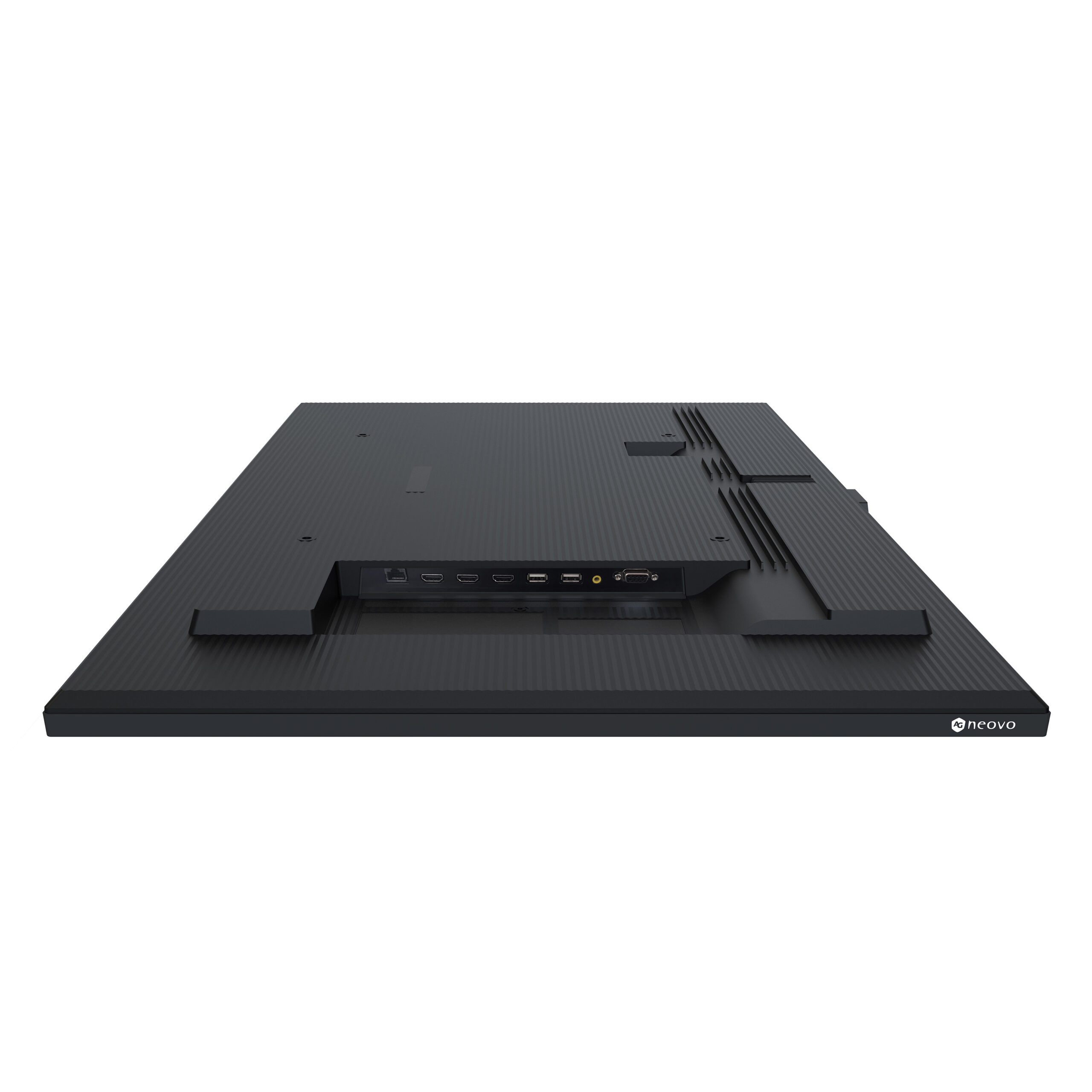
    Integrate the display into your managed network for streamlined control using I/O commands, accompanied by 3 HDMI inputs for enhanced connectivity.
    Take the Next Step with NSD Series

    Document

    Data Sheet
    NSD-4303 Datasheet V4.0
    Upload date: 2026-07-16
    User Manual
    NSD-4303 User Manual V2.1 English
    Upload date: 2026-03-09
    NSD-4303 User Manual V2.1 French
    Upload date: 2026-03-09
    NSD-4303 User Manual V2.1 German
    Upload date: 2026-03-09
    NSD-4303 User Manual V2.1 Spanish
    Upload date: 2026-03-09
    NSD-4303 User Manual V2.1 TC
    Upload date: 2026-03-09
    Product Photo
    NSD-4303 Product Photos
    Upload date: 2026-04-18
    Declaration
    NSD-4303 CE Declaration
    Upload date: 2025-09-12
    Command List
    NSD-4303 RS232 Command List
    Upload date: 2025-03-20
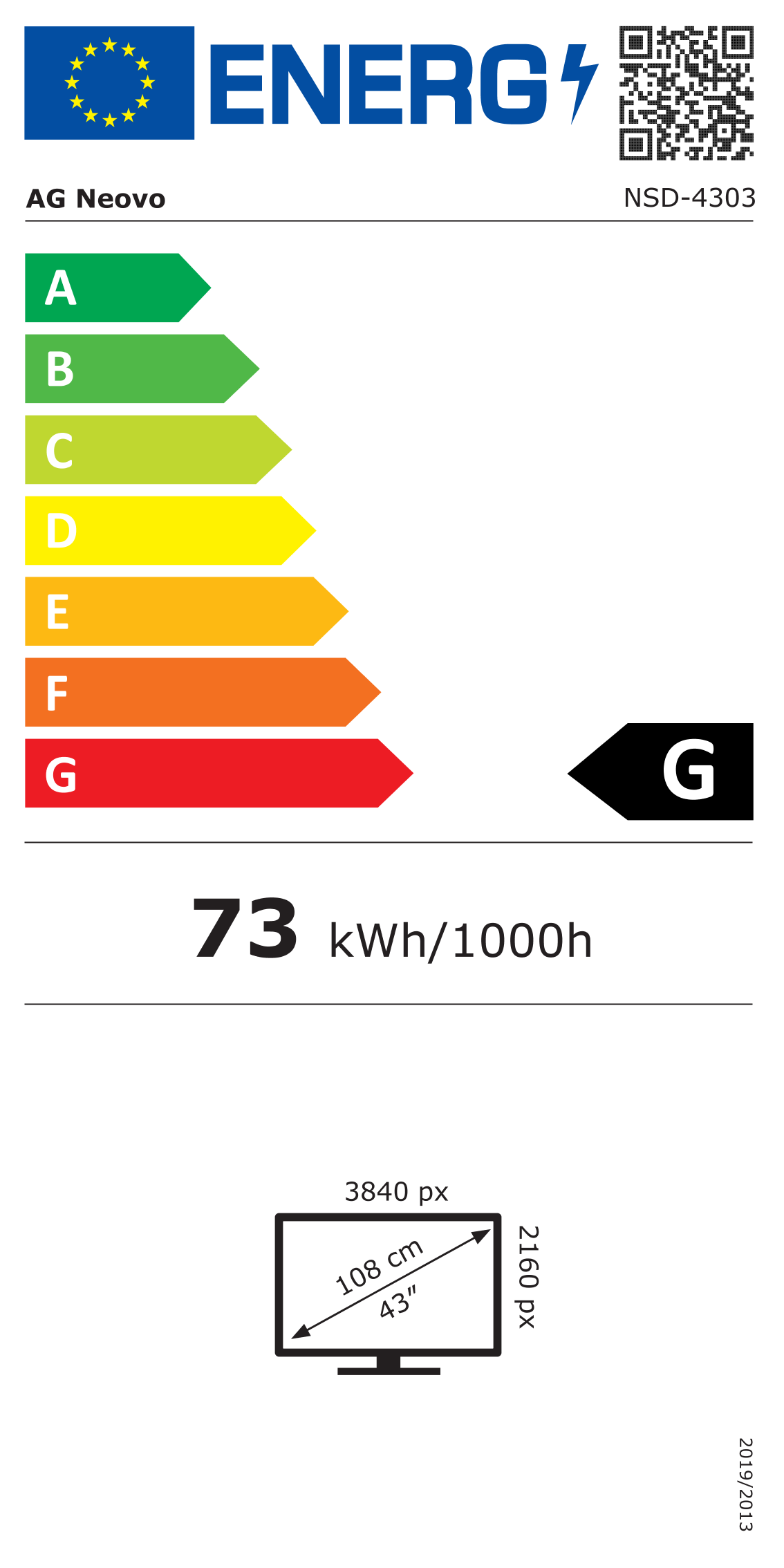
    EEI Label
    NSD-4303 EEI Label
    Upload date: 2024-05-08
    Technical Drawing
    NSD-4303 Technical Drawing V1.02 - ND4330
    Upload date: 2024-05-08
    Certification
    NSD-4303 CE Certificate
    Upload date: 2025-09-12
    NSD-4303 CE & RED Certificate
    Upload date: 2024-05-08
    NSD-4303 FCC SDOC
    Upload date: 2024-05-08
    NSD-4303 ICES-003 (Issue 7) Certificate
    Upload date: 2024-05-08
    NSD-4303 LVD Certificate
    Upload date: 2024-05-08
    Why does a warning message appear on the screen the first time I use the browser source? Is this app available to use?

    Yes, the app is available, and the warning message only appears the first time you use the browser source. Simply press “OK” for all the warning messages, and you will be able to play the content successfully via URL links. The Chromium app is an APK from Android open-source, so there’s no need to worry about security issues.

    When I use an iPhone or Mac for screen sharing, I cannot share content from streaming media apps.

    Sorry, this is a restriction of Apple devices. When screen sharing with an Apple device, you cannot share content from streaming media apps.

    When using an iPad for screen sharing, which device should I select from the screen?

    Please select “iPhone” as the device when using the iPad for screen sharing.

    Why can't I see all the AG Neovo CMS partners' apps?

    First, upgrade the device software to the latest version. Go to Settings → System → Upgrade System. Next, visit our Partner App Zone and check for updates. If an update is available, kindly update the Partner App Zone, and you will be able to find all our CMS partners’ apps.

    Why can't I use the AG Neovo CMS partners' apps?

    Please check if you have downloaded and installed the app. NSD Gen 3 Series only pre-install one of our partners, NoviSign. If you are looking to use other partners’ apps, kindly visit the Partner App Zone to explore and install your preferred options.

    If I don't want to use Novisign as the primary CMS, can I change to other apps?

    Yes, NSD Gen 3 Series allow users to change the primary CMS to any other app. Please go to Settings → ScreenDisplay → Primary CMS to select your desired app.

    Why does my screen return to Novisign's menu while I'm playing content from another CMS app?

    The NSD Gen 3 Series has selected Novisign as the primary CMS, and it has the highest priority. Please change the primary CMS to your desired app instead of Novisign. Go to Settings → ScreenDisplay → Primary CMS to select your desired app.

    Can I select specific images/videos from my USB to be played on the screen?

    Yes, switch to the USB source and select Advanced Mode to play the content.

    Can I install apps to the NSD Gen 3 Series?

    Yes, you can. Go to Apps, find the “+” icon, and press it to install the APK file from your USB.

    Why can't I successfully install the app from Partner App Zone or install APK from a USB?

    This is due to the NSD Gen 3 Series’ protection rule, which defaults to having the App Install Restriction Lock enabled.

    To resolve this: Go to Settings → System → Security → App Install Restriction Lock.
    Turn it off.
    After doing so, you will be able to successfully install any APK on the NSD Gen 3 Series.

    If I have already scheduled the input source via input scheduling, will the NSD Gen 3 Series turn on and off following the scheduled time?

    No, you will need to set up the on/off timer for the NSD Gen 3 Series as well. Please go to Settings → System → Power Control → On/Off Timer and select Standard Mode to set the on/off time for the NSD Gen 3 Series.

    If I scheduled the time for playing content via a specific input source, can I switch to another source using the remote controller during that time?

    Yes, you can switch to another source using the remote controller. However, the screen will return to the scheduled input source within 30 seconds.

    Why can't I screen share the content in portrait mode?

    This is a restriction of the NSD Gen 3 Series itself; you can only screen share content in landscape mode.

    Why can't I switch to portrait mode while using HDMI source?

    Please check if your connected HDMI input (media player or signage display) can be rotated into portrait mode. Our device primarily follows the display orientation of the HDMI input.