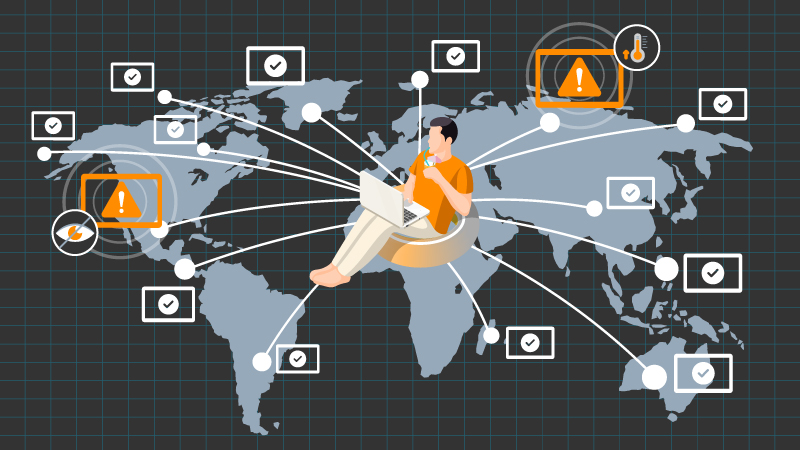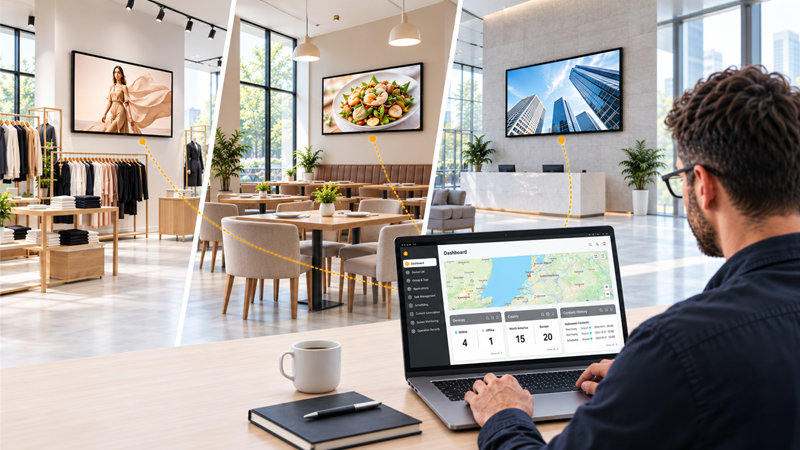
Installing displays across multiple locations is an important project milestone. However, once the installation is complete, teams require a practical method to manage what follows.
Who is responsible for each location? How are support requests reported? Which team can alter device settings? And how can new locations be added without creating a different process each time?
Cloud-based display management for multiple locations enables organisations to move from a one-off deployment to a consistent operating model. Rather than treating each display as a separate installation, teams can manage displays by location, ownership and daily support requirements.
Once displays are installed, the next step is not simply to wait for an issue to arise. Teams should define how displays will be supported, who will be responsible for each task, and what information must be available for every location.
Before the network expands, agree on four practical areas:
A clear operating plan prevents each location from establishing its own informal support process after installation.
Managing displays across multiple locations becomes challenging when device information is scattered across spreadsheets, email threads and local contacts. Each location should have an up-to-date record to make routine support easier.
A useful location record might include:
When support teams can see this context before responding to an issue, they spend less time identifying the correct device or contacting the right person.
A multi-location AV support process should be consistent, even when different teams are responsible for different sites.
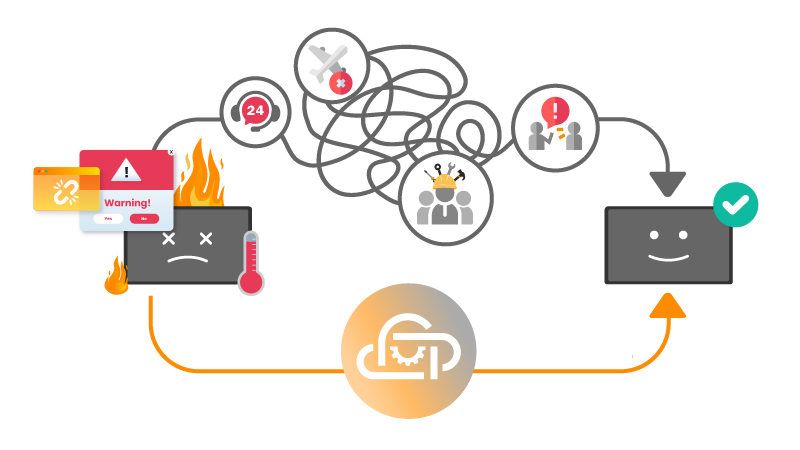
For example, a local employee may report that a display is not working as expected. Before arranging a site visit, the support team should be able to follow the same basic workflow:
This does not remove the need for local support. It gives local teams and central support teams a shared process for deciding what should happen next.
As new sites are added, a flat list of devices quickly becomes difficult to use. Display device grouping helps teams organise screens in a way that reflects how the organisation actually operates.
Displays can be grouped by:
Grouping makes it easier to find the right devices, apply consistent settings, and communicate clearly about which displays are affected by a support request.
Supporting displays across multiple locations often involves more than one team. IT may oversee connectivity, AV teams may manage display settings, and operations teams may coordinate local access or opening hours.
Role-based display management helps ensure each team has the access it needs without giving everyone the same level of control.
Clear roles reduce delays, prevent unnecessary changes, and make it easier to identify who should take the next action.
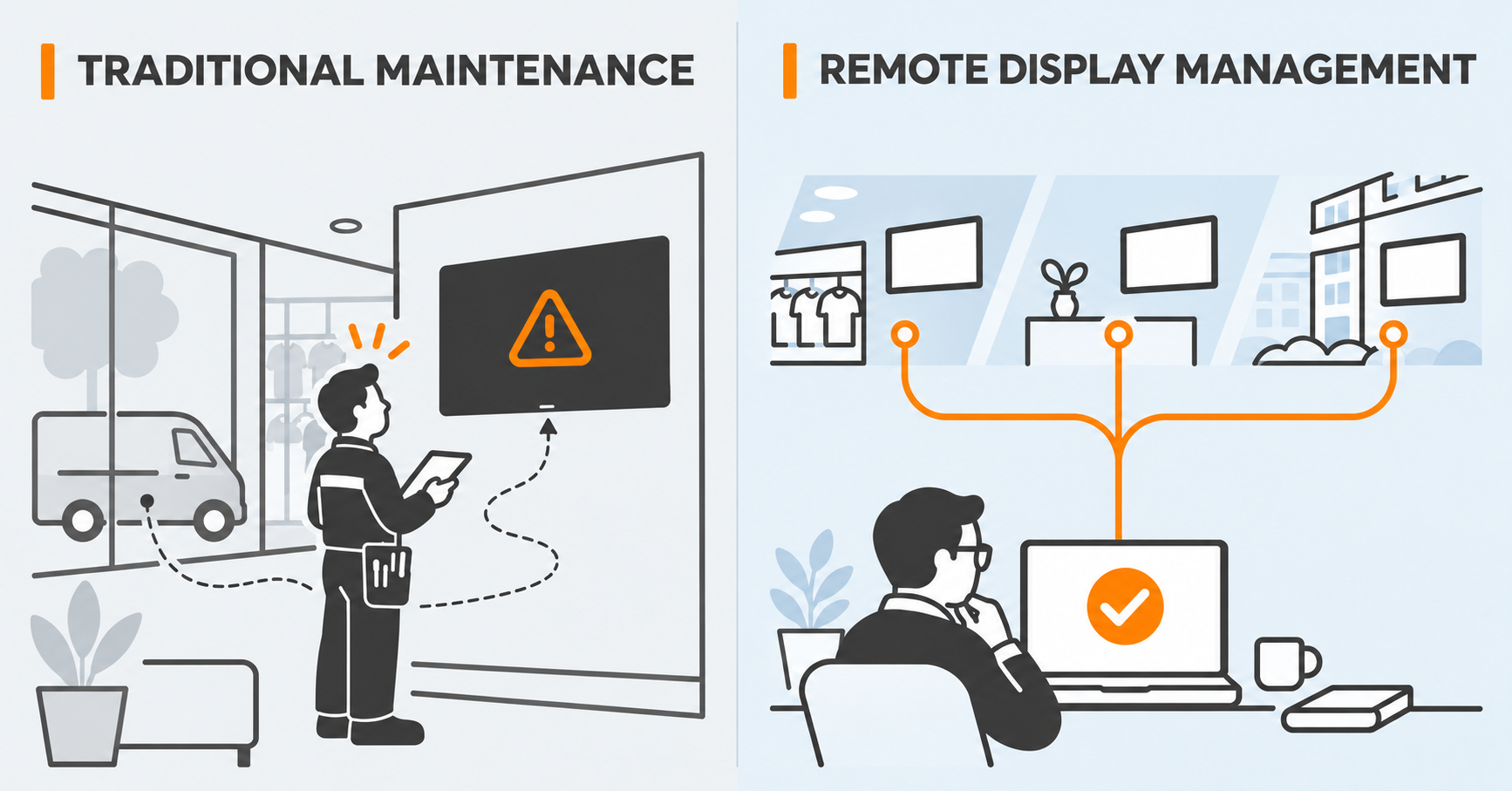
Remote display management should facilitate routine operations, not just urgent incidents. When support teams have access to relevant device information and approved remote actions, they can resolve many requests without treating every issue as an emergency.
Depending on the display, network, and access configuration, this may include remote display monitoring, checking settings, or carrying out supported remote troubleshooting for displays.
For teams operating across multiple locations, the key benefit is consistency. Every site can follow the same support model, even when the individuals responsible for each location differ.
Neovo Manager is a device management system designed to support compatible AG Neovo Android displays after installation.
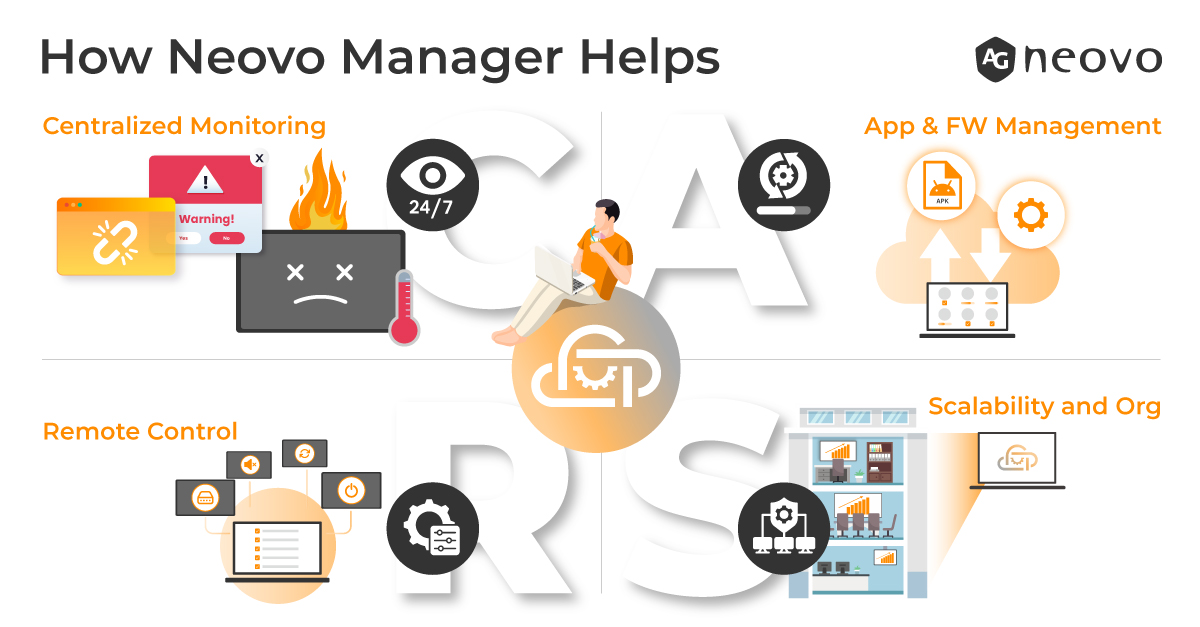
It helps teams organise displays by location or group, manage selected device settings, and support ongoing operational workflows from a central platform.
For organisations managing displays across multiple locations, Neovo Manager can support a more consistent approach to ownership, device organisation, and remote support.
A successful installation process should be repeatable. When a new shop, office, classroom, or venue is added, teams should not need to redesign their display support process from scratch.
By maintaining accurate location records, consistent device grouping, defined roles, and a standard support workflow, teams can make multi-location display management easier to scale.
The aim is not only to keep displays running today, but to create an operating model that remains practical as more locations and more displays are added.
Begin by assigning responsibility for each location, recording key device details and establishing a consistent support process. Group displays by site or operational requirement so teams can efficiently locate and support the correct devices.
It is a centralised method for organising and supporting displays across various locations. Teams can maintain device records, arrange screens by group and manage approved operational tasks from a single platform.
Multi-location AV support is the ongoing process of coordinating, maintaining and troubleshooting audiovisual equipment across different sites. It enables IT, AV and operations teams to follow a consistent support procedure as locations expand.
Grouping enables teams to organise displays by location, region, device type or operational function. This makes it easier to identify affected devices, apply consistent settings and manage support tasks across multiple sites.
Different teams require different access levels. Role-based management provides people with the information and controls relevant to their responsibilities, while helping to prevent unnecessary changes across the wider display network.
If your team is managing compatible AG Neovo Android displays across multiple locations, explore Neovo Manager to discover how device organisation and remote support can benefit long-term operations.




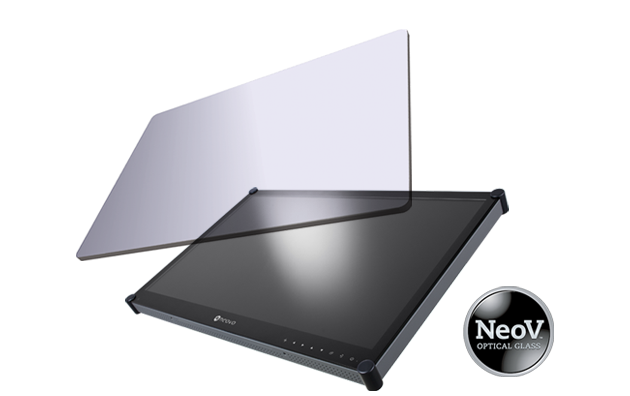 NeoV™ Optical Glass Screen
 Anti-Burn-in™ Technology