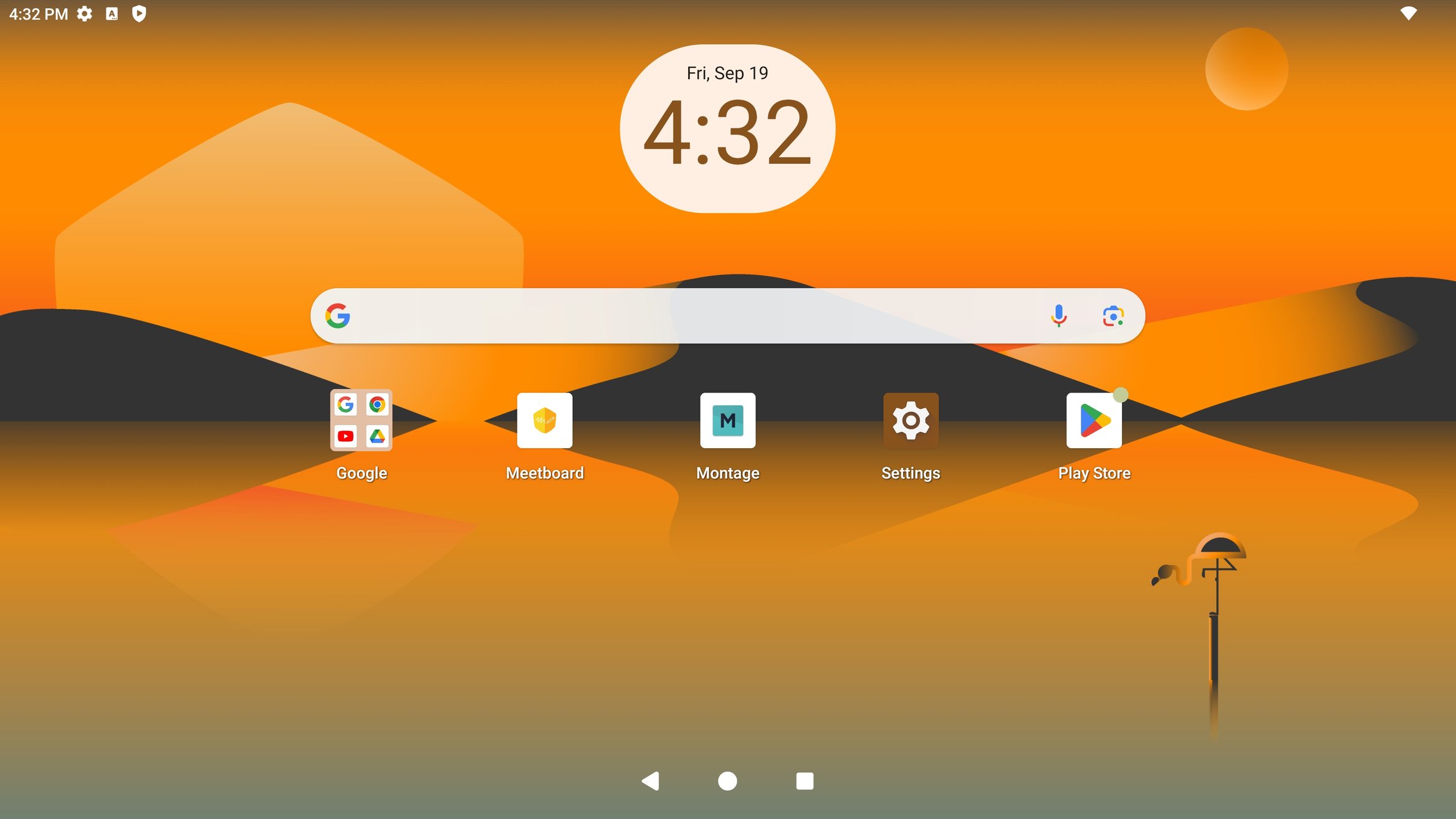


When users unbox the Meetboard and turn it on for the first time, a guide for basic Google settings will appear before they can start using the device.
- Language
Select language and press start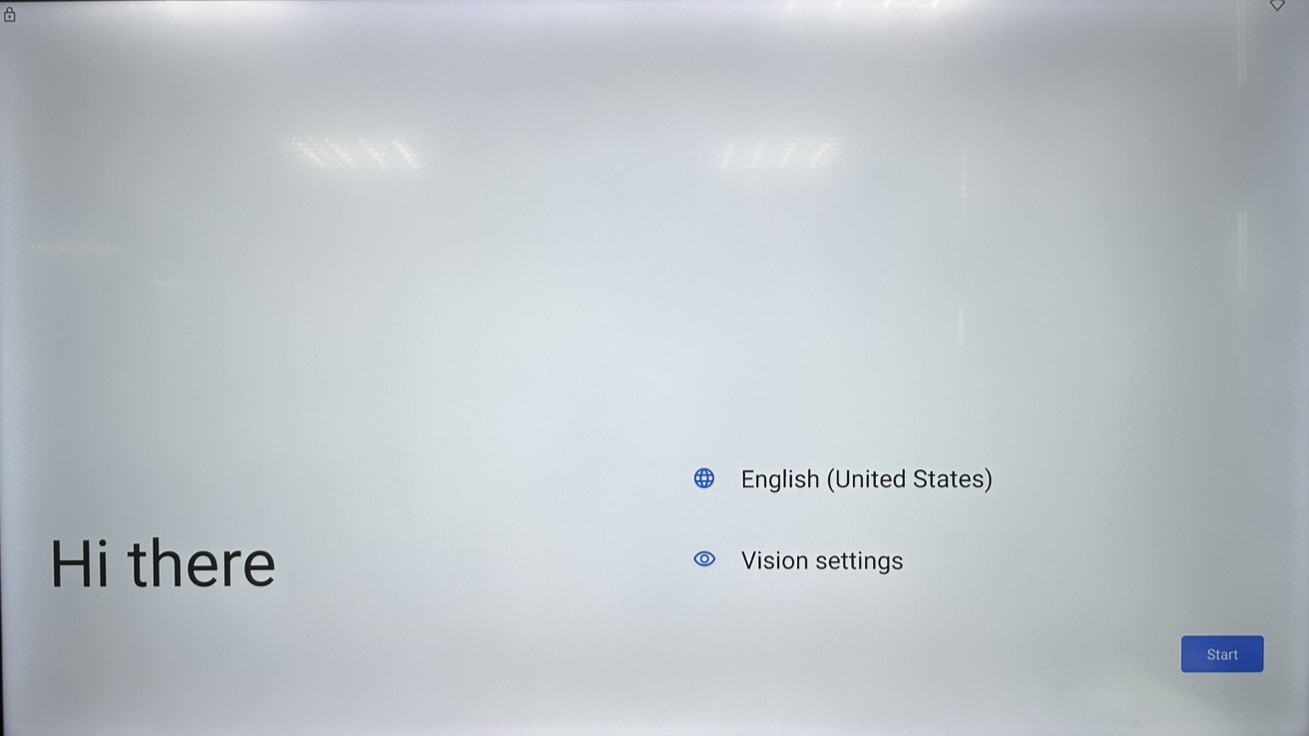
- Connect Wi-Fi
Select the Wi-Fi, and type in Wi-Fi password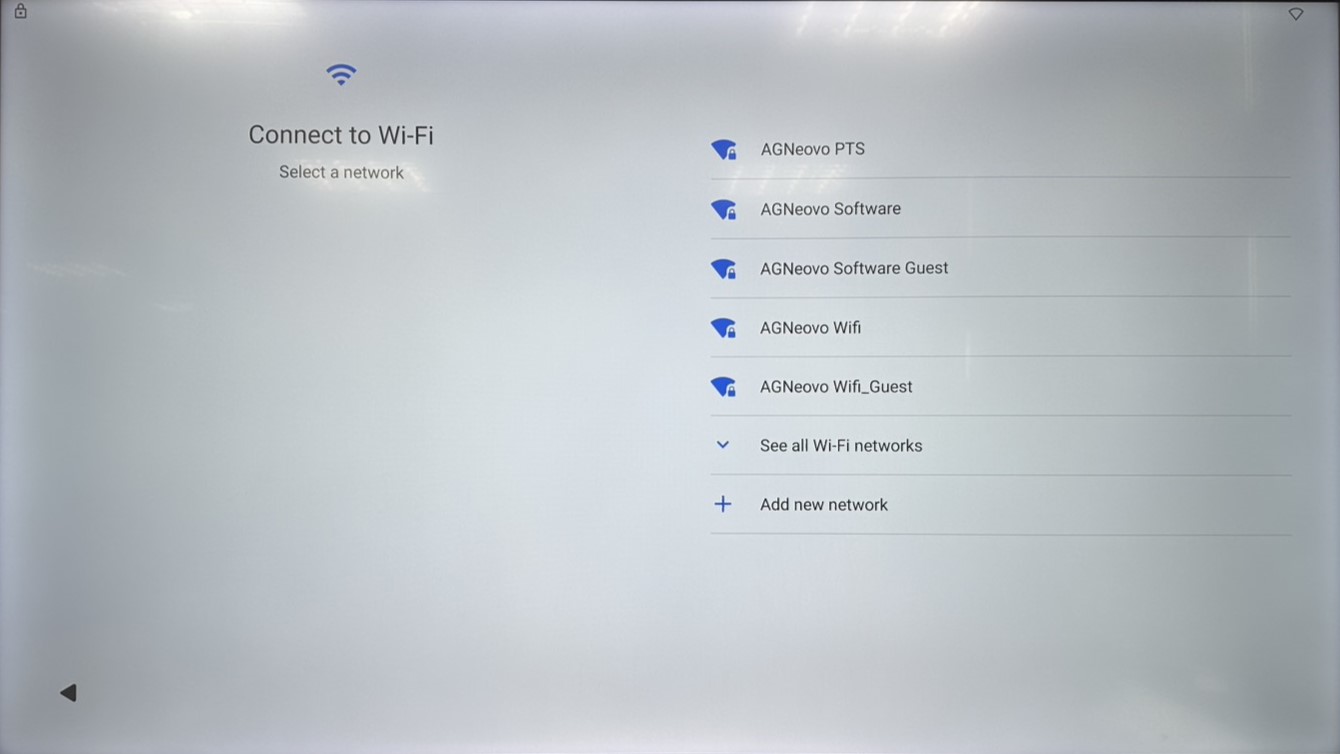
- Copy apps & data
Press “Don’t copy” unless user want to transfer apps & data from another Android device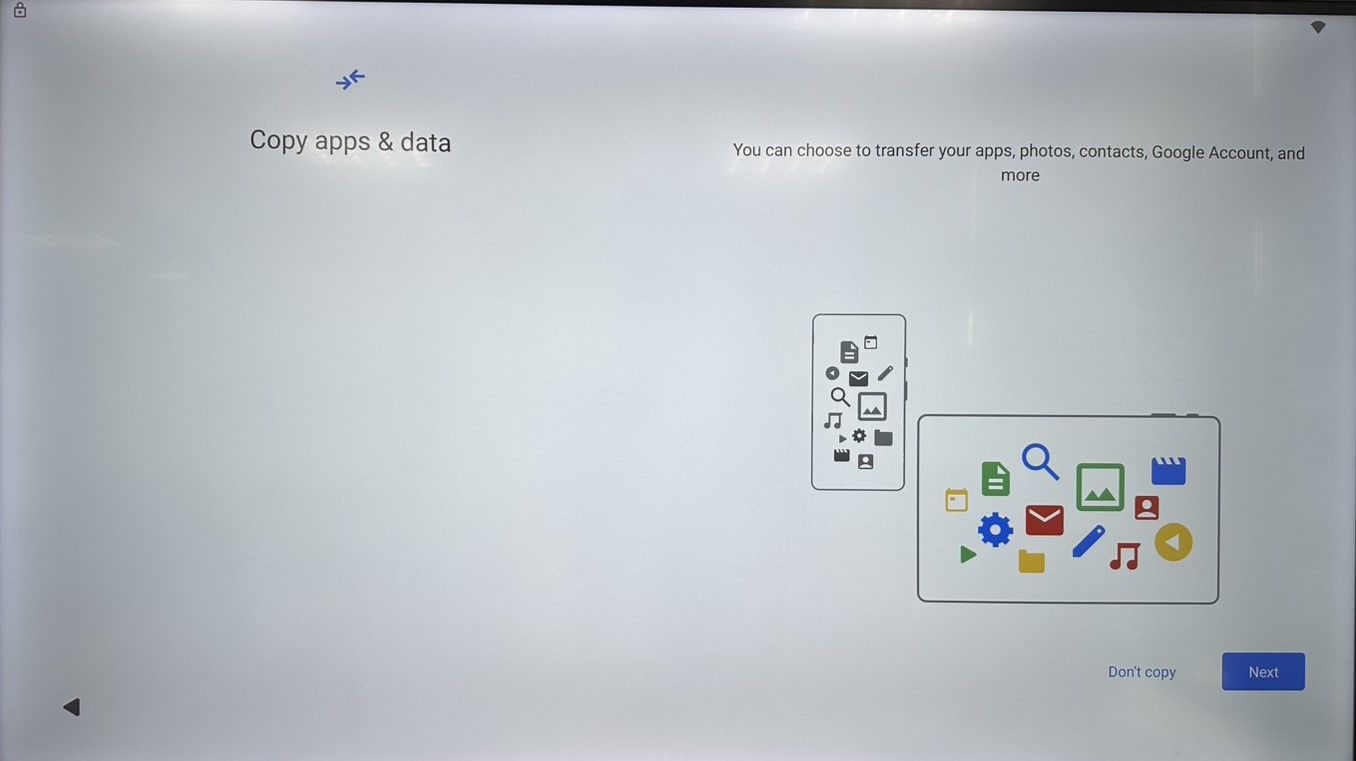
- Sign in Google account
Sign in Google account for further Google service, or press “Skip” to the next step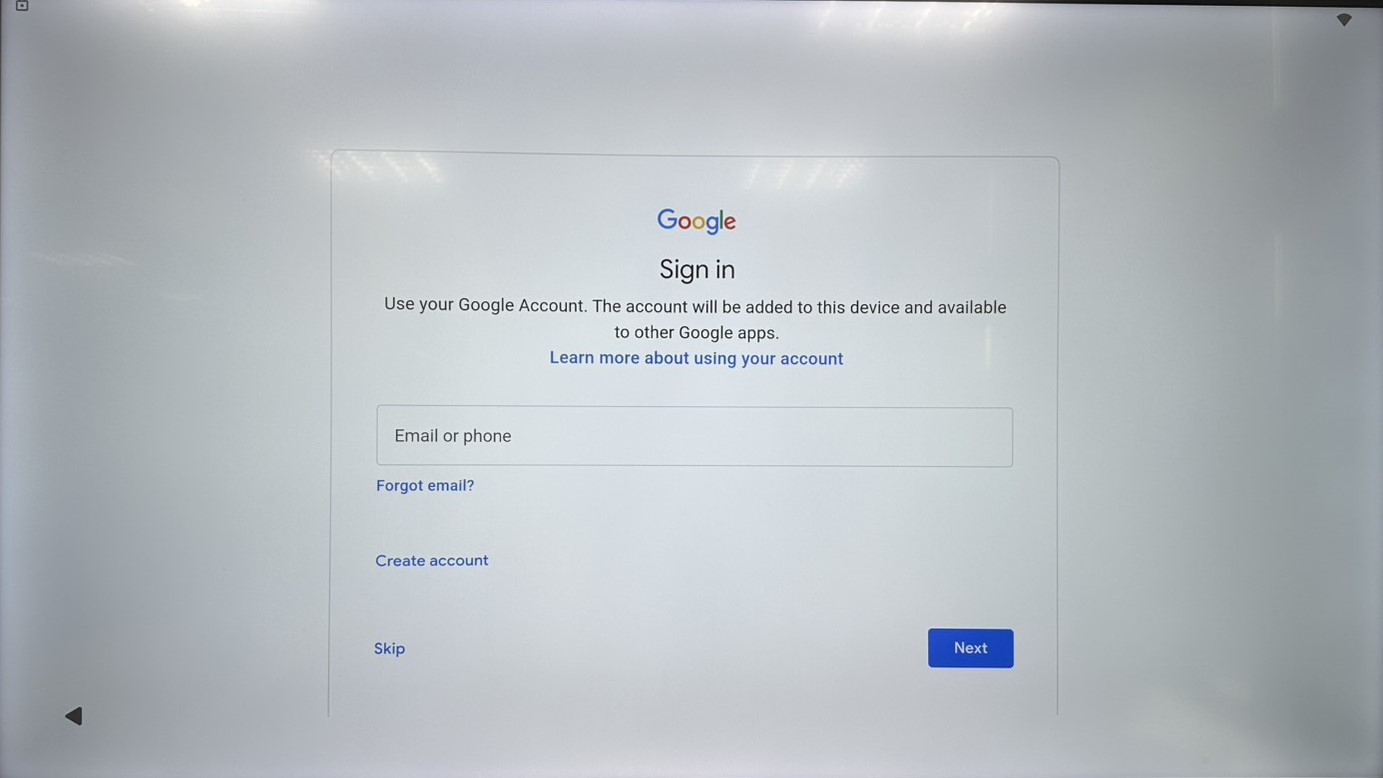
- Agree Google services
Check the Google service permissions and press “Accept”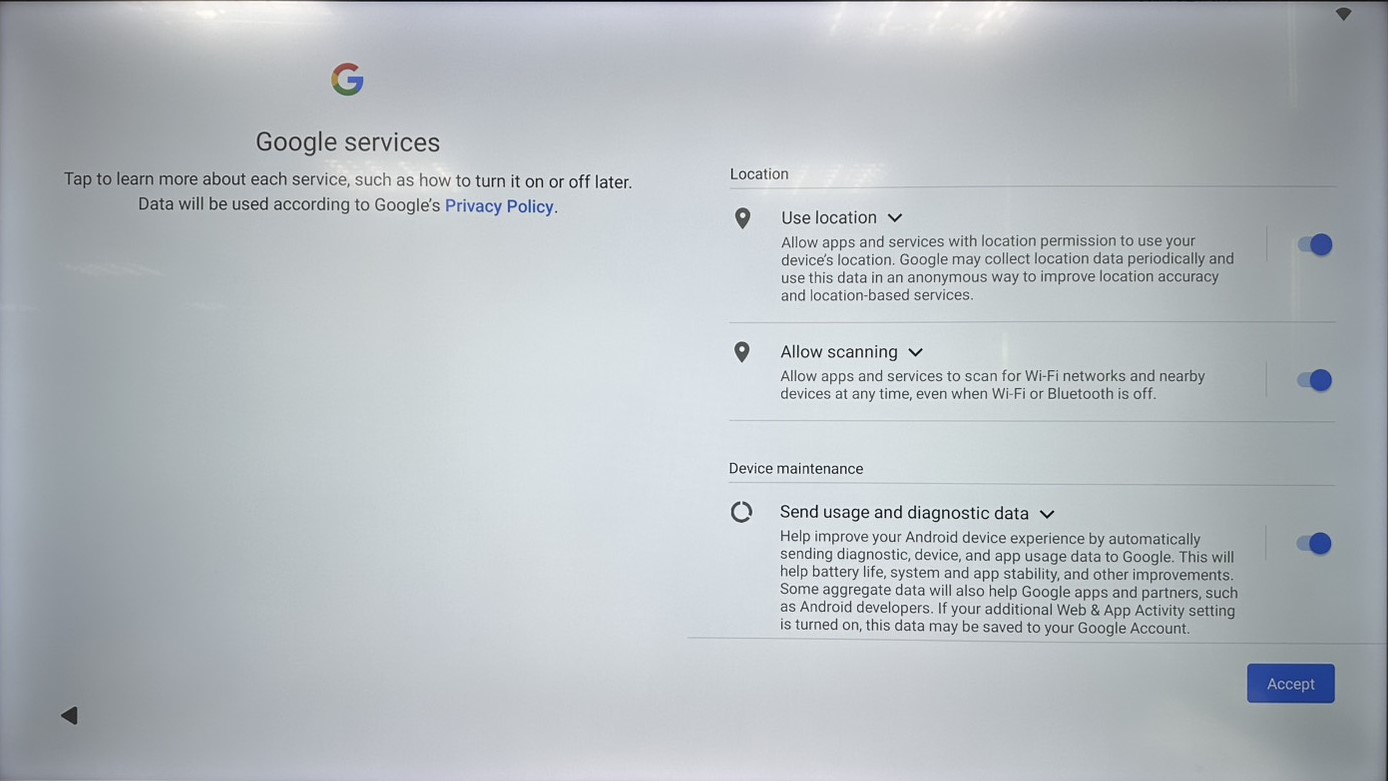
- Set screen lock
Simply press “Skip” to disable screen lock, or select “Screen lock options” and set the password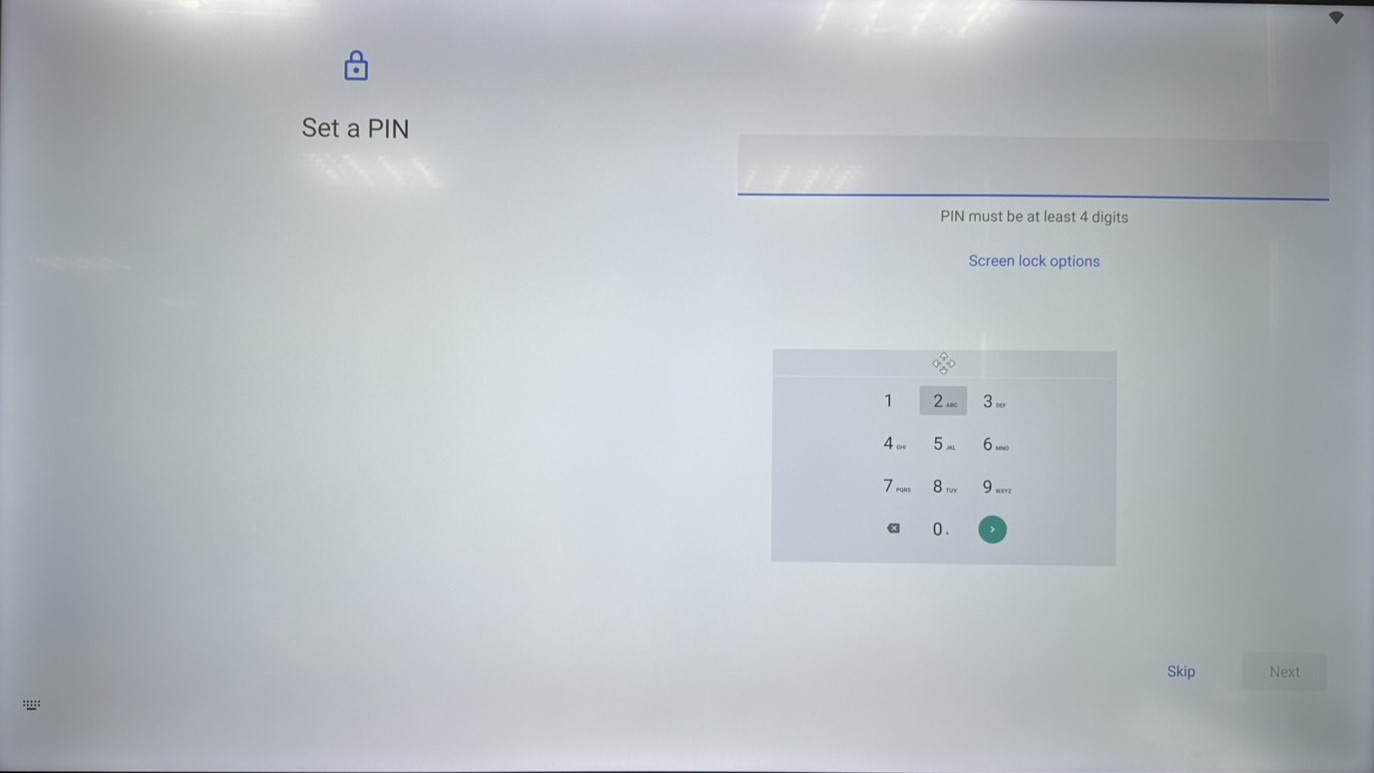
- Notification
After set up, there will be a notification guide about Side Menu and Homepage Mode setting
Press the button to continue.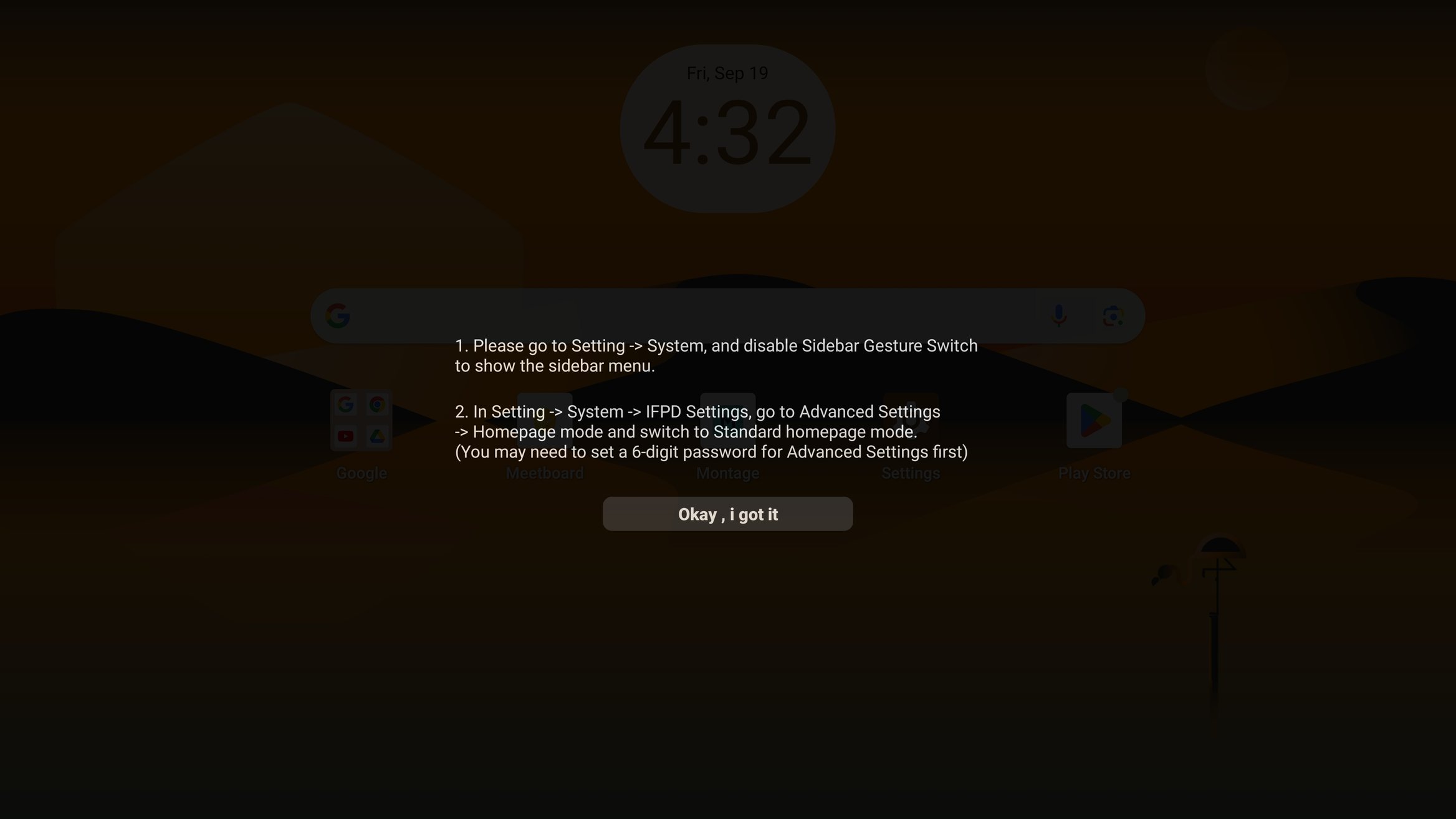
- Done
Now you have finished the set up for Meetboard