

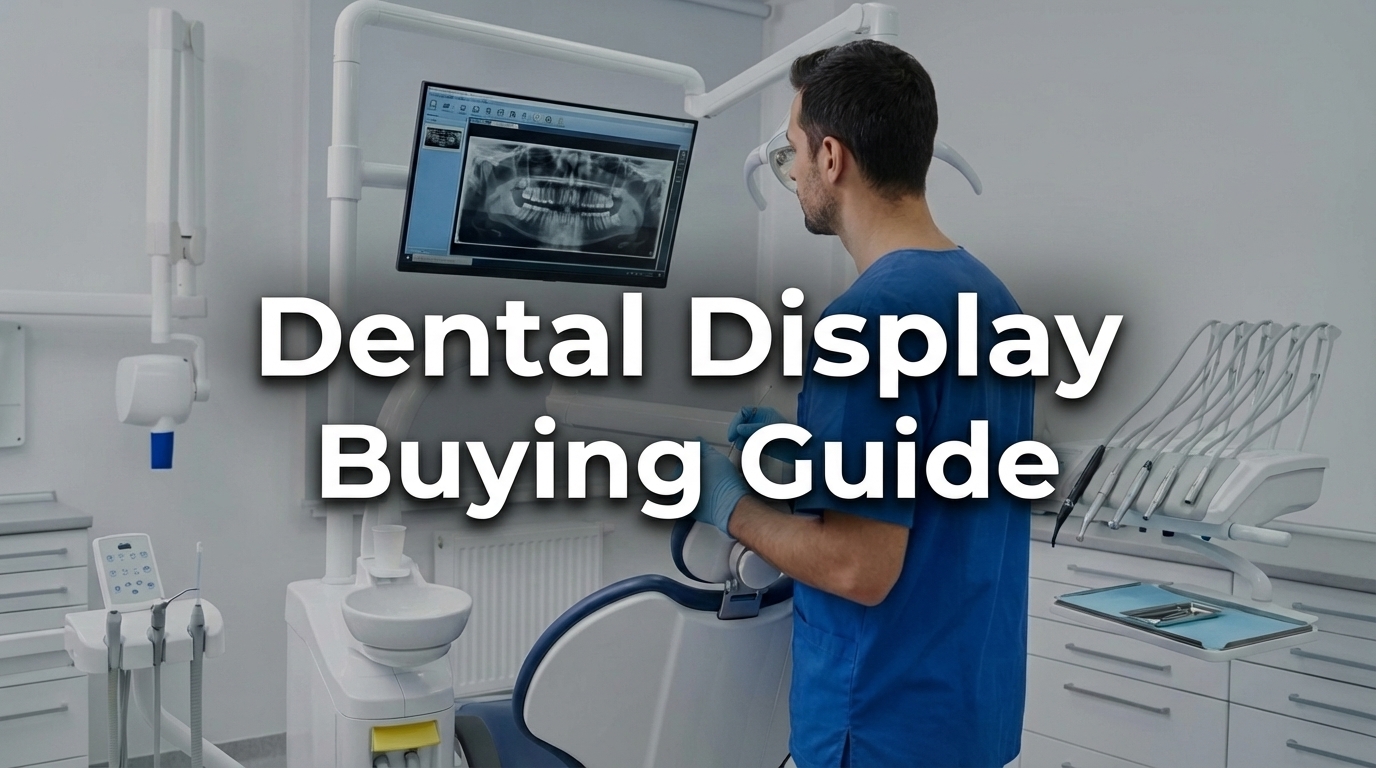
Choosing the right dental display is no longer a decision about peripheral equipment. In today’s dental clinics, professional displays are integrated throughout the clinical workflow—from chairside imaging and X-ray review to CBCT analysis, patient consultations, and treatment planning.
A dental display is more than just a screen for presenting images. It directly influences how clearly clinicians interpret diagnostic information, how efficiently they manage treatments, and how well patients comprehend their diagnosis. For practices utilising digital imaging, intraoral cameras, or treatment planning software, the display is a crucial part of the clinical workflow.
This is why choosing the right solution should not be based solely on screen size or resolution. Clinics should assess image consistency, brightness, ease of cleaning, mounting options, electrical safety, and compatibility with existing equipment.
This guide outlines where professional dental displays are used, how they differ from standard consumer monitors, and which technical factors are most important when selecting hardware for daily clinical operations.
A professional dental display is a specialised screen designed specifically for dental settings. It supports imaging, consultations, treatment planning, and patient communication. (Note: This refers strictly to visual display hardware and should not be confused with software or patient vitals monitoring systems).
Unlike general-purpose consumer monitors, professional displays are purpose-built for clinical use. They are engineered to provide stable image calibration, withstand rigorous cleaning routines, and safely integrate with dental equipment. As a single display model is often used across multiple zones in a clinic, long-term reliability and visual consistency are essential.
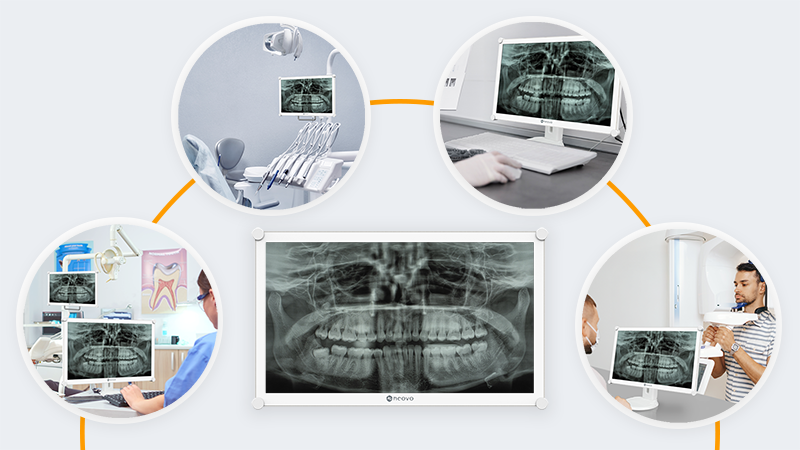
Dental displays are seldom limited to one location. They are incorporated into treatment rooms, consultation spaces, imaging stations, and mobile workstations. Understanding these distinct applications ensures you choose a display that truly supports your workflow.
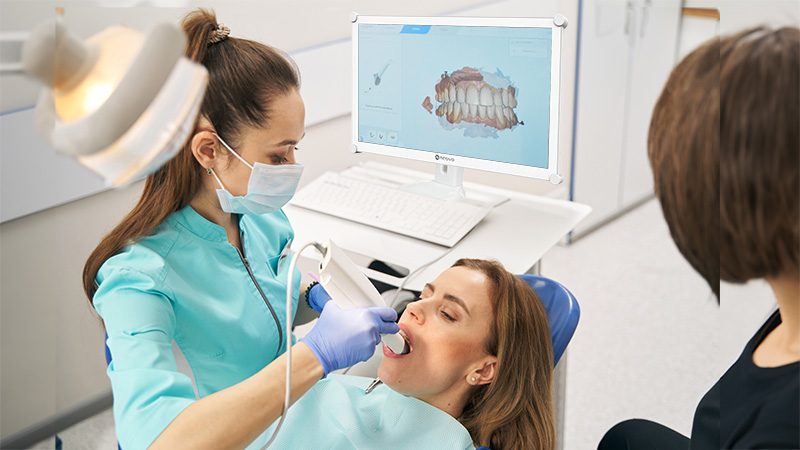
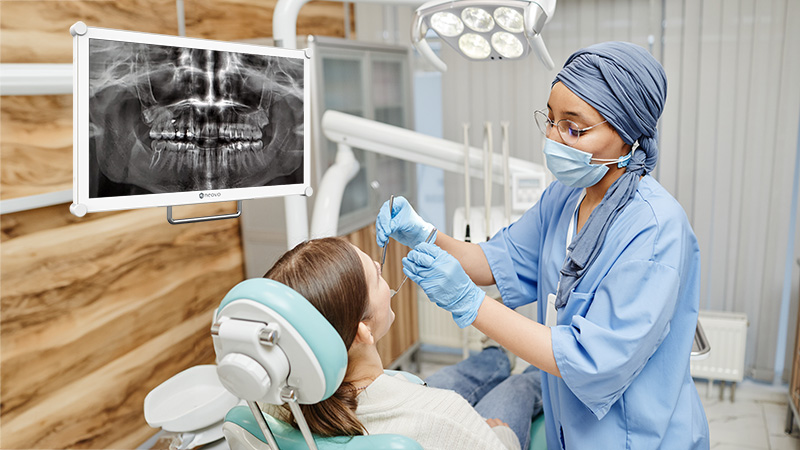
In treatment areas, displays are often mounted on rear delivery cabinets or nearby operatory workstations. This enables clinicians to view X-rays or 3D images in real time during procedures without interrupting their workflow.
As operatories are exceptionally bright environments, a chairside dental display must remain clear under intense overhead and dental operating lights. If the screen is dim or highly reflective, diagnostic details can become washed out. Additionally, since these screens are close to aerosols and procedures, they must feature smooth, non-porous surfaces that can withstand frequent chemical disinfection.
In multi-room practices, displays are frequently mounted on mobile delivery cabinets or shared workstations. For this workflow, structural durability is essential. The display must remain physically stable despite frequent repositioning and deliver consistent visual performance regardless of which room it is moved to.
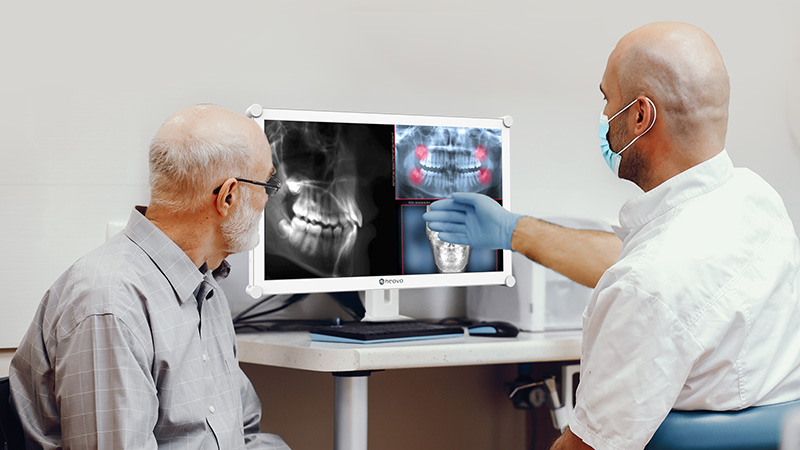
In consultation rooms, displays are used to explain diagnoses and treatment plans. Here, image clarity is a vital communication tool. A high-fidelity dental display enables patients to clearly see their intraoral images or 3D scans, improving their understanding of their condition and increasing confidence in the proposed treatment.
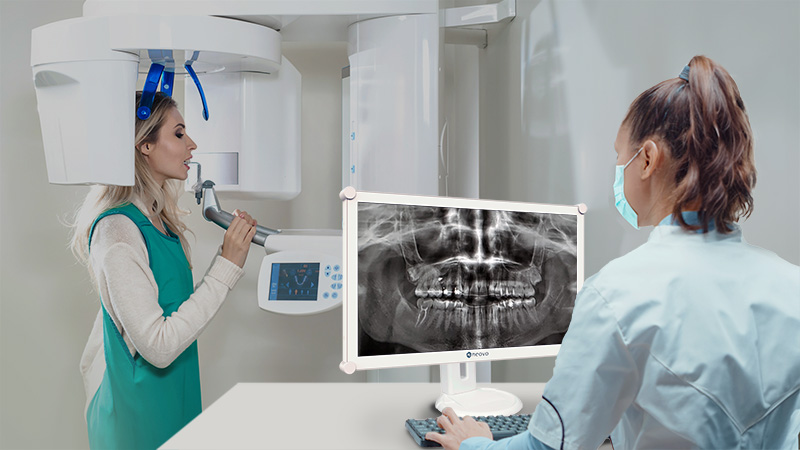
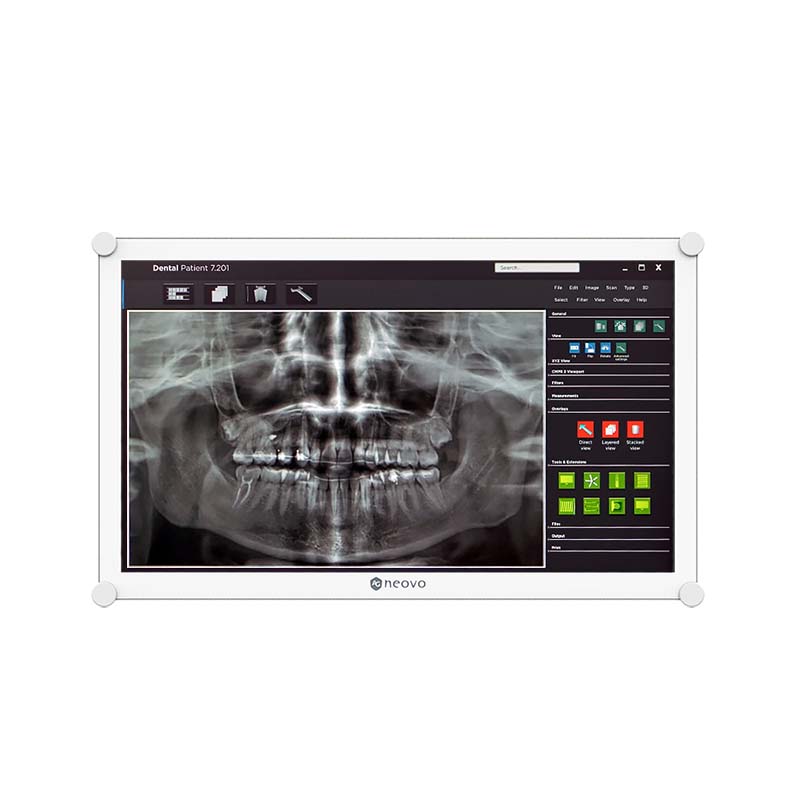
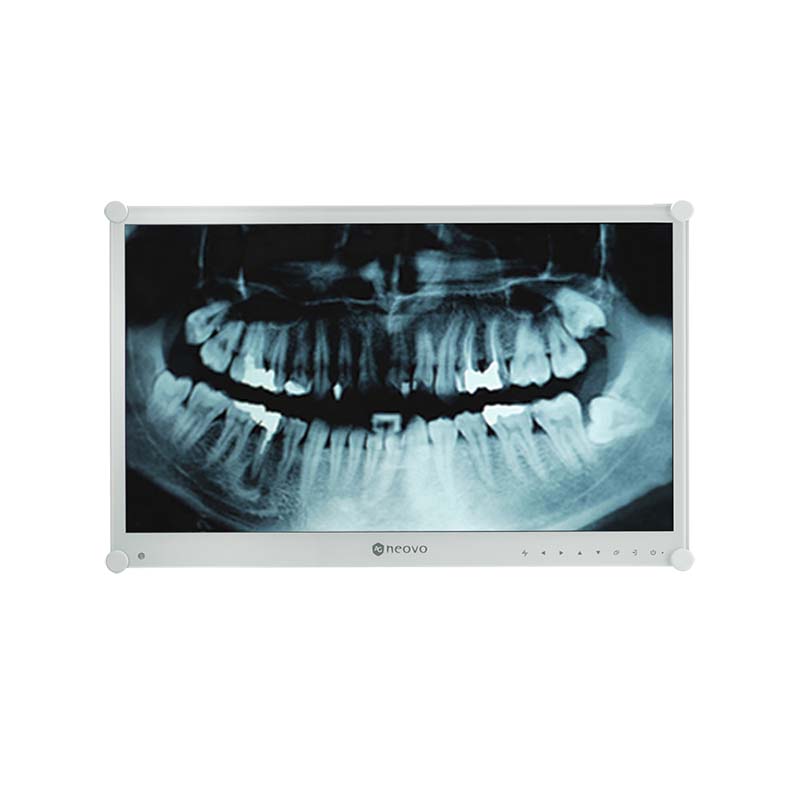
Displays positioned near CBCT systems or imaging workstations require the highest standard of visual accuracy. Consistent grayscale is essential when interpreting X-rays, as subtle differences in tone have direct clinical significance. A dental display with DICOM Part 14 calibration guarantees reliable and standardised image interpretation.
Integrated dental chair displays are purpose-built as part of a dental chair system or chair-mounted equipment. Unlike chairside displays placed on rear delivery cabinets or adjacent workstations, integrated displays must satisfy stricter requirements for mechanical compatibility, ergonomics, cable management, and long-term mounting stability.
For dental chair integration, the display should be lightweight, adjustable, and dependable for daily operation. It must allow for stable positioning, smooth movement, and safe use around dental equipment, patients, and clinicians.
A display that is too heavy can strain the dental chair arm or reduce flexibility in positioning. Poor cable management or incompatible mounting can also disrupt workflow or create a cluttered treatment environment.
A well-integrated dental chair display streamlines the operatory, enhances ergonomic positioning, and supports both clinician viewing and patient communication.
At first glance, standard consumer monitors may appear sufficient, offering high resolutions and lower initial costs. However, dental settings require precise X-ray assessment, stringent infection control, and secure mounting. Consumer screens are fundamentally not designed for these demands.
Professional dental displays address five common challenges.
| Feature | Professional Display for Dentistry | Consumer Monitor |
|---|---|---|
| Image Calibration | Supports DICOM calibration and stable grayscale performance | Inconsistent tonal output depending on settings and panel variation |
| Brightness | Optimised for clinical lighting, typically around 300 nits or higher | Limited visibility in bright operatories; prone to glare |
| Hygiene | Supports clinical disinfection with sealed or easy-to-clean surfaces | May degrade with repeated chemical cleaning |
| Durability | Built for continuous clinical use and repeated handling | Designed mainly for general office or home use |
| Integration | Designed for dental chair arms, mobile carts, and clinical mounting systems | Limited mechanical compatibility with dental equipment |
| Safety & Compliance | May support IEC 60601-1 and IEC 60601-1-2 medical safety standards | No clinical electrical safety compliance |
Selecting the right hardware means translating technical specifications into practical value for clinical use.
In dental imaging, clarity is synonymous with consistency. A professional display that supports DICOM calibration ensures predictable greyscale performance. If a clinic uses multiple displays, consistent output (e.g., Delta E < 2) guarantees that an X-ray viewed at the imaging station appears identical when displayed on a chairside screen.
Key considerations:
Overhead operating lights can significantly reduce perceived screen clarity. A brightness level of 300 nits or higher helps counteract ambient lighting. When combined with anti-reflective treatments, the display maintains image contrast without causing eye strain for the clinician.
Key considerations:
Strict infection control requires displays to withstand repeated exposure to alcohol and clinical disinfectants. Professional displays feature smooth, non-porous surfaces (such as NeoV™ optical glass technology) and sealed front designs to prevent the build-up of contaminants and protect against chemical damage.
Key considerations:
Displays in busy clinics are frequently touched and adjusted. An impact-resistant surface, such as IK08-rated optical glass technology, shields the screen from accidental knocks by dental instruments and everyday handling, ensuring long-term dependability.
Key considerations:
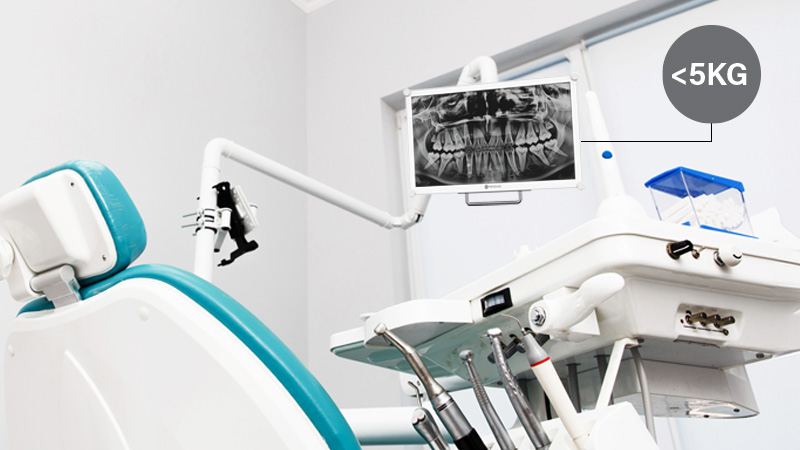
When fitting a display onto chair mounts, weight becomes a crucial consideration. An excessively large or heavy screen can put undue strain on mounting arms and affect stability. A well-balanced 22-inch display weighing less than 5 kg offers an ideal viewing area while safeguarding the chair’s mechanical integrity.
Key considerations:
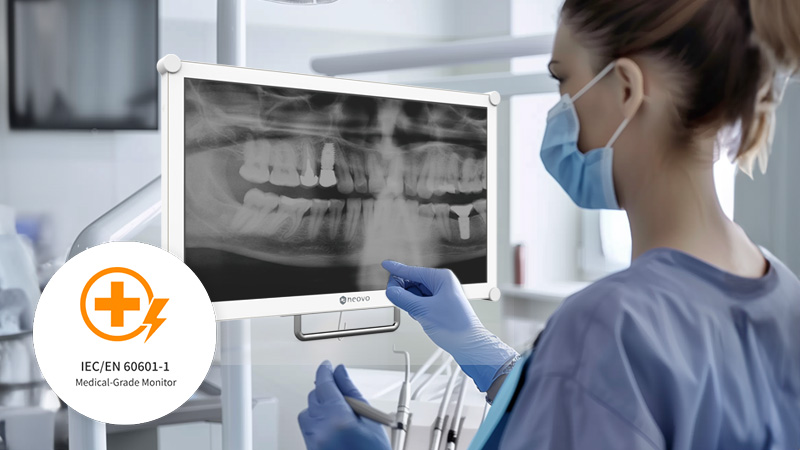
Displays used near patients and imaging equipment must not pose electrical hazards or cause electromagnetic interference. Adherence to IEC 60601-1 (electrical safety) and IEC 60601-1-2 (EMC) standards is vital. Additionally, using certified clinical power adapters and ensuring correct equipotential bonding help maintain a safe operational environment.
Key considerations:
Optical bonding removes the air gap between the display panel and the protective glass. This greatly reduces internal reflections and improves contrast—essential in brightly lit treatment rooms. It also strengthens the screen’s structure, making it more resistant to impact and easier to disinfect.
Key considerations:
In addition to technical specifications, ease of installation and daily usability are also important factors. A dental display that is difficult to install, adjust, clean, or operate can cause unnecessary disruption in a busy practice.
Standard VESA mounting support enables the display to be easily fitted to dental chair arms, wall mounts, mobile carts, and workstation systems. Flexible installation options also allow clinics to adapt the display to various treatment rooms and workflows.
Day-to-day usability is equally important. Clinicians should be able to adjust brightness, input source, or image settings swiftly when required. Controls should be accessible, intuitive, and suitable for clinical environments.
A professional dental display should support the workflow, not disrupt it. Well-designed installation and user-friendly operation can enhance both efficiency and long-term satisfaction.
Key considerations:
Many mistakes are made when purchasing solely based on screen resolution. A high-resolution consumer monitor may still be unsuitable for a clinic if it lacks the required brightness, consistent greyscale, or secure mounting support.
Another common error is ignoring the weight limits of dental chair arms. A standard monitor that is too heavy will immediately cause mechanical strain. Additionally, clinics often underestimate hygiene requirements; if the plastic bezel of the screen cracks due to daily disinfection, the hardware will need to be replaced earlier than expected.
Start by mapping out your workflow:
For chairside treatment areas, prioritise brightness, ease of cleaning, anti-reflective performance, and clear viewing during procedures.
For CBCT and X-ray review, prioritise image consistency, DICOM calibration, greyscale performance, and stable brightness.
For consultation rooms, prioritise clear image presentation, wide viewing angles, and patient-friendly visual communication.
For integrated dental chair systems, prioritise weight, VESA compatibility, cable management, safety, and long-term mounting stability.
By assessing lighting conditions, infection control protocols, and mounting requirements, dental clinics can invest in a professional dental display that improves diagnostic confidence, patient communication, and long-term operational efficiency.
An effective selection process should take the following questions into account:
By matching the display to actual clinical workflows, dental clinics can select a solution that supports both image quality and everyday usability.
Selecting the right dental display enables clinics to enhance image review, workflow efficiency, patient communication, and equipment integration.
A professional dental display provides benefits that typical consumer monitors rarely offer: more consistent image performance, improved visibility under clinical lighting, easier cleaning, greater durability, safer integration, and better support for daily dental workflows.
For clinics utilising X-rays, CBCT, intraoral imaging, chairside consultations, or integrated dental chair systems, the display should be regarded as part of the clinical environment—not merely a screen.
By prioritising image consistency, brightness, hygiene, durability, mounting, safety, and usability, dental clinics can choose a display that supports both clinical confidence and smoother day-to-day operations.
Explore our dental display solutions for chairside imaging, dental chair integration, X-ray review, and CBCT workflows.



 NeoV™ Optical Glass Screen
 Anti-Burn-in™ Technology